RenameClick
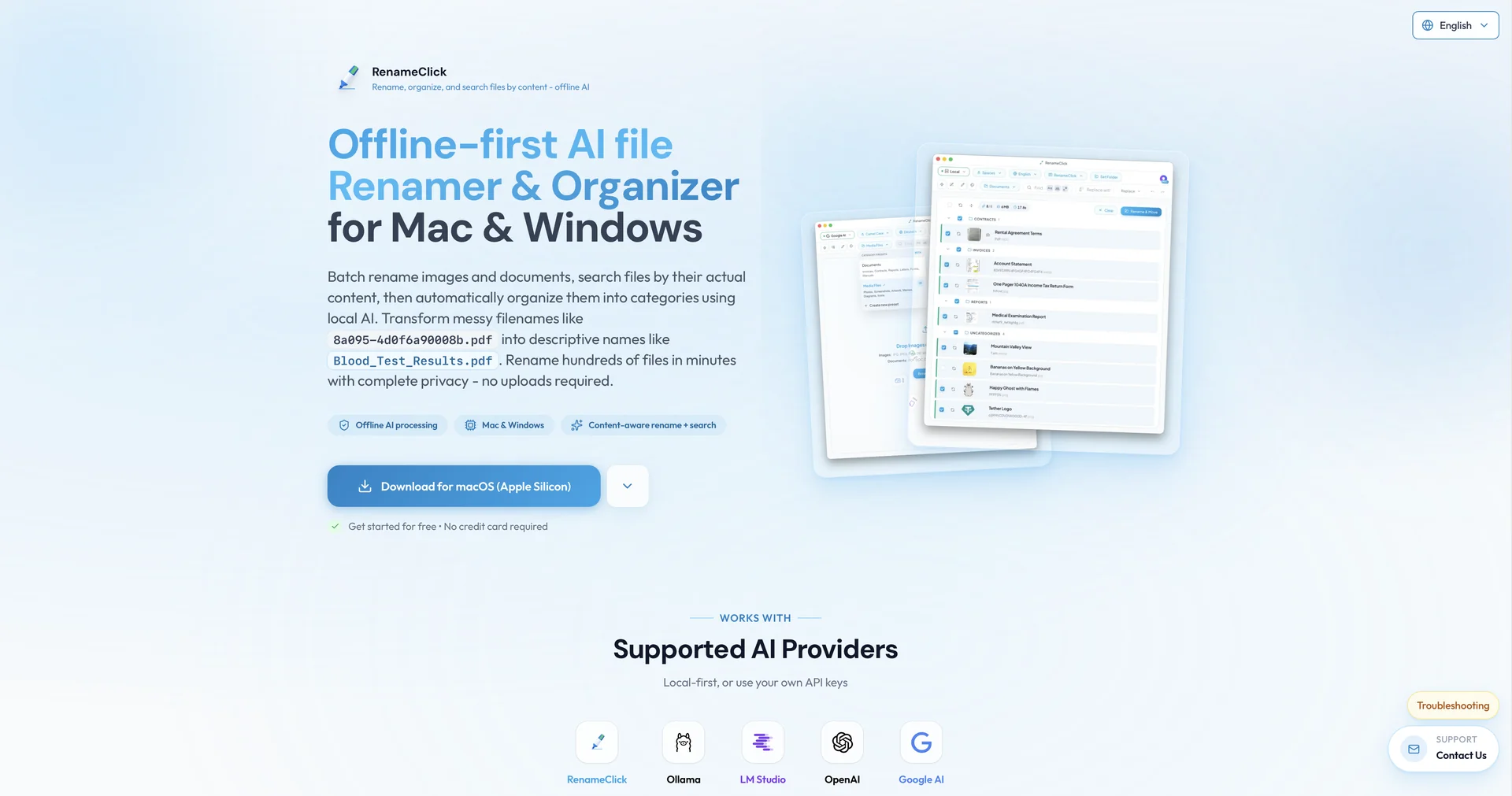
Features
- Renames files based on document and image content
- Creates category folders and sorts files automatically
- Searches local folders with natural language queries
- Runs with a built-in local model and supports Ollama
- Uses EXIF metadata for timestamps and location-based naming
- Batch processes hundreds of images and PDFs in one click
- Available for Windows and macOS
Pricing Details
💵 Pricing & Plans (February 2026 Status): Plan Price (Approx.) Key Features Freemium $0 AI Search is free; unlimited file processing; 30 free "Apply Changes" credits/month. Pro Monthly ~$8 / mo Unlimited file naming; all AI features unlocked; early access to new local models. Pro Yearly ~$79 / yr Best value for high-volume users; includes priority local processing support. 🎁 How to Get Started: Download the app from the Microsoft Store or rename.click. Once installed, simply drag a messy folder into the workspace. Use a pre-set like "Photo Organizer" or "Invoice Sorter," and click "Apply" to watch the AI rename and sort your entire drive locally.