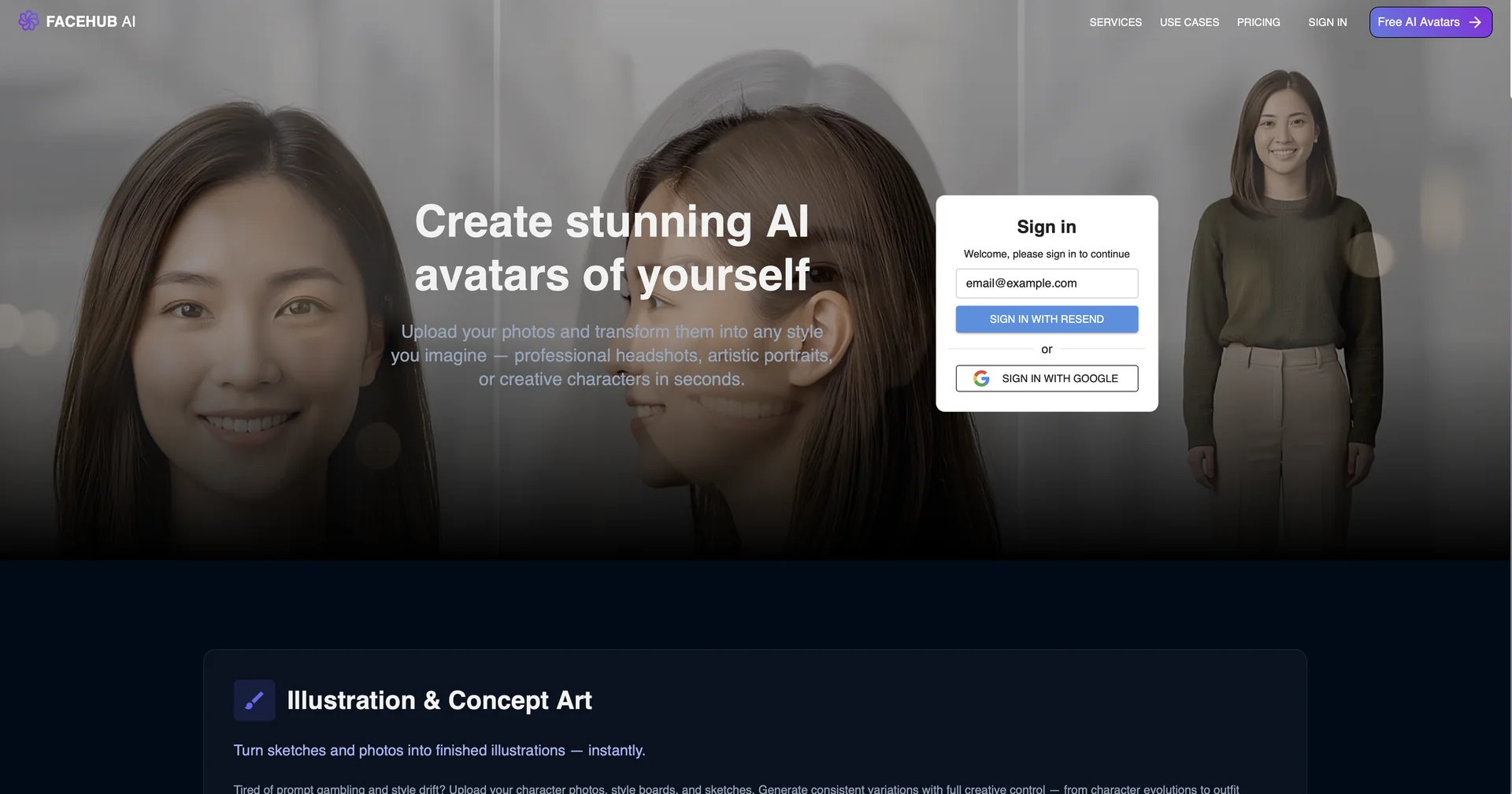
Description

🖼️ Tool Name:

FaceHub AI

✏️ Overview & Key AI Features (2026 Edition):

  • Professional Identity Transfer: FaceHub’s standout capability. The AI doesn't just "paste" one face onto another; it analyzes facial structure, skin texture, and musculature to transfer the identity while preserving the original expression and head pose.

  • 4K Video Swapping: The 2026 engine supports high-fidelity video face swapping with advanced Temporal Smoothing to eliminate flickering, making it robust enough for commercial video production.

  • Dynamic Relighting: Automatically adjusts the lighting of the target face to match the source environment—handling complex scenarios like harsh shadows, colored lights, and high-contrast scenes.

  • AI Makeup & Hair Transfer: Allows users to transfer a specific makeup look or hairstyle from a reference photo onto their portrait without changing their face.

  • Batch Photo Processing: (New for 2026) Enables organizations to process hundreds of photos simultaneously—useful for generating standardized "headshots" for entire departments or teams.

  • Real-time Streaming API: (Enterprise feature) Powers real-time face replacement for live broadcasts, virtual conferences, and interactive gaming.

⭐️ User Experience (2026):

  • "Hollywood in your Pocket": Rated 4.8/5 for ease of use. Reviewers frequently highlight the "unmatched" quality and the speed, noting that high-fidelity video swaps can be generated in minutes.

  • Simplified Security: Users appreciate the clearer compliance tools and the peace of mind that their identity data is handled according to SOC2 Type 2 standards in 2026.

💵 Pricing & Plans (March 2026 Status):

FaceHub AI uses a credit-based model suitable for creators, photographers, and enterprise media teams.

PlanPrice (Approx.)Key Features
StarterFree / Limited150 credits; 720p photo swap; Basic upscaling; Watermark.
Pro / Creator~$29 / moPriority generation; 4K Video Swapping; Dynamic relighting; No watermark.
EnterpriseCustom QuoteReal-time API; SOC2 compliance; Dedicated server clusters; Advanced watermarking.

🎁 How to Get Started:

Visit We recommend the "Temporal Smoothing Test": upload a 60-second video with rapid movement and ask the AI to perform a swap to see how accurately it maintains the identity.

⚙️ Access or Source:

  • Official Source

  • Category: AI Portraits, Deepfake Technology, Visual Editing.

  • Primary Use Case: Enabling professional media creators and organizations to transfer specific identities with photorealistic accuracy across diverse photos, videos, and real-time streams while ensuring compliance.

🔗 Experience Link:

https://www.facehub.ai/

Pricing Details

💵 Pricing & Plans (March 2026 Status): FaceHub AI uses a credit-based model suitable for creators, photographers, and enterprise media teams. Plan Price (Approx.) Key Features Starter Free / Limited 150 credits; 720p photo swap; Basic upscaling; Watermark. Pro / Creator ~$29 / mo Priority generation; 4K Video Swapping; Dynamic relighting; No watermark. Enterprise Custom Quote Real-time API; SOC2 compliance; Dedicated server clusters; Advanced watermarking. 🎁 How to Get Started: Visit We recommend the "Temporal Smoothing Test": upload a 60-second video with rapid movement and ask the AI to perform a swap to see how accurately it maintains the identity.