Retoucher Online BG Remover
Features
- Removes and replaces backgrounds
- Enhances product images and resizes them
- Adds text to images
- Batch processes up to 50,000 images per day
- Prepares images for Amazon, eBay, Walmart, Etsy, Facebook, YouTube and Instagram
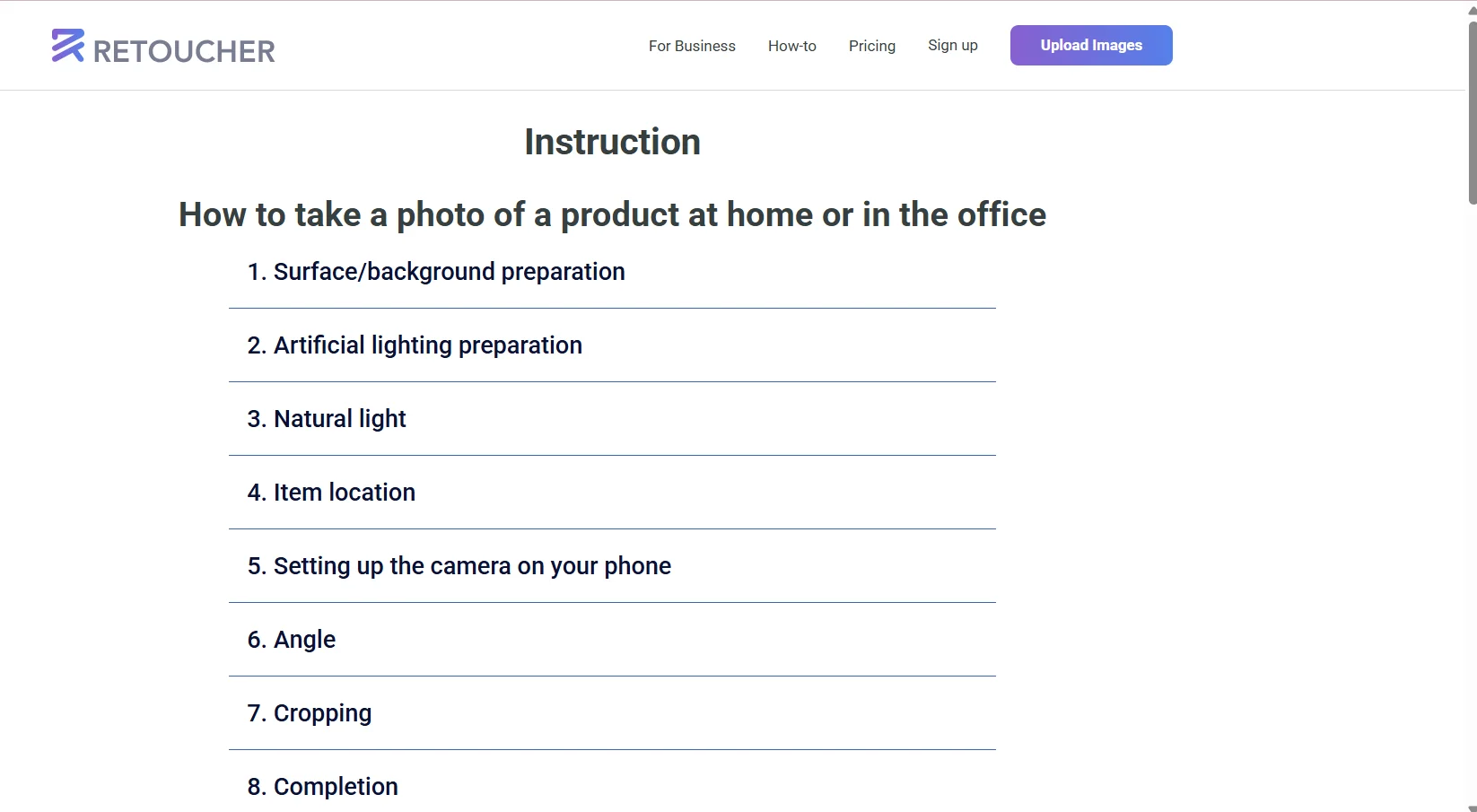
- Includes a guide to taking professional product photos
- Stores and manages images in the system
- Offers API integration on the Enterprise plan
Pricing Details
Retoucher uses a flexible pricing model that combines monthly subscriptions with one-time payments, depending on the user’s needs. It starts with the Free plan at $0, which allows users to edit 3 photos per day with basic features such as background removal and simple design, making it suitable for trying out the service or limited use. Next is the Pro plan at $6.59 per month, which allows for processing 50 images per day with a maximum of 500 images per month, making it a suitable option for small business owners or e-commerce beginners. The Business plan, priced at $12.99 per month, is aimed at more professional users, offering up to 1,000 images per day along with advanced features such as batch processing and broader editing capabilities, helping to manage large volumes of images quickly and efficiently. In contrast, the Enterprise plan is designed for large companies; it does not have a fixed price but is customized on a per-request basis, offering highly advanced capabilities such as API integration and support for processing up to one million images per month, allowing the tool to be integrated directly into business systems. Additionally, the tool offers a one-time payment option, where you can purchase a specific number of images—such as 10, 100, or 1,000—at a fixed price without needing a monthly subscription, making it an ideal choice for those who need the tool temporarily or for limited projects.