Description

🖼️ Tool Name:

Vidocu

✏️ What does this tool offer in 2026?

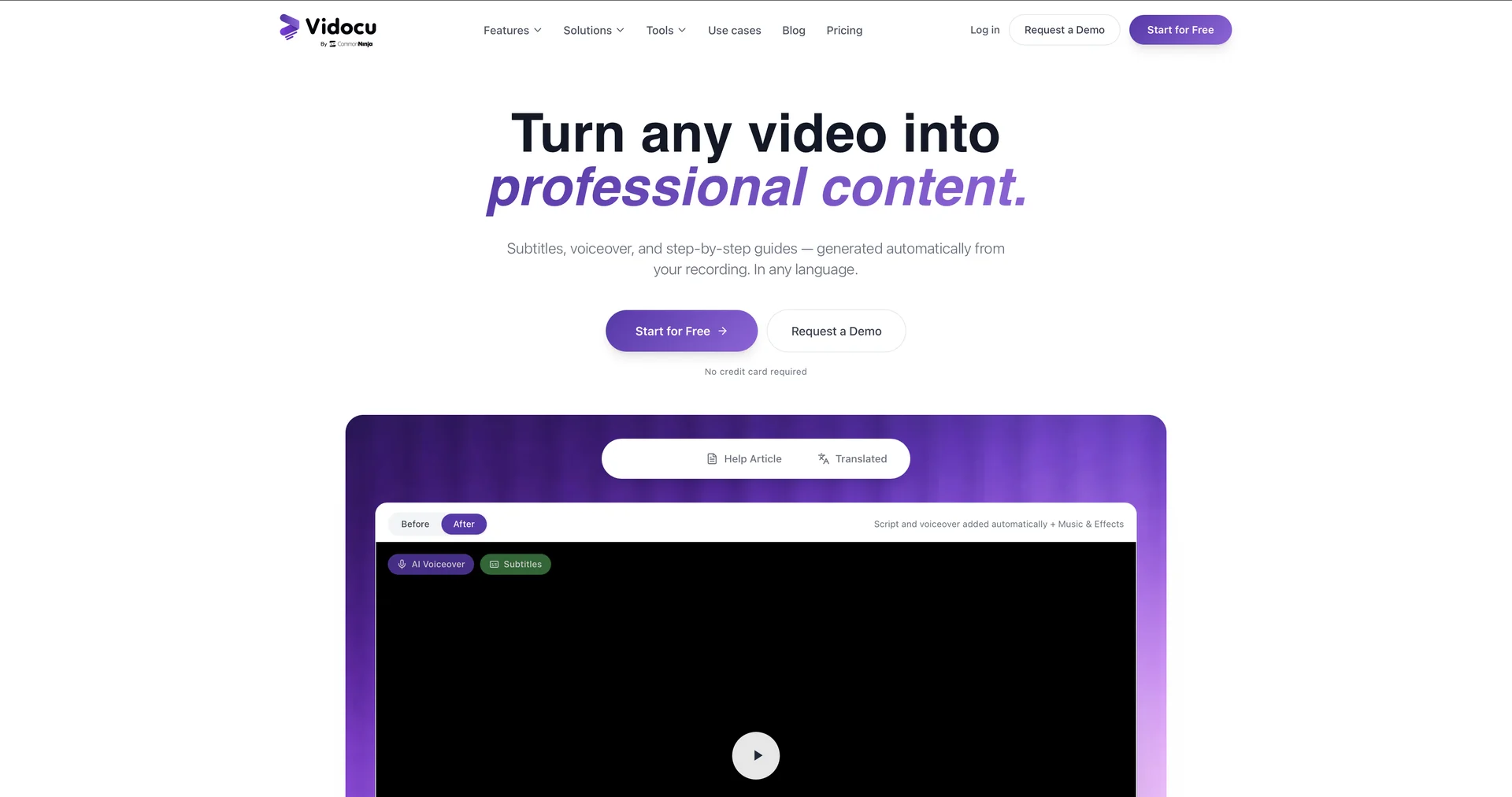
  • Video-to-Documentation Automation: Instantly transforms screen recordings, product demos, or tutorials into professional step-by-step guides and help articles.

  • Automatic Subtitle & Voiceover Generation: Generates accurate captions and natural-sounding AI voiceovers in multiple languages from a single raw recording.

  • Intelligent Screenshot Capture: Automatically identifies key moments in a video to capture and annotate screenshots, creating visual guides without manual effort.

  • Multilingual Localization: Translates video content and its accompanying documentation into over 30+ languages, including lip-sync adjustments for a localized feel.

  • SEO-Optimized Content: Produces ready-to-publish blog posts or documentation pages that are pre-structured with SEO best practices.

  • Interactive Video Assets: Converts static recordings into "publish-ready" interactive assets for knowledge bases or customer support portals.

⭐️ User Experience (2026):

  • "The Product Manager's Shortcut": Rated 4.7/5. It is highly valued for eliminating the "documentation debt"—turning what used to be hours of manual writing, editing, and translating into a process that takes just minutes.

💵 Pricing (January 2026 Status)

Vidocu follows a freemium model designed for individual creators and growing teams:

PlanPrice (Approx.)Key Features
Free Mode$0Basic transcription; Standard subtitles; Watermarked output.
Standard~$31 / moNo watermarks; High-quality AI voiceovers; Export to help centers.
Business / ProCustom / TieredAdvanced localization; Team collaboration; Custom branding; API access.

🎁 Free Version:

Vidocu offers a Freemium tier where you can upload videos to test the transcription and documentation features. While advanced localization and high-res exports are typically reserved for paid tiers, it is perfect for testing the "Video-to-Guide" workflow.

⚙️ Access or Source:

  • Official Website: 

  • Categories (Based on your approved list):

    1. Video Summaries & Clips (For extracting key steps from long videos).

    2. Knowledge Base & Self-Service (Core function for help docs).

    3. Meeting Notes & Summaries (For summarizing video-based meetings).

    4. Motion, Titles & Subtitles (Automated captioning engine).

    5. Support Bots & Contact Centers (Feeding video-derived data into support channels).

🔗 Experience Link:

https://vidocu.ai/

Pricing Details

💵 Pricing (January 2026 Status) Vidocu follows a freemium model designed for individual creators and growing teams: Plan Price (Approx.) Key Features Free Mode $0 Basic transcription; Standard subtitles; Watermarked output. Standard ~$31 / mo No watermarks; High-quality AI voiceovers; Export to help centers. Business / Pro Custom / Tiered Advanced localization; Team collaboration; Custom branding; API access. 🎁 Free Version: Vidocu offers a Freemium tier where you can upload videos to test the transcription and documentation features. While advanced localization and high-res exports are typically reserved for paid tiers, it is perfect for testing the "Video-to-Guide" workflow.