Features
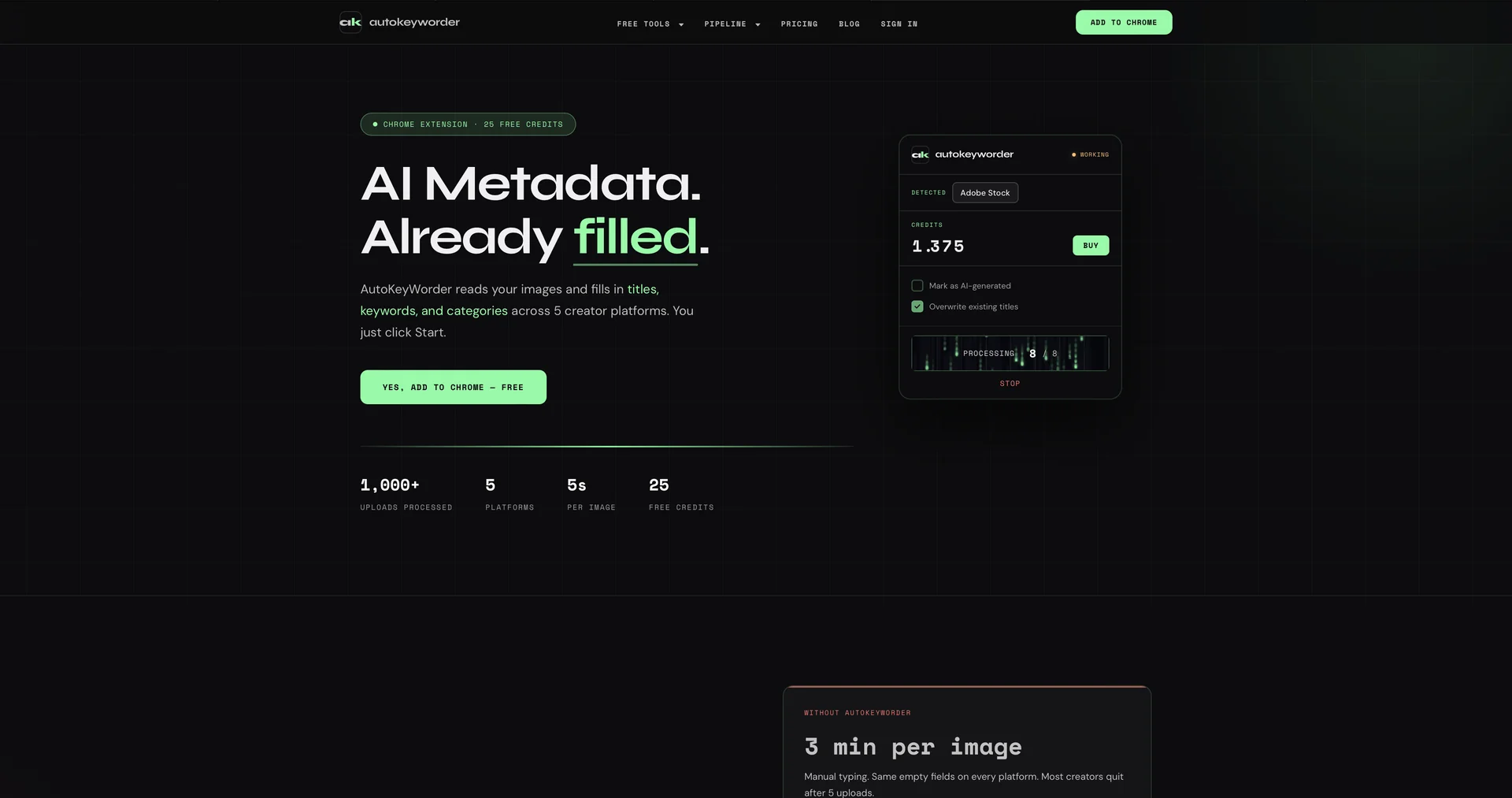
- Chrome extension that auto-fills titles, keywords, categories and descriptions into stock upload forms
- 34 AI prompts tuned for platforms such as Adobe Stock, Shutterstock, Zedge, Displate and TeePublic
- Video analysis of 5 frames to generate metadata for stock video clips
- Parallel prefetching analyzes the next 10 images in the background
- Automatically selects the matching category from each platform's category tree
- Credit-based usage with packs that never expire
Pricing Details
💵 Pricing & Plans (April 2026 Status): Autokeyworder uses a flexible credit system where 1 credit usually equals 1 image. Plan / Option Price (Approx.) Key Features Free Trial $0 25 free credits upon signup; 3 daily free analyses. Starter Sub $7.99 / mo 750 monthly credits + 10% off top-ups. Pro Sub $19.99 / mo 2,500 monthly credits + 20% off top-ups. Credit Packs From $4.99 Pay-as-you-go packs (300 to 5,000 credits) that never expire. 🎁 How to Get Started: Install the Autokeyworder extension from the Chrome Web Store. Go to your upload page on Adobe Stock or Shutterstock, click the extension icon, and hit "Process All." The AI will start filling out your forms in real-time.