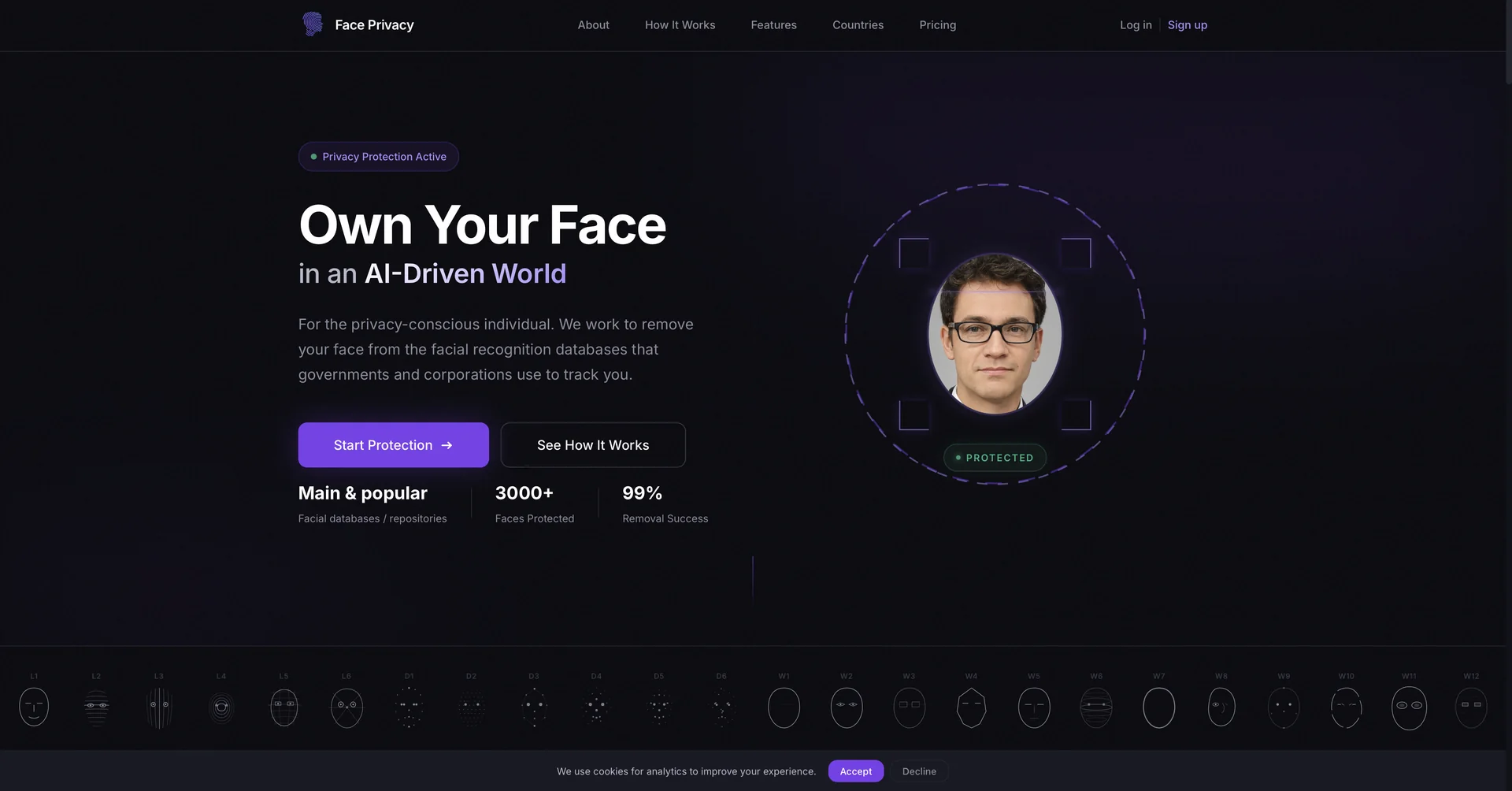
Description
🖼️ Tool Name:
Face Privacy
🔖 Selected Classifications:
Object & Background Editing (Automated facial masking and anonymization)
Governance, Risk & Compliance (GRC) (Ensuring GDPR and privacy law alignment)
Video Generation (Real-time face tracking and blurring in motion)
Editing, Enhancement & Upscaling (Maintaining image quality while altering identities)
Social Templates & Auto-Editing (Quick privacy-safe posting for content creators)
✏️ Overview & Key AI Features:
The "Digital Mask" for 2026: In an era of advanced facial recognition, "Face Privacy" refers to a category of AI tools (like PrivacyBlur, EraseID, and Facepixelizer) designed to protect individual identities in media.
AI Face Anonymization (Identity Replacement): A flagship 2026 feature found in tools like EraseID. Instead of just blurring, the AI generates a completely new, synthetic face that matches the original’s lighting, age, and expression. This allows for high-end marketing visuals without requiring model releases.
Scale-Invariant Auto-Blurring: Modern extensions like PrivacyBlur 4.0 use AI to automatically detect all faces in a frame (even side profiles or low-light shots) and apply pixelation or Gaussian blur that scales based on the face's distance from the camera.
Persistent Motion Tracking: For video, tools like Vidio.ai and DaVinci Resolve 21 use "Magic Masks" to lock onto a face and keep it blurred throughout complex movements, cuts, and lighting changes.
Zero-Network Processing: Privacy-first web tools like Facepixelizer now run entirely in the user’s browser (Client-side). Your images are processed locally on your machine and never uploaded to a server, ensuring 100% data sovereignty.
Background & Plate Masking: Beyond faces, these tools often include "Privacy Detectors" that automatically identify and obscure car license plates, house numbers, or sensitive documents in the background.
⭐️ User Experience:
"Protection Without Perfection Loss": As of April 2026, these tools are indispensable for journalists, educators, and social media managers. Users praise the "Natural Blur Boundary" features that blend the obscured areas into the image, preventing the "censored" look from ruining the cinematic quality of the shot.
💵 Pricing & Plans (April 2026 Status):
Pricing varies between free browser utilities and professional enterprise suites.
🎁 How to Get Started:
For a quick, private fix, go to PrivacyBlur.app and drag your photo in; it will automatically detect and obscure faces locally. For professional marketing, use EraseID to swap real faces with AI-generated models, keeping your aesthetic perfect while avoiding legal hurdles.
⚙️ Access or Source:
App Store
Web (Video)
Web (Replacement)
🔗 Experience Link:
https://faceprivacy.ai/
