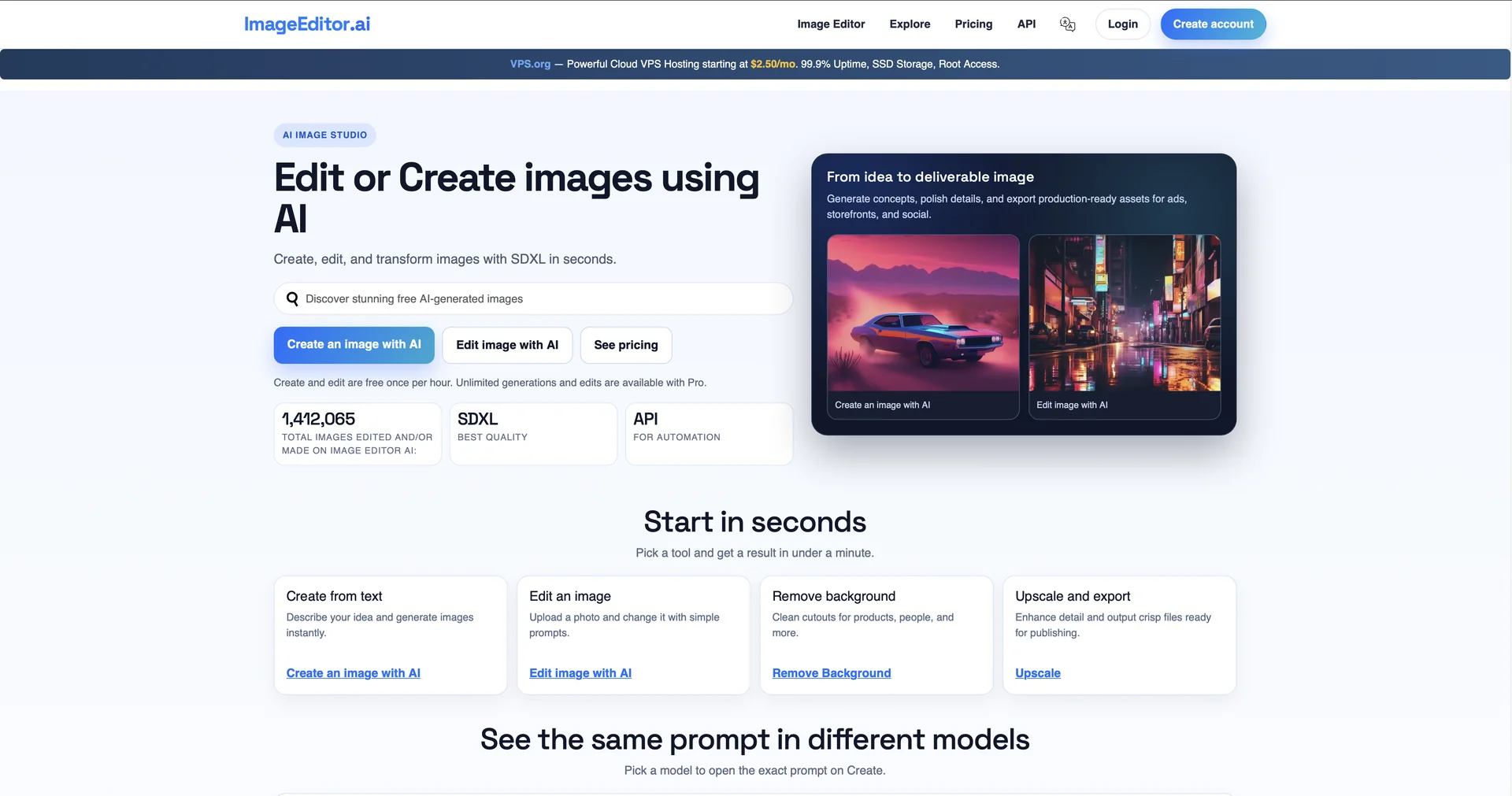
Features
- Edits images from plain-text descriptions, such as replacing objects or changing clothing
- Inpainting and outpainting to fill missing areas or extend the canvas
- Generates high-resolution images from text prompts
- Removes and replaces backgrounds, suited to product photos and portraits
- Upscales low-resolution images by reconstructing lost detail
- Applies artistic styles or brand-consistent filters through style transfer
- Smart subject selection masks people, animals or objects automatically
- Applies styles or upscaling to multiple images in batch
- Runs in the browser on any modern device
Pricing Details
💰 Pricing Model Item Details: Model Type: Freemium + Paid Subscriptions. General Concept: A credit-based system where basic features are free, while professional high-resolution exports and advanced models require a subscription. 🆓 Free Plan Details Feature: Access / Details: Web-based editor with standard generation speeds. Feature: Quality / Details: Standard resolution exports. Feature: Tools / Details: Basic background removal and text-to-image prompts. Cost: Free. 💳 Paid Plans 🔹 Pro Plan Item: Price / Details: $14.00 per month (or $120.00 billed annually). Item: Credits / Details: Increased monthly allowance for high-resolution generations. Item: Privacy / Details: Access to private generation mode (Stealth Mode). Item: Speed / Details: Priority processing on GPU servers. 🔹 Teams / Agency Plan Item: Price / Details: Custom pricing starting at $113.00 per month. Item: Collaboration / Details: Shared asset libraries and multi-seat management. Item: Commercial Rights / Details: Full commercial licensing for all generated and edited content. Item: Support / Details: Dedicated account manager and early access to new AI models.