Description

🖼Tool Name: 

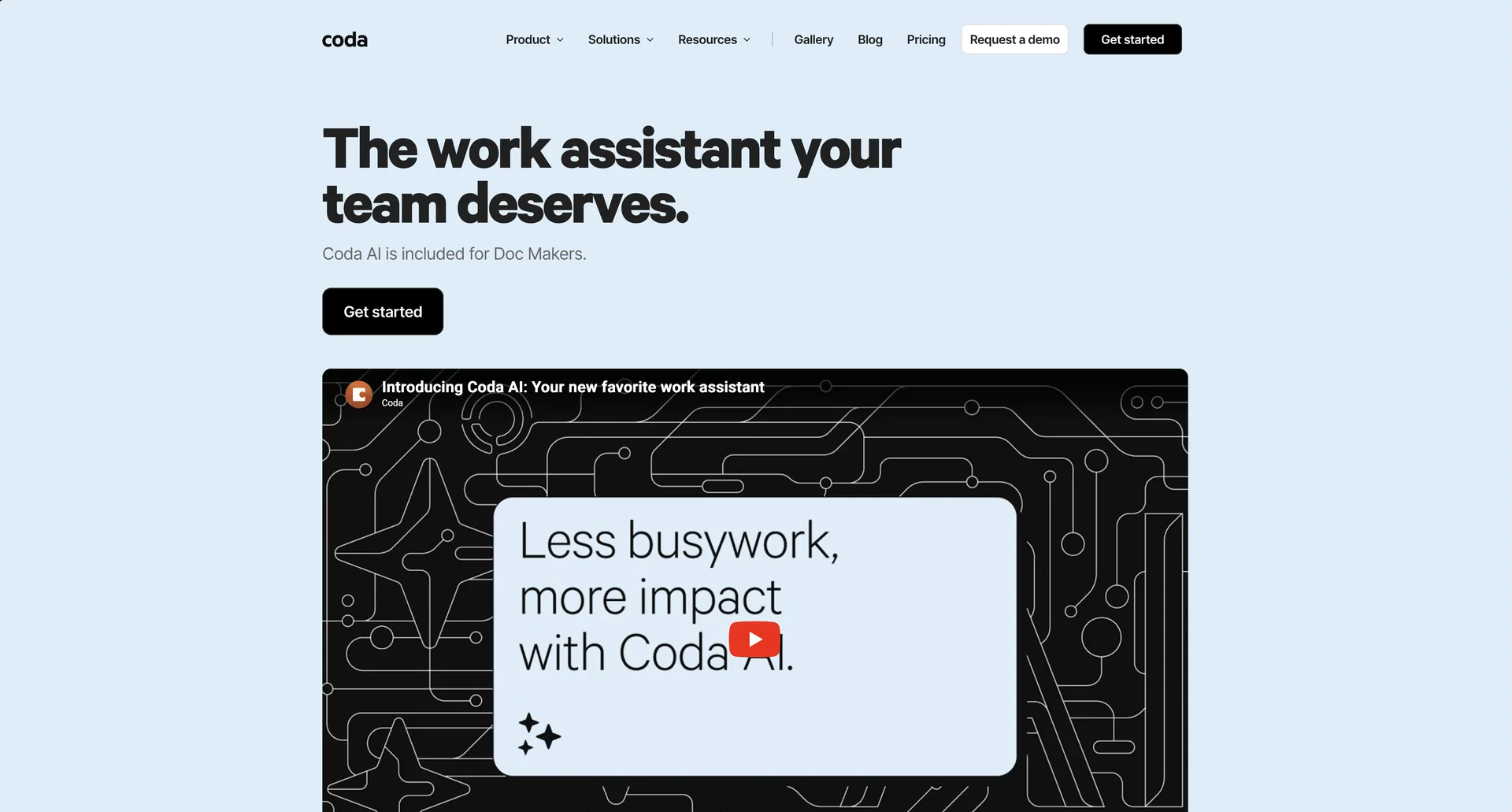
Coda AI

🔖 Categories:

  • Summaries, Headlines & Ideas (AI Assistant & Chat)

  • Analytics & Dashboards (AI Columns for data insights)

  • Business Docs Automation (AI Blocks)

  • Integrations & APIs (Coda Packs for external tools)

  • RPA & Task Automation (Button-triggered AI)

✏ What does this tool offer?

  • Coda AI is a deeply integrated suite of artificial intelligence tools embedded within the Coda workspace. It goes beyond simple text generation by interacting directly with your tables, formulas, and data.

  • It features AI Columns: A revolutionary way to process data at scale. You can add a column to any table and ask the AI to summarize rows, categorize sentiment, or translate text for every entry automatically.

  • The platform offers AI Assistant (Chat): A side-panel or canvas-based assistant that can answer questions about your doc's content, draft PRDs, or even generate entire table structures based on a single prompt.

  • It includes AI Blocks: Dynamic canvas elements that can summarize a large project, pull out action items from meeting notes, or synthesize insights from multiple tables in real-time.

  • Intelligent Action: Coda AI can be triggered by Buttons. For example, clicking a button can ask the AI to "Write a personalized email to this lead based on their LinkedIn profile in column B" and send it via the Gmail Pack.

⭐ What does it actually offer based on user experience?

  • Contextual Accuracy: Users praise Coda AI for its ability to "know" the doc. Because you can @reference specific pages or tables in your prompt, the outputs are far more relevant than generic AI tools.

  • Massive Time Savings in Data Entry: Reviewers highlight AI Columns as the "killer feature," allowing them to clean up hundreds of messy rows of data in seconds.

  • The Learning Curve: While powerful, users note that the real "magic" happens when you combine AI with Coda’s formula language, which requires a bit of a "tinkerer" mindset to master.

  • Replacement for "App-Hopping": Teams report that they no longer need to jump between ChatGPT and their documentation; everything from brainstorming to final execution stays within the same canvas.

  • Unified Workspace: Unlike Notion, which is often seen as a knowledge base, Coda AI is valued for its workflow automation—actually moving data and triggering actions across other apps like Slack, Jira, and Figma.

🤖 Does it include automation?

  • Yes, Coda AI is built on the concept of "Actionable Intelligence":

  • Automated Data Synthesis: AI Columns automatically update as new rows are added to a table.

  • Automated Triggering: Use Coda's native "When/Then" automation engine to trigger AI prompts based on time (e.g., "Every Friday at 5 PM, summarize the week's tasks").

  • Automated External Syncing: Through "Packs," the AI can pull data from external tools (like Salesforce or Intercom) and automatically categorize it within your Coda doc.

  • Automated Response Generation: Can be set to draft replies to form submissions or Slack messages as they arrive.

💰 Pricing Model

  • Item Details: Tiered Subscription based on Doc Makers.

  • General Concept: One of the most unique models in the market—you only pay for people who create docs. Viewers and editors are free.

🆓 Free Plan Details

  • Feature: Free Forever / Details: Create docs with core blocks, basic automations, and limited AI credits to test the assistant and columns.

  • Cost: $0.

💳 Paid Plans (2026 Estimates) 🔹 Pro Plan

  • Item: Price / Details: Approx. $10 - $12 per Doc Maker/month (billed annually).

  • Item: Features / Details: Unlimited doc size, 30-day version history, and increased AI credit allotments.

🔹 Team Plan (Most Popular)

  • Item: Price / Details: Approx. $30 - $36 per Doc Maker/month.

  • Item: Inclusions / Details: Unlimited automations, advanced permissions, and "Cross-doc" syncing to connect different workstreams.

🔹 Enterprise Plan

  • Item: Price / Details: Custom Quote.

  • Item: Benefits / Details: SSO, SOC 2 compliance, and advanced governance for large-scale deployments.

🧭 How to access the tool:

  • Cloud-based platform accessible via.

🔗 Experience link or official website:

https://coda.io/product/ai

Pricing Details

💰 Pricing Model Item Details: Tiered Subscription based on Doc Makers. General Concept: One of the most unique models in the market—you only pay for people who create docs. Viewers and editors are free. 🆓 Free Plan Details Feature: Free Forever / Details: Create docs with core blocks, basic automations, and limited AI credits to test the assistant and columns. Cost: $0. 💳 Paid Plans (2026 Estimates) 🔹 Pro Plan Item: Price / Details: Approx. $10 - $12 per Doc Maker/month (billed annually). Item: Features / Details: Unlimited doc size, 30-day version history, and increased AI credit allotments. 🔹 Team Plan (Most Popular) Item: Price / Details: Approx. $30 - $36 per Doc Maker/month. Item: Inclusions / Details: Unlimited automations, advanced permissions, and "Cross-doc" syncing to connect different workstreams. 🔹 Enterprise Plan Item: Price / Details: Custom Quote. Item: Benefits / Details: SSO, SOC 2 compliance, and advanced governance for large-scale deployments.