Diffusely AI

Description
🖼 Tool Name:
Diffusely AI
🔖 Approved Categories:
Image Generation
Integrations & APIs
✏ What does this tool offer?
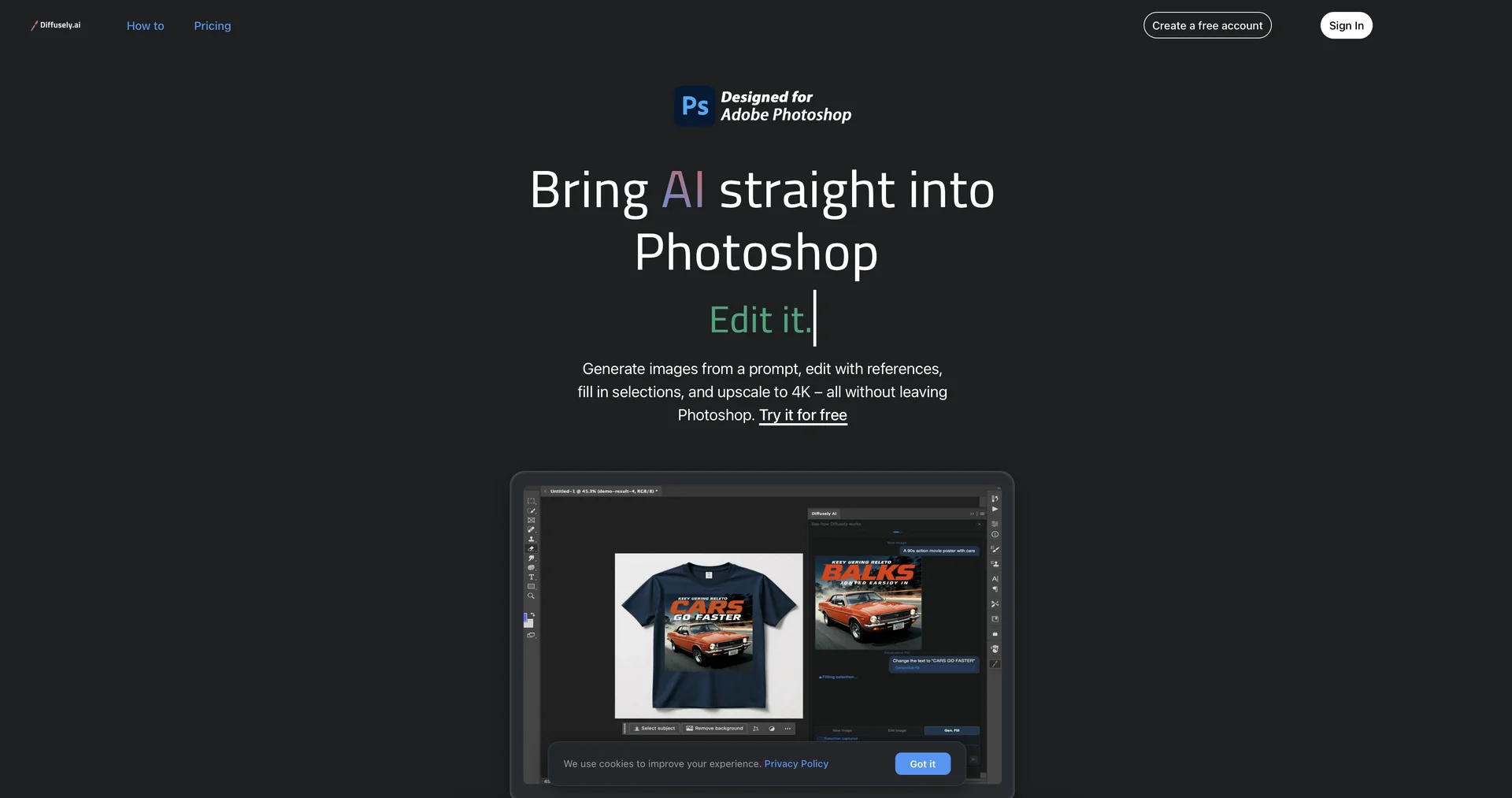
Native AI Art Plugin for Adobe Photoshop: Diffusely AI is a specialized design plugin that integrates advanced generative AI features directly into the Adobe Photoshop workspace. It bridges the gap between text-to-image generators and precise canvas layouts by delivering AI generations directly into your project file.
Dynamic Layer-Matched Generation: When users type a text prompt, the generated high-quality assets are automatically placed directly onto the active canvas as new individual layers, perfectly configured to match your pre-existing document dimensions.
Reference Image Overlays: Allows designers to attach up to three external reference images directly inside the plugin interface to tightly anchor and guide the visual style, lighting, composition, or subject matter of a new generation.
Advanced Generative Fill: Users can make a selection anywhere within Photoshop and describe what they want to see via natural language. The plugin replaces or merges objects into just that selected region while keeping the surrounding art completely intact.
Prompt-Driven Retexturing and Inpainting: Features dedicated editing nodes where users can "pin" an image and describe contextual variations—such as swapping backgrounds out completely, restyling specific foreground objects, or converting an entire photo's style.
Integrated 4K Upscaling Layer: Includes a one-click AI upscaling utility designed to transform lower-resolution generation concepts into clean, production-ready graphics up to 4K max resolution without forcing the artist to leave Photoshop.
⭐ What does it actually offer based on user experience?
Removes Workflow Tab Shuffling: Digital artists and graphic designers highly value the plugin, noting that having text-to-image modules running right alongside classic brushing and masking tools eliminates the friction of bouncing out to standalone browser windows.
Simplifies Complicated Photo Composition: Creators appreciate how easily the editing features adapt to existing scenes, confirming that adding elements or shifting a background without ruining a layout takes seconds rather than hours of manual cloning.
Keeps Project Layers Perfectly Organized: Production designers love that outputs drop automatically into dedicated layers rather than flattening your canvas, making it incredibly simple to refine, blend, or discard concepts quickly.
Highly Streamlined, Chat-Style Onboarding: Users commend the redesigned compact chat UI, noting that the built-in interactive walkthrough allows even absolute beginners to pick up the generative fill and upscale workflows instantly.
🤖 Does it include automation?
Yes, Diffusely AI automates visual compositing and image resolution workflows directly inside your design canvas:
Automated Canvas Dimension Alignment: Autonomously reads active document bounds to output generations matching exact aspect ratios and pixel grids.
Autonomous Image Modification & Inpainting: Automatically isolates localized user selections to seamlessly blend and re-render localized graphics.
Programmatic High-Resolution Upscaling: Automatically increases asset density and processes edge smoothing to scale creations up to crisp 4K outputs.
💰 Pricing Model
Item Details: Commercial freemium extension for Adobe Photoshop.
General Concept: Operates via a daily free baseline allowance that resets every 24 hours, paired with paid monthly tiers designed to unlock fast cloud generation priority, continuous creation capabilities, and batch 4K upscaling tracks.
🆓 Free Plan Details
Feature: Open Daily Baseline Allowance.
Details: Grants full access to all four core workflows (Generate, Edit, Generative Fill, and 4K Upscale). Includes 3 free image generations every single day with no credit card required, alongside an extra 10-image bonus on your first day of account registration.
Cost: Free ($0 to download and run daily).
💳 Paid Plans (Official 2026 Standards)
Premium subscription lanes remove generation limits and prioritize your prompt requests across high-tier cloud GPU networks:
🧭 How to access the tool:
Installed directly into Adobe Photoshop (compatible with version 24.4+ up to current 2026 releases) via the official Adobe Creative Cloud Marketplace, with profiles managed seamlessly by logging in via diffusely.ai.