Sourcetable
Description
️ 🖼Tool name:
Sourcetable
🔖 Tool category:
• Analytics and dashboards
• Data preparation and cleaning
• Data and analytics
• Productivity and scheduling
️ ✏What does this tool offer?
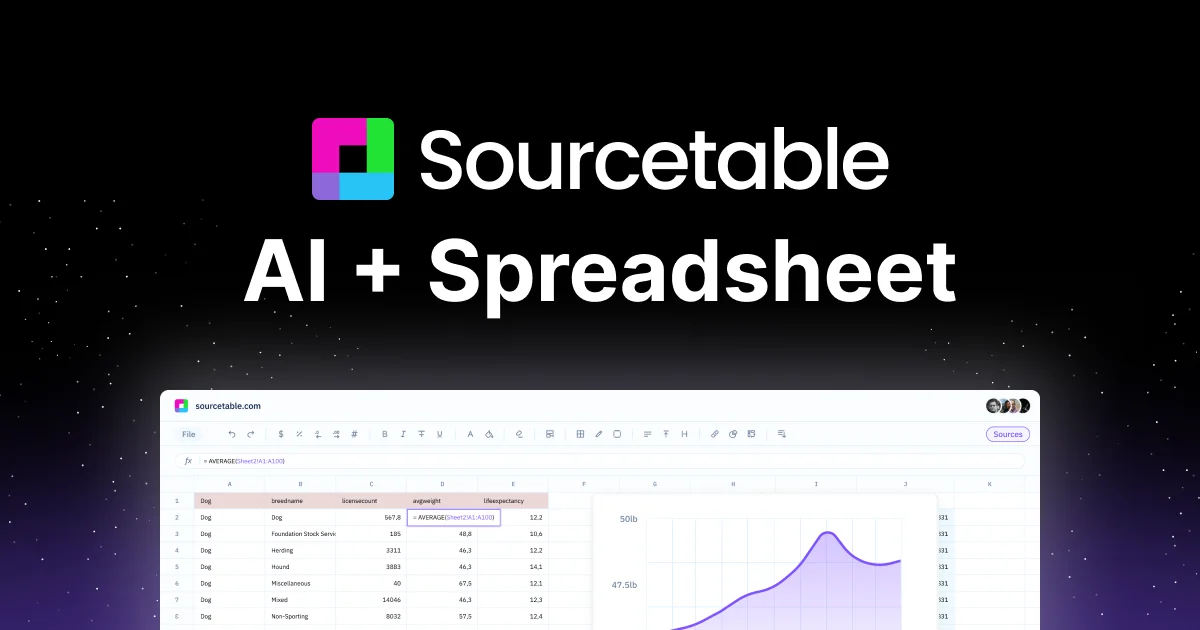
Sourcetable allows users to build, analyze, and consolidate live data within a single spreadsheet. The platform uses artificial intelligence to facilitate interaction with data, create reports, clean data, and generate interactive charts. It also supports data integration from any online source without the need to write any code and provides advanced analytical tools to generate instant insights.
⭐ What does it actually offer based on user experience?
Users praise Sourcetable's ease of use for analyzing data and performing complex operations directly within the spreadsheet, through features such as Spreadsheet AI, Command Bar, and Chart Generator. The platform is trusted by students and professors at prestigious universities such as the University of Oxford, Peking University, Berkeley, Yale University, Columbia University, and the Indian Institute of Technology Hyderabad. Users appreciate the speed and accuracy of data analysis and the ability to create reports and visualizations without requiring extensive programming experience.
🤖 Does it include automation?
Yes — the tool includes intelligent automation that covers automatic data cleaning, smart formula creation, Magic Autofill, report and chart generation, and instant analytics via the Command Bar and Data Analyst.
💰 Pricing model:
Freemium model with monthly paid plans that offer extended benefits for professional users and organizations.
🆓 Free plan details:
– Regular (Free):
AI spreadsheet assistant, AI analysis insights and summarizations, Magic Autofill, Smart formulas, pivots, charts, intelligent data cleaning
– Suitable for students and individuals who need basic data analysis and small spreadsheet management
💳 Paid plan details:
– Pro ($20/month per user):
Access to premium AI models, Expanded chat memory, 30 data queries per month, Python and data science tools, SQL editor, up to 3 Data Connectors
– Max ($200/month per user):
Maximum chat memory, Unlimited AI messages per month, Unlimited data queries per month, Early access to new features, Unlimited Data Connectors
🧭 How to access the tool:
Available directly via the web, with seamless integration with any data source, and support for advanced analytical tools without the need to write any code.
🔗 Trial link or official website:
https://sourcetable.com/pricing