Description

🖼 Tool Name:

Berrycast

🔖 Categories:

  • Video Summaries & Clips

  • Cross-posting & Collaboration

✏️ What does this tool offer?

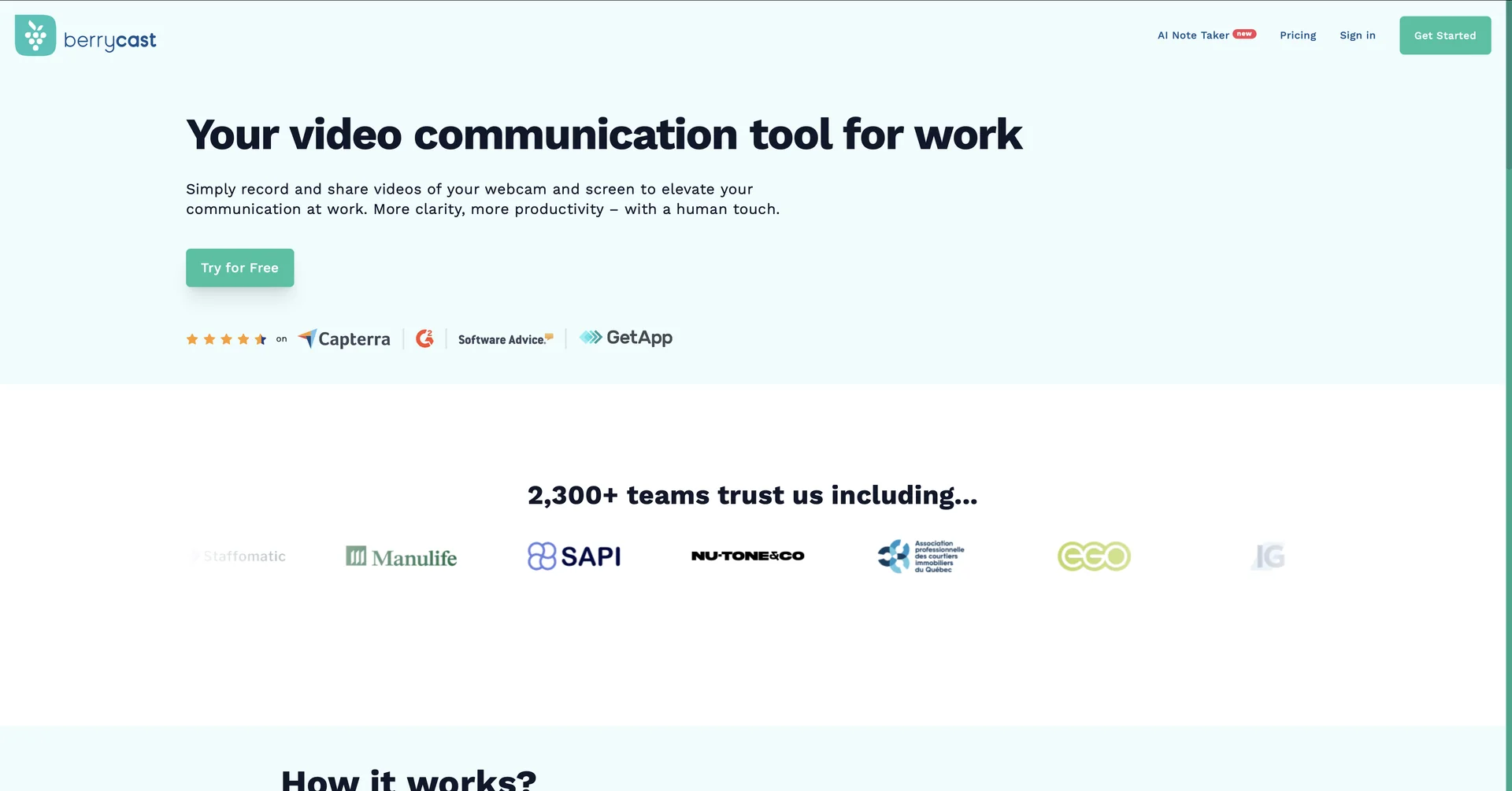
  • Asynchronous Video Communication App: Berrycast is a lightweight, all-in-one screen recorder and video sharing app designed for Windows, Mac, and web browsers to replace tedious text updates with expressive video messages.

  • Simultaneous Multi-Source Capturing: Combines desktop screen recording, internal/external micro-audio capture, and localized user webcam bubbles into a single recording feed, ideal for explainer tutorials and platform walkthroughs.

  • AI-Powered Transcription Core: Programmatically generates multi-language script layouts instantly from custom video recordings on the fly.

  • AI Writer Assistant Framework: Utilizes generative AI to scan video audio transcripts and automatically draft clean meeting outlines, conversation summaries, action items, and boilerplate follow-up emails.

  • Timestamp-Anchored Comments: Features an interactive review space where clients and coworkers can type and view notes linked to specific second-by-second timestamps on shared timelines.

  • White-Label Custom Brand Mapping: Allows corporate tiers to link custom web domains, embed personalized player colors, and deploy organizational logo assets onto shared links.

What does it actually offer based on user experience?

  • Massive Boosts in Project Productivity: Remote engineering and product planning teams note that replacing chaotic email chains with a 1-minute screencast clears up miscommunications instantly.

  • Flawless Asynchronous Learning Loops: Educational users and agency consultants value the password-protected video pages for providing clear, individual assignments without scheduling 1-on-1 calls.

  • Zero Software Signup Hurdles for Viewers: Receivers highly appreciate being able to watch videos and leave timestamped text or video comments without needing to download apps or open accounts.

🤖 Does it include automation?

Yes, Berrycast runs on automatic media encoding and linguistic analysis routines:

  • Automated Share Link Provisioning: Autonomously encodes recorded tracks and compiles cloud-hosted links the moment recording is stopped.

  • Autonomous AI Summary Generation: Programmatically parses transcription layouts to identify core action item tables on autopilot.

  • Live App Integration Previews: Automatically generates visual rich-media previews when video URLs are pasted into tools like Asana and Microsoft Teams.

💰 Pricing Model

  • Item Details: Freemium / Tiered Monthly & Annual Per-User Subscription SaaS.

  • General Concept: Keeps basic 10-video counts open under a cost-free model, while routing unlimited recording caps, AI writing features, and enterprise-focused tracking assets through dedicated plans.

🆓 Free Plan Details

  • Feature: Open Free Account Track.

  • Details: Unlocks access to foundational desktop recording tools, screen annotation, video trimming tools, and a quota of up to 10 videos per month.

  • Cost: Free ($0 open entry model).

💳 Paid Plans (Official 2026 Standards)

Subscription TierPricing Matrix StructureIncluded Quotas, Recording Allowances & AI Tools
🚀 Starter Plan$16.00 / user / month ($192 billed annually)Unlocks unlimited video count hosting, unlimited recording lengths, direct file uploads up to 2GB, and no-signup client video feedback loops.
⚡ Professional Plan$18.00 / user / month ($216 billed annually)Everything in Starter plus custom domain white-labeling, brand colors, custom logos, and 2 hours/month of AI Writer transcript summaries.
🏢 Enterprise Plan$29.00 / user / month ($348 billed annually)Tailored for large teams. Unlocks unlimited AI Writer assistants, unlimited multi-language transcriptions, structured collaborative spaces, and granular viewer analytics.

🧭 How to access the tool:

Desktop presentations can be recorded, AI meeting takeaways auto-compiled, and timestamped screen feedback captured by installing the utility or activating browser extensions directly at berrycast.com.

🔗 Experience link or official website:

https://www.berrycast.com/

Pricing Details

💰 Pricing Model Item Details: Freemium / Tiered Monthly & Annual Per-User Subscription SaaS. General Concept: Keeps basic 10-video counts open under a cost-free model, while routing unlimited recording caps, AI writing features, and enterprise-focused tracking assets through dedicated plans. 🆓 Free Plan Details Feature: Open Free Account Track. Details: Unlocks access to foundational desktop recording tools, screen annotation, video trimming tools, and a quota of up to 10 videos per month. Cost: Free ($0 open entry model). 💳 Paid Plans (Official 2026 Standards) Subscription Tier Pricing Matrix Structure Included Quotas, Recording Allowances & AI Tools 🚀 Starter Plan $16.00 / user / month ($192 billed annually) Unlocks unlimited video count hosting, unlimited recording lengths, direct file uploads up to 2GB, and no-signup client video feedback loops. ⚡ Professional Plan $18.00 / user / month ($216 billed annually) Everything in Starter plus custom domain white-labeling, brand colors, custom logos, and 2 hours/month of AI Writer transcript summaries. 🏢 Enterprise Plan $29.00 / user / month ($348 billed annually) Tailored for large teams. Unlocks unlimited AI Writer assistants, unlimited multi-language transcriptions, structured collaborative spaces, and granular viewer analytics.