Klart AI

Description
🖼 Tool Name:
Klart AI
🔖 Approved Categories:
Tasks & ProjectsNo-Code Workflows
✏️ What does this tool offer?
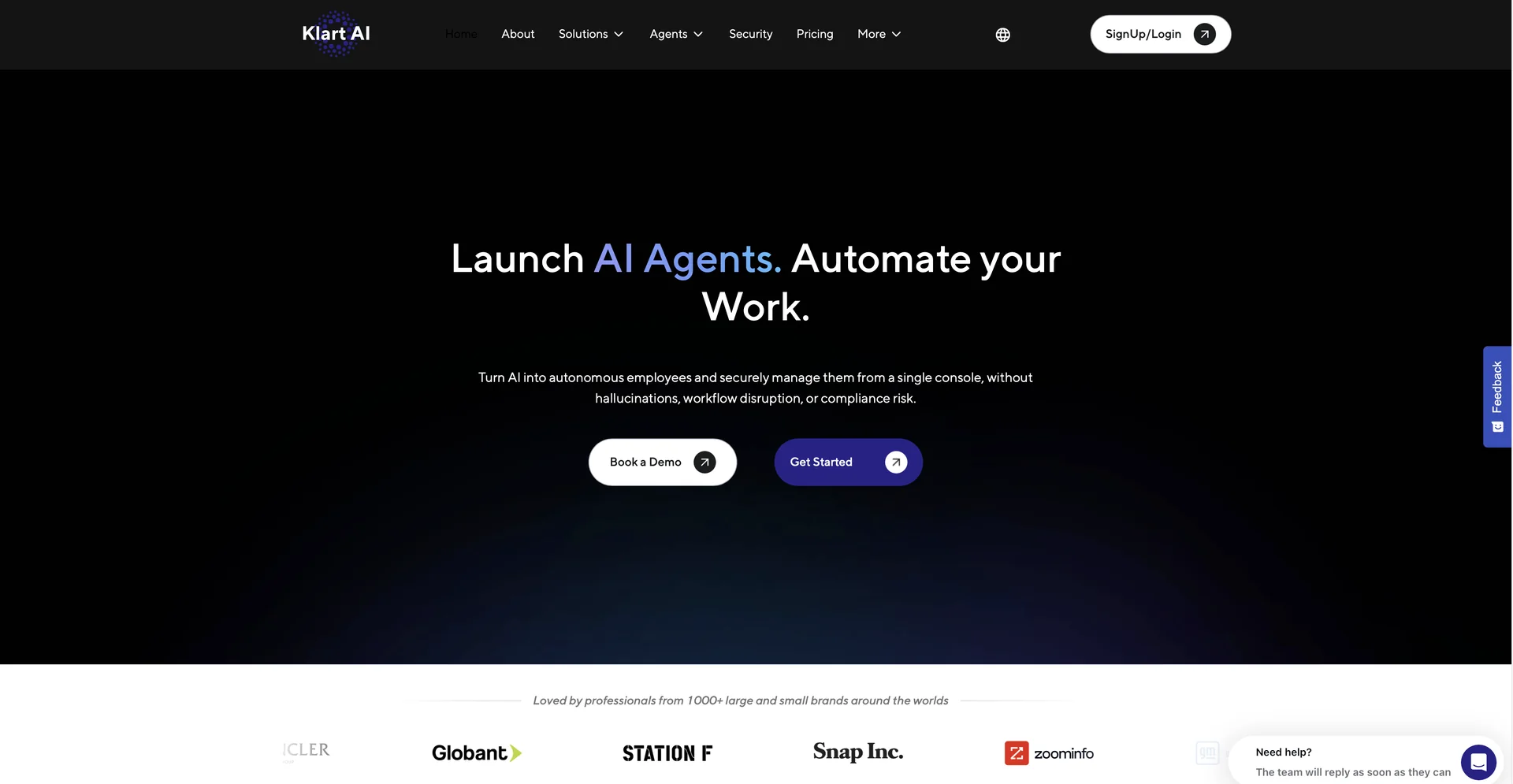
The "AI Employee" Workforce Platform: Klart AI is an enterprise-grade automation ecosystem that goes beyond simple chatbots. It allows companies to deploy highly specialized digital employees (AI Agents) that integrate deeply into existing business tools to execute operations, handle support, and manage databases.
Pre-Built Agent Directory: The platform features a ready-to-hire roster of specialized agents tailored to distinct business roles:
Klarty (Executive Assistant): Manages calendars, tasks, emails, and workspace planning.
Calla (Copywriter): Generates on-brand copy for marketing, sales, and internal comms.
Justa (Legal Advisor): Analyzes, reviews, and synthesizes legal documents using verified sources.
Ilber (AI Researcher): Converts complex datasets and public web information into structured reports.
"Klart Brain" Persistent Memory: A centralized, semantic memory layer that connects to your tools (Google Drive, SharePoint, OneDrive, Confluence, Zendesk, Slack, Teams, and databases). The AI agents continuously learn your company workflows, ground every response in verified internal data, and retain context across time.
Serverless RAG with Real-Time Updates: Uses serverless Retrieval-Augmented Generation (RAG) architecture. When you update your internal wikis, spreadsheets, or docs, the AI instantly absorbs the changes, minimizing outdated responses and hallucination risks.
Automated Custom Agent Builder: Upon signing up, the platform automatically scans your defined role, team goals, and linked software stack to automatically build a personalized agent customized for your specific workflow without manual coding.
Source-Backed Fact-Checking: Every output generated by the agents is audited behind the scenes. It highlights the exact document, sheet, or source link it used to formulate the answer, maintaining perfect data transparency.
⭐ What does it actually offer based on user experience?
Reliable Data Synthesis: Teams operating in highly regulated fields (like finance and accounting) praise the platform for successfully pulling accurate, exact numerical values across thousands of complex Excel sheets where standard LLMs often fail.
Radical Time Optimization: Customer support and IT leaders note that deploying active agents (like Lyra for support) has dramatically reduced average ticket resolution times by answering routine questions using verified knowledge bases.
Easy Zero-Configuration Setup: Users appreciate that they don't have to spend weeks configuring prompt trees; the system's ability to read your linked toolstack and build an agent instantly is a massive plus.
🤖 Does it include automation?
Yes, Klart AI is a fully automated operational engine:
Automated RAG Syncing: Programmatically watches and re-indexes linked software workspaces to keep the central memory database synchronized.
Autonomous Agent Generation: Autonomously writes its own operational parameters based on your team roles.
Multi-Tool Action Automation: Executes actions across platforms (e.g., pulling a customer complaint from Zendesk, summarizing it, and writing a draft response in Outlook).
💰 Pricing Model
Item Details: B2B SaaS / Tiered Monthly Subscription per User.
General Concept: Klart AI bases its pricing tiers on the size of the team, the volume of messages, and technical integration requirements. Annual options are available to lower overall costs.
🆓 Free Plan / Trial Details
Feature: Evaluation Sandbox Trial.
Details: Offers a 15-day free trial of the Pro plan, allowing teams to link their databases, deploy initial agents, and test workflow integrations before a paid commitment.
Cost: Free Trial ($0).
💳 Subscription Plans (Official 2026 Standards)
All plans are subject to a fair-use limit of 100 automated messages per user per day.
🧭 How to access the tool:
Your internal company documents can be transformed into active knowledge bases, specialized AI employees deployed to automate repetitive tasks, and multi-app workflows run on autopilot by setting up your workspace over at klartai.com.