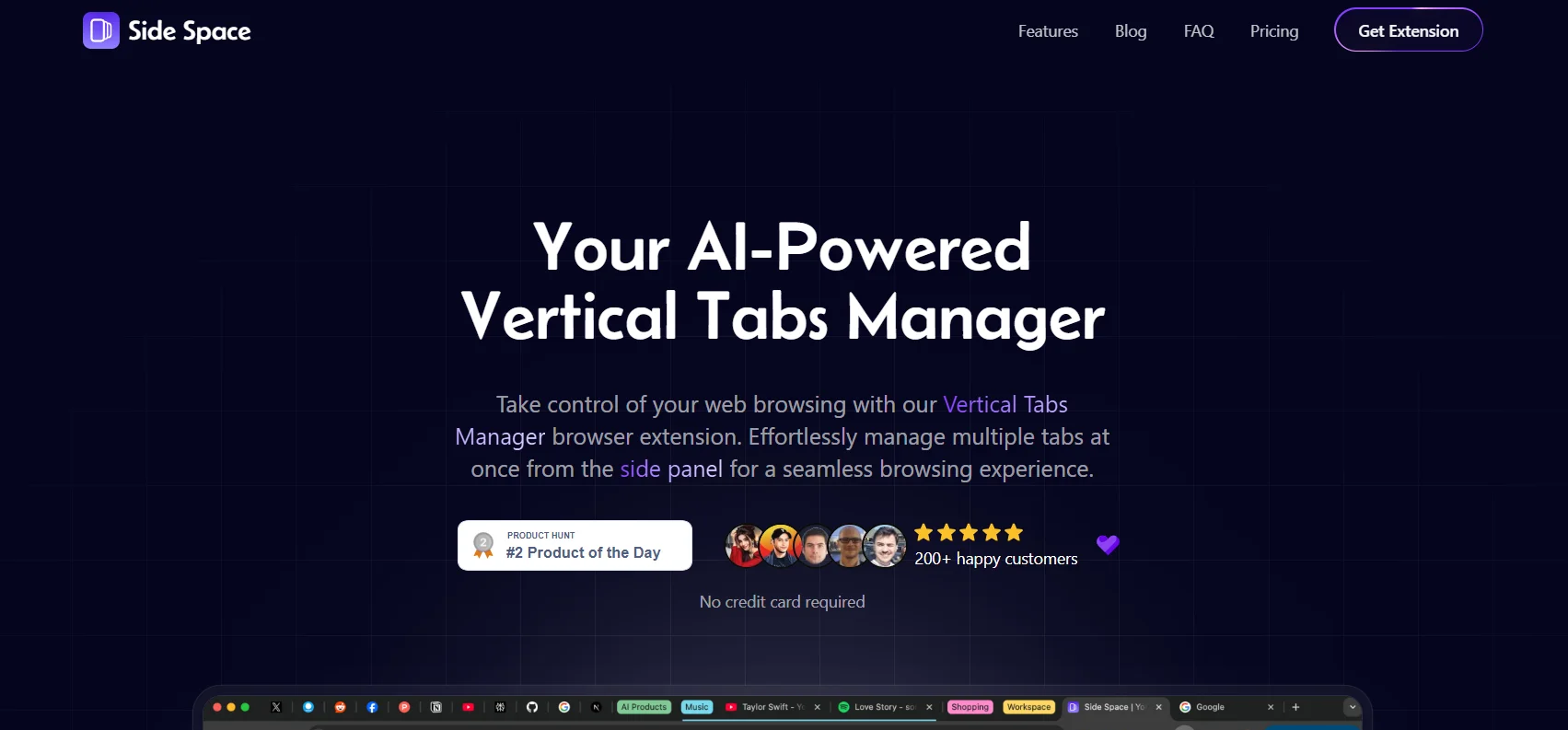
Description
🖼️ Tool Name:
Side Space
🔖 Tool Category:
AI-powered Vertical Tab Manager for Web Browsers
✏️ What does this tool offer?
Side Space is a browser extension that enhances tab management by organizing tabs vertically in a sidebar. It uses AI to group tabs by context, allows users to save and restore sessions, and includes tools like fuzzy search, tab suspension, and cloud synchronization. Designed for productivity-focused users, it simplifies multitasking and reduces browser clutter.
⭐ What does the tool actually deliver based on user experience?
• Vertical sidebar layout for improved tab visibility and control
• AI-powered automatic grouping of tabs by topic or website
• Session management to save and restore workspaces
• Fuzzy search for quickly locating specific tabs
• Automatic tab suspension to save memory
• Custom workspaces and tag-based organization
• Cross-device sync for consistent browsing across environments
• User feedback highlights improved focus and workflow efficiency
🤖 Does it include automation?
Yes — automation is a core part of Side Space:
• Automatically groups tabs by content or domain
• Suspends inactive tabs to reduce RAM usage
• Syncs tab sessions and workspaces across devices without manual setup
💰 Pricing Model:
Freemium with a one-time upgrade option
🆓 Free Plan Details:
• Full access to core features including vertical tabs, basic AI grouping, and tab management
• Suitable for individual users and light productivity tasks
💳 Paid Plan Details:
• One-time Lifetime Plan (~$19–20)
Unlocks premium AI features, advanced grouping, unlimited session saving, and cloud syncing
🧭 Access Method:
• Browser extension for Chromium-based browsers (e.g., Chrome, Edge)
• Installs directly into the browser and works via a sidebar interface
🔗 Experience Link:
https://www.sidespace.app/?ref=