HoldSpeak

Description
️ 🖼Tool Name:
HoldSpeak
🔖 Categories:
- Text-to-Speech / Speech-to-Text
- Productivity and Scheduling
- Automation and Smart Agents
️ ✏What does this tool offer?
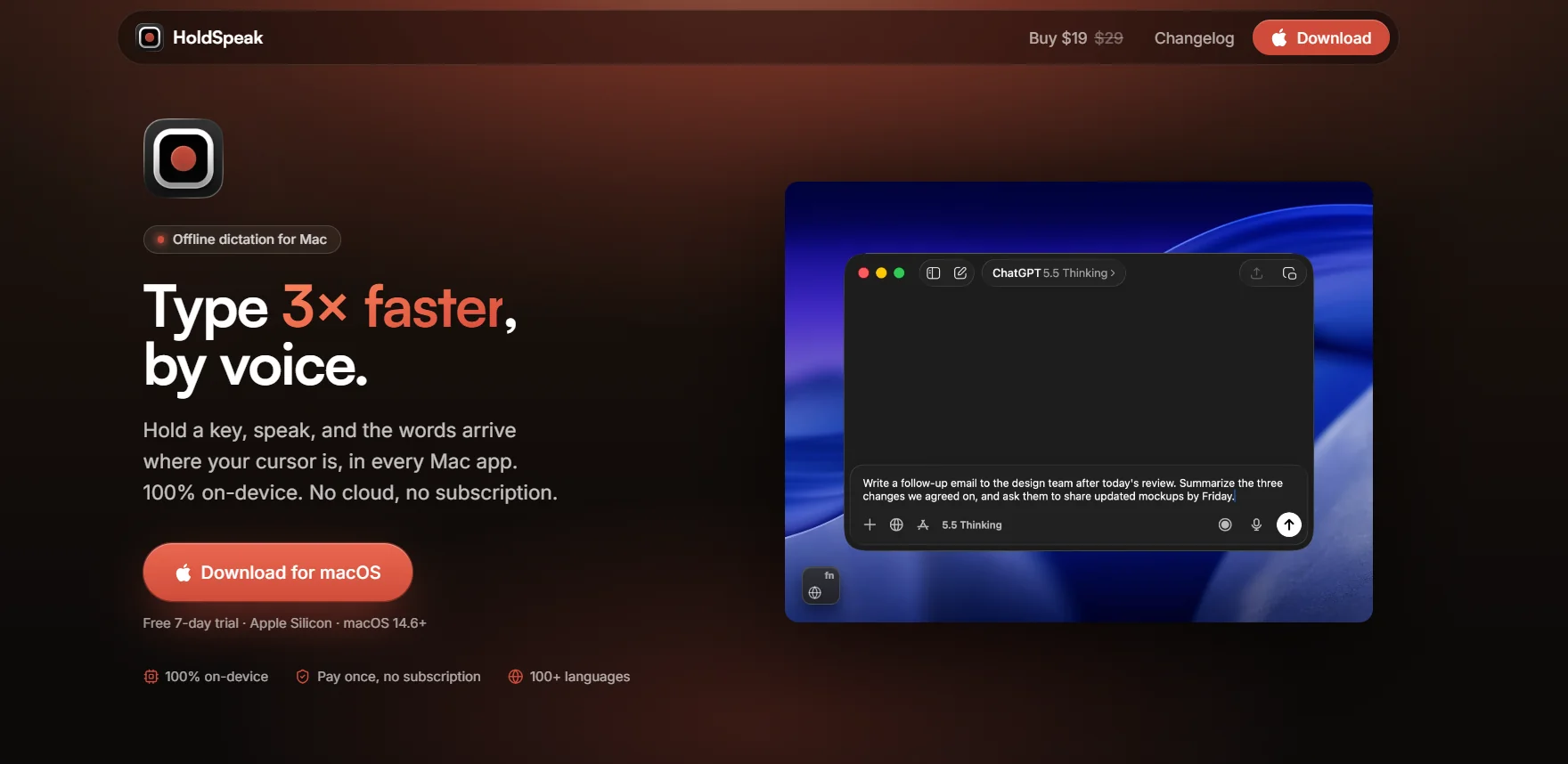
HoldSpeak is a voice dictation app designed for Macdevices that lets users convert their speech to text directly within any app, without having to type on the keyboard.
The app runs entirely on the device, so audio is processed locally without being sent to the cloud, and it doesn’t require an account or an internet connection.
To use HoldSpeak, simply press a shortcut key and speak; the app will convert your speech to text and insert it directly where the text cursor is located—whether in a browser, productivity apps, AI apps, or other Mac applications.
It also supports over 100 languages with automatic language detection and allows users to add custom words such as people’s names, product names, and user-specific terms.
⭐ What does it actually offer based on user experience?
- Quickly convert speech to text.
- Inserts text directly where the cursor is located.
- Work within various Mac apps without needing special extensions.
- Support for over 100 languages.
- Automatic language detection.
- Process audio locally on the device.
- Work offline.
- Add custom words and phrases.
- Use a custom shortcut to start dictation.
- Support for Apple Silicon devices.
- Low resource consumption.
- Unlimited dictation included with paid licenses.
🤖 Does it include automation?
Yes, the tool automates the process of converting speech to text and inserting it directly into the active app. Once you use the "Record and Speak" shortcut, your speech is processed, converted to text, and inserted at the cursor position—no manual copying and pasting required.
💰 Pricing model:
One-time purchase—no monthly or annual subscription.
HoldSpeak offers a 7-dayfree trial ,after whichyou can purchase a license for use without an ongoing subscription. Paid licenses include one year of updates; after the year ends, you can continue using the purchased version without paying a subscription fee, while renewing updates is optional.
🆓 Free Plan Details:
| Plan | Price | Details |
|---|---|---|
| Free Trial | 7 days | Try all features before purchasing a license. |
💳 Paid Plan Details:
| Plan | Price | Features and Differences |
| 1 License | $19 one-time payment | License for one Mac, unlimited dictation, all features, and one year of updates. |
| 2 Licenses | $29 one-time | License for two devices, unlimited dictation, all features, and one year of updates. |
| 3 Licenses | $39 one-time | License for 3 devices, unlimited dictation, all features, and one year of updates. |
Note: After the one-year update period ends, users can continue using their copy without paying a subscription fee; renewing updates is optional.
🧭 How to access the tool:
| Access Method | Details |
| Mac app | An app designed for Mac devices. |
| Within Apps | Works directly within various Mac apps without requiring special extensions. |
| On-device | Audio is processed on the device without being sent to the cloud. |
| Offline | Can be used without an internet connection. |
🔗 Try it out or visit the official website: