Papper
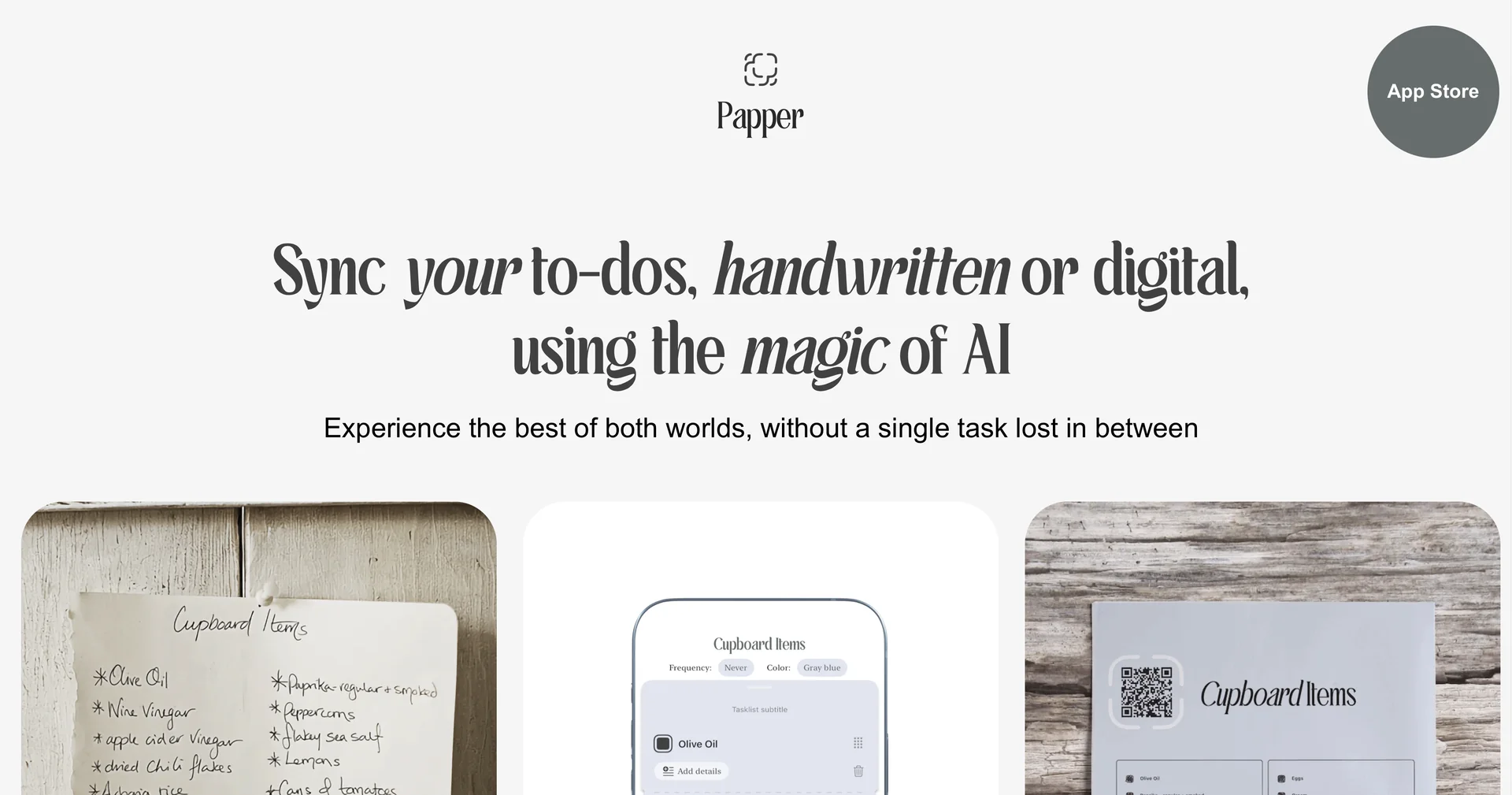
Sync handwritten and digital to-dos with AI magic
Last updated
Features
- Converts photos of handwritten to-dos and sticky notes into digital tasks
- Generates printable task templates to fill out by hand and scan back
- Syncs completion status with Apple Reminders
- Detects handwriting, checkboxes and text lists using OCR
- iOS app for iOS 16+ with dark mode and document alignment guidance
- Custom template downloads for daily, weekly and project planning
Pricing Details
💰 Pricing Model
Item Details: Freemium / In-App Purchases.
General Concept: Offers a free base version with optional paid upgrades or subscriptions to access premium template exports and unlimited sync scans.
🆓 Free Access Details
Feature: Free Base Access.
Details: Users can download the iOS app for free to test core handwriting conversion and basic template features.
Cost: Free ($0) Base Access.
💳 Access & Subscription Options (Official Standards)
| Access Tier | Price Structure | Primary Workspace Scope & Allowances |
|---|---|---|
| 🌱 Free Version | $0 / Free | Core iOS application access, standard OCR conversion scans, basic template downloads, single-account sync. |
| ⚡ Pro Tier | In-App Subscription | Unlimited document scans, custom template creation, advanced multi-app integrations, priority processing. |
Related Tips
- How to Use the Pokecut Tool to Easily Extract Images · Image Design and Creation, Editing, Enhancement & Upscaling…
- AI Room Designer Explained: How to Redesign Rooms in Your Home Using a Single Photo? · Image Design and Creation, Editing, Enhancement & Upscaling…
- AI Room Designer Explained: How to Redesign Rooms in Your Home from a Single Photo? · Image Design and Creation, Editing, Enhancement & Upscaling…
- An explanation of the Kittl Vectorizer tool for converting images into editable vectors · Image Design and Creation, Editing, Enhancement & Upscaling…
- An explanation of the Kittl Vectorizer tool for converting images into editable vectors · Image Design and Creation, Editing, Enhancement & Upscaling…