Description
️ 🖼Tool name:
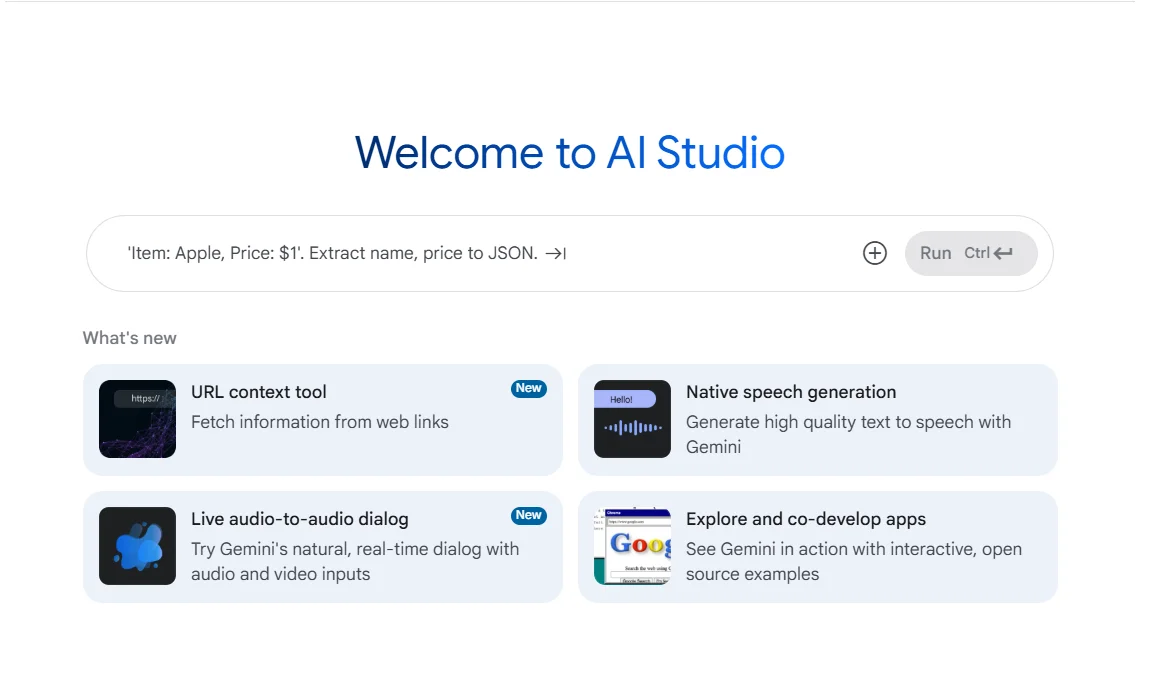
Google AI Studio
🔖 Tool category:
• Automation and smart agents
• Integrations and APIs
• No-code workflows
• Automation robot creation
• RPA and repetitive tasks
• Predictive analytics and applied machine learning
• Data and analytics
️ ✏What does this tool offer?
Gemini API provides access to a wide range of Google AI models for developing smart applications that include text, images, video, audio, and search. The platform offers advanced capabilities such as generation, multimodal understanding, automation, context caching, and integration with Google tools such as Search and Maps, along with support for data analysis tools and intelligent agent operation.
⭐ What does it actually offer based on user experience?
The Gemini API provides a flexible experience for quickly creating smart applications with powerful options for scaling. Available models include Gemini 3 Pro, Gemini 2.5 Flash, and Gemini 2.0 Flash-Lite to meet performance, speed, and cost requirements. It supports the creation of intelligent agents for video processing, audio, computer control, and search, with the ability to embed ready-made tools directly into applications.
🤖 Does it include automation?
Yes, tasks such as search, media processing, video and image creation, and complex instruction execution can be automated via intelligent agents, with full context management and data caching.
💰 Pricing model:
Gemini API is pay-as-you-go with free limits to try out models before scaling up.
Free plan:
Limited access to some models
Free input and output tokens
Free access to Google AI Studio
User content may be used to improve Google products
Paid plan:
Higher limits for production models
Context caching to speed up processing
Batch API with 50% discount
Access to advanced models without using content to improve products
Enterprise Plan:
All Paid features
Dedicated support and direct communication channels
Advanced security and regulatory compliance
Provisioned throughput
Volume-based discounts
ML Ops and Model Garden features
https://ai.google.dev/gemini-api/docs/pricing?utm_source=chatgpt.comExperience Tool link