Get Ready To Send
Description
🖼️ Tool Name:
Get Ready To Send
🔖 Tool Category:
Email management and scheduling tool, falling under productivity and communication automation.
✏️ What does this tool offer?
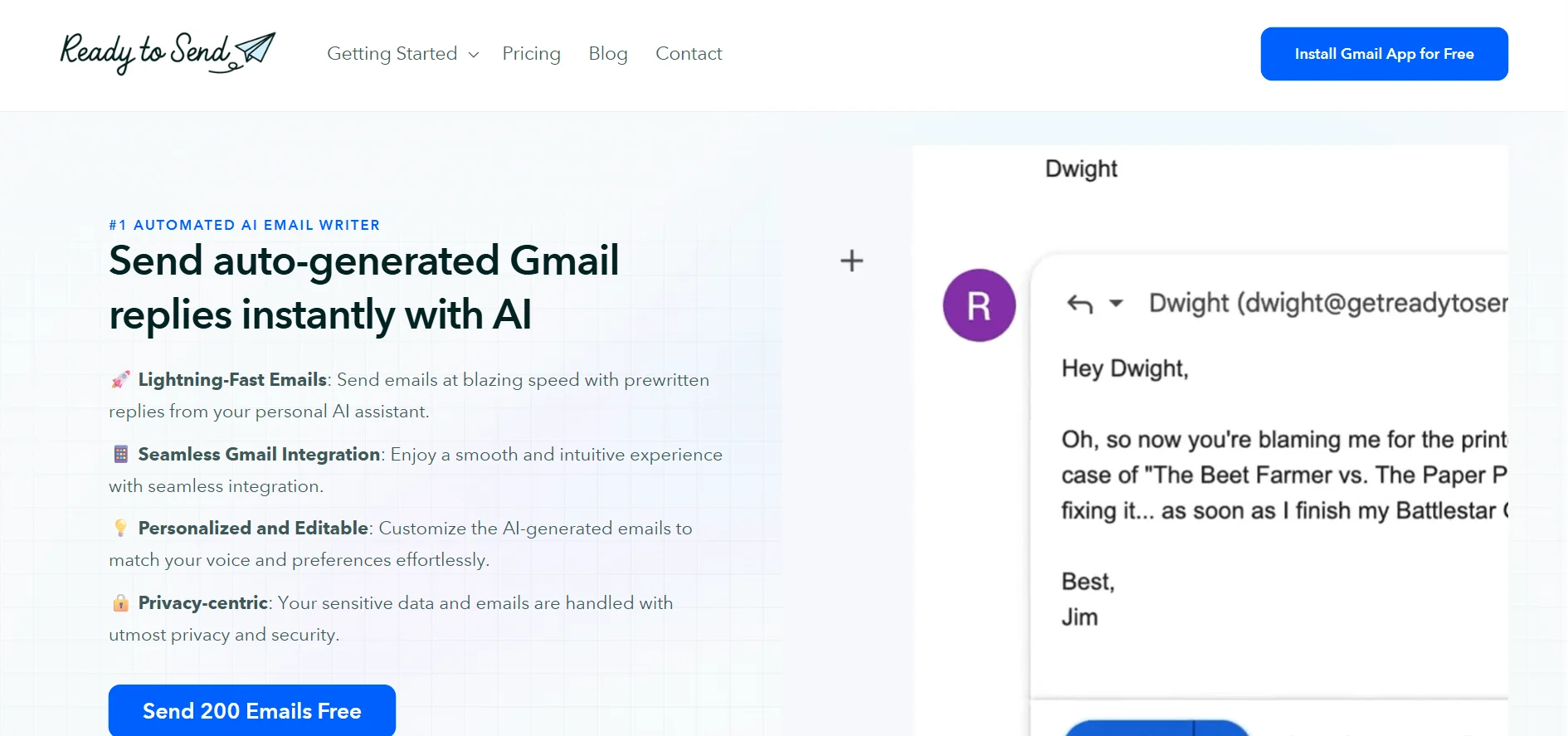
Get Ready To Send helps you organize, prepare, and schedule your emails smartly. It provides an easy-to-use interface to create ready-to-send emails with options to set optimal sending times. It also offers features to simplify follow-ups, quick replies, and suggests professional email writing improvements.
⭐ What does the tool actually deliver based on user experience?
User-friendly and intuitive interface suitable for all users.
Ability to schedule emails to be sent automatically at chosen times.
Alerts and reminders before sending emails.
Support for email formatting with ready-made templates.
Speeds up reply time and organizes emails for better efficiency.
Great for users who deal with a high volume of emails and want better time management.
🤖 Does it include automation?
Yes, it includes automation such as automatic scheduling of emails and smart reminders to keep track of communications efficiently.
💰 Pricing Model:
Subscription-based with monthly or yearly plans.
Offers a free trial version with limited features.
🆓 Free Plan Details:
Free trial access with limits on the number of emails that can be sent.
Access to basic templates and core features.
Limited support.
🧭 Access Method:
Accessible directly through the web browser without any software installation.
Simple sign-up process to get started quickly.
🔗 Experience Link:
https://getreadytosend.com/?ref=f