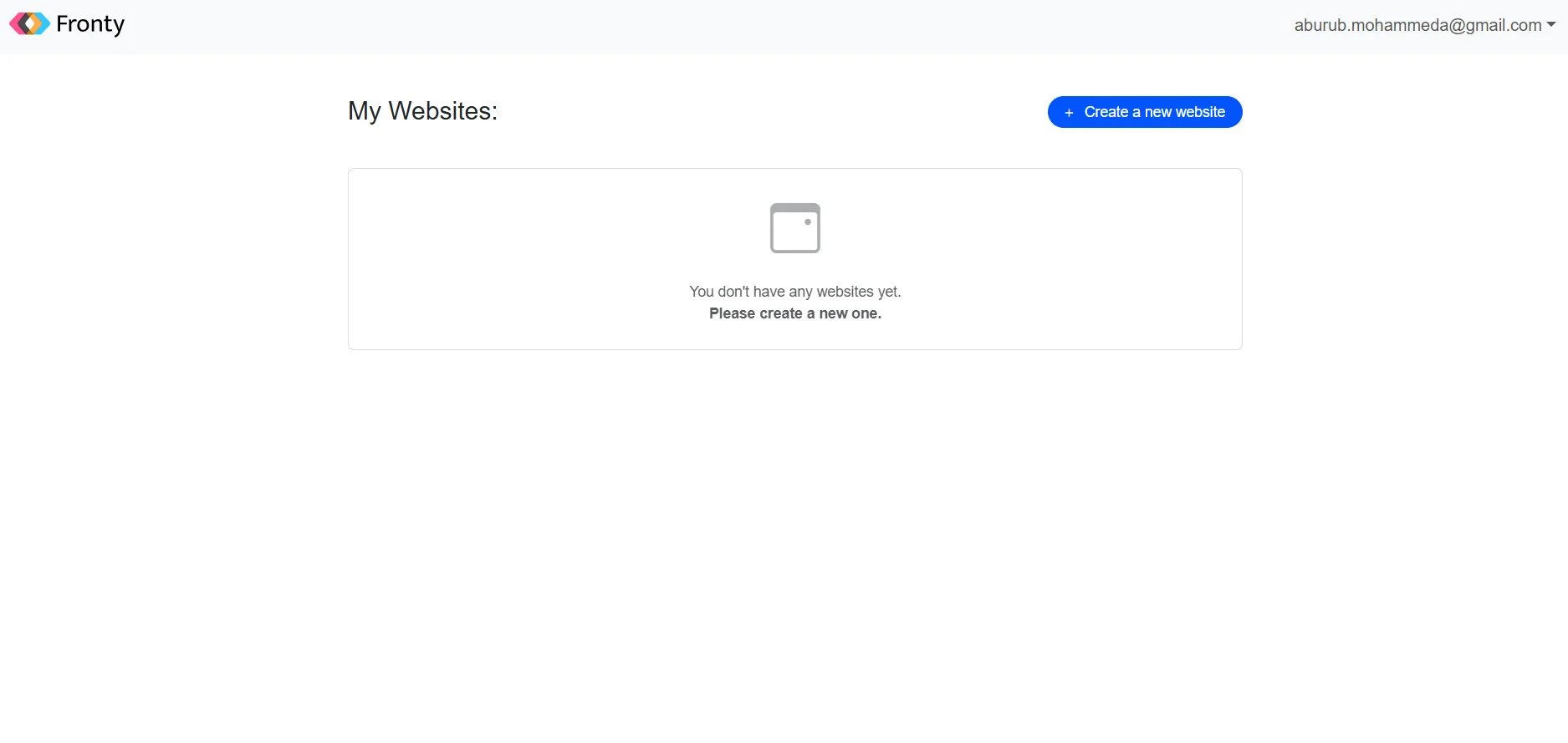
Description
Tool name: Fronty
Tool category: 🔖
• Icon creation and review
• No-code workflow
• Programming and development
• Content management and publishing
• Editing/optimization/resolution enhancement
️ What does this tool offer? ✏
Fronty offers artificial intelligence technology that converts images or design mockups into clean, ready-to-use HTML and CSS code for building websites. It also includes a no-code visual editor for modifying design and content, and provides the ability to publish the website with hosting and custom domain support.
What does it actually offer based on user experience? ⭐
Based on information available from multiple sources, Fronty quickly converts images into HTML and CSS code and produces organized, editable code. It allows you to edit the design via a visual editor and provides tools for publishing, hosting, and publishing your website directly on the internet.
Does it include automation? 🤖
Yes, the tool relies on artificial intelligence to automate the process of analyzing images and converting them into HTML/CSS code. Automation identifies the basic elements in the image and automatically creates the website structure.
Pricing model: 💰
Fronty uses a monthly subscription pricing model with multiple tiers, ranging from a limited free plan to paid plans with additional features such as larger hosting and custom domain support.
🆓 Free plan details:
The free (Freemium) plan allows you to use the tool at no cost with the following limitations: supports up to 3 users, provides a free subdomain, up to 200 MB of hosting space, and allows you to create up to 5 pages with the Fronty logo appearing on the site.
Paid plan details: 💳
The first paid plan (Pro) costs around $4.52 per month and supports up to 10 users with 1 GB of hosting space, custom domain support, removal of the Fronty logo, and unlimited pages.
The highest plan (Advanced) costs around $9 per month and supports up to 25 users with 15 GB of hosting space, a custom domain, and removal of branding, in addition to all the features of the previous plan.
How to access the tool: 🧭
Fronty can be accessed via a web browser through the official website, where you can register or log in, then upload the design you want to convert to code or work directly in the design editor.
Trial link or official website: 🔗
https://app-v4.fronty.com/