Tool name:
MindMap AI
Tool category: 🔖
• Education and research
• Meeting and note summaries
• Paper and research summaries
• Summaries, headlines, and ideas
• Study aids and smart notes
️ What does this tool offer? ✏
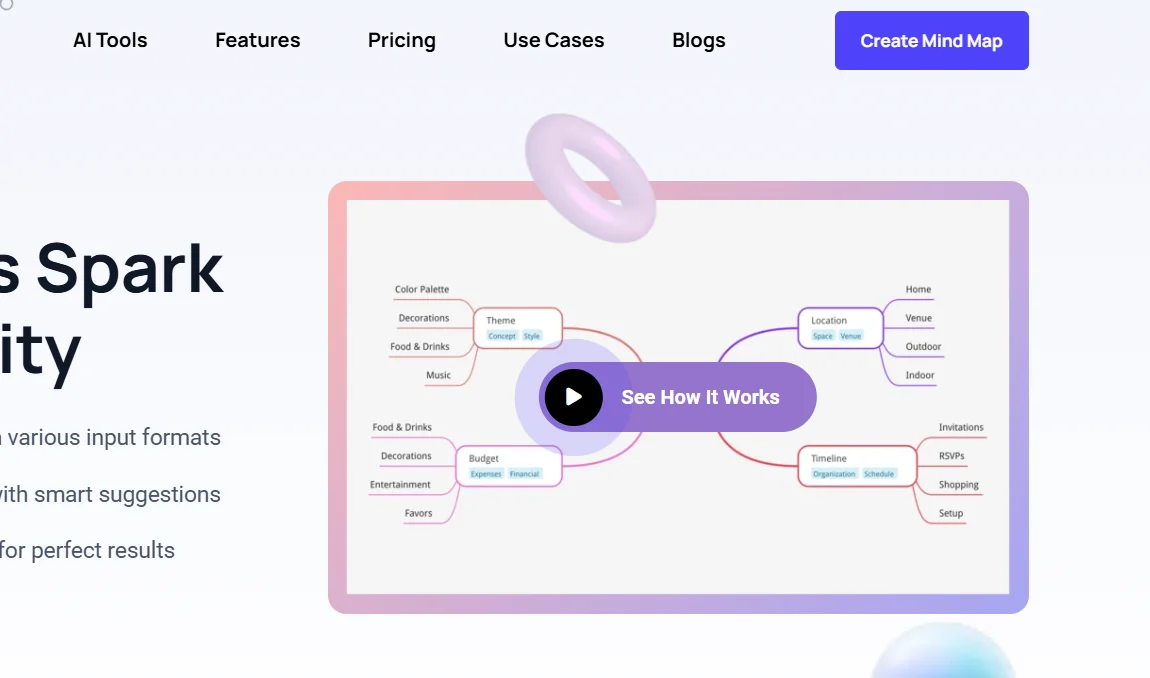
The MindMap AI platform offers a smart visual thinking assistant that generates mind maps in an organized way that mimics real thinking instead of random branches. The tool uses a step-by-step thinking mode that understands context and hierarchical relationships before creating the map to ensure accuracy from the first attempt. It allows you to convert various types of content such as text, PDF files, images, audio, video, Markdown, and CSV files into organized mind maps in seconds, supporting more than twenty-five languages without compromising structure or meaning. It also provides a collaborative editing system that allows manual or joint work with artificial intelligence without the system overwriting the user's edits or changing their formatting, as well as the ability to efficiently process large documents and navigate between three display modes, including mind map, organizational chart, and logical diagram, while maintaining structural consistency. The tool offers full customization of colors, fonts, and shapes, and the addition of actionable elements such as task priority and due dates, as well as ready-to-use aesthetic templates. It emphasizes data protection and does not sell or use data to train general AI models, making it suitable for students, researchers, entrepreneurs, and work teams who need to organize ideas and transform mental chaos into a clear, actionable structure.
What does it actually offer based on user experience? ⭐
The platform provides a visual thinking experience that mimics human logic through organized and accurate mind maps without clutter, with strong support for converting multiple types of content into maps in seconds. The beta version and users point to the ease of creating and editing multi-style mind maps, as well as seamless collaboration between humans and artificial intelligence without forced interference in user edits, the ability to customize visual elements, and export work in different formats while maintaining a clear and coordinated structure.
Does it include automation? 🤖
Yes, the tool includes automation in generating mind maps from multiple content sources automatically based on understanding context and relationships. It also supports automation in analyzing and organizing ideas and converting them into visual structures without significant manual intervention.
Pricing model: 💰
The MindMap AI platform is available with a pricing model that includes a basic free plan and three paid plans for individuals and teams with monthly, annual, or lifetime payment options. It also offers a promotional offer that includes 20,000 additional AI credits worth $20, added directly at checkout, with a 50% discount on the annual subscription.
🆓 Free plan details:
The free plan is for new users and gives 50 free credits per month without the need for a credit card. It allows up to ten projects with the ability to use advanced thinking mode and unlimited manual editing, and supports map creation in more than 25 languages with multiple display styles. The plan includes the ability to export maps in PNG and PDF formats and share maps via public links, with community support.
Paid plan details: 💳
Basic plan: Available for $4.99 per month when billed annually after discount, it offers unlimited projects and 2,000 AI credits per month. An additional 2,000 credits can be purchased for $4.99. This plan includes support for summarizing text, images, PDFs, audio, and video of specific sizes, private sharing via email, exporting to advanced formats such as SVG, HTML, CSV, and Markdown, and basic email support.
Pro Plan: More popular and offered at $7.99 per month when paying annually after discount, it includes 5,000 AI credits per month with 20,000 extra credits as part of the promotional offer. An additional 5,000 credits can be purchased for $4.99. This plan supports larger file summaries of up to 150 MB for video, and provides priority access to new features, professional export capabilities, and priority email support.
There are other lifetime payment plans for teams and organizations that include additional benefits depending on usage volume and professional export needs, with prices varying based on the number of users, license duration, and security and collaboration features.
How to access the tool: 🧭
The MindMap AI platform can be accessed via a web browser through the official website dedicated to registration and login to the user's control panel.
Trial link or official website: 🔗
https://mindmapai.app/pricing