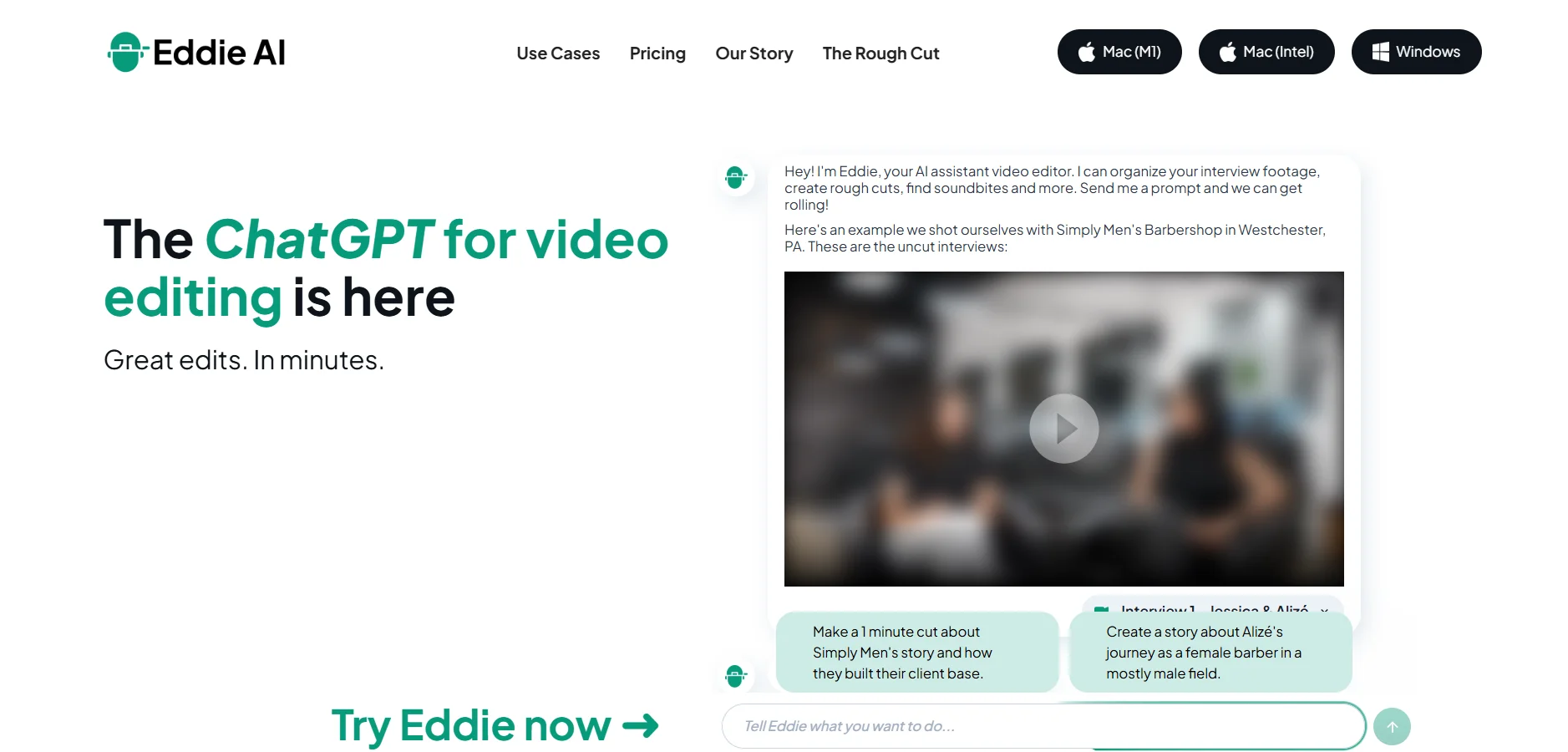
Description
️ 🖼Tool name: Eddie AI
🔖 Tool Category: Video, Montage & Motion, Video Summarization & Excerpts, Text to Audio/Audio to Text, Video & Script Ideas, Productivity & Scheduling
️ ✏What does this tool offer?
Eddie AI is an AI assistant for video editors that aims to minimize long hours of work sorting through raw footage. The tool analyzes video, extracts transcripts, and automatically organizes footage to create a Rough Cut in minutes. The user can edit the text to re-edit the video, intelligently select the best shots and link them to B-roll, and transfer the project for completion in professional editing software.
⭐ What does it actually offer based on user experience?
Eddie AI offers a real-time solution to the "dead start" issue in editing, providing a ready-made video structure based on story and dialog. Podcasters and creative agencies use it to reduce the time spent on routine editing tasks, with direct export to programs like Premiere Pro to add artistic touches without starting from scratch.
🤖 Does it include automation?
Yes, automation is included:
Automatically analyzing and organizing footage
Creating timeline sequences based on the script
Suggesting contextually appropriate annotation shots
Synchronizing footage for multi-camera editing
💰 Pricing model:
Based on monthly or annual subscriptions that vary depending on the number of exports and the size of the projects
🆓 F ree plan details:
Import videos and try out smart editing tools
Export videos in MP4 format with a watermark (Logo)
A monthly export limit to test the workflow
💳 Paid plan details:
Plus (~$21/month): Limited number of exports (~5-60 per year), support for larger projects
Pro (~$167/month): Pro-oriented, more exports (~240 per year), support for large files
Pro+ (~333$/month): For teams and large productions, includes 3 team seats, higher processing speeds, and very advanced AI models
🧭 How to access the tool:
Works via browser directly from the official website, with the ability to export projects and integrations to desktop editing programs
🔗 Link to the demo or official website: https://heyeddie.ai