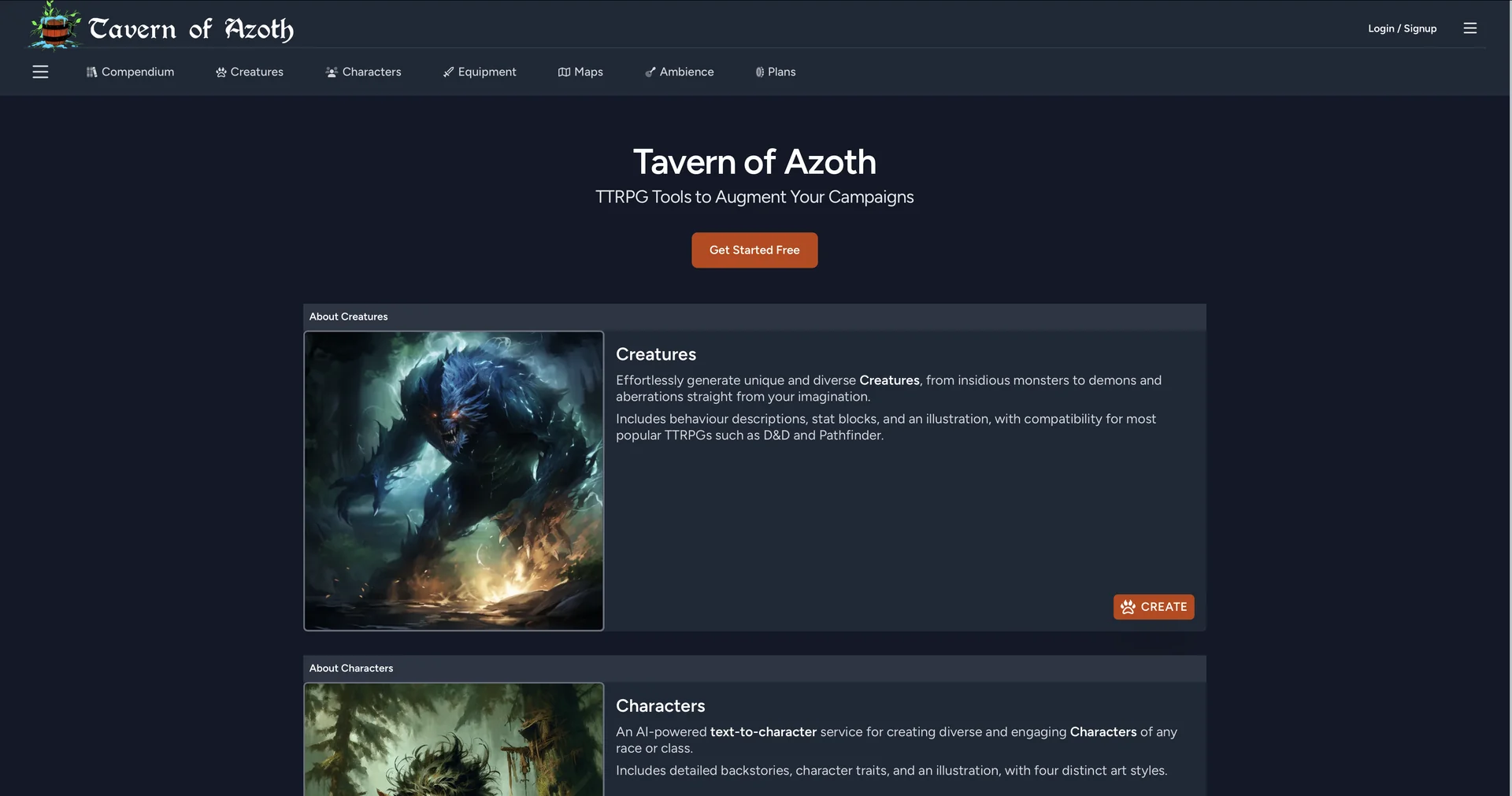
Tavern of Azoth
New this week
An AI-powered tabletop RPG toolkit and companion platform that helps Dungeon Masters and players generate unique creatures, characters, items, maps, and ambience for campaigns.
1,112 tools
New this week
An AI-powered tabletop RPG toolkit and companion platform that helps Dungeon Masters and players generate unique creatures, characters, items, maps, and ambience for campaigns.
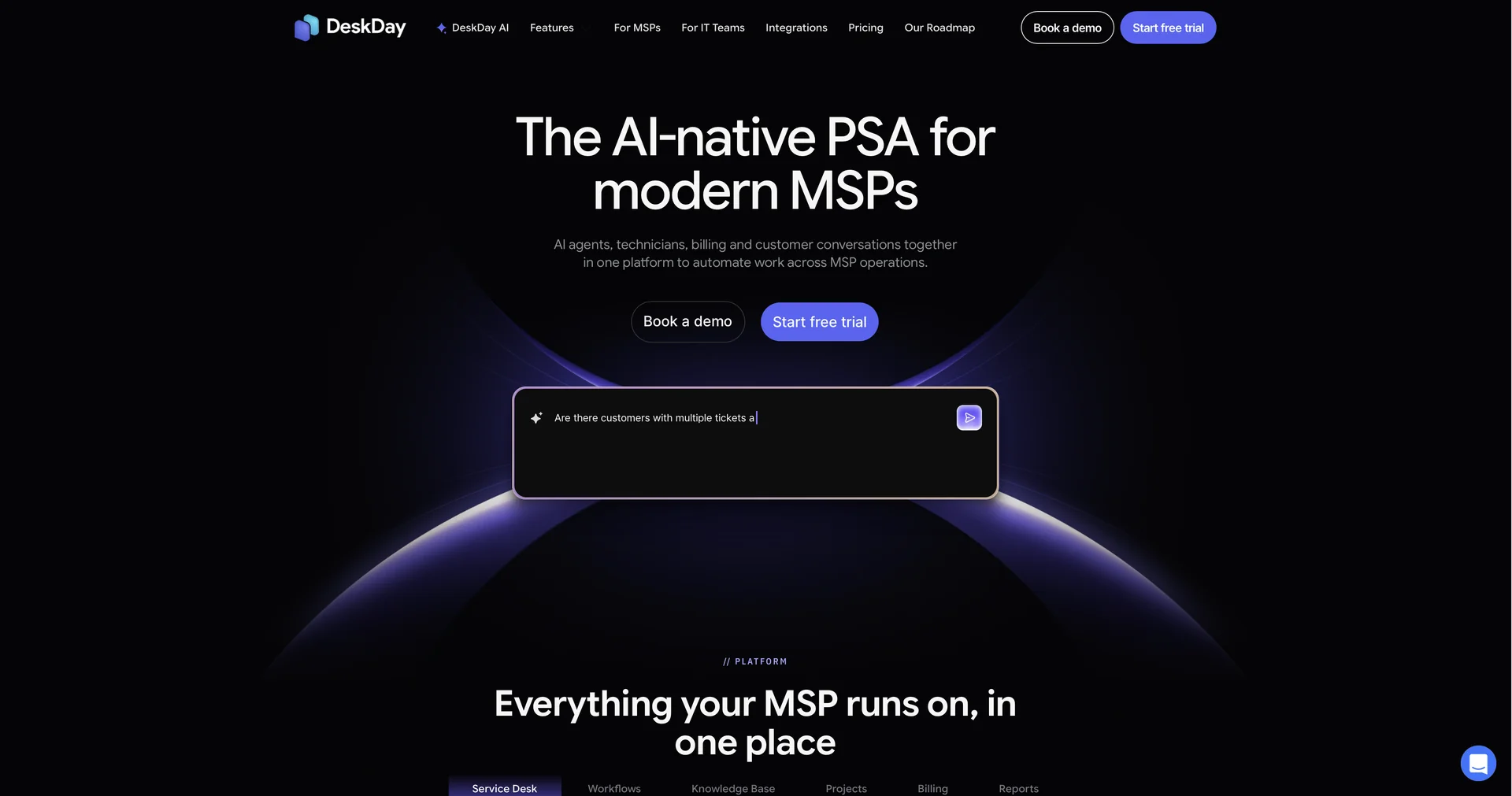
New this week
An AI-native professional services automation (PSA) and IT helpdesk platform designed for managed service providers and internal tech teams to unify ticketing, automation, and billing.
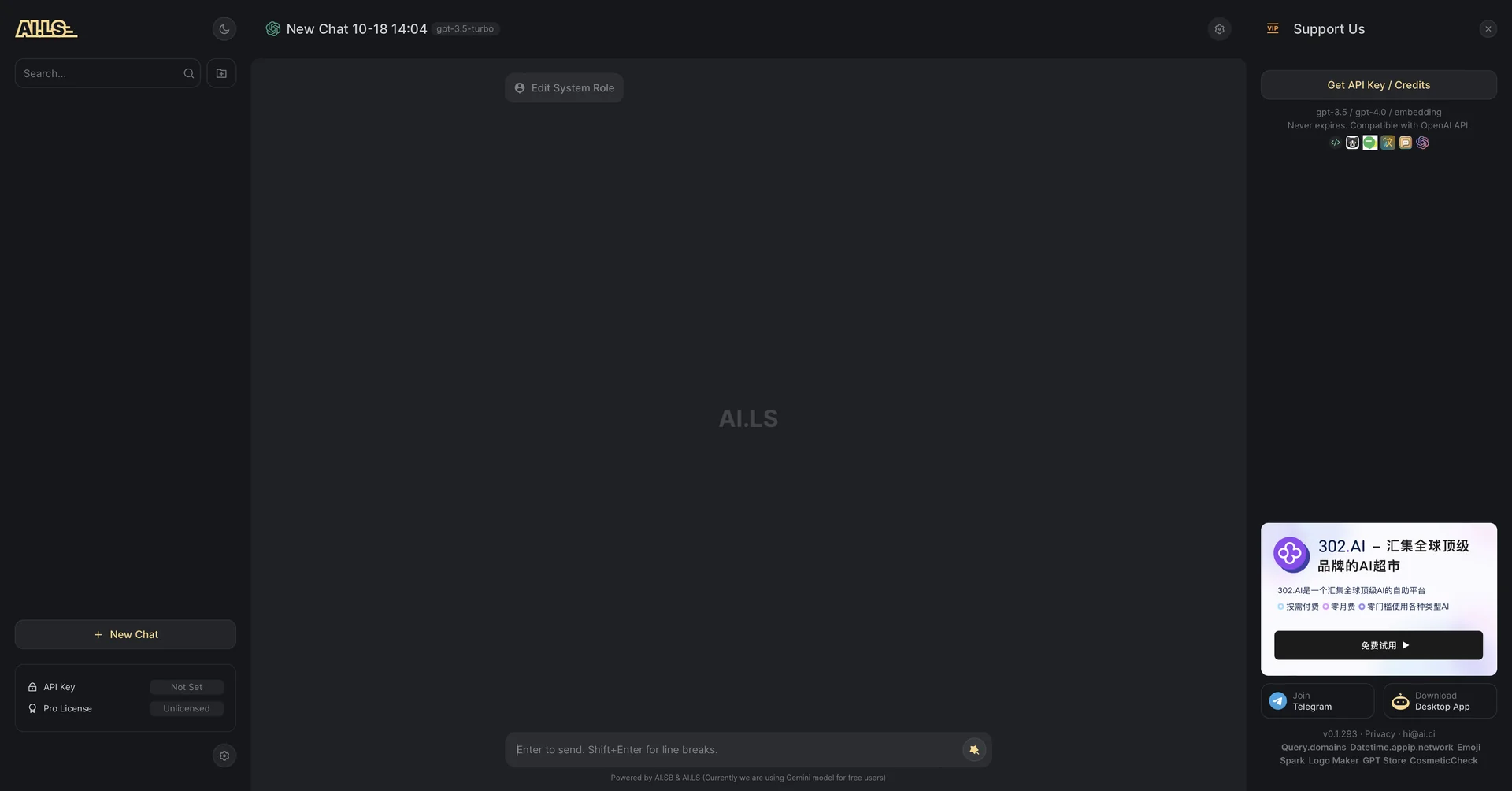
New this week
A lightning-fast web chat interface and OpenAI-compatible API provider that gives instant access to multiple LLMs and Gemini models without mandatory login.
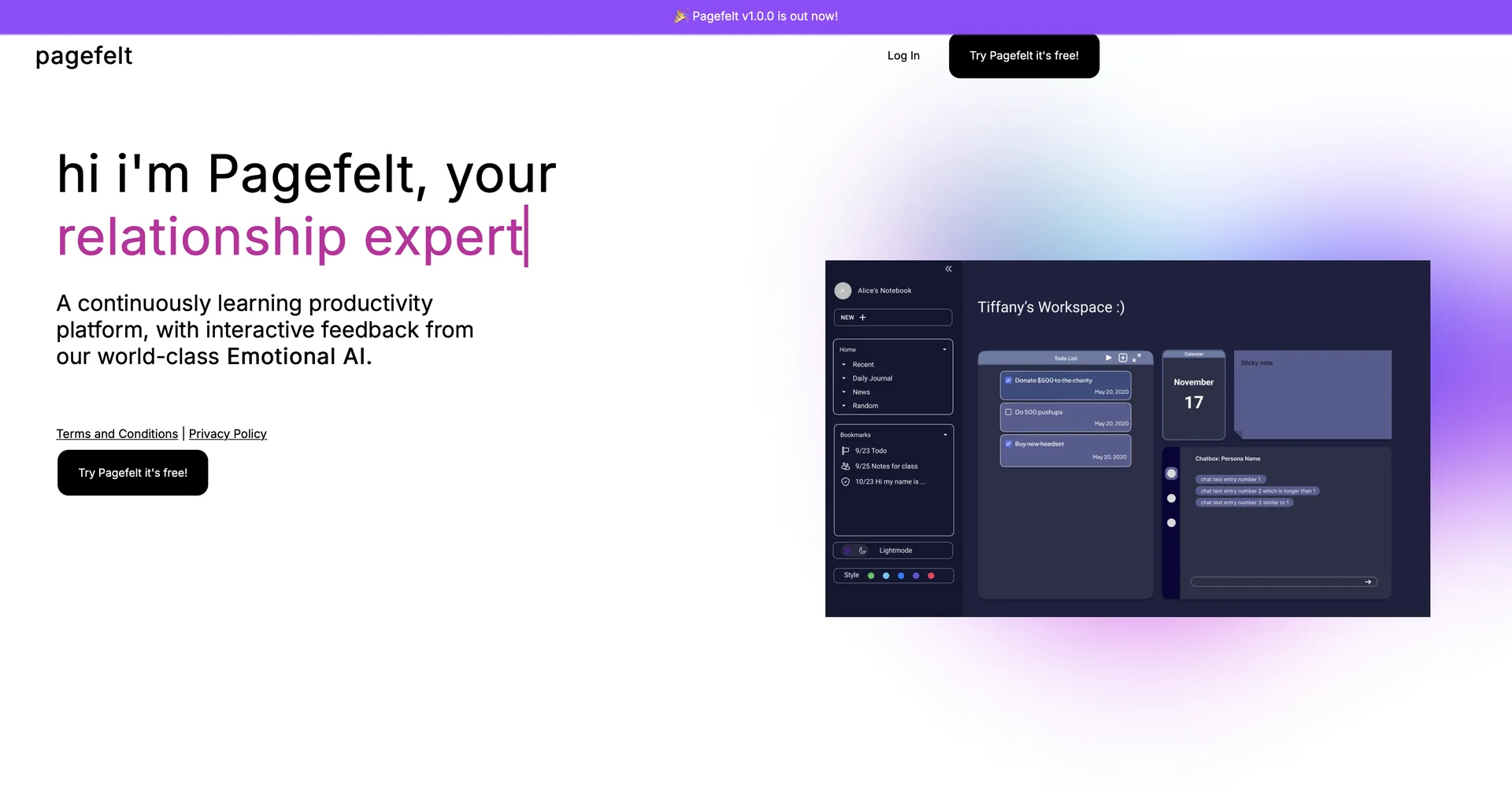
New this week
An AI-powered smart journal and self-reflection app that provides personalized insights, mood tracking, and constructive feedback based on daily written entries.
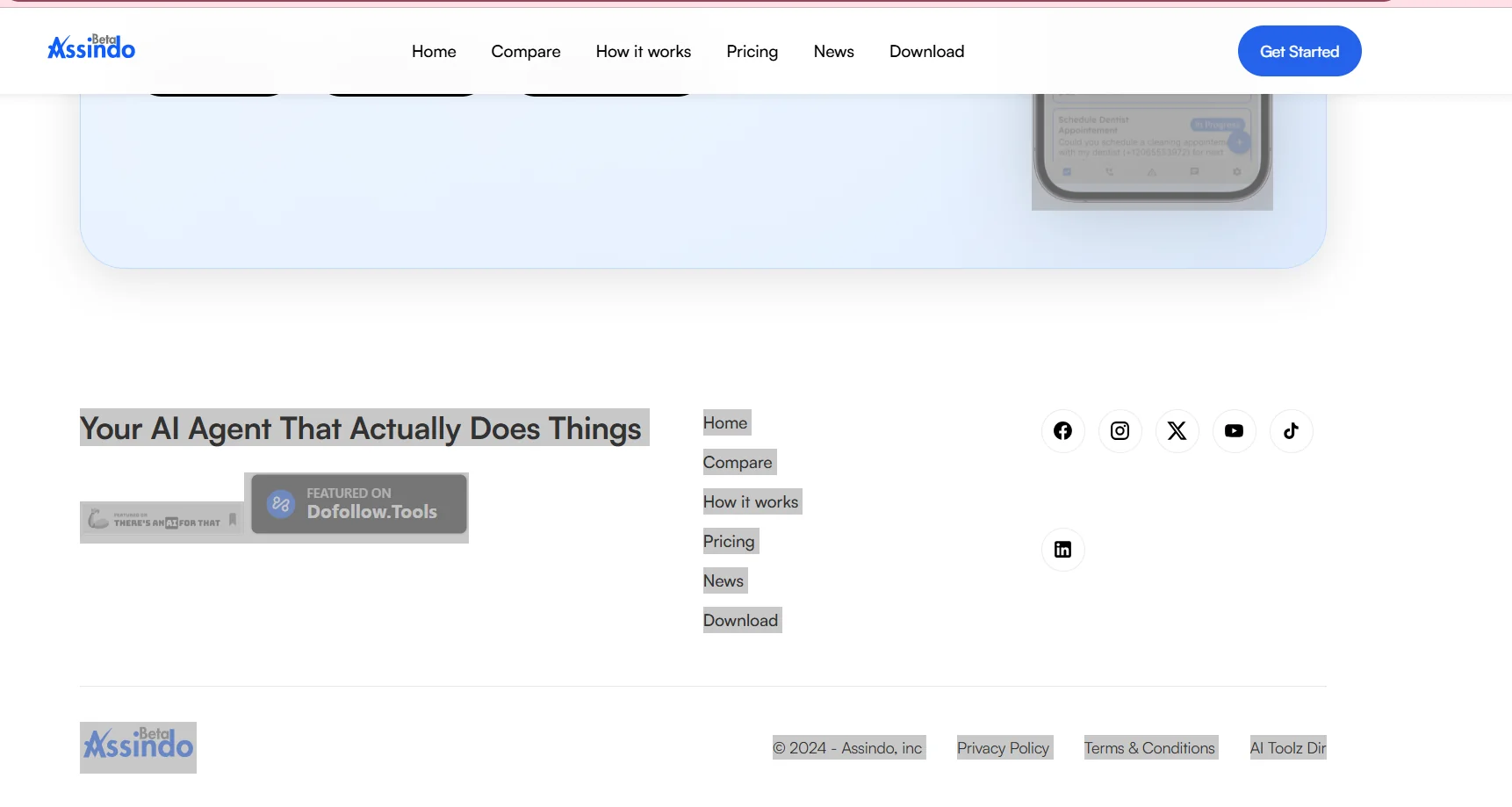
Assindo is a personal AI agent designed to actually perform tasks on behalf of the user, rather than simply providing answers or suggestions. It can make and receive phone calls, search the web and gather information, post on social media, schedule and execute tasks, find and contact local businesses, and handle multi-step tasks independently. It can be used via mobile apps or a web browser, without the need to set up servers, install Docker, use the command line, or manage API keys and infrastructure.
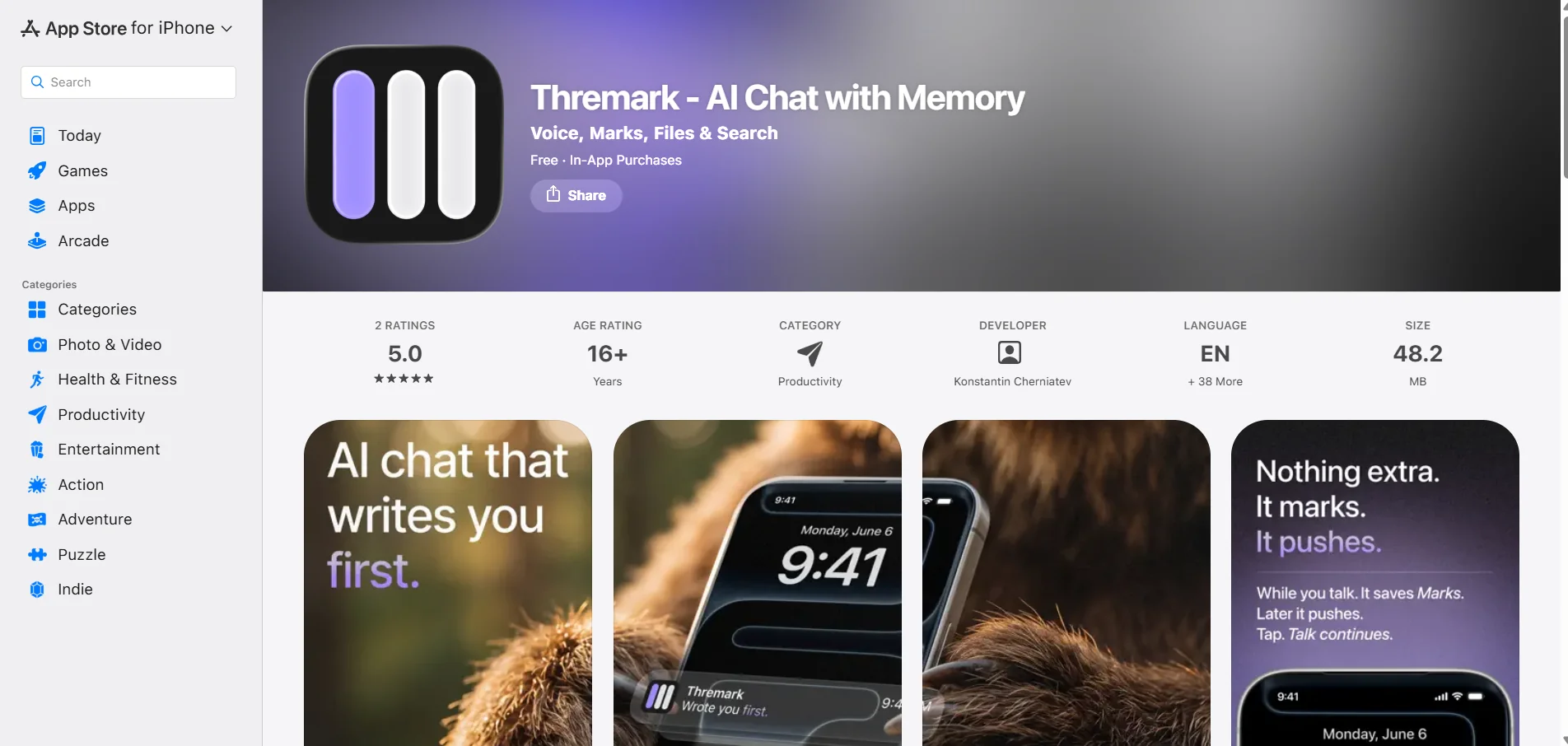
Thremark is an AI-powered chat app focused on memory and personal context, allowing users to interact with models such as GPT, Claude, and Gemini through a single interface, with the ability to use voice, image generation, web search, and file handling. The app works without the need to manually select a model; the app description explains that the appropriate model is automatically activated based on the task.
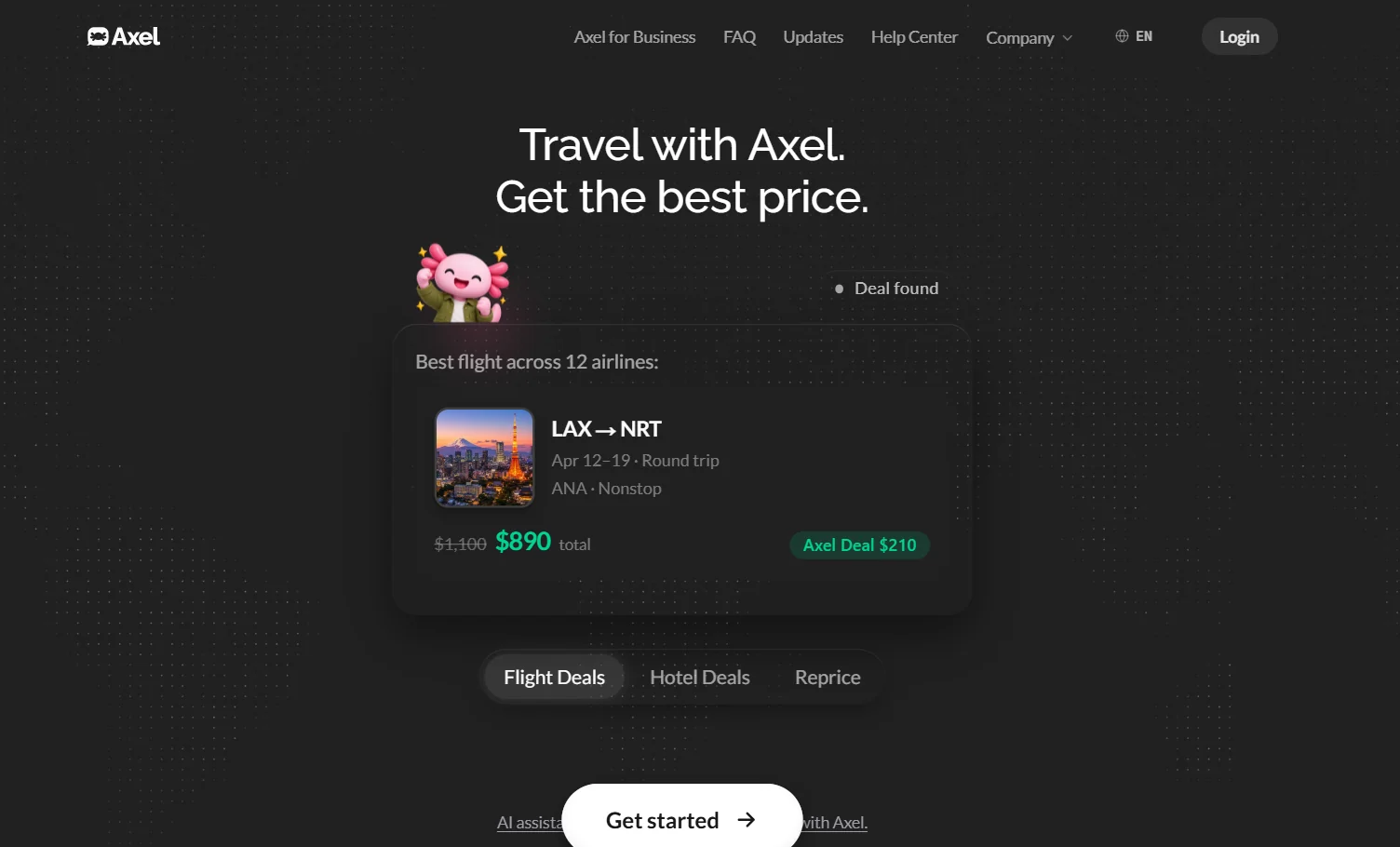
Axel is an AI-powered travel agent that helps users search for flights and hotels, compare prices, and book the best options based on their preferences. Users can describe their trip in natural language, and Axel then compares options across airlines, fare classes, dates, and routes. It also has access to special fares that aren’t always available on public booking sites. After selecting a trip, the booking is not finalized until the user confirms it. Axel also continues to monitor prices after booking to find eligible savings opportunities, including repricing flights when airline rules allow it.
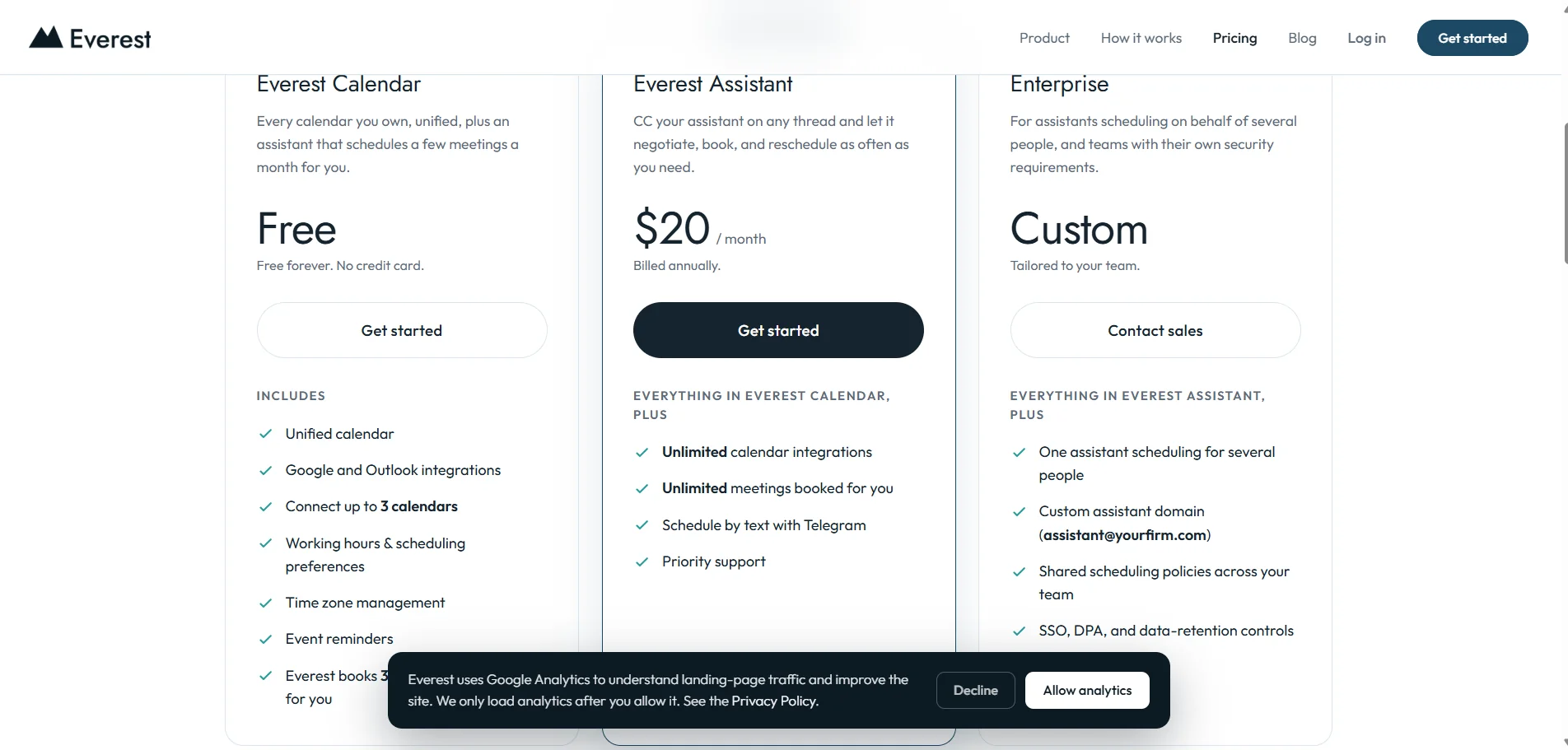
Everest offers a smart calendar and meeting scheduling assistant that synchronizes connected calendars and manages the entire meeting scheduling process—from suggesting suitable times and negotiating via email to booking the appointment in the correct calendar. You can connect Google and Microsoft/Outlook calendars, then add Everest’s email address to an email thread so it can suggest times, handle the back-and-forth correspondence, and book the meeting. It can also reschedule and follow up if no response is received.
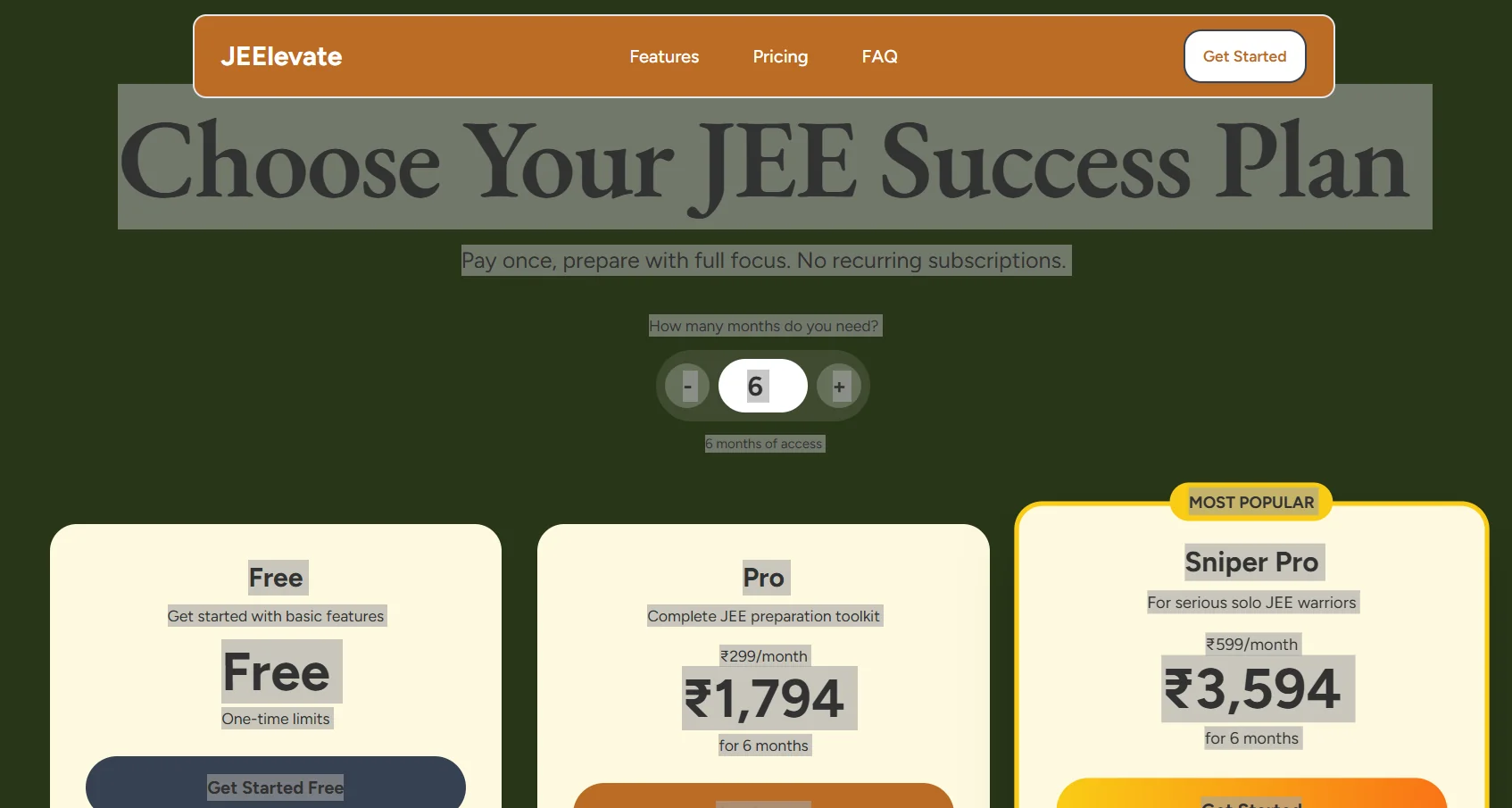
JEElevate offers an AI-powered learning platform designed to help students prepare for the JEE Main and JEE Advanced exams, combining personalized study plans, instant question-answering, practice tests, performance analytics, and a question bank. The platform uses the student’s level, available time, and target score to create personalized weekly study plans, with intelligent topic sequencing and adjustments based on progress and performance. It also provides a complete JEE curriculum for free, with the option to request curriculum updates.
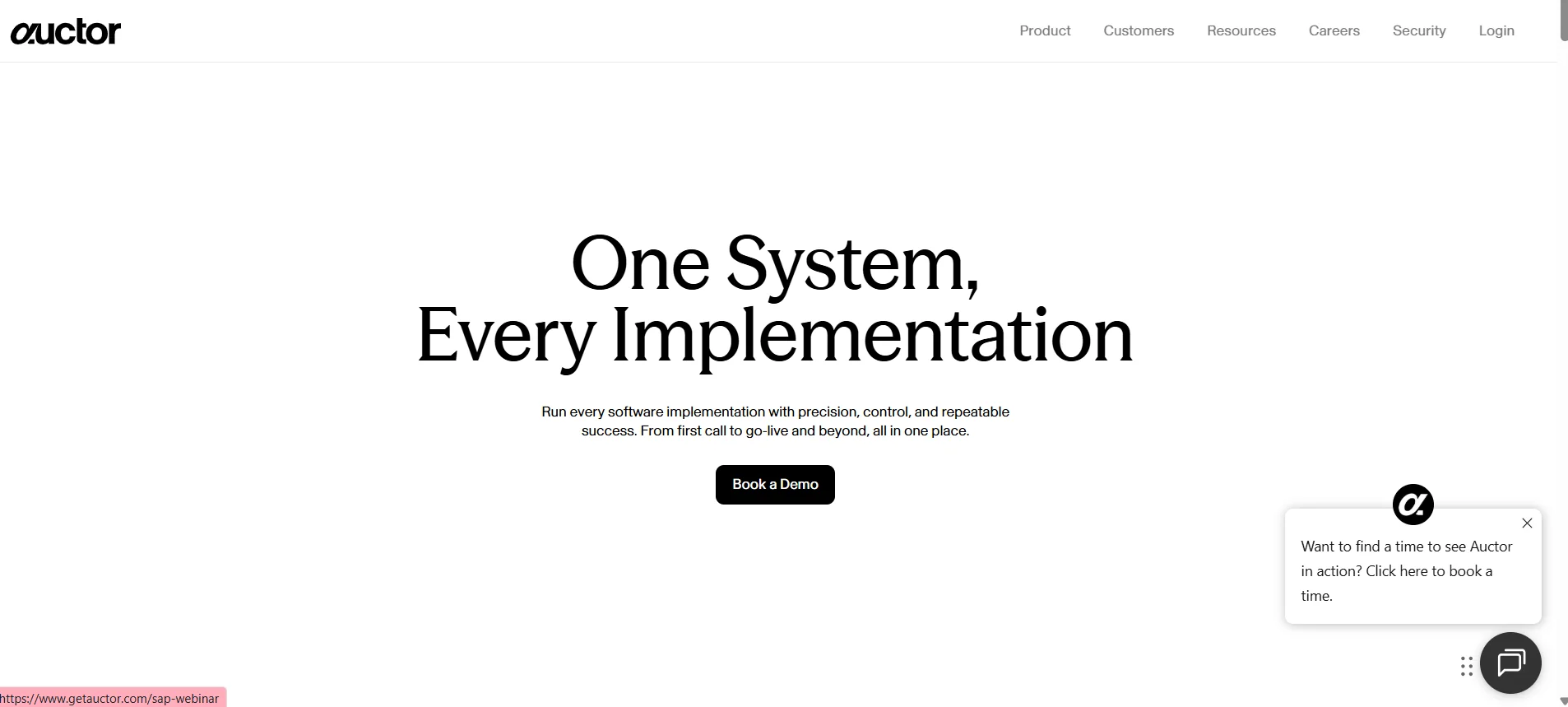
Auctor offers an AI-powered system for managing the entire software implementation lifecycle, from the pre-sales phase—including calls and meetings—through implementation, delivery, and post-launch. The tool aggregates the context of meetings, messages, documents, decisions, and diagrams, then transforms this information into organized, actionable outputs while preserving the context and decision history. It also helps create deliverables and documents, track requirements, prepare scopes of work, designs, and proposals, streamline handoffs between pre-sales and implementation teams, and identify scope changes during the project. Auctor integrates with tools such as Google Meet, Confluence, Slack, Microsoft Teams, Outlook, Google Calendar, Jira, Google Drive, OneDrive/SharePoint, Linear, HubSpot, Salesforce, Gong, Rally, Certinia, Zoom, and Azure DevOps, as well as model providers Anthropic, OpenAI, and Google, and MCP connectors.
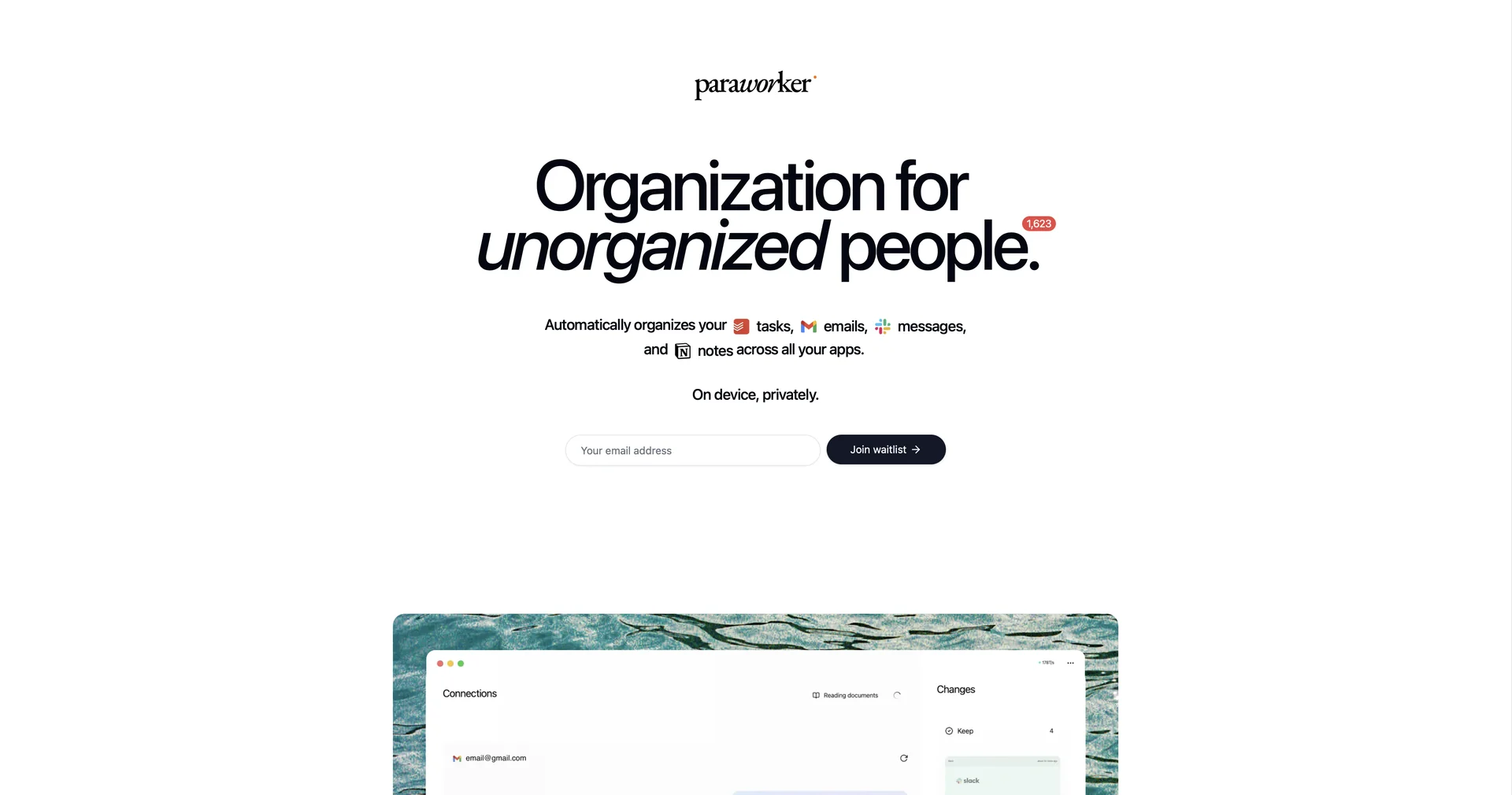
Turn spontaneous thoughts into actionable tasks.
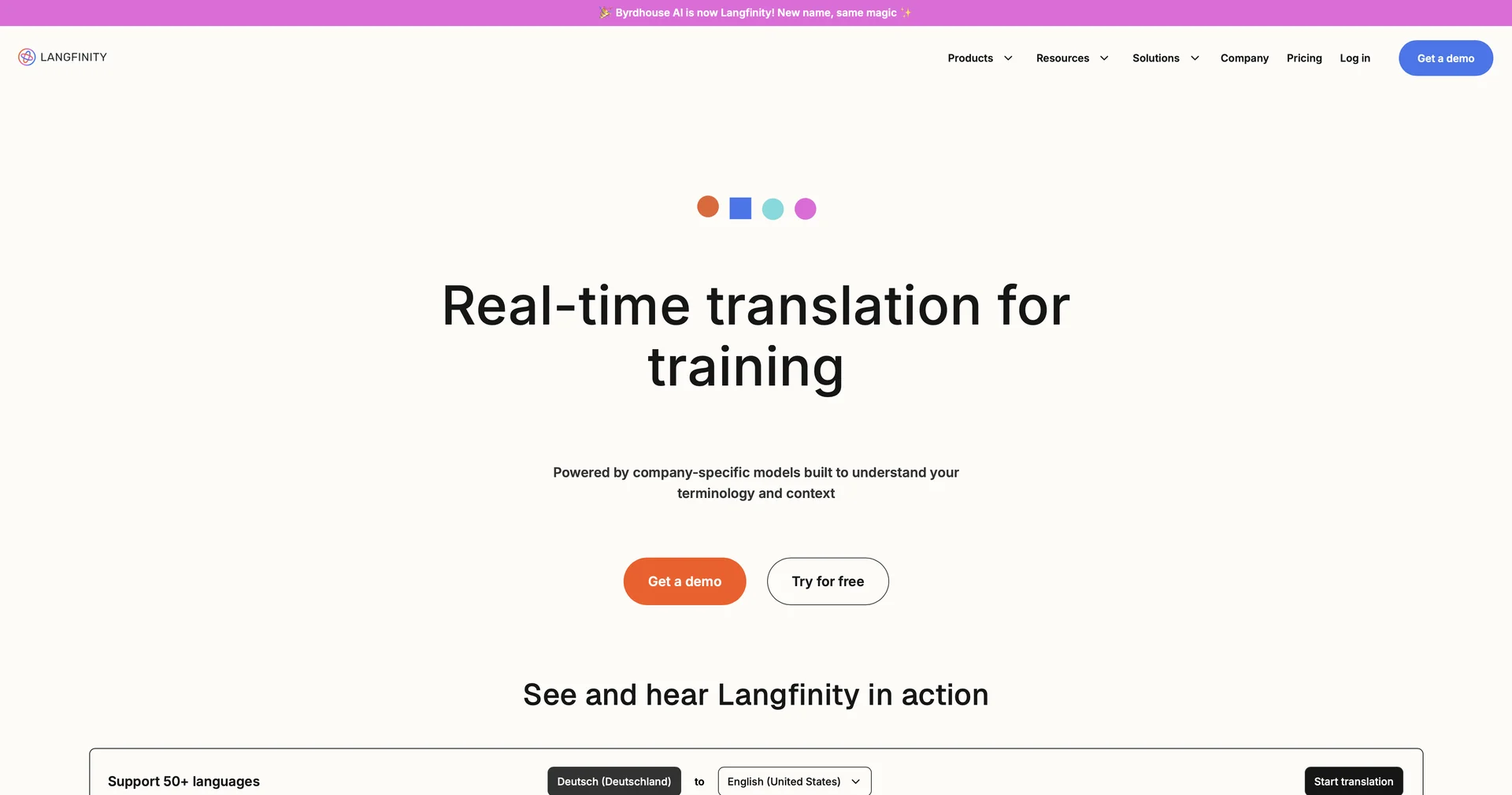
Connect globally with AI-powered real-time translation
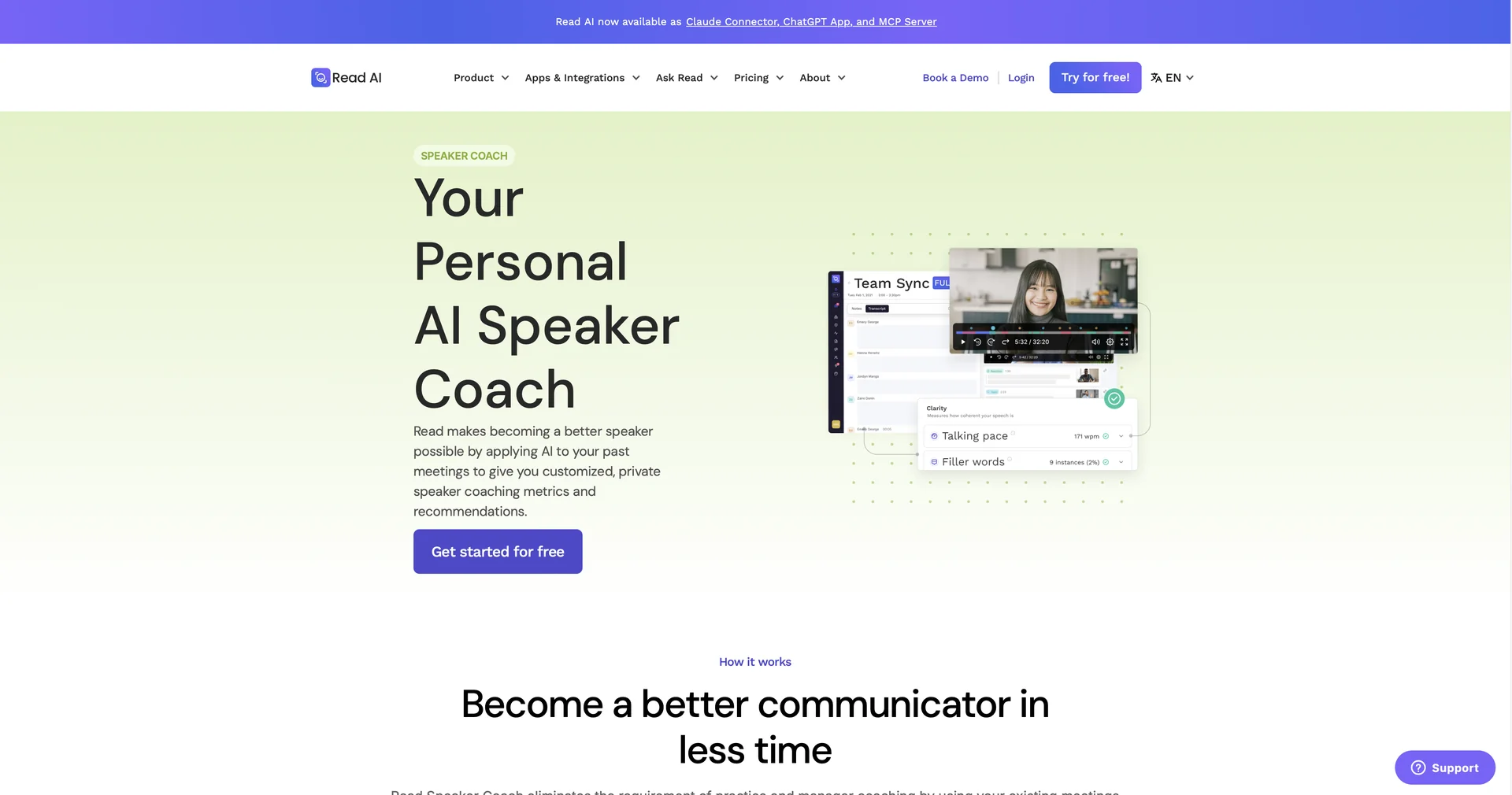
AI-powered speaker coaching for better presentations
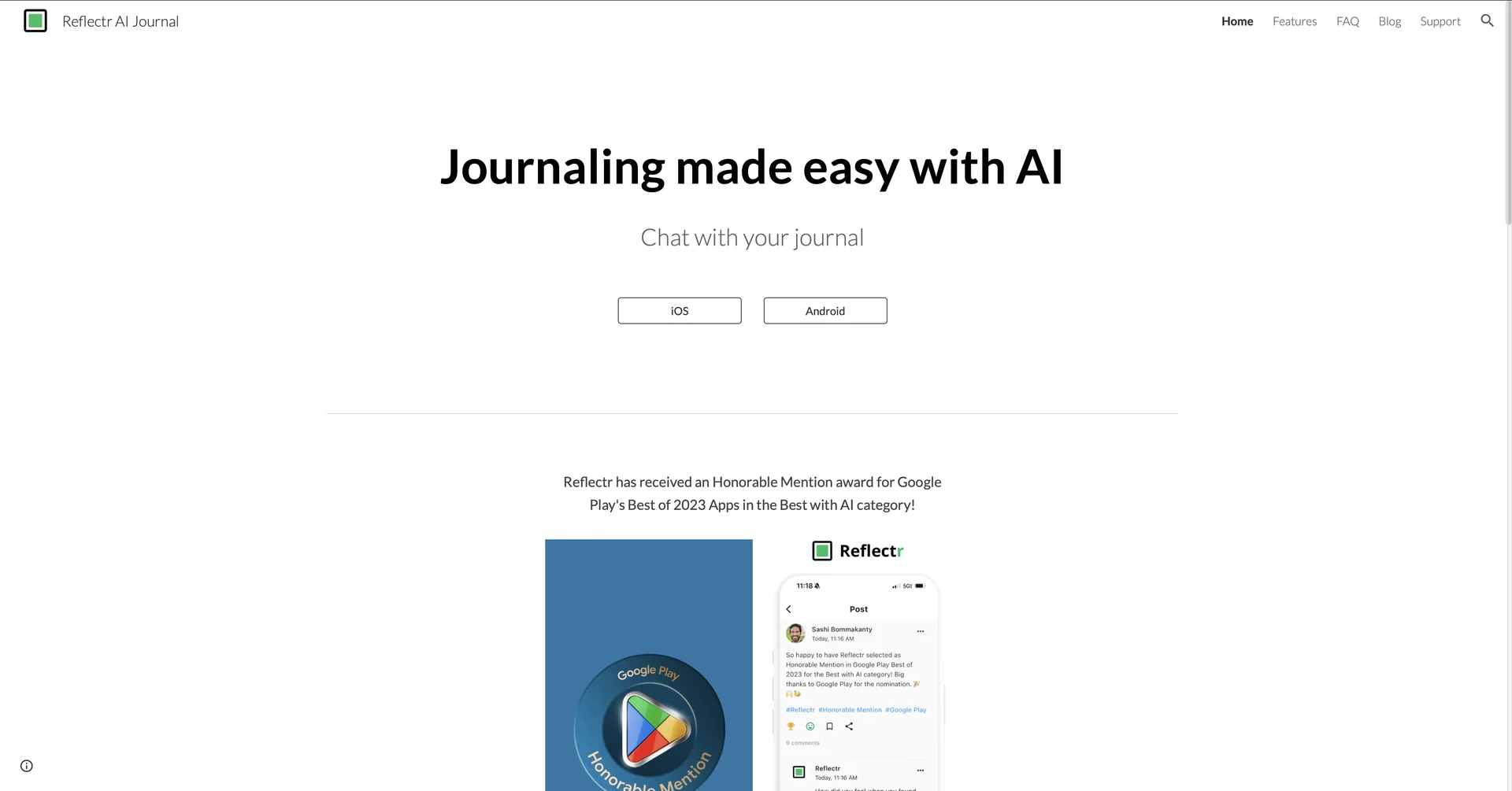
AI-powered notebook for decluttering your mind
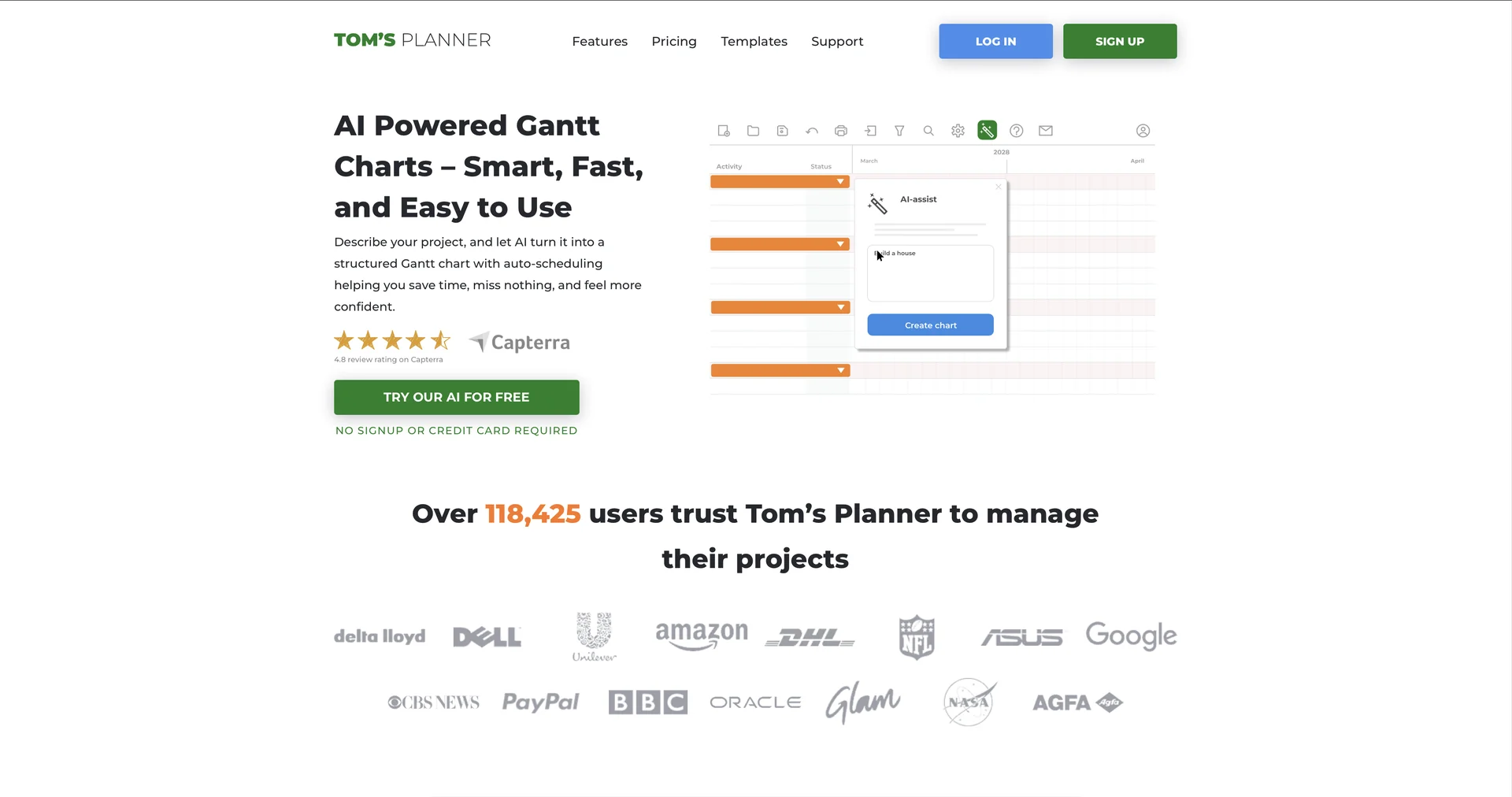
AI-powered Gantt charts in minutes.

Peeta is an AI-powered daily assistance platform designed to organize daily and family life by gathering important information from conversations, emails, and calendars and turning it into actionable steps, tasks, and events. The platform works with WhatsApp, messages, email, and voice memos, as well as photos, PDFs, screenshots, and documents, so that information from various communication channels is consolidated in one place.
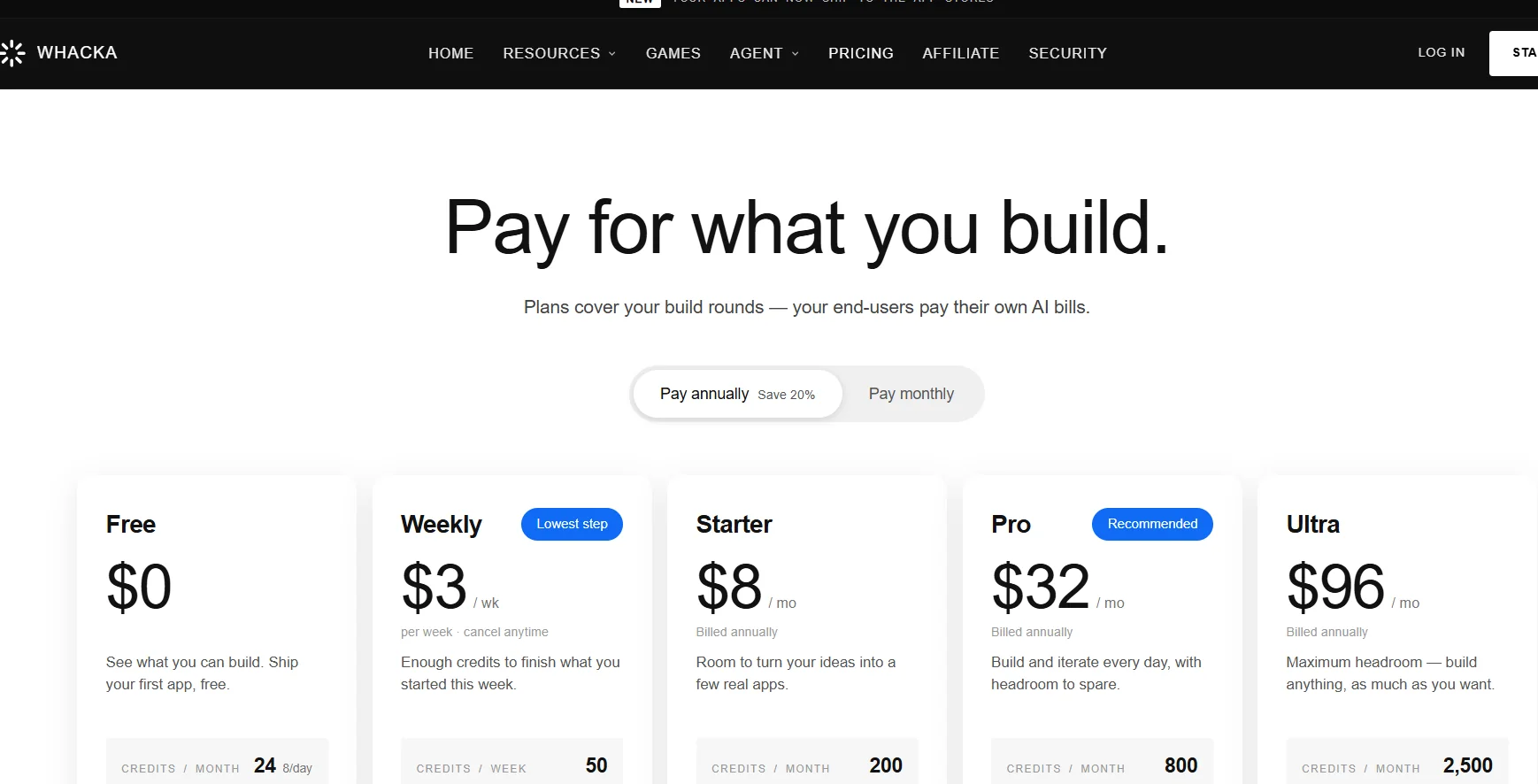
Whacka provides a platform for building real applications without the need to write code; users can describe their app idea or the changes they want in natural language, and the platform handles the creation of the interface, data, logic, and a usable app, with the ability to see the result immediately through a conversation-based building process. The platform explains that an app can be up and running in minutes, without requiring any prior programming knowledge or a development team.
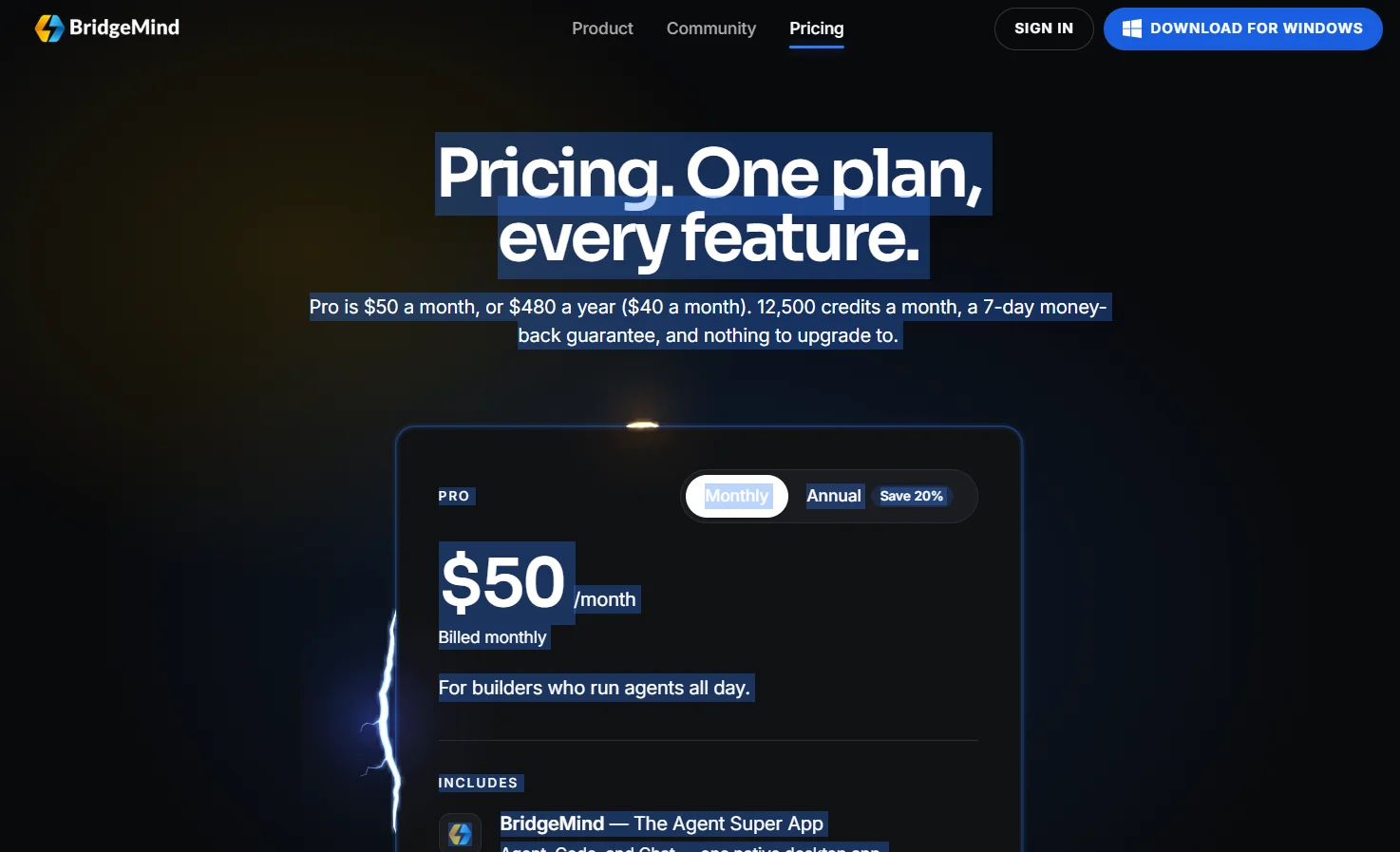
BridgeMind offers a unified app under the concept of “The Agent Super App,” which combines AI agents that can be operated according to schedules and routines, a dedicated workspace for Vibe Coding, and a standalone mode for conversing with AI. The app combines Agent, Code, and Chat modes into a single desktop interface.
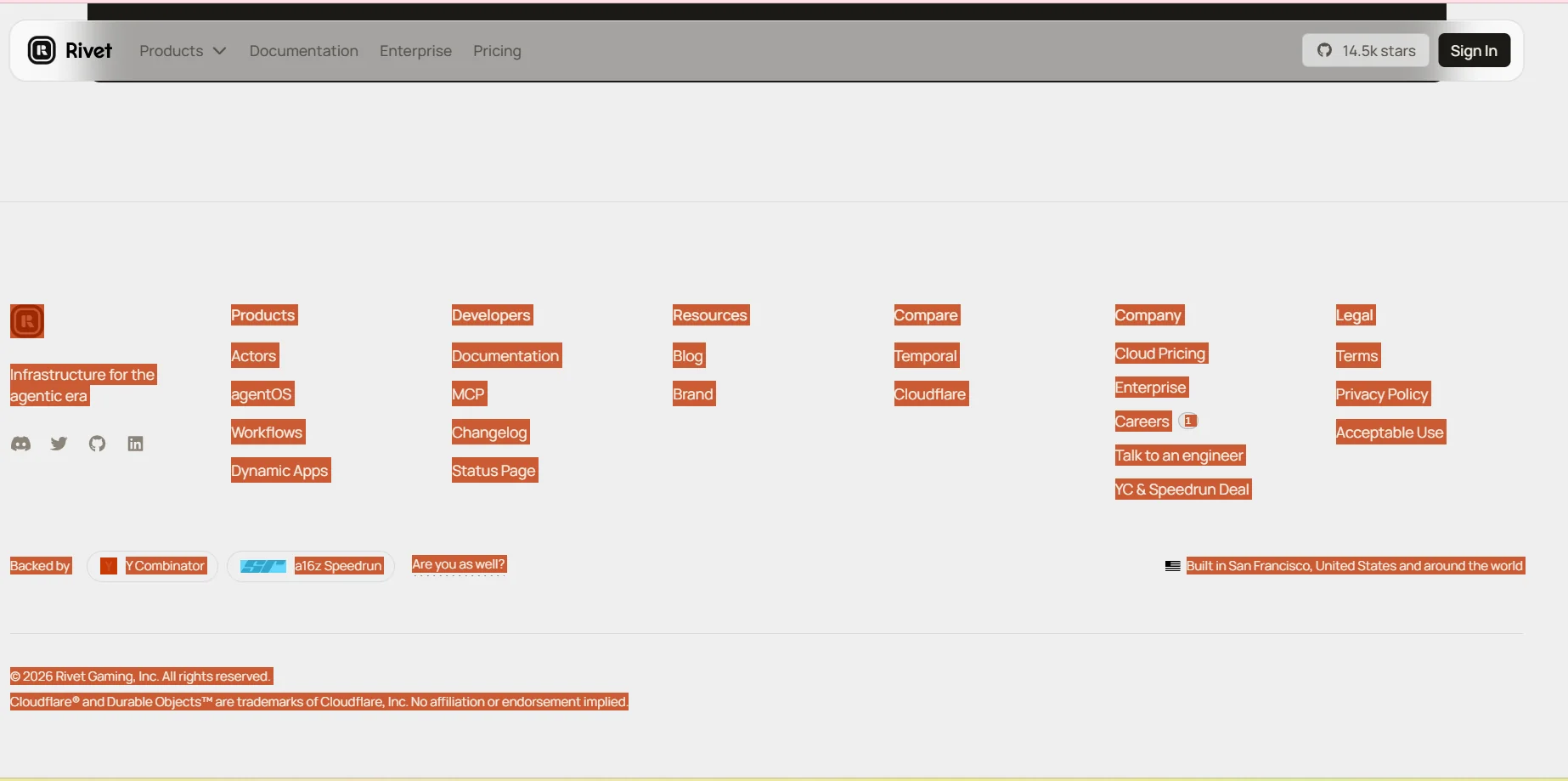
Rivet provides a comprehensive infrastructure for the age of agents, designed to coordinate AI agents, run their environments, automate their tasks, and deploy the applications they build. The platform consists of four core layers: Actors, which provide robust and persistent operations for agents; agentOS, which provides an isolated computing environment for each agent; Workflows, which enable the creation of multi-step processes that can be resumed after failures and restarted; and Dynamic Apps, which deploy the applications created by the agents.

Supernormal is an AI-powered platform that transforms meetings and conversations into organized notes and actionable insights that can be used directly in the workplace.
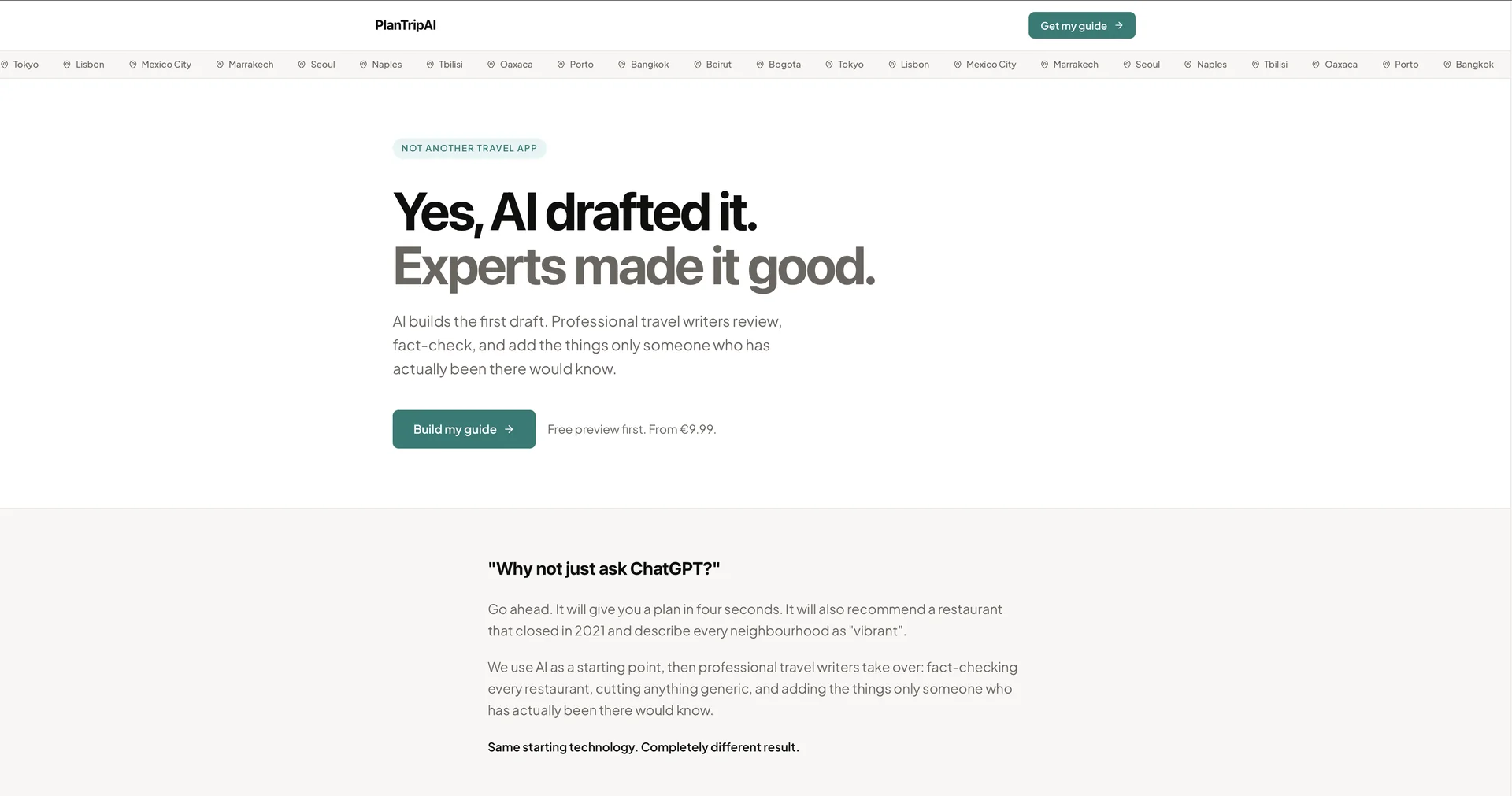
AI creates personalized travel itineraries in seconds.
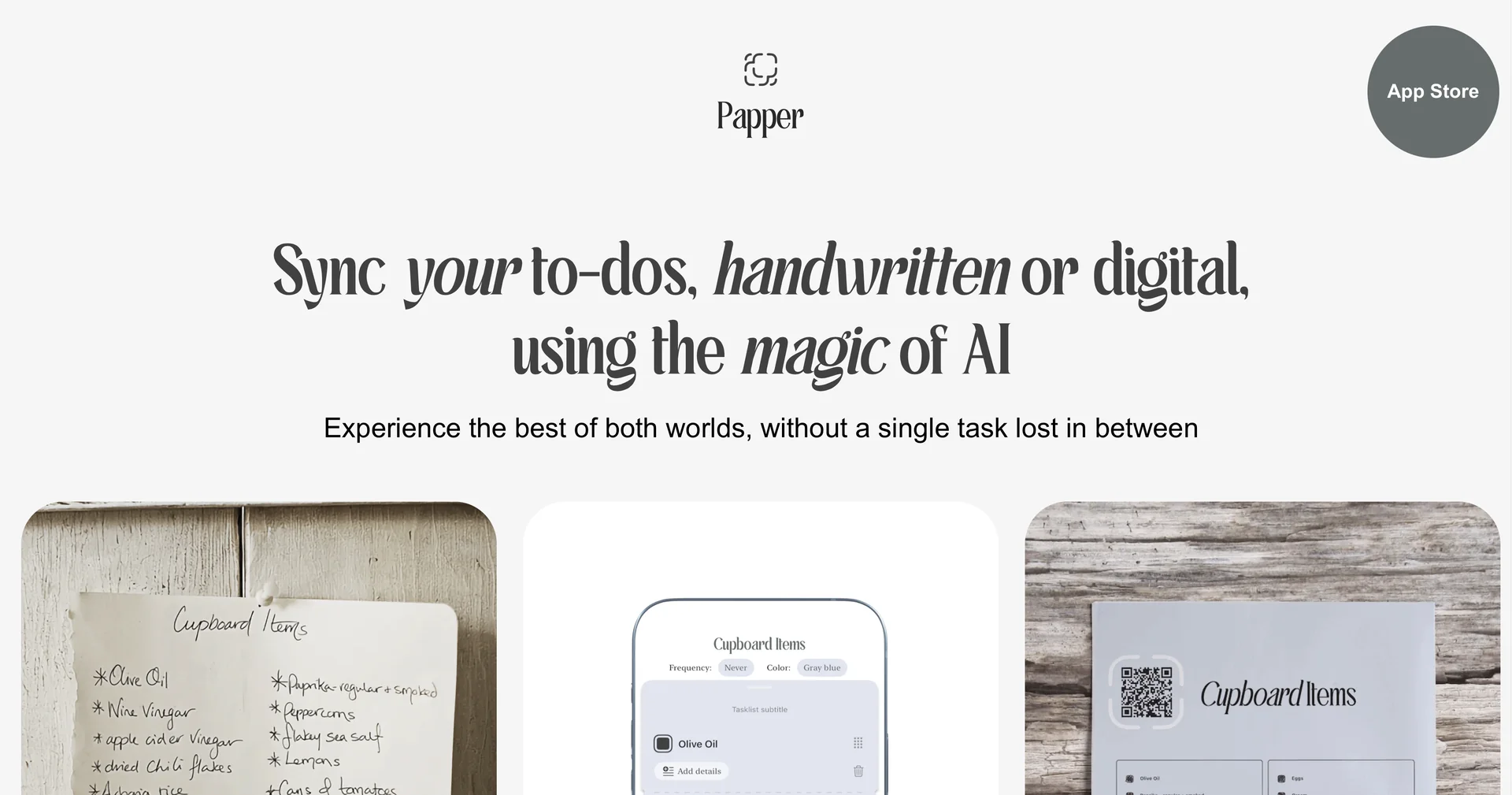
Sync handwritten and digital to-dos with AI magic
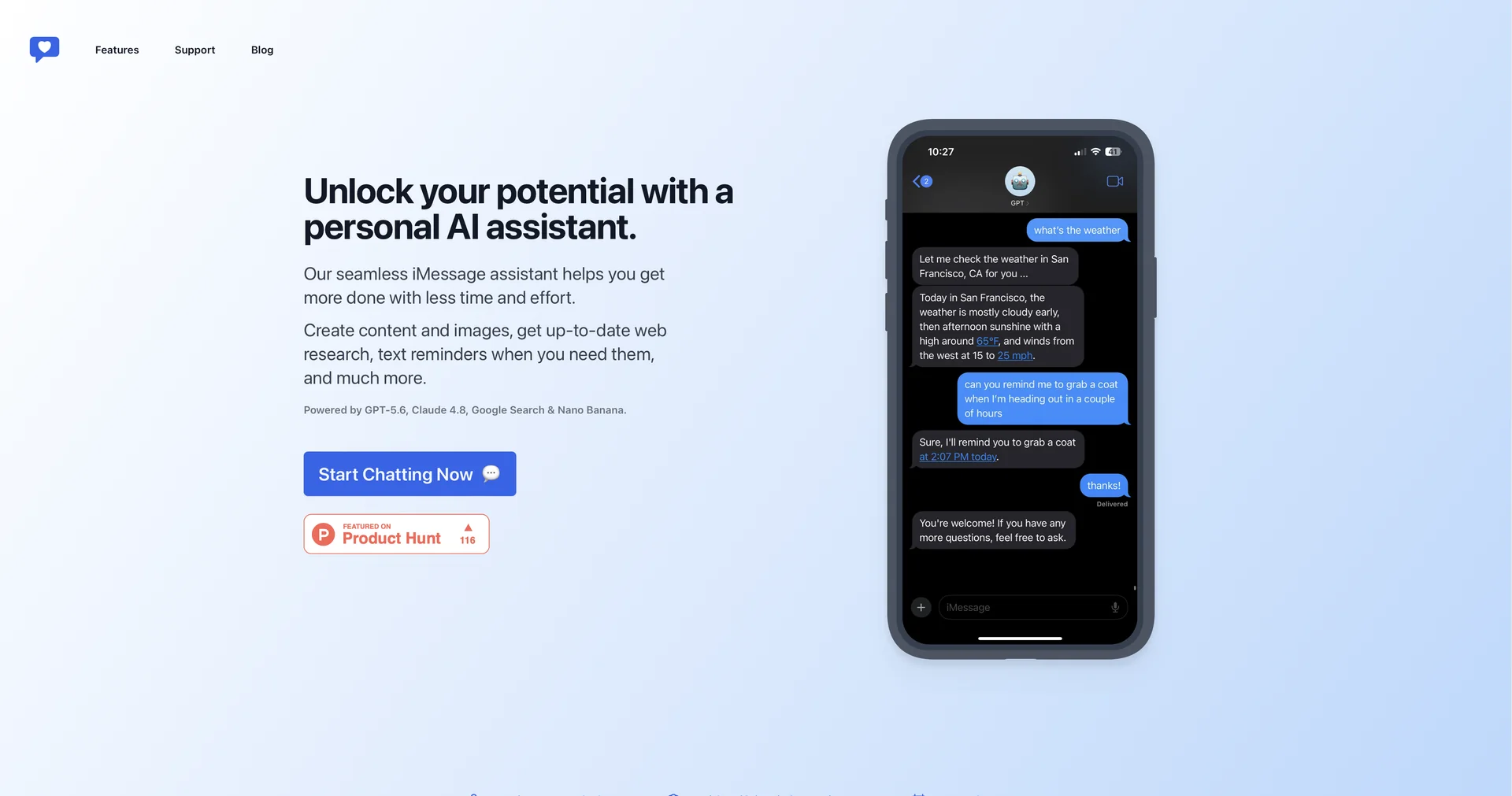
Your personal AI assistant in iMessage
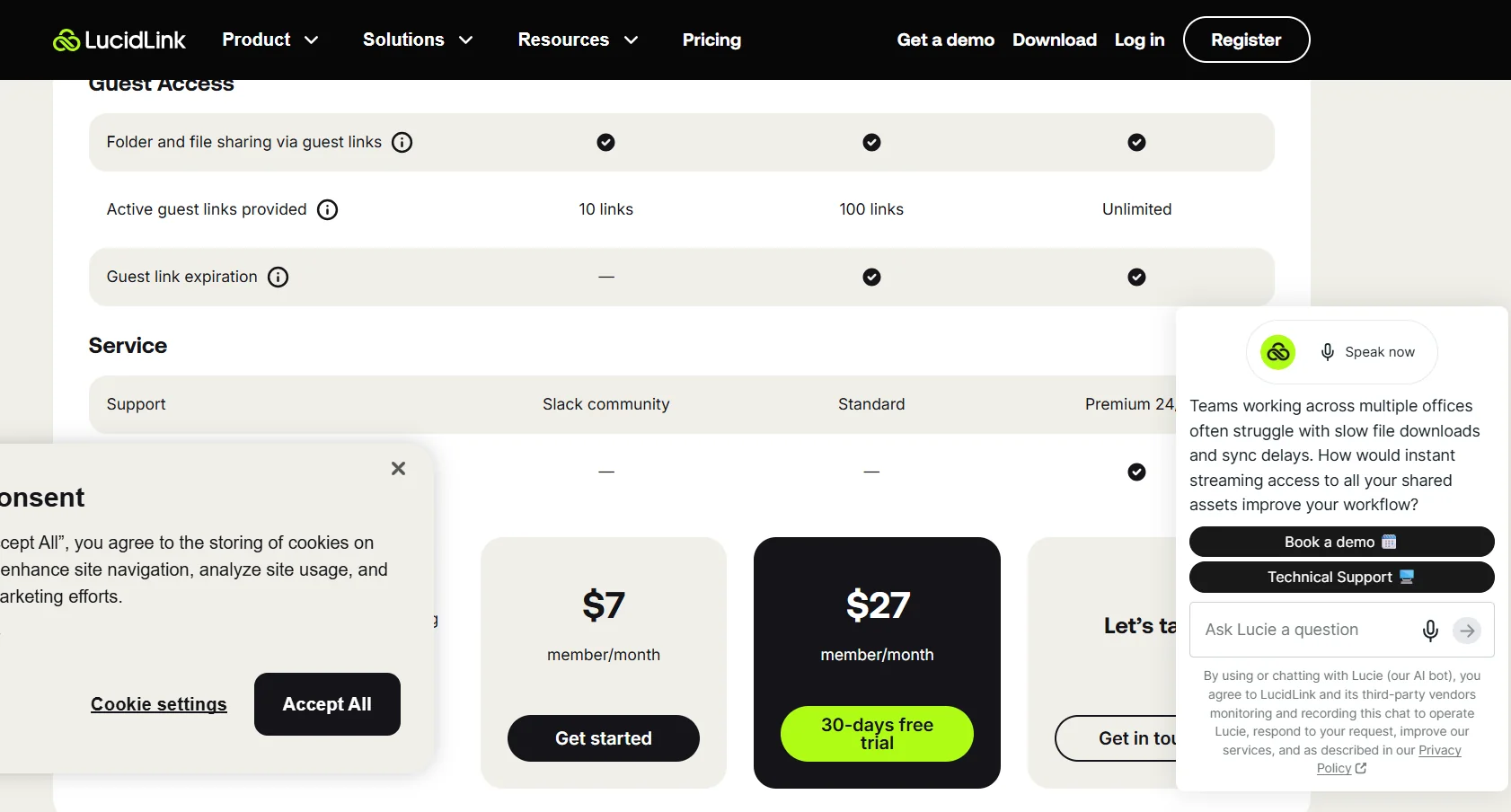
LucidLink offers a shared file space that provides instant access to large files on demand, without the need to download them or wait for synchronization to complete, while enabling real-time collaboration with team members from anywhere. The platform allows you to work on files of any size without having to download, sync, or use a VPN, while the file data resides in the cloud and is immediately accessible when needed. LucidLink works much like a local drive, helping to speed up workflows and save time.