BridgeMind
BridgeMind offers a unified app under the concept of “The Agent Super App,” which combines AI agents that can be operated according to schedules and routines, a dedicated workspace for Vibe Coding, and a standalone mode for conversing with AI. The app combines Agent, Code, and Chat modes into a single desktop interface.
- Text-to-Speech / Speech-to-Text
- Text and Images to Video
- Automation & Agents
- No-Code Workflows
- Integrations & APIs
- Programming & Development
- Productivity & Scheduling
- Code Generation & Review
- Testing & Quality Assurance
Last updated
Features
- Combines Agent, Code and Chat modes in one desktop app
- Creates persistent agents with specific roles and runs them on scheduled routines
- Offers a Vibe Coding workspace with terminals, files, browser and project workspaces
- Runs CLI coding tools such as Claude Code and Codex detected in your PATH
- Provides BridgeVoice speech-to-text and voice dictation with local or cloud processing
- Extends agents with Skills and Plugins connected to external services
- Connects to local or remote workspaces via SSH
- Switches between AI providers while keeping conversation context
- Lets you review agent results before approving them
Pricing Details
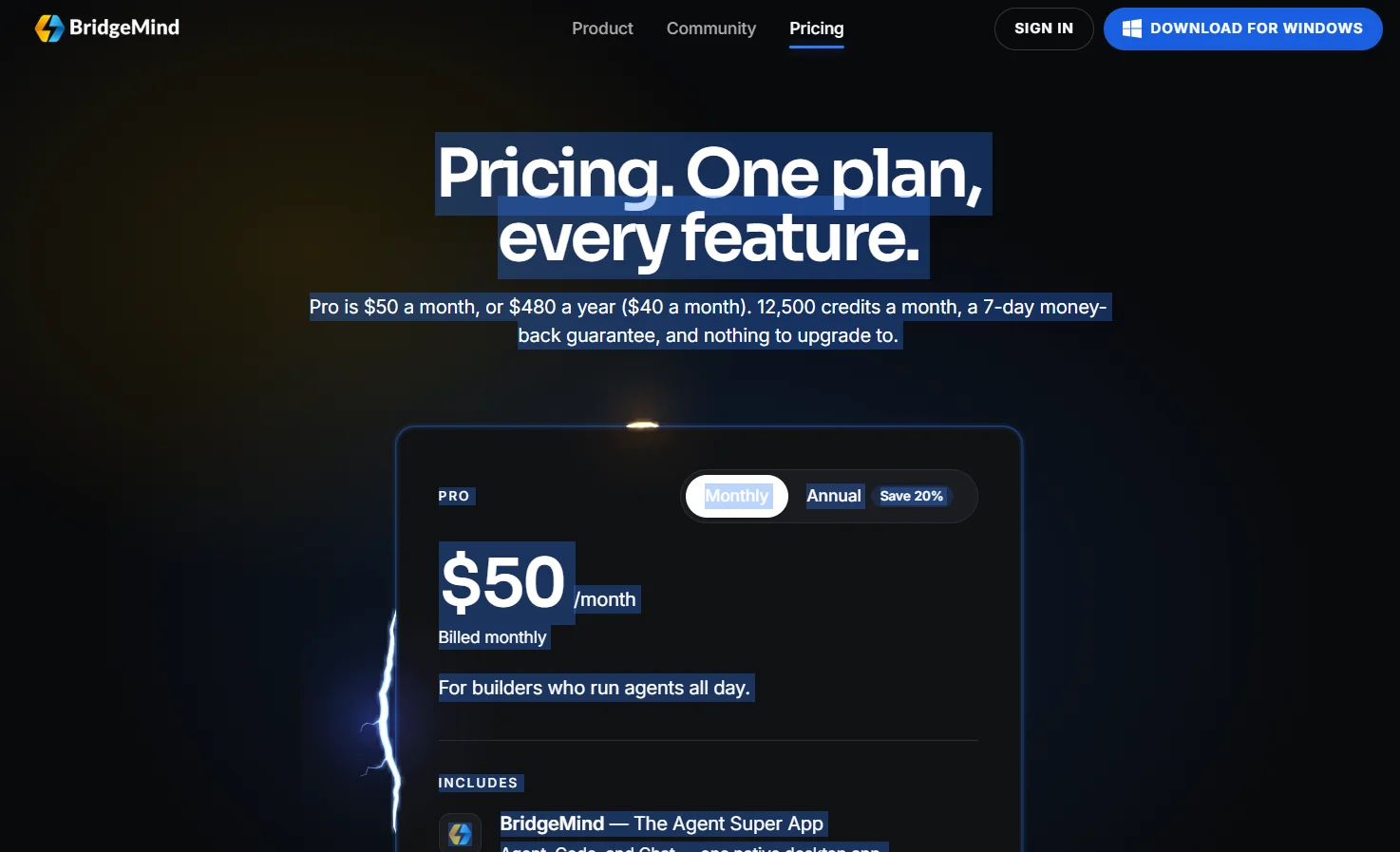
BridgeMind offers only one pricing plan, the Pro plan. The subscription costs $50 a month when paid monthly, or $480 a year—equivalent to $40 a month—when paid annually, with a 20% discount when choosing the annual subscription. The plan provides 12,500 credits per month, along with a 7-day money-back guarantee, and there are no other plans to upgrade to. The Pro plan is aimed at users who run agents around the clock and includes BridgeMind—The Agent Super App, which combines Agent, Code, and Chat into a single native desktop application. It also includes BridgeVoice — Voice to Text, which converts spoken words to text and is included with Pro, along with 12,500 credits per month allocated for voice orchestration, cloud voice to text, and other usage-based features, The plan also includes Vibecademy as a “Coming Soon” feature. BridgeMind is available on Mac via a unified installer that supports Apple silicon and Intel, and requires macOS 14.0 or later, while you can start a Pro subscription with a 7-day money-back guarantee and the ability to cancel at any time. The FAQ section provides information on billing, credits, and the guarantee, including that only one plan can be active at a time, monthly or annual payment options, what credits are, whether BridgeMind includes access to Claude, Codex, or Grok, whether the app is limited to Mac, the ability to cancel later, and the availability of a guarantee. BridgeMind describes itself as “The Agent Super App,” offering AI agents for routines, a workspace for vibe coding, and AI chat, all within a native app that runs on Mac, Windows, and Linux. It also provides links to Discord, YouTube, X, and GitHub. The “Product” sections include “Download,” “Overview,” “Vibe Coding,” “Pricing,” and “BridgeVoice,” while the “Learn” sections include “Guides,” “Docs,” “Developers,” “FAQ,” and “Changelog.” The Community section includes Discord, YouTube, X, and GitHub, and the Company section includes Contact, Privacy, and Terms. At the bottom of the page, it says © 2026 BridgeMind.
Related Tips
- A video prompt that gives you the feel of GTA with an Arabic twist · Video Generation & Editing, Text and Images to Video
- 2 million free tokens to create videos! on Seedance · Video Generation & Editing, Text and Images to Video
- How to Create a Series of Educational Videos Using ChatGPT, PixVerse, and Nabat? · Audio & Voice, Text-to-Speech / Speech-to-Text…
- An Explanation of GeminiGen AI for Creating Videos and Images for Children · Video Generation & Editing, Text and Images to Video…
- A brief overview of Vidu and how to create entertaining animated videos · Video Generation & Editing, Text and Images to Video