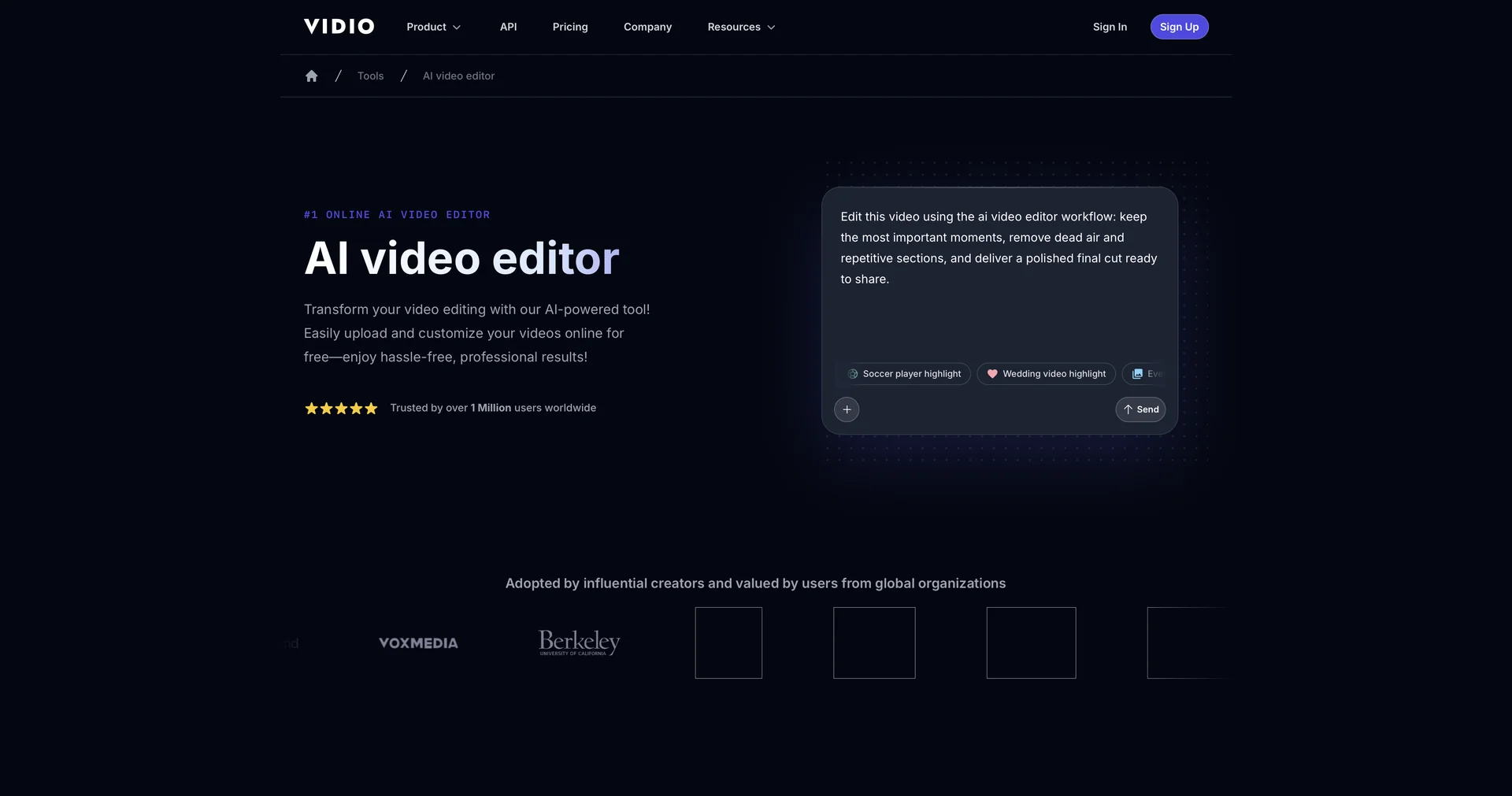
VIDIO
Transform videos effortlessly with AI-powered editing.
1,071 results
Open the Video Generation & Editing category page
Transform videos effortlessly with AI-powered editing.
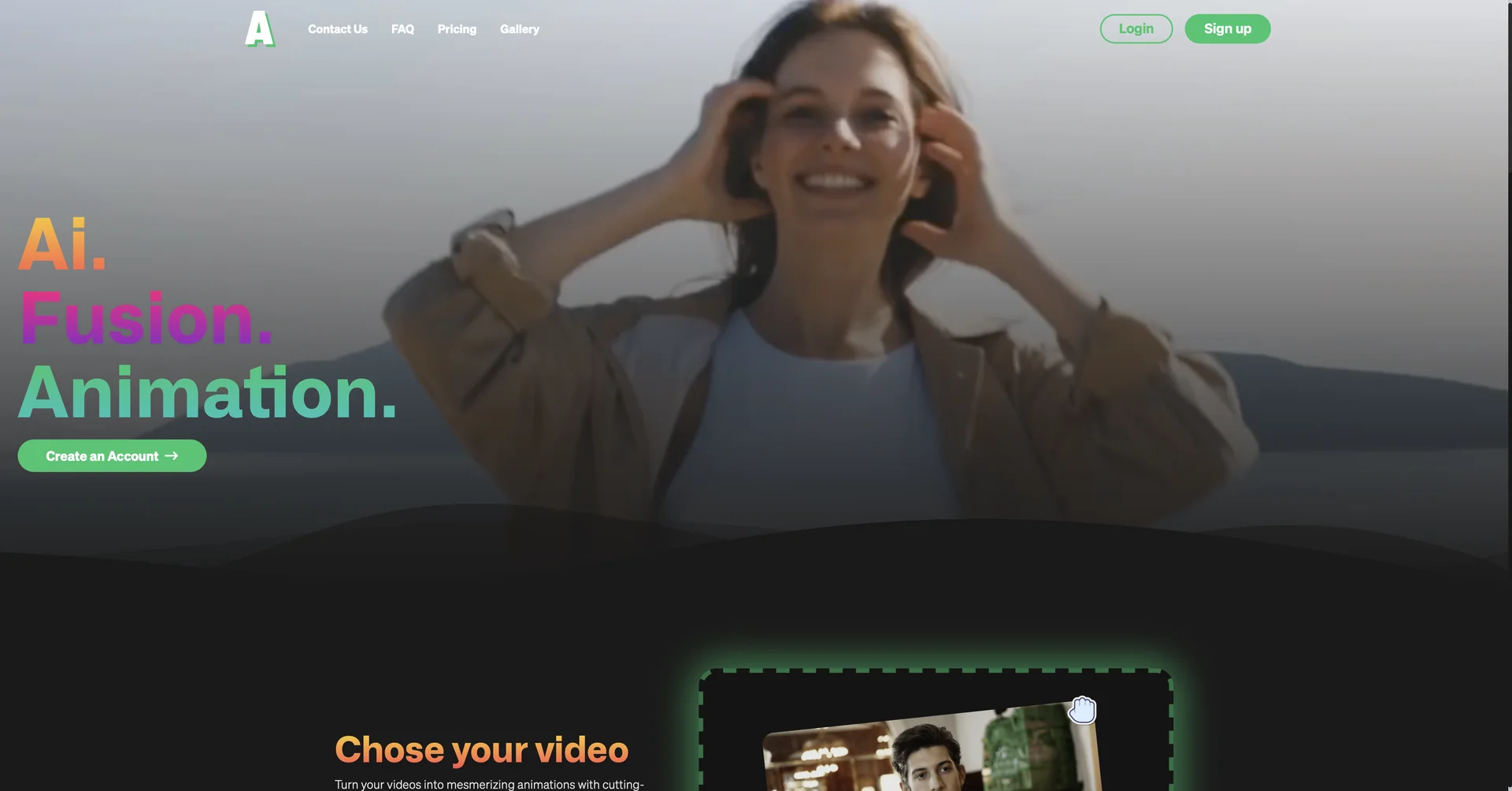
Create animated characters and environments in minutes
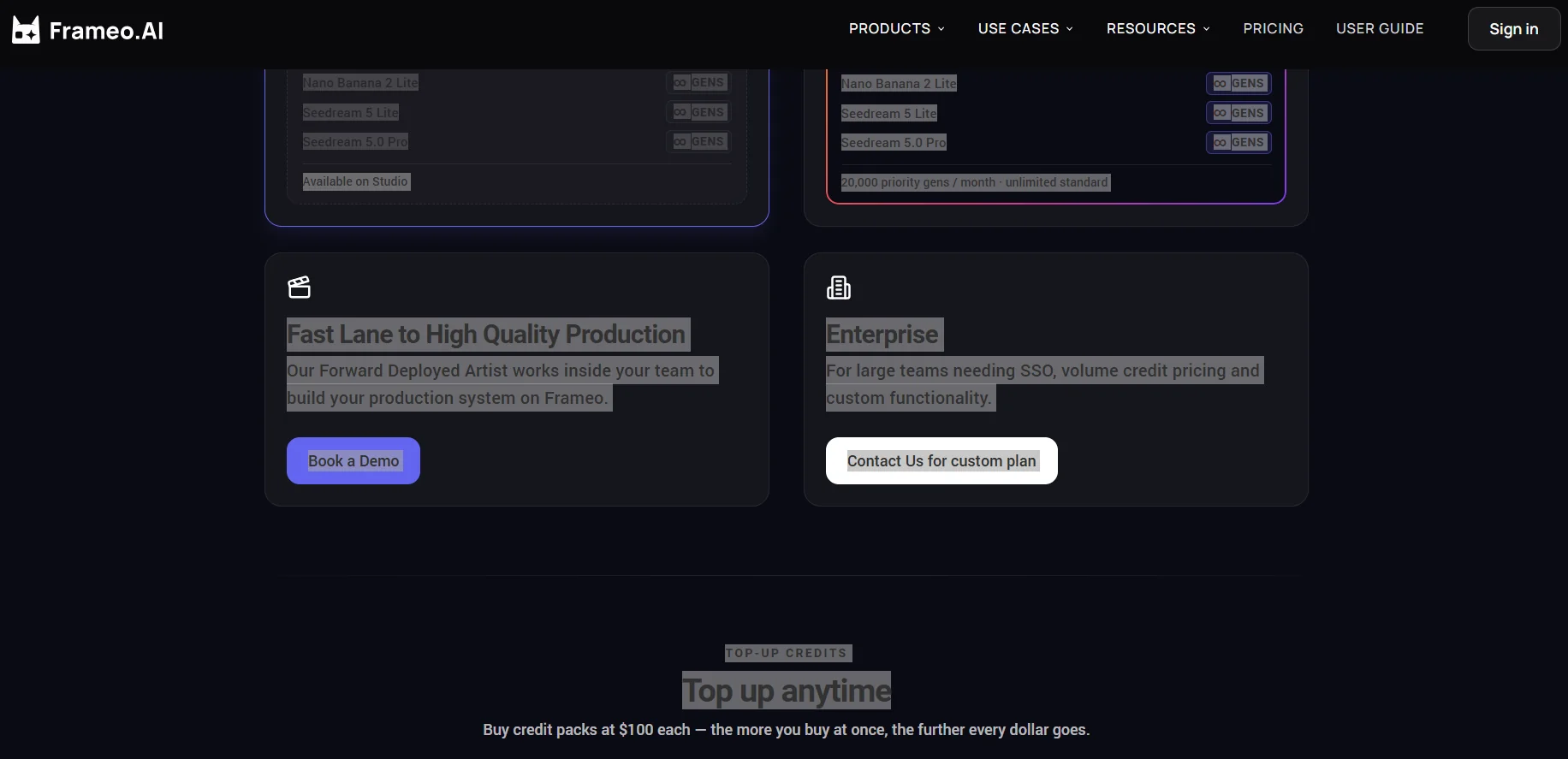
Frameo is an AI-powered tool for creating short, vertical-format drama series. It allows users to transform scripts and storylines into mini-dramas that include dialogue, movement, and emotional expressions. The platform is aimed at content creators who have ideas and stories and want to turn them into visual content without the need for actors, filming equipment, or advanced expertise in editing software.
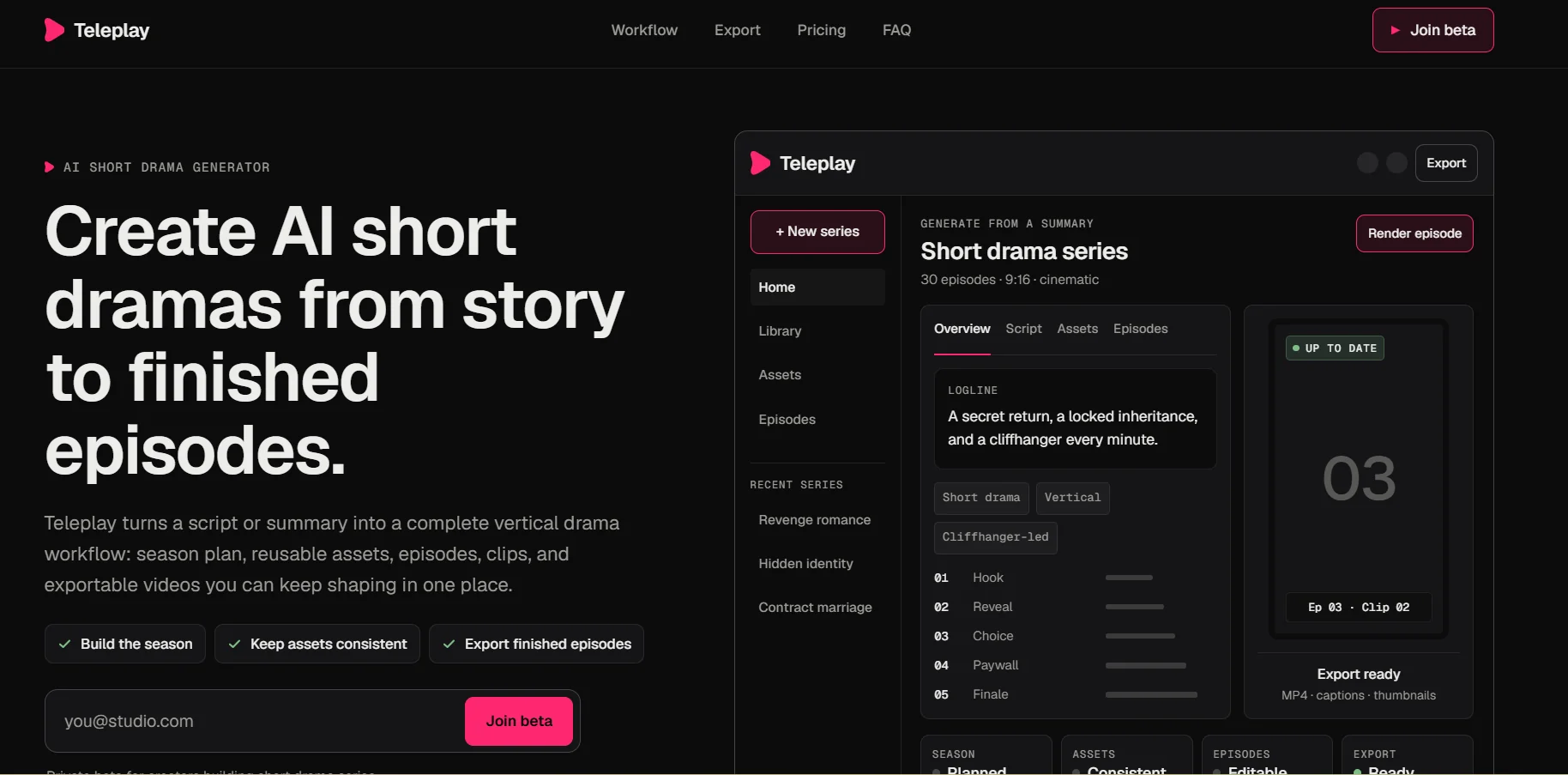
Teleplay is an AI-powered platform for generating short-form dramas. It enables users to convert scripts or synopses into a comprehensive workflow for producing serialized dramas, starting with season planning and scriptwriting, all the way to creating scenes, clips, and exportable videos. Users can start with an existing synopsis or script, or create a season from scratch, then convert it into an editable short-form drama plan that includes plots, suspense, plot points, episodes, scenes, and shots—all within a single workspace. The platform also maintains consistency in characters, locations, voices, costumes, faces, and props across episodes, and provides an episode editor that allows users to move from the outline to scenes and clips, preview, and export. Teleplay allows you to export episodes as complete vertical videos that can be used in short-form drama apps, social media, personal websites, sponsorships, licensing, and paid communities, while keeping the scripts, characters, assets, episodes, and final videos with the user. It also provides a library of short drama ideas and a guide to vertical drama, along with a Discord community, FAQs, and resources related to using the platform.

FineCam is an AI-powered virtual camera tool that lets you enhance your appearance in videos during video calls, meetings, and live streams, with the ability to remove the background and replace it with another one, enhance camera image quality, and add effects and virtual backgrounds. It also allows you to use the virtual camera within meeting and streaming apps that support camera sources.
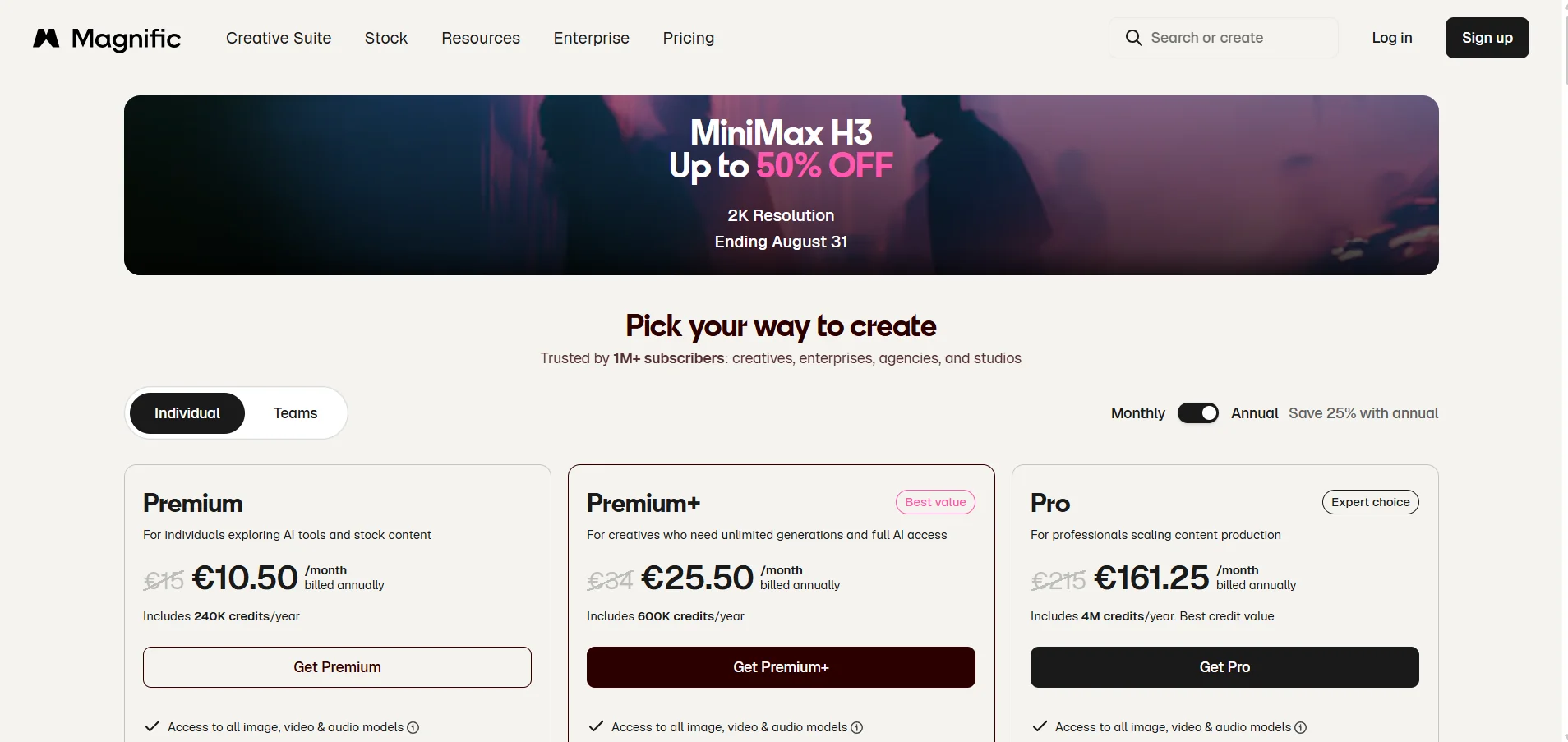
Magnific AI Video Generator is an AI-powered video generator that allows users to create videos based on a text description, a reference image, or a combination of text and an image. The platform offers a wide range of generative video models within a single environment, including Google Veo, Kling, MiniMax Hailuo, PixVerse, Runway, and ByteDance Seed.
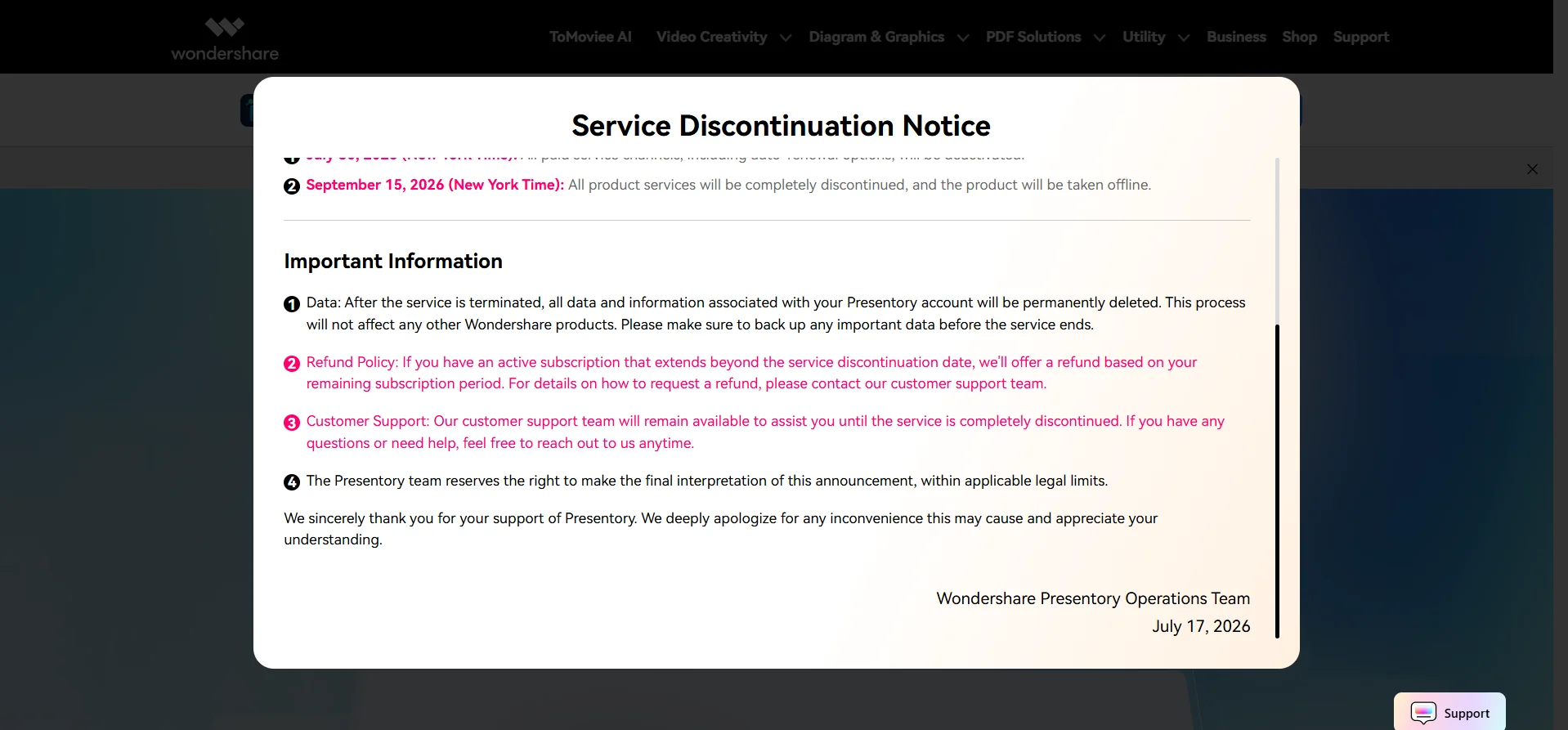
Wondershare Presentory is an AI-powered presentation creation tool that allows users to turn a topic, text, outline, or notes into a well-organized PowerPoint presentation. The platform uses AI to generate presentation content, then allows users to choose a design and edit text, images, and layout before exporting or sharing the presentation. The official website states that GPT-4 is used to generate and refine the text.
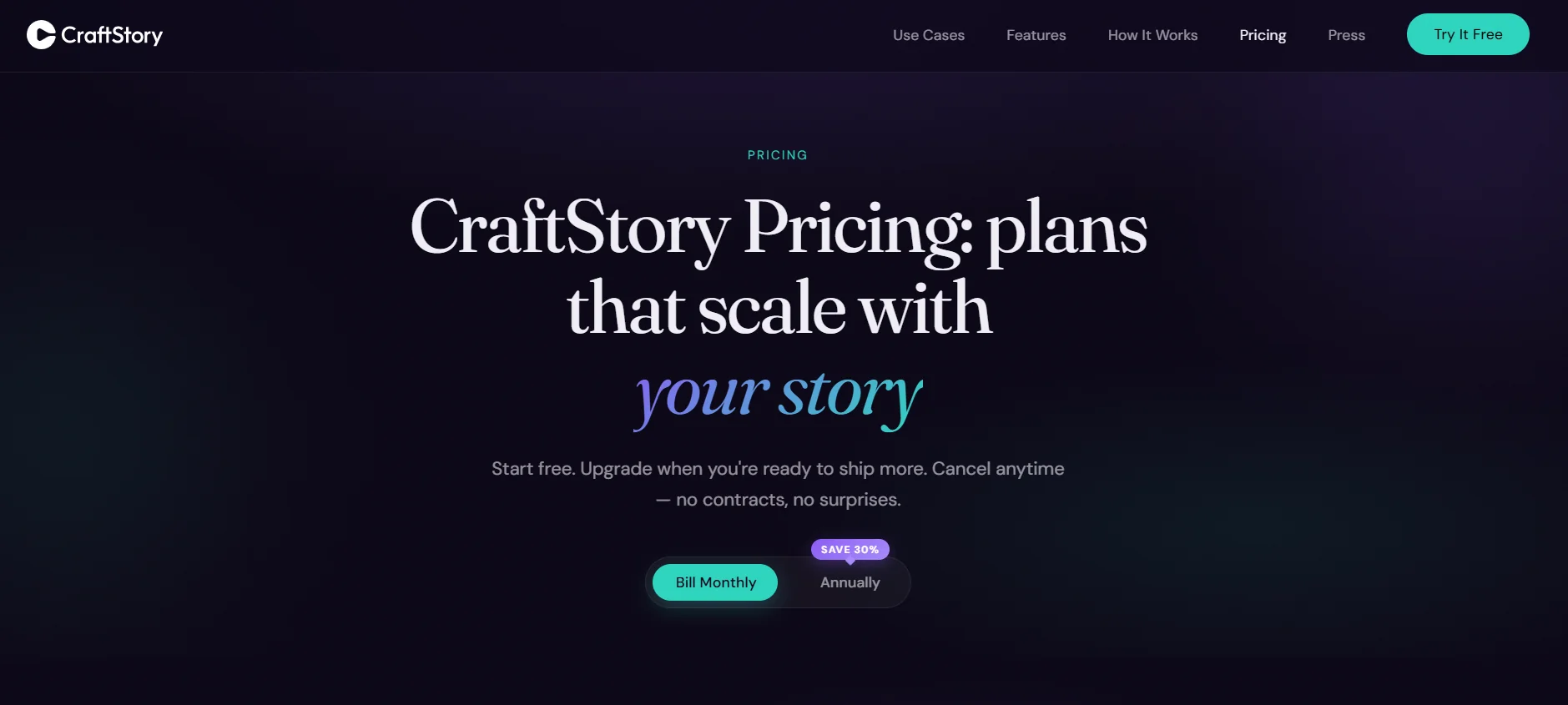
CraftStory is an all-in-one platform for creating realistic videos using artificial intelligence, designed for advertising, social media, marketing, and training, with the ability to produce content without the need for filming sessions, a studio, or real actors.
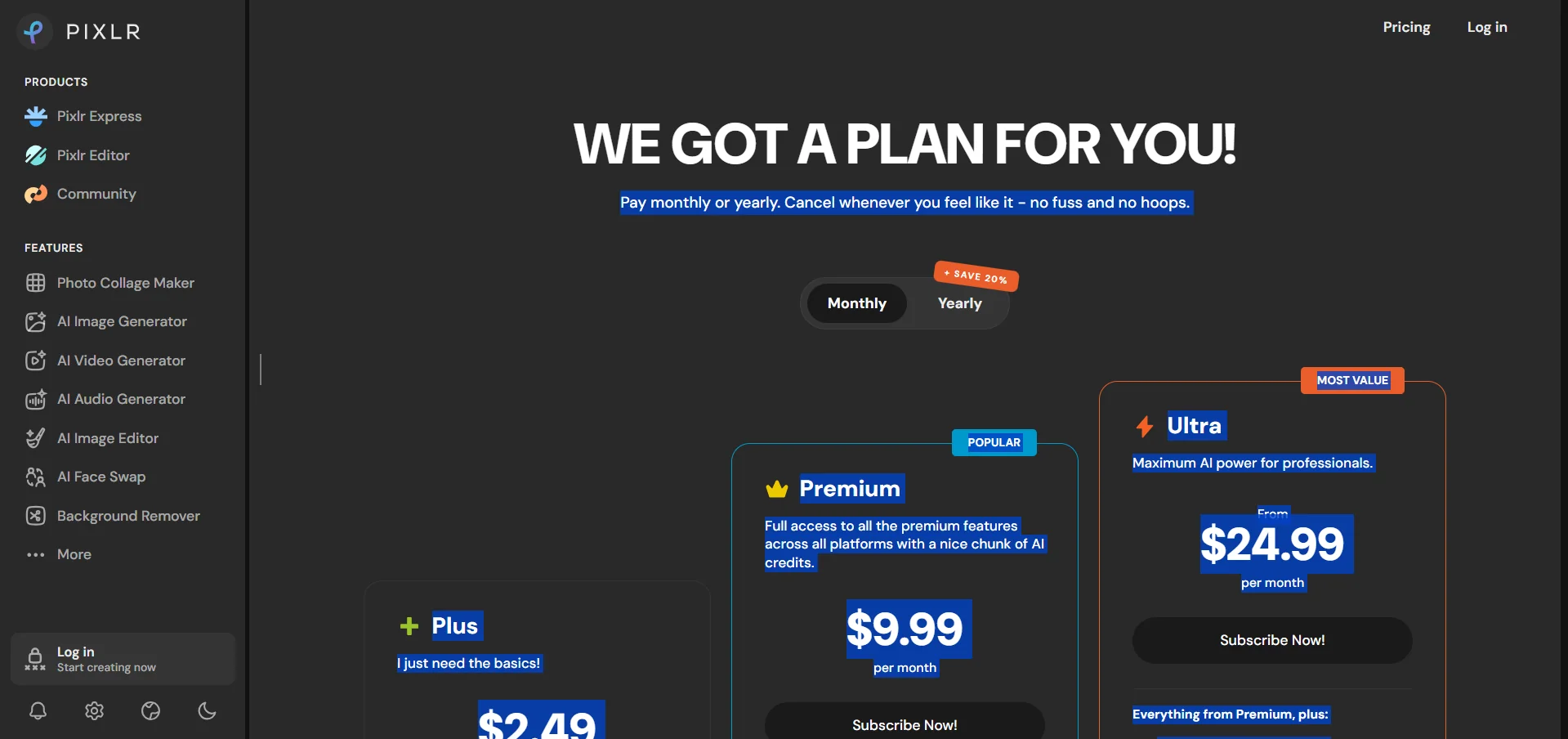
Pixlr AI Video Generator is a tool from Pixlr that uses artificial intelligence to create videos from text or images. Users can describe the scene they want using a text prompt, and the tool then converts the description into a video. Alternatively, users can upload a still image and turn it into a moving clip by adding realistic motion to the elements within it. The tool supports multiple video generation models, including Google Veo, Kling, and Seedance, with the option to choose a model based on the user’s needs in terms of speed and quality. (Pixlr)
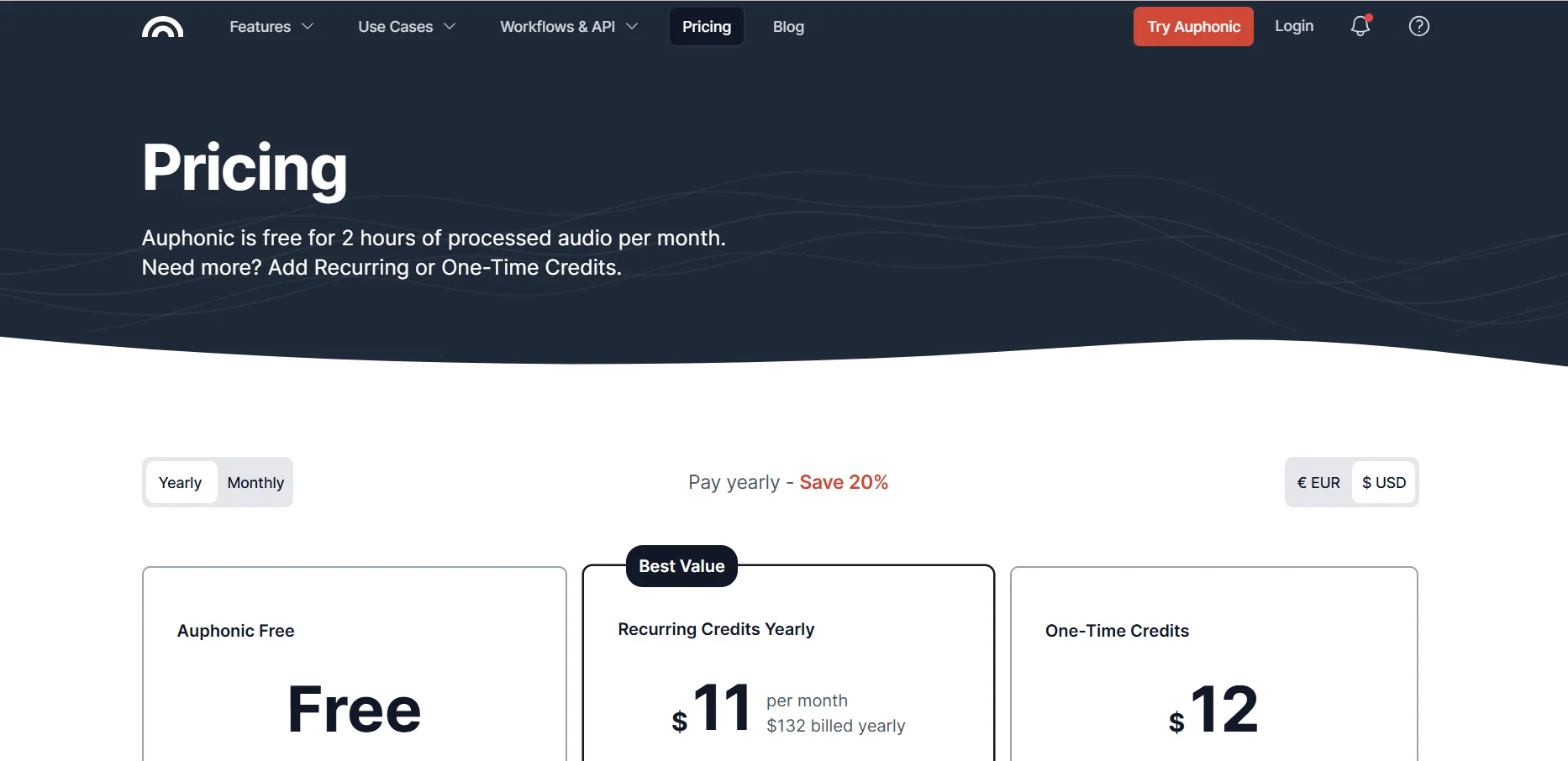
Auphonic is an all-in-one platform for optimizing and processing audio and video using artificial intelligence. It acts as an automated audio engineer that helps transform recordings into professional-quality content without requiring advanced expertise in audio editing.
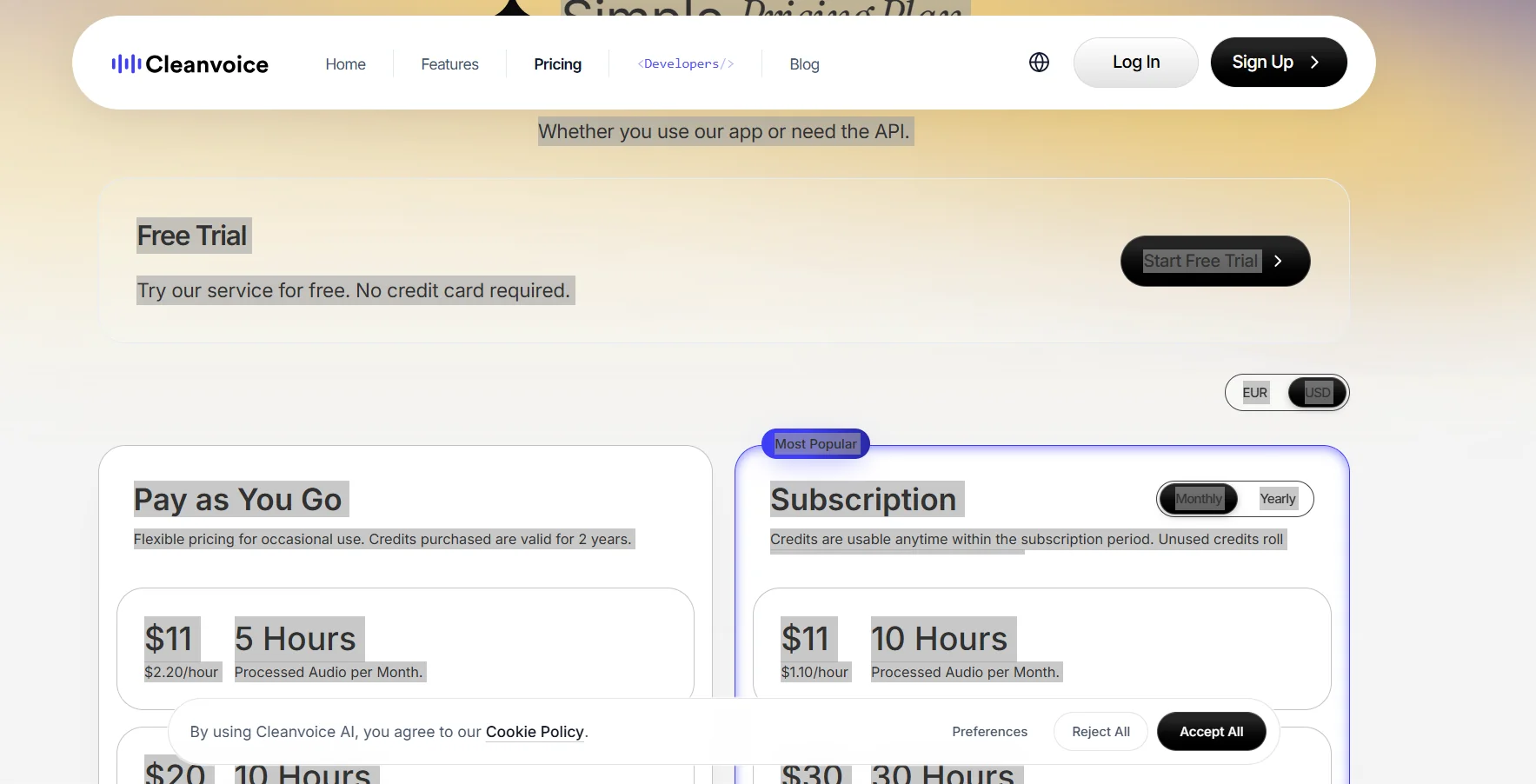
Cleanvoice AI is an AI-powered tool for editing and cleaning up audio and video files, with a particular focus on podcasts, interviews, and voice recordings.
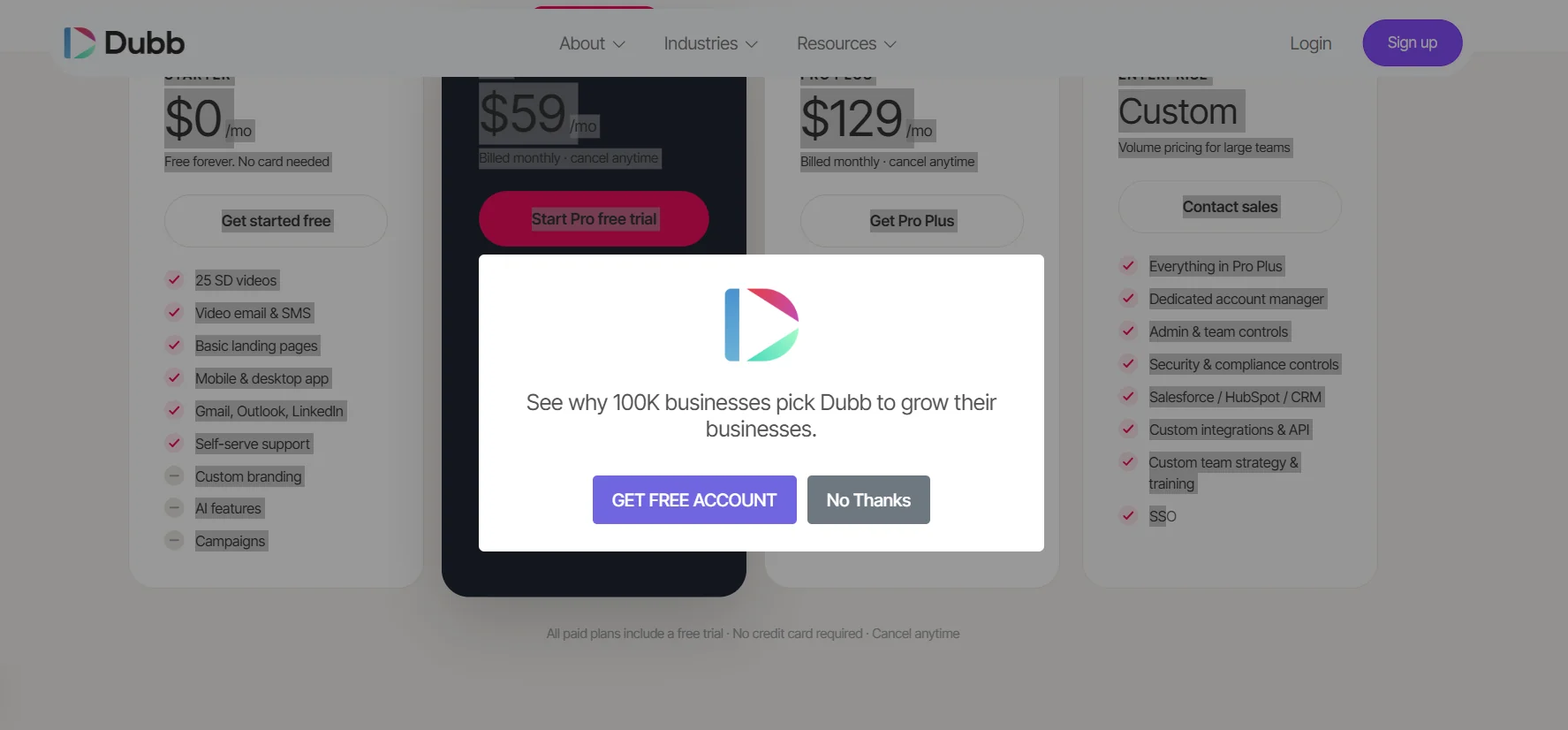
Dubb is a sales platform that combines personalized video and artificial intelligence into a single system, designed to help sales teams and professionals build trust with customers and turn interactions into deals and revenue.
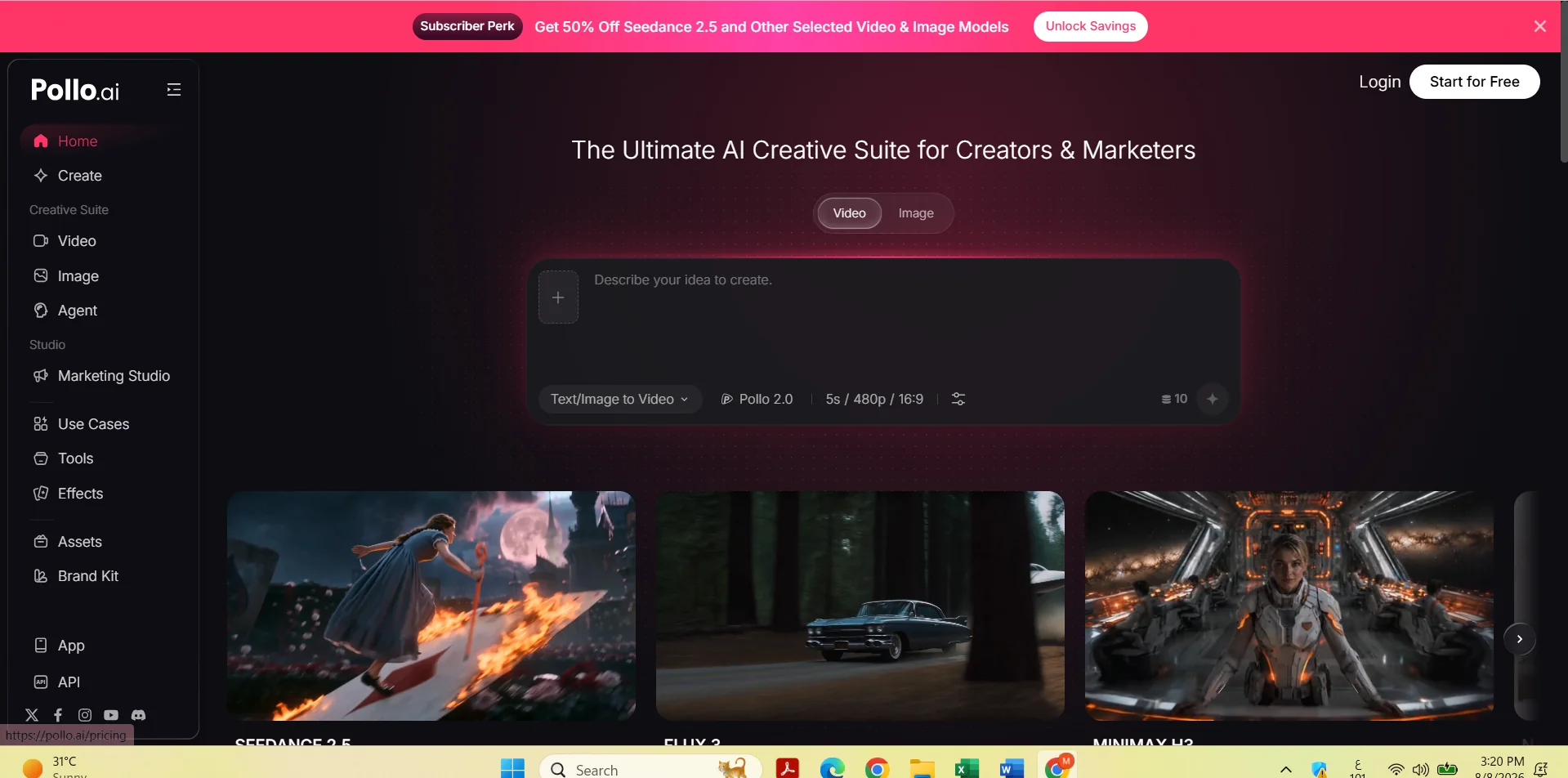
Pollo AI is an AI-powered platform that uses artificial intelligence to expand images and reconstruct missing parts of them using the "Uncrop & Expand Image" tool.
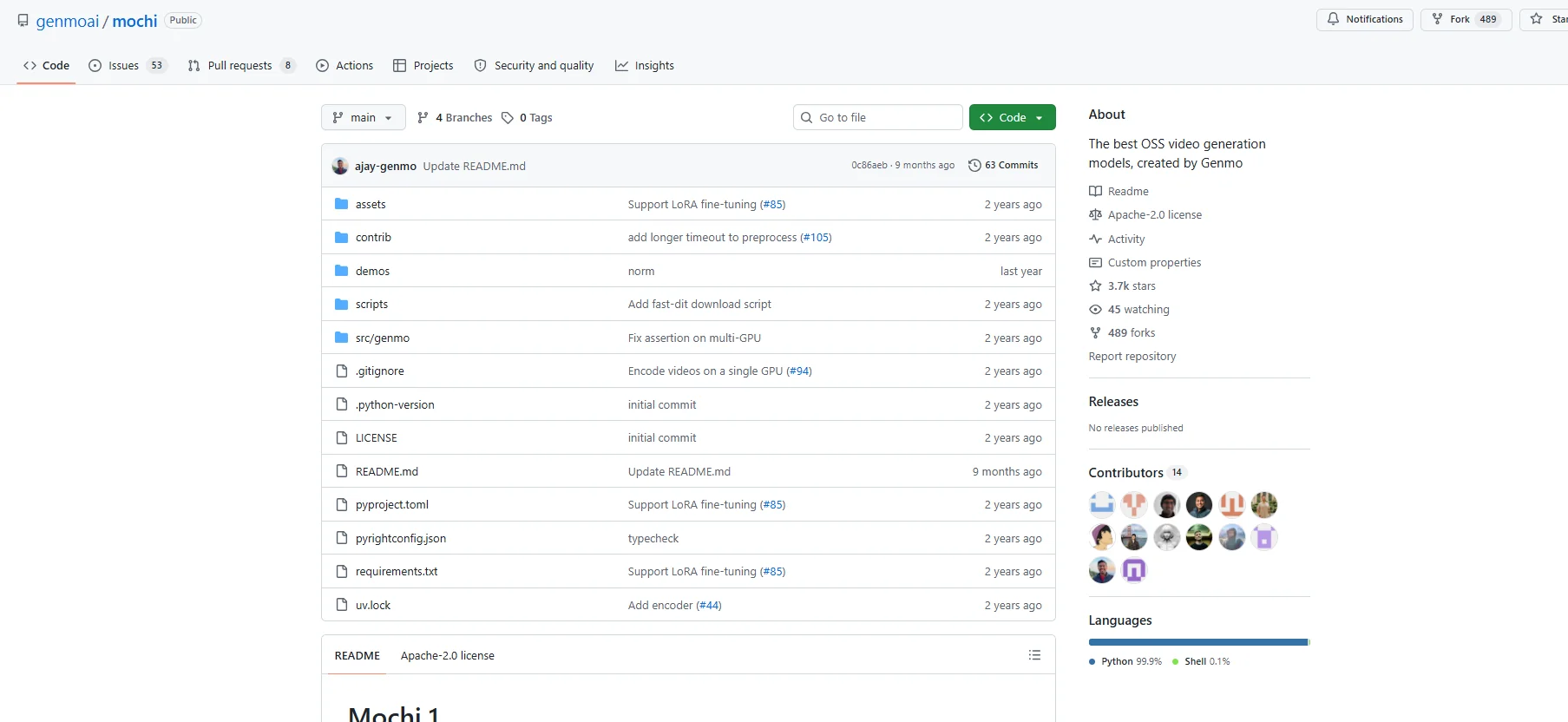
Mochi 1 is an open-source model for generating videos using artificial intelligence, developed by Genmo with the aim of providing an advanced model for generating videos from text, featuring high-quality motion and a strong understanding of text prompts.
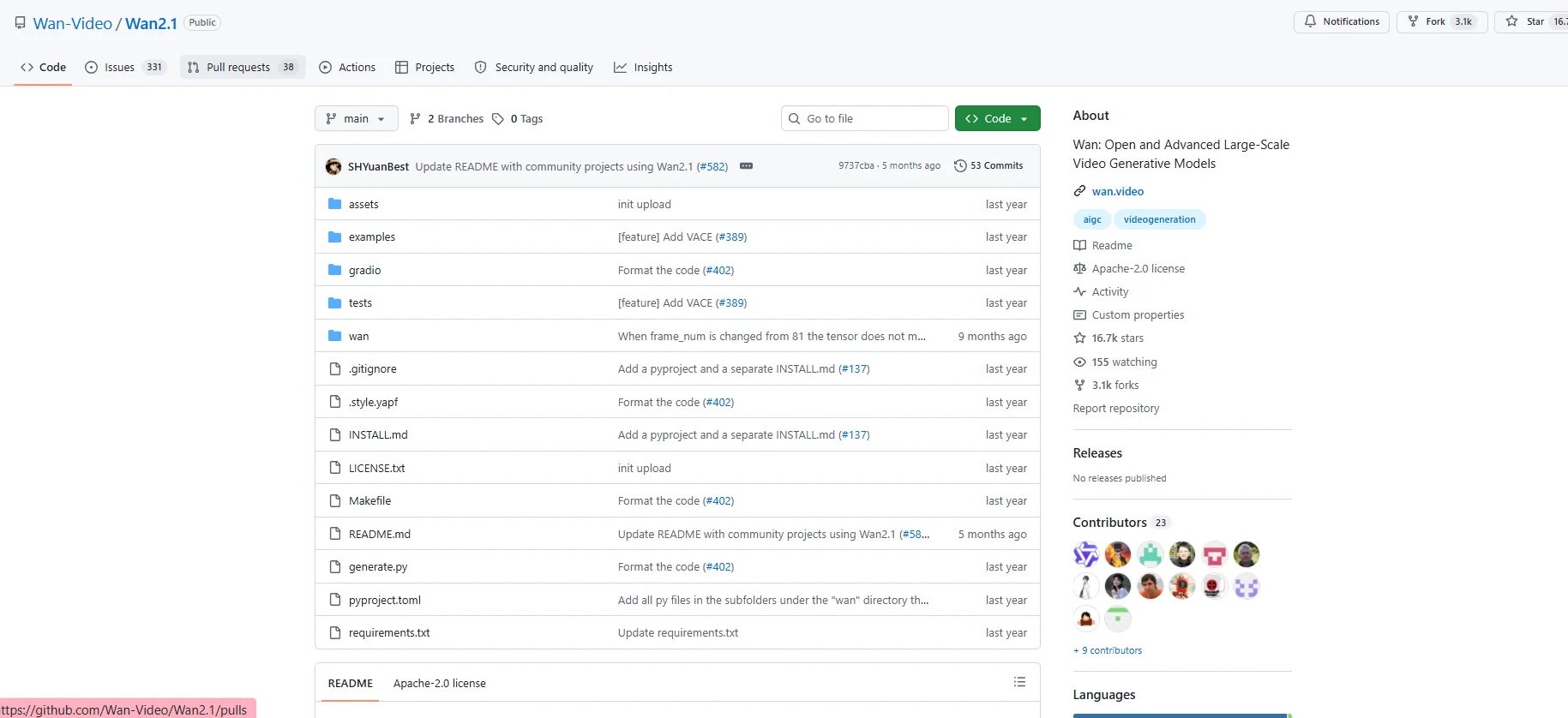
Wan2.1 is an open-source model for generating videos using artificial intelligence; it was developed as an advanced system for large-scale generative video models, known as Video Foundation Models.
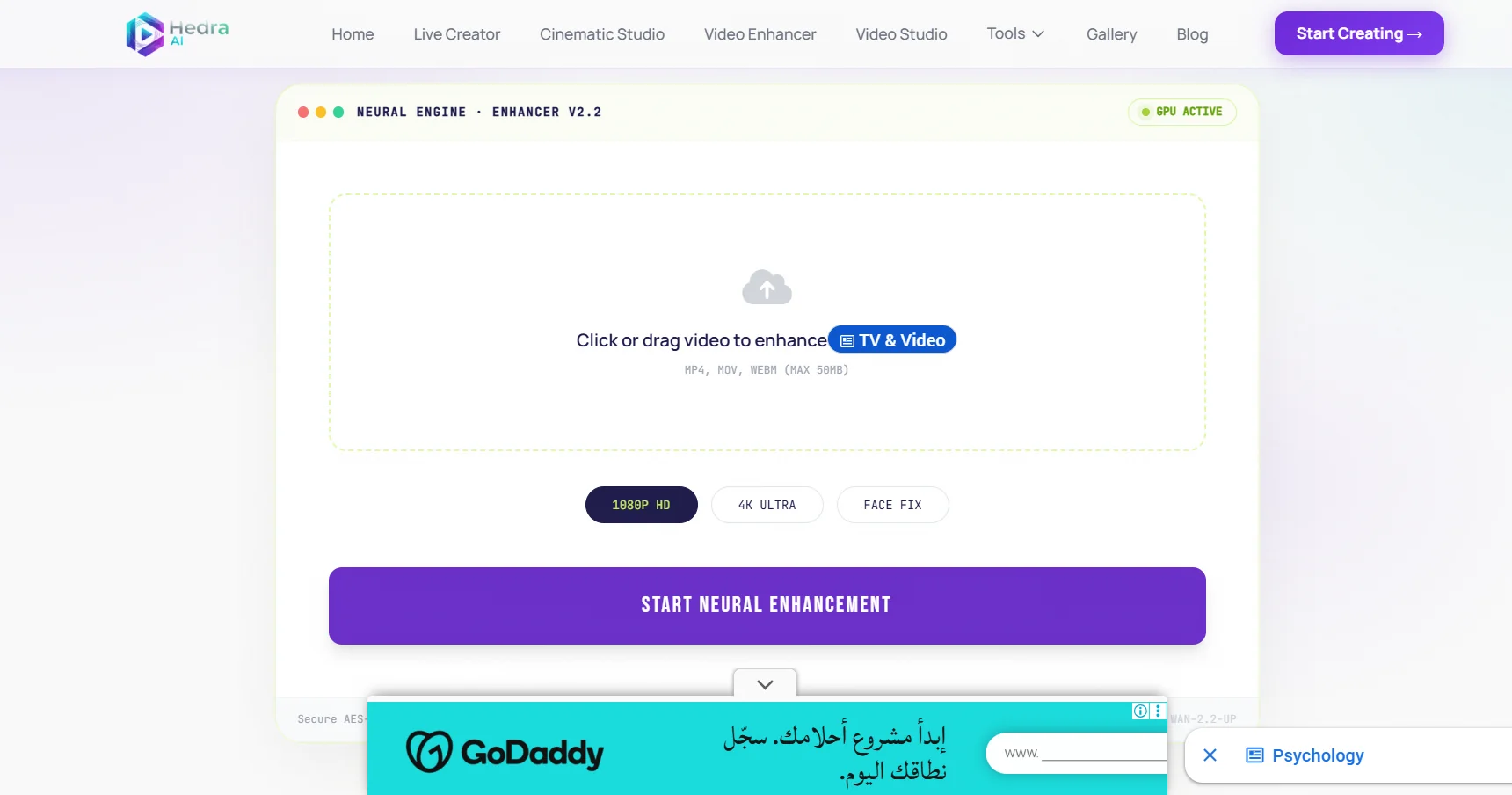
Hedra AI is an advanced AI-powered video creation platform that allows users to turn ideas and text descriptions into high-quality cinematic videos without the need for cameras, filming equipment, or production teams.
AdMaker AI is an AI-powered platform for creating advertising videos based on product links or content; it helps users produce video ads using a credit-based system for content creation.
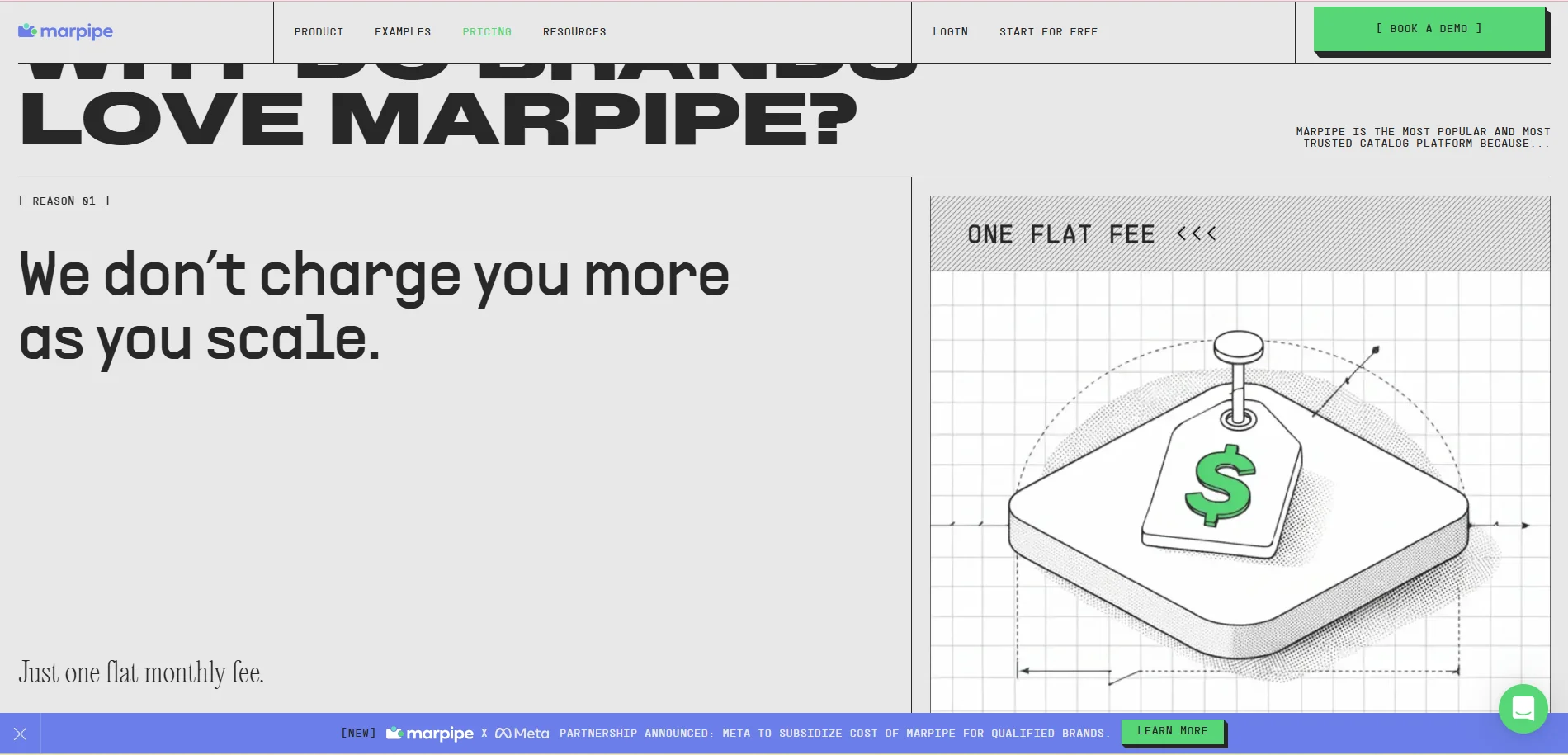
Marpipe is a platform that specializes in optimizing product ads (Catalog Ads) using artificial intelligence, helping brands and e-commerce companies transform traditional product catalogs into optimized, dynamic ads that deliver better performance.
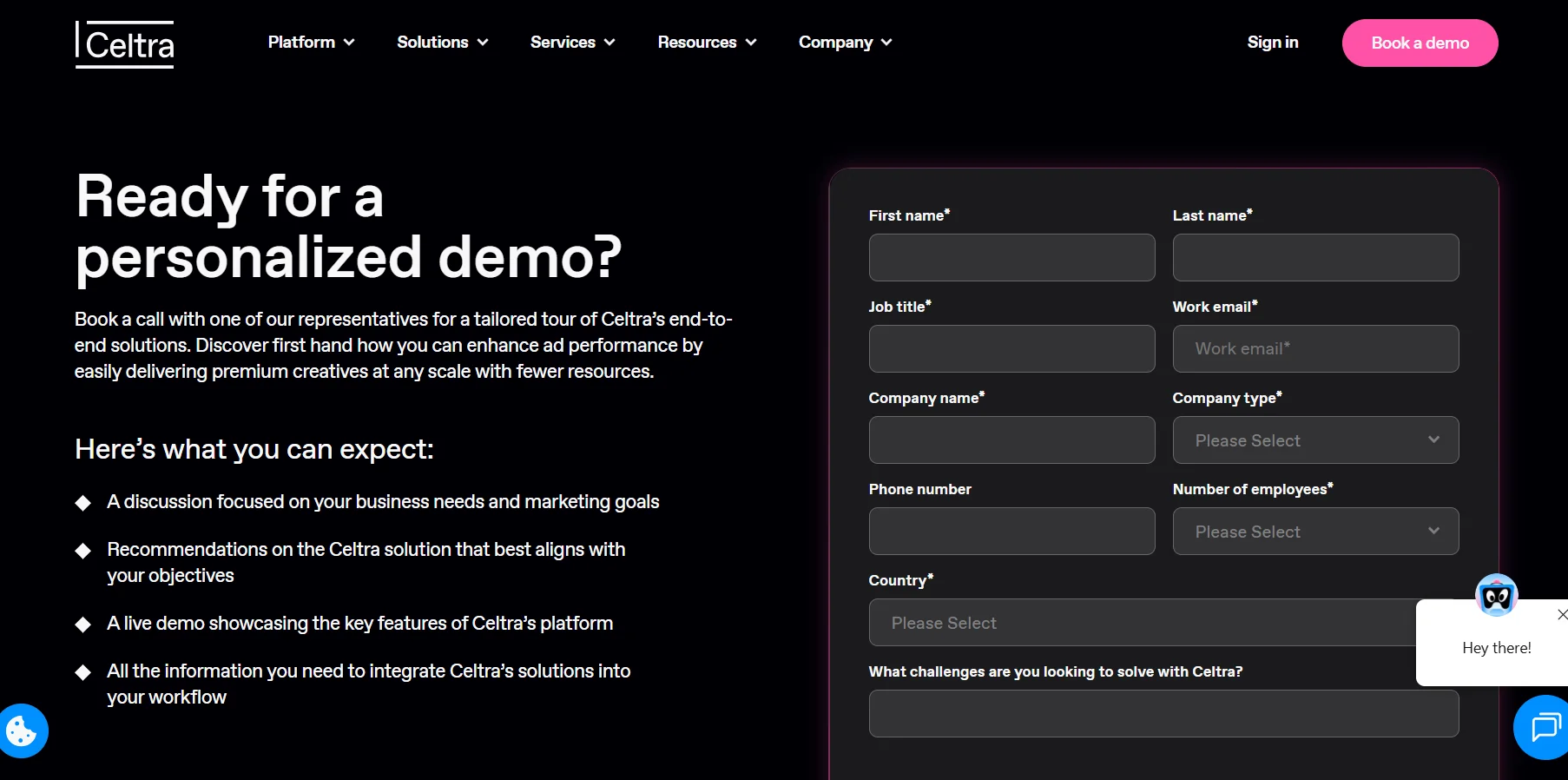
Celtra is an advanced platform for automating ad production and creating digital creative experiences, connecting the entire advertising content lifecycle within a single system—from ad creation using artificial intelligence, through campaign activation, all the way to performance analysis and results optimization.
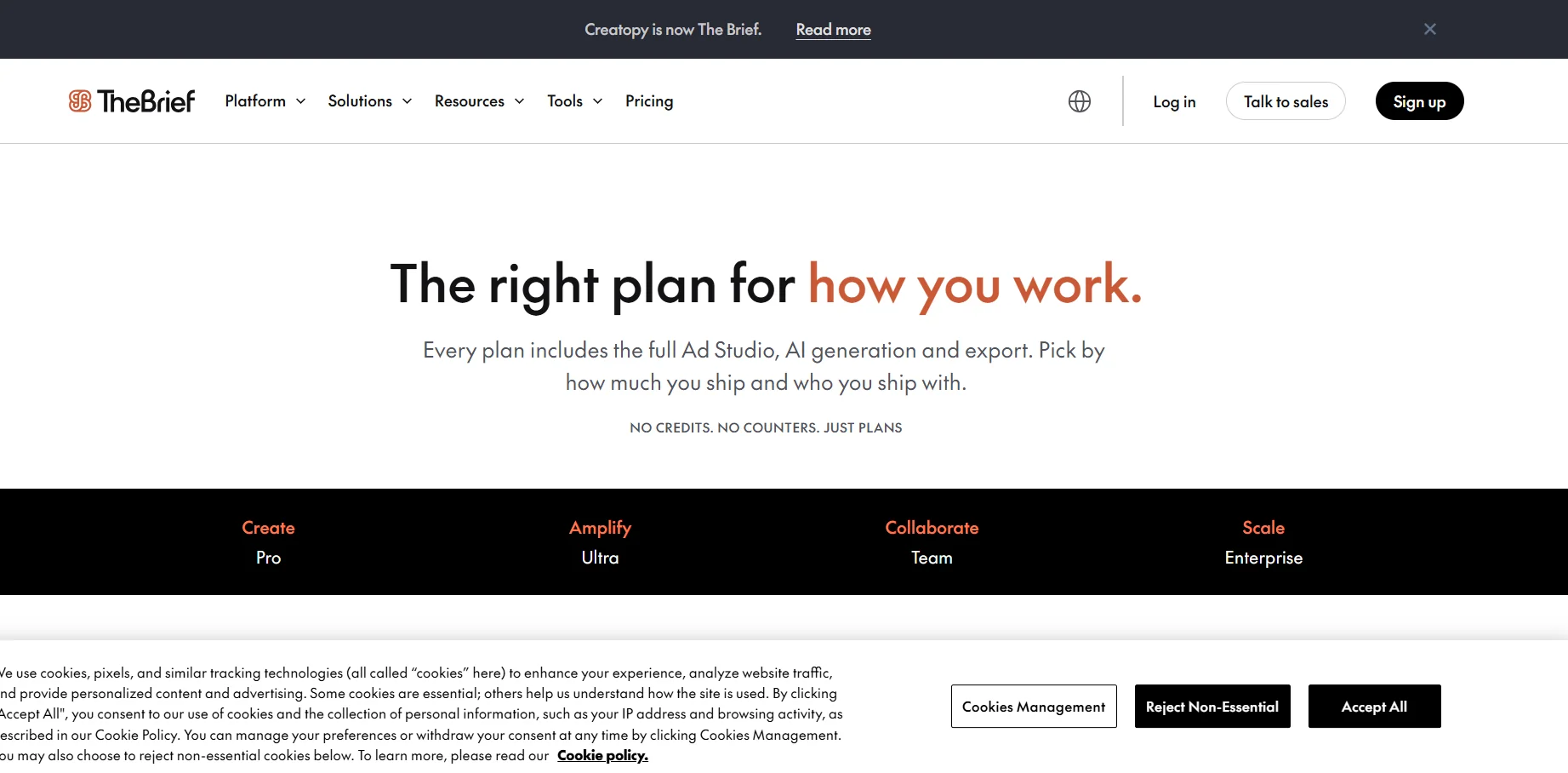
The Brief (formerly known as Creatopy) is an advanced platform for creating digital ads using artificial intelligence, providing a comprehensive system for transforming ideas, products, and brands into ads that are ready for publication and scaling.
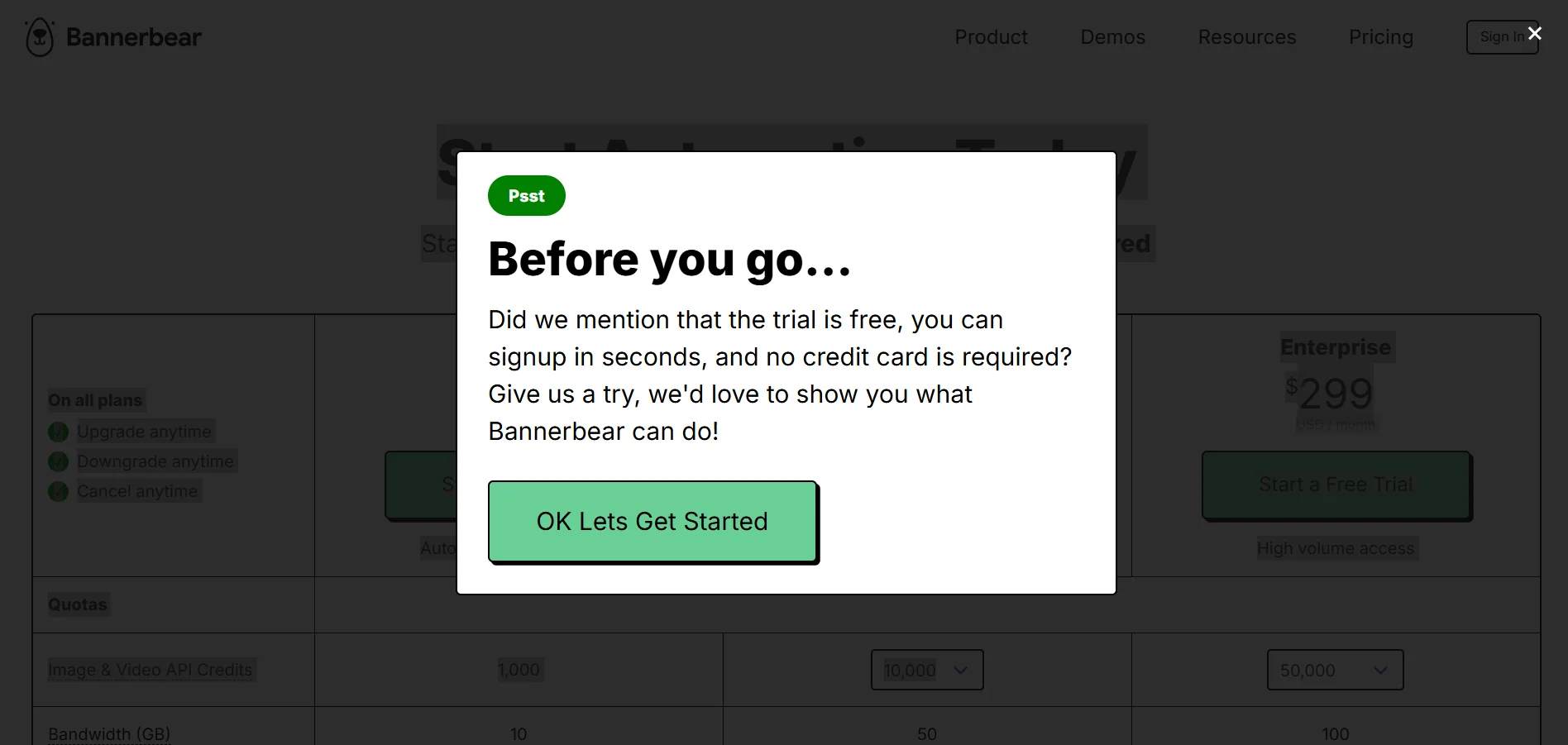
Bannerbear is a platform for automatically generating images, videos, and marketing materials, helping companies and developers automate the production of visual content using an API and various integrations.

VistaCreate is a graphic design tool that helps users easily create professional designs using a vast library of ready-made templates and built-in AI tools. The platform allows users to turn their ideas into complete visual content by selecting a suitable template, then customizing it by adding visual elements, editing text, and refining the design before publishing or printing it.
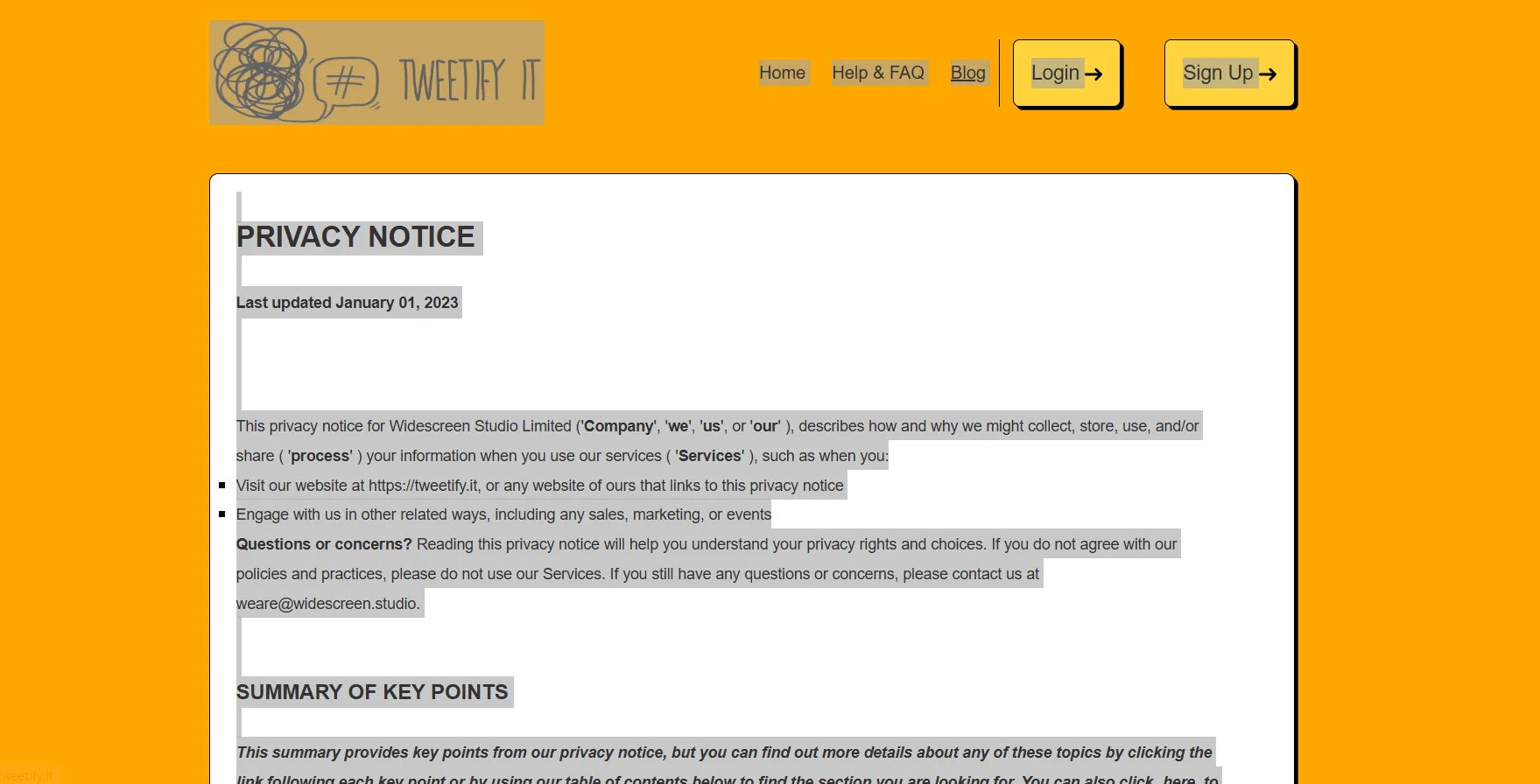
Tweetify It is an AI-powered platform for creating social media content at scale and in a personalized manner, focused on agencies and social media managers who need to produce posts that align with brand identity across multiple clients, platforms, and campaigns.
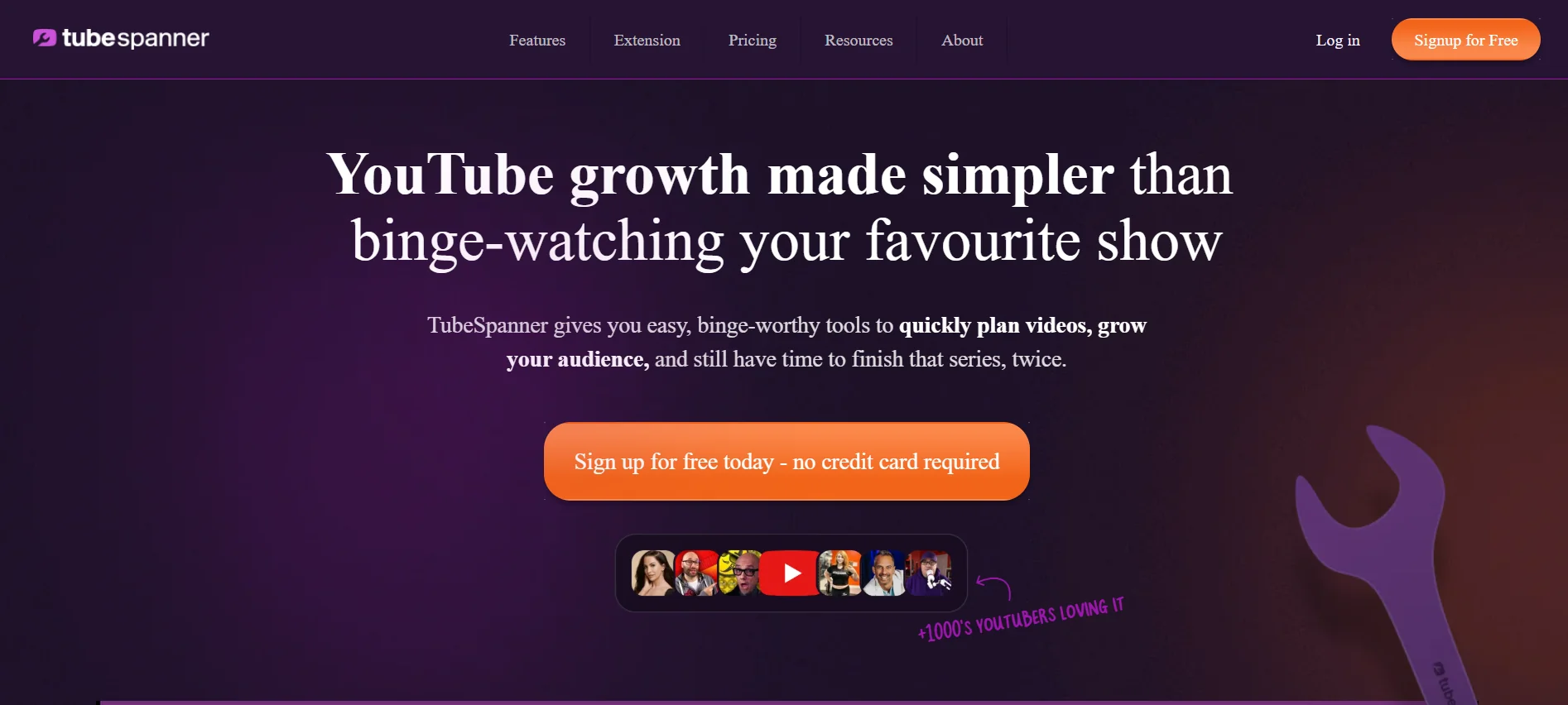
TubeSpanner is an all-in-one tool designed to simplify YouTube channel growth by providing a suite of tools that help content creators plan videos, grow their audience, and streamline the content creation process.