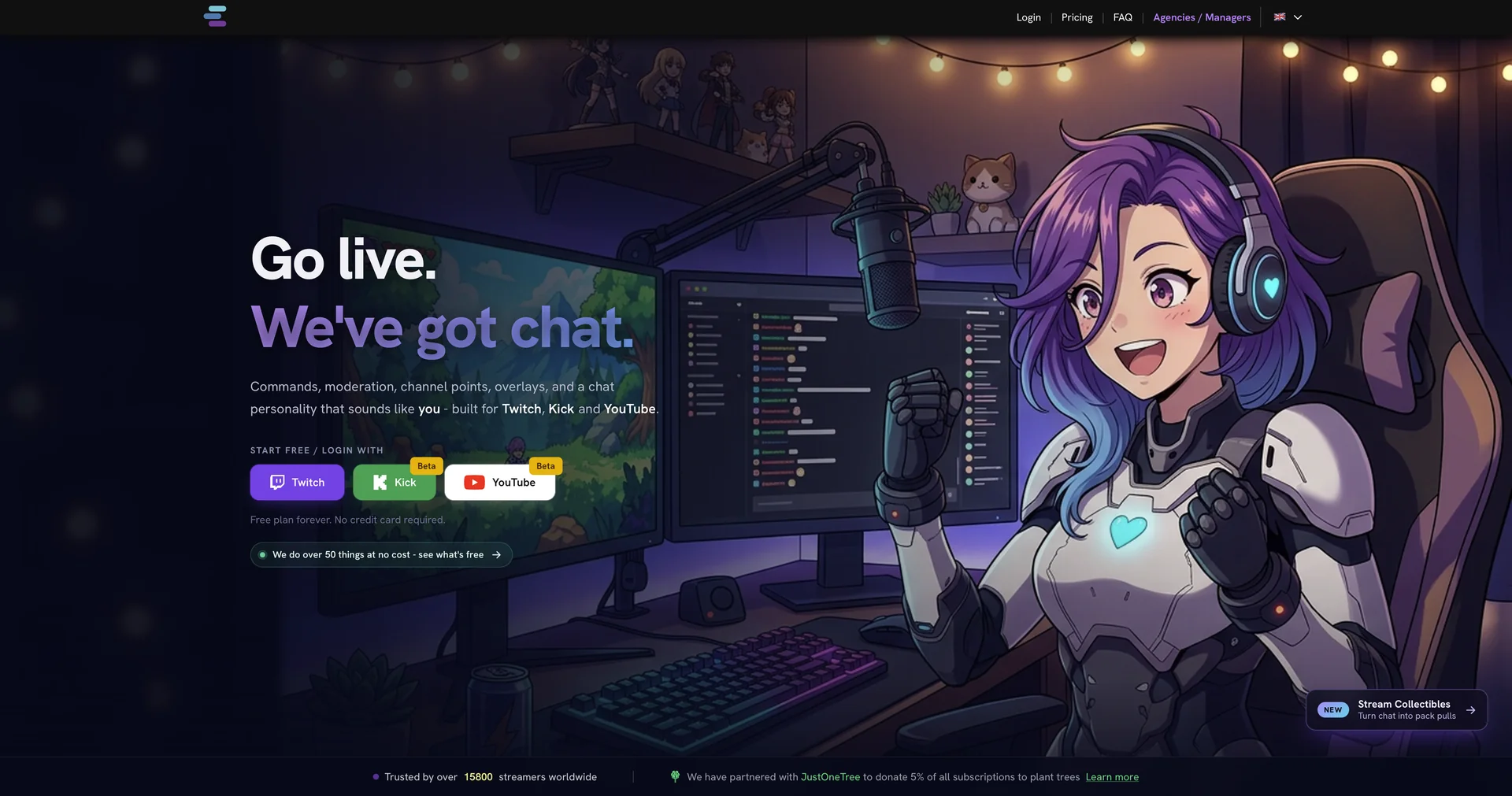
StreamChat AI
New this week
An AI-powered live-streaming chatbot and automation platform for Twitch, Kick, and YouTube that provides customizable chat personalities, viewer memory, automated moderation, OBS control, and interactive overlays.
524 tools
New this week
An AI-powered live-streaming chatbot and automation platform for Twitch, Kick, and YouTube that provides customizable chat personalities, viewer memory, automated moderation, OBS control, and interactive overlays.
An AI tool specialized in creating meme videos based on personal photos, specifically the “Tiptoeing in My Jordans” meme, which is inspired by a fictional clip of a character dancing inside a barn filled with hay. The tool allows users to upload a photo of one person to replace the dancing character, or add a second photo to replace the character sitting in the hay. The tool produces a complete video that includes the original movements, musical transitions, and scenes from the template, without the need to write a prompt or edit the video manually.
Series Entertainment is a company specializing in game development using generative artificial intelligence, with the goal of transforming creative ideas into interactive and immersive gaming experiences. The company combines the expertise of game developers with AI technologies to build unique worlds, characters, and gameplay experiences, with a focus on supporting human creativity and developing games inspired by brands and entertainment universes. Its teams include experts who have previously worked at companies such as Riot, Epic, Blizzard, Pocket Gems, and Telltale Games.
Shanbay is a Chinese company specializing in the development and operation of e-learning products. Founded in 2011, it offers a range of educational apps focused on English language learning, test preparation, and digital skills development. Its products include vocabulary, reading, listening, speaking, programming, and data analysis, as well as educational courses for students and adults.

YouArt is an AI-powered content creation platform designed to help creative teams turn ideas into projects and visual content. The platform offers YouArt Agents and the Video Workflow Builder for content creation, along with a suite of tools and workflows specialized for producing videos, images, and marketing and commercial content.
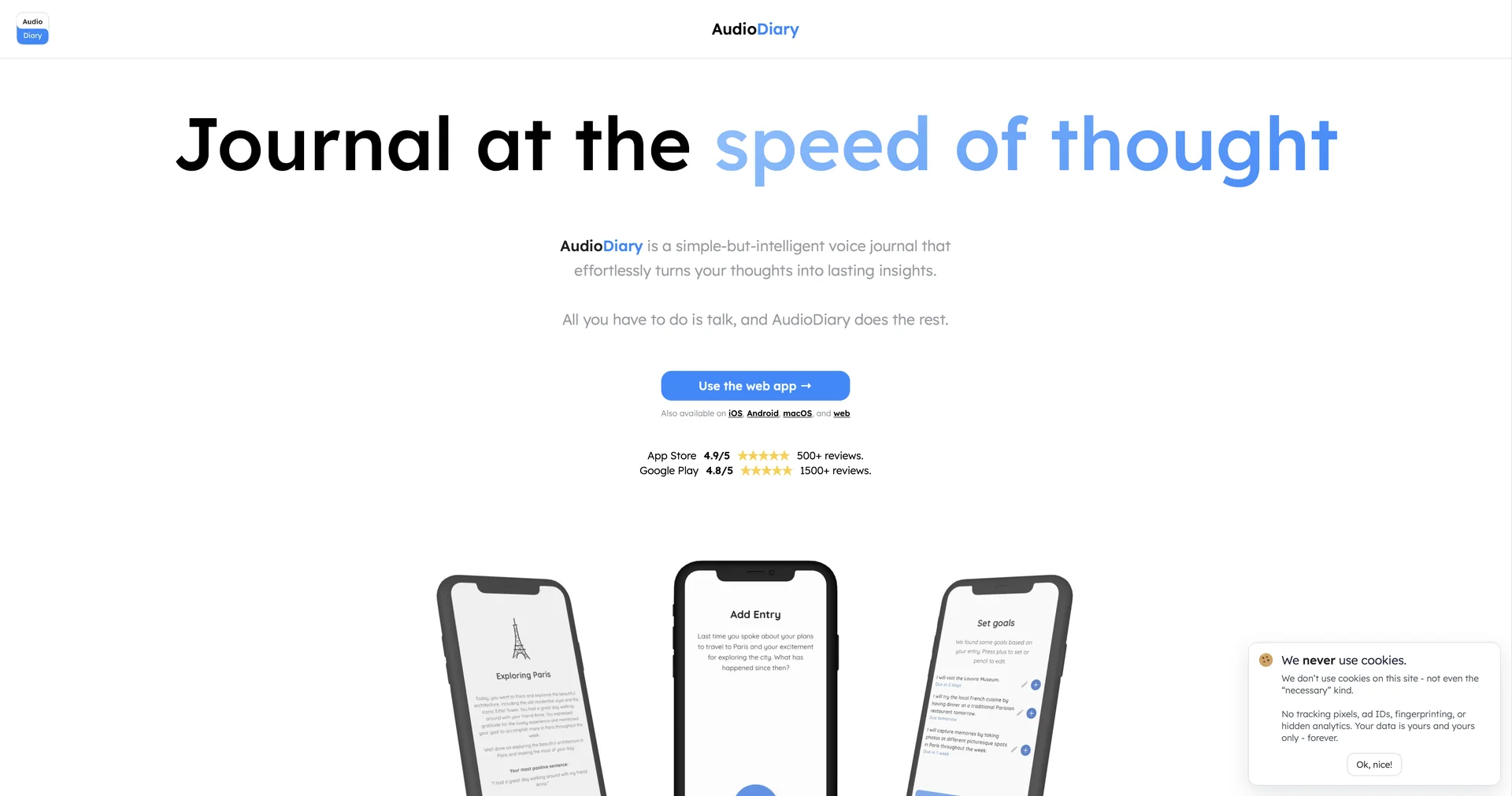
AI-powered diary that listens and chronicles your life.
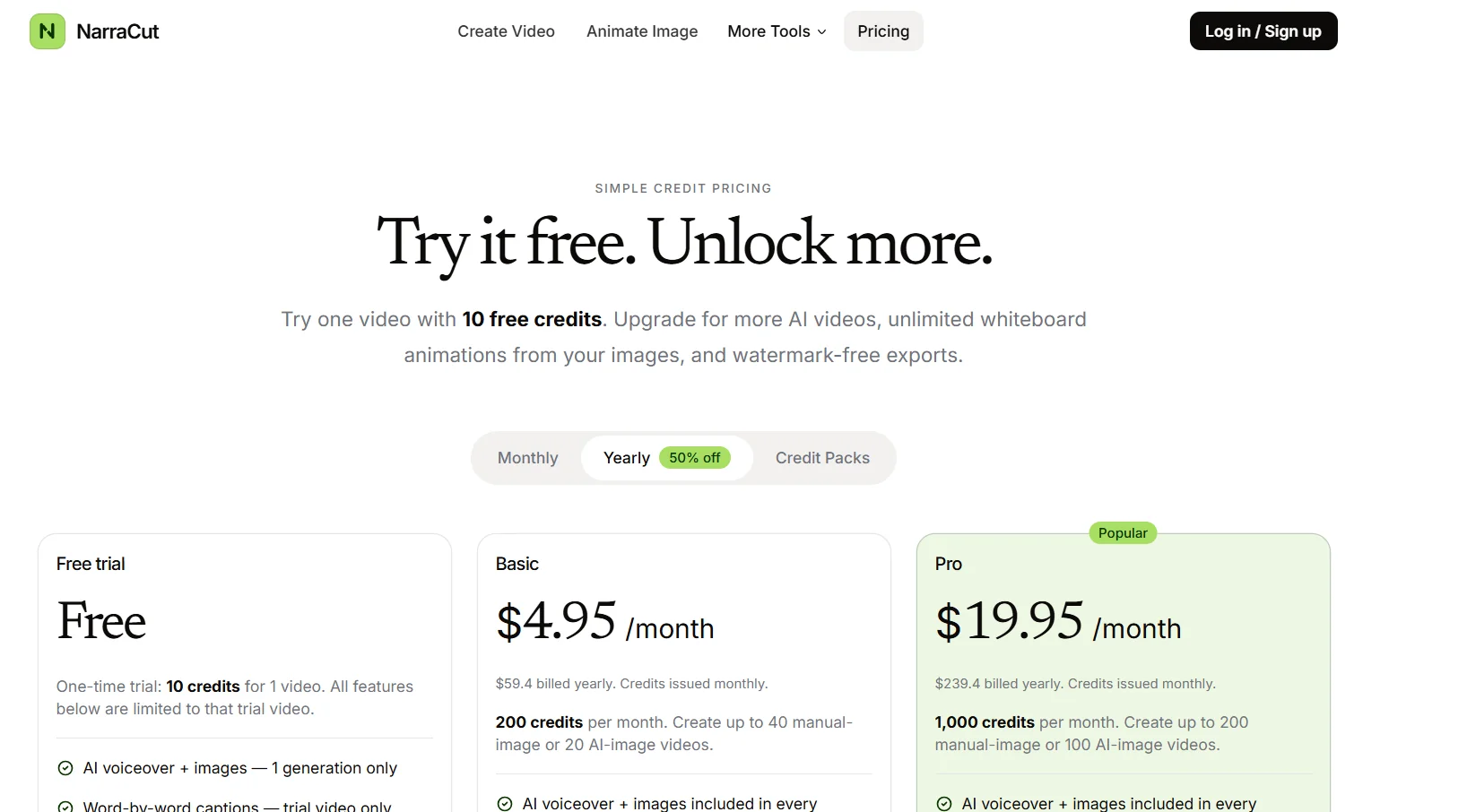
NarraCut is a platform for converting text and visuals into ready-to-use narrated videos, where users can add their own narration and images or let artificial intelligence handle the creation of the visuals, The platform then generates voice-over and word-by-word captions, automatically synchronizes the audio, captions, and visuals, matches each image to the appropriate part of the narration, and exports the video in MP4 format. Users can paste the full script or create a rough draft of a topic using AI Polish, choose a Landscape, Vertical, or Square aspect ratio, select the audio, then upload their own images or generate images using AI, and finally select “Generate a video” to create the video. The platform relies on a unified timing system that uses the generated voiceover as the timing source, so that captions follow the spoken words, and images change according to the meaning of each section of the script rather than cycling through them on a fixed timer. NarraCut allows you to review the entire video, change the aspect ratio and motion settings, replace images associated with specific parts of the text, and export the current result in H.264 MP4 format. You can also start a new project by selecting “Create new video.” The platform supports the use of your own images, including product photos, screenshots, diagrams, and drawings, or create a cohesive set of visuals using artificial intelligence by specifying the number of images and the style, where the platform divides the text into consecutive sections and generates a visual concept for each section. It also offers tools such as AI Explainer Video Maker, Script to Video, Script to Video with Your Images, Whiteboard Animation, Add Voiceover to Video, Add Text to Video, and Photo Slideshow Maker. Uses include creating faceless videos for Shorts, Reels, and TikTok; converting news articles and comments into videos; creating videos for product updates, repurposing articles, news reports, and approved scripts into video format, publishing the same content in Landscape, Vertical, and Square formats, and creating recurring videos for clients within a standardized workflow. It also provides Whiteboard Animation tools to convert a single image into an animated line drawing with gradual color reveal, add AI-generated voiceovers and independently timed subtitles to an existing video, create MP4-format photo slideshows with individual durations, captions, and optional dissolve transitions, and add titles, labels, lower thirds, and text watermarks to existing videos.
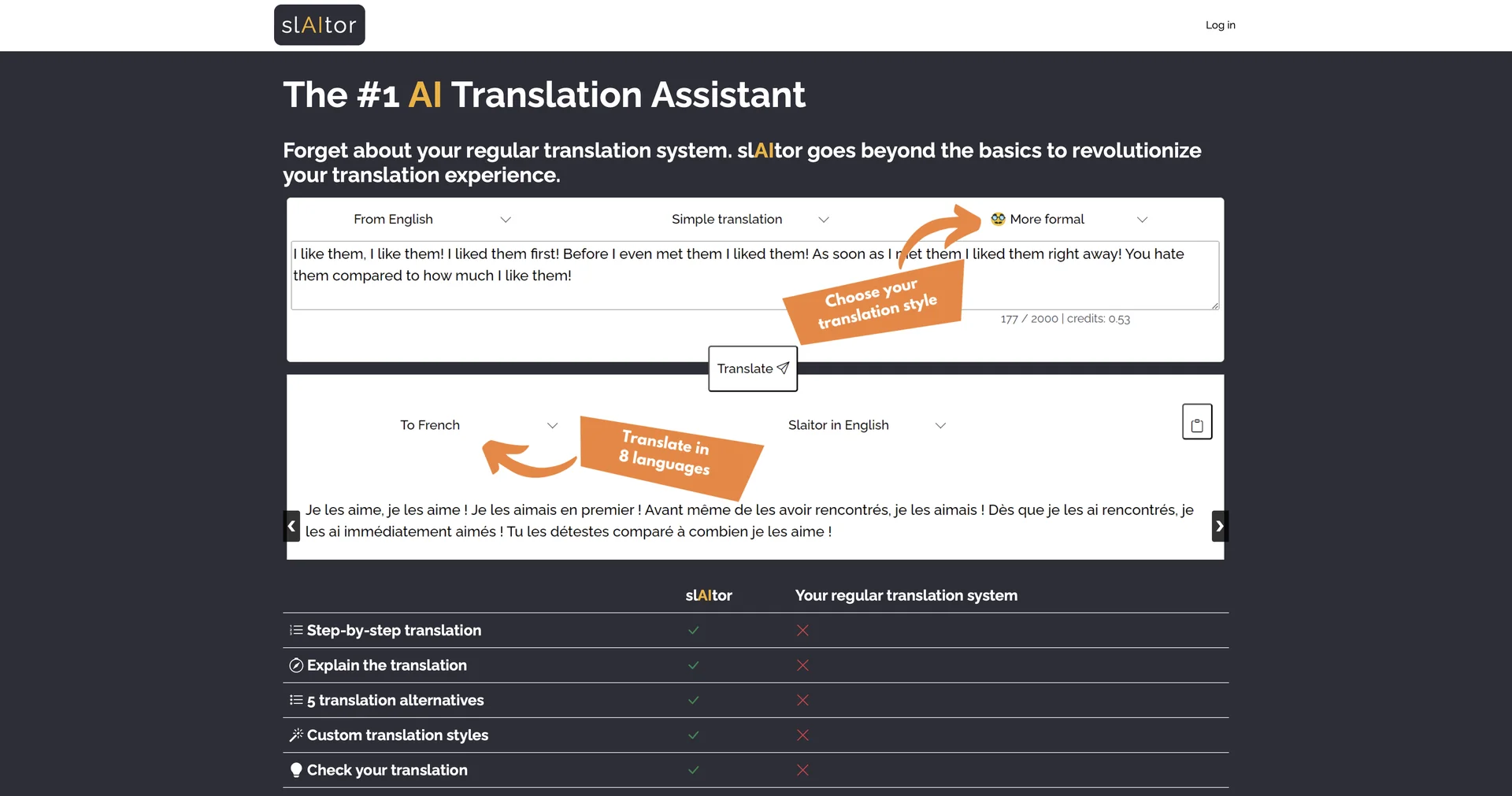
AI-powered translation assistant with enhanced features
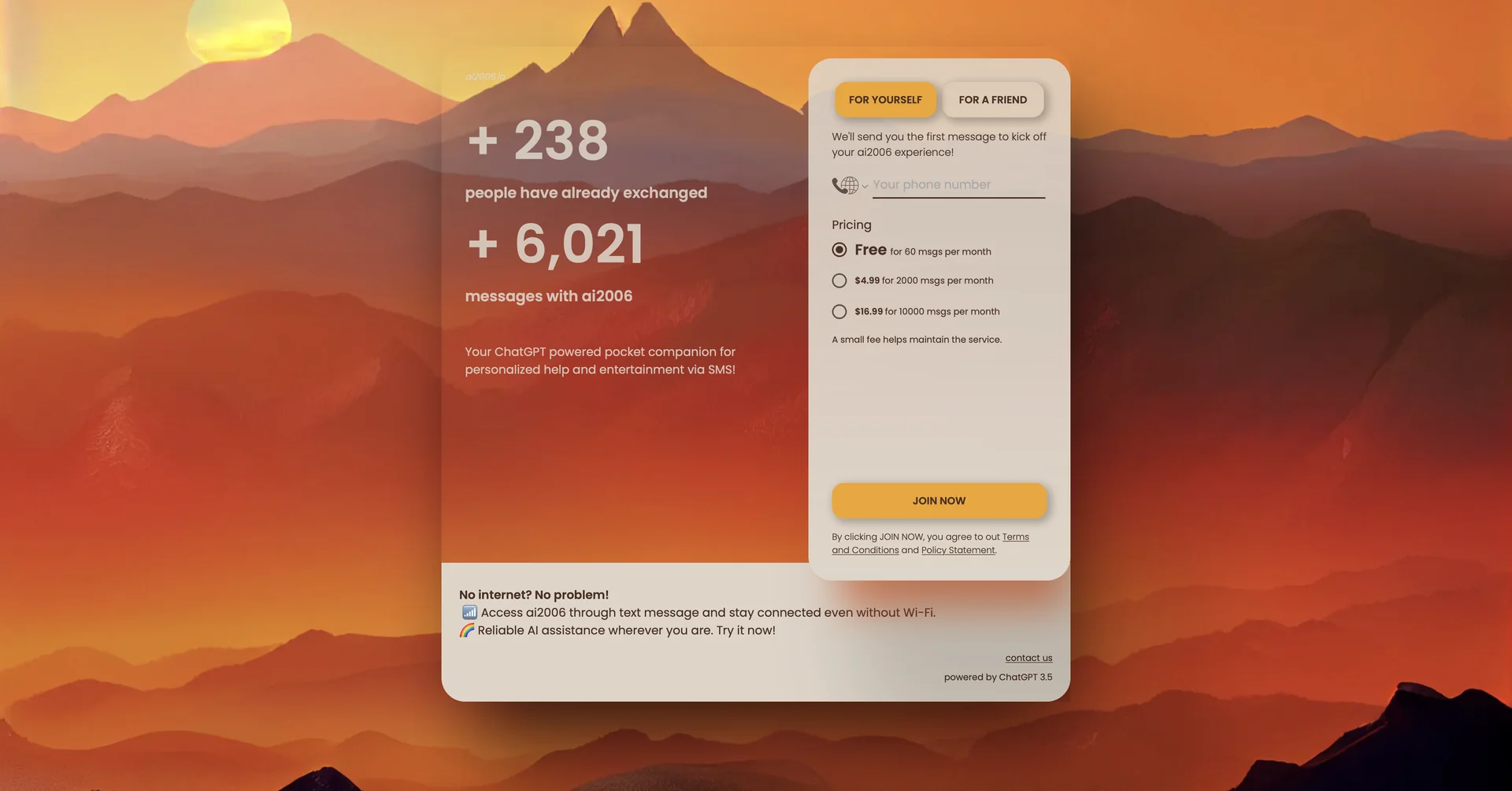
Your ChatGPT pocket companion via SMS
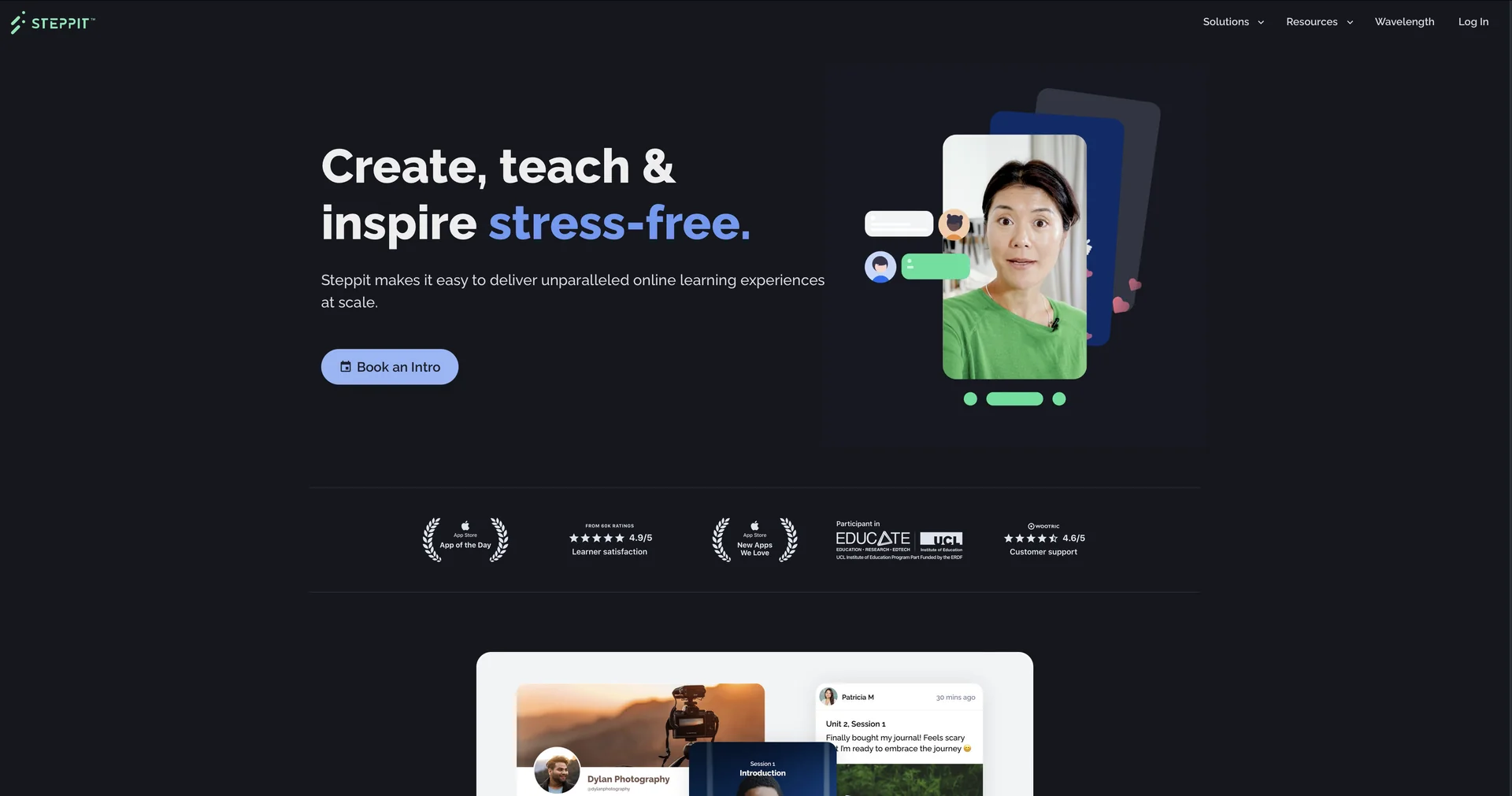
Create and sell AI-powered online courses effortlessly.
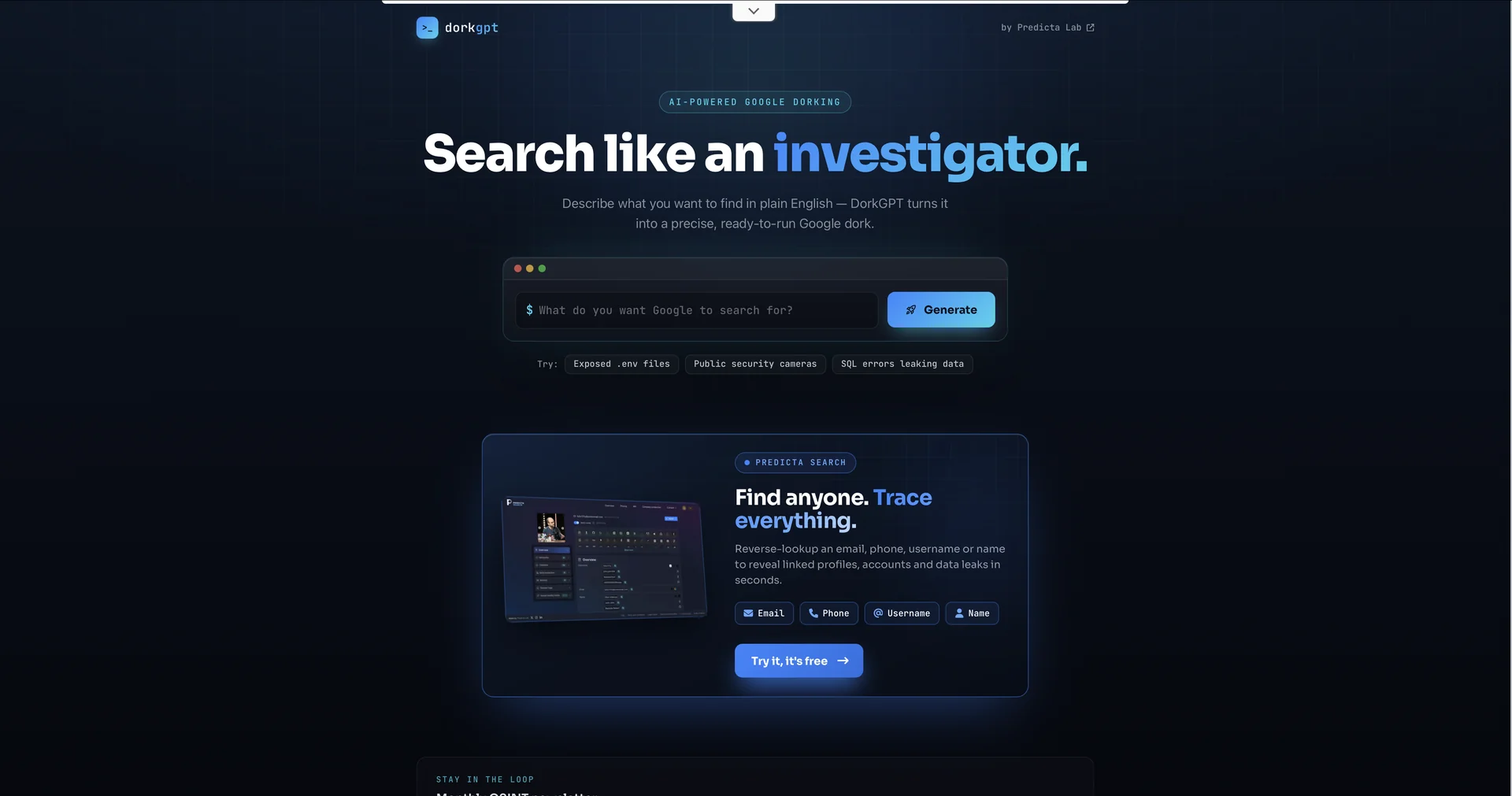
AI-generated Google dorks for precision searching.
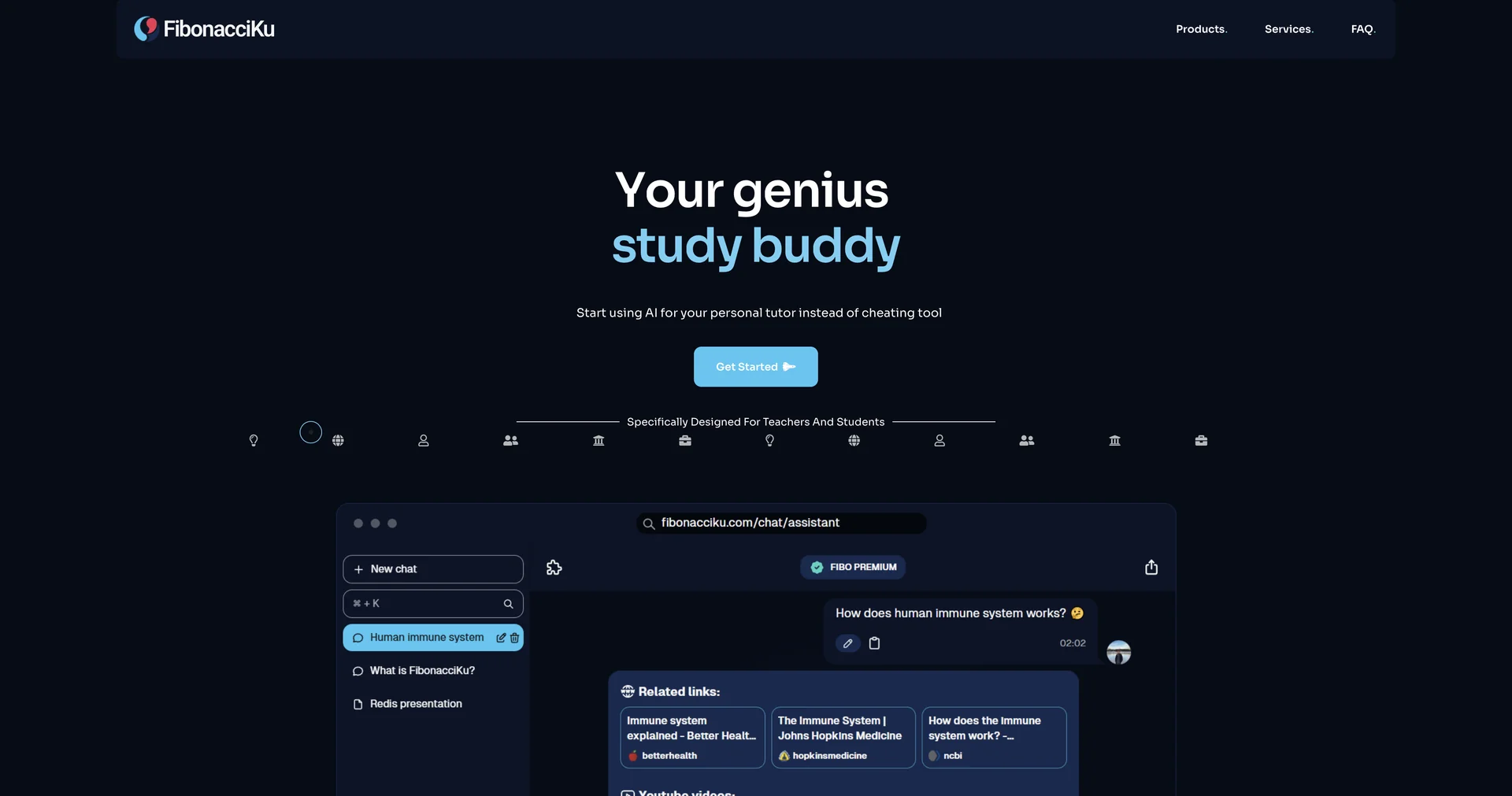
Your genius study buddy: AI tutor, not cheating tool
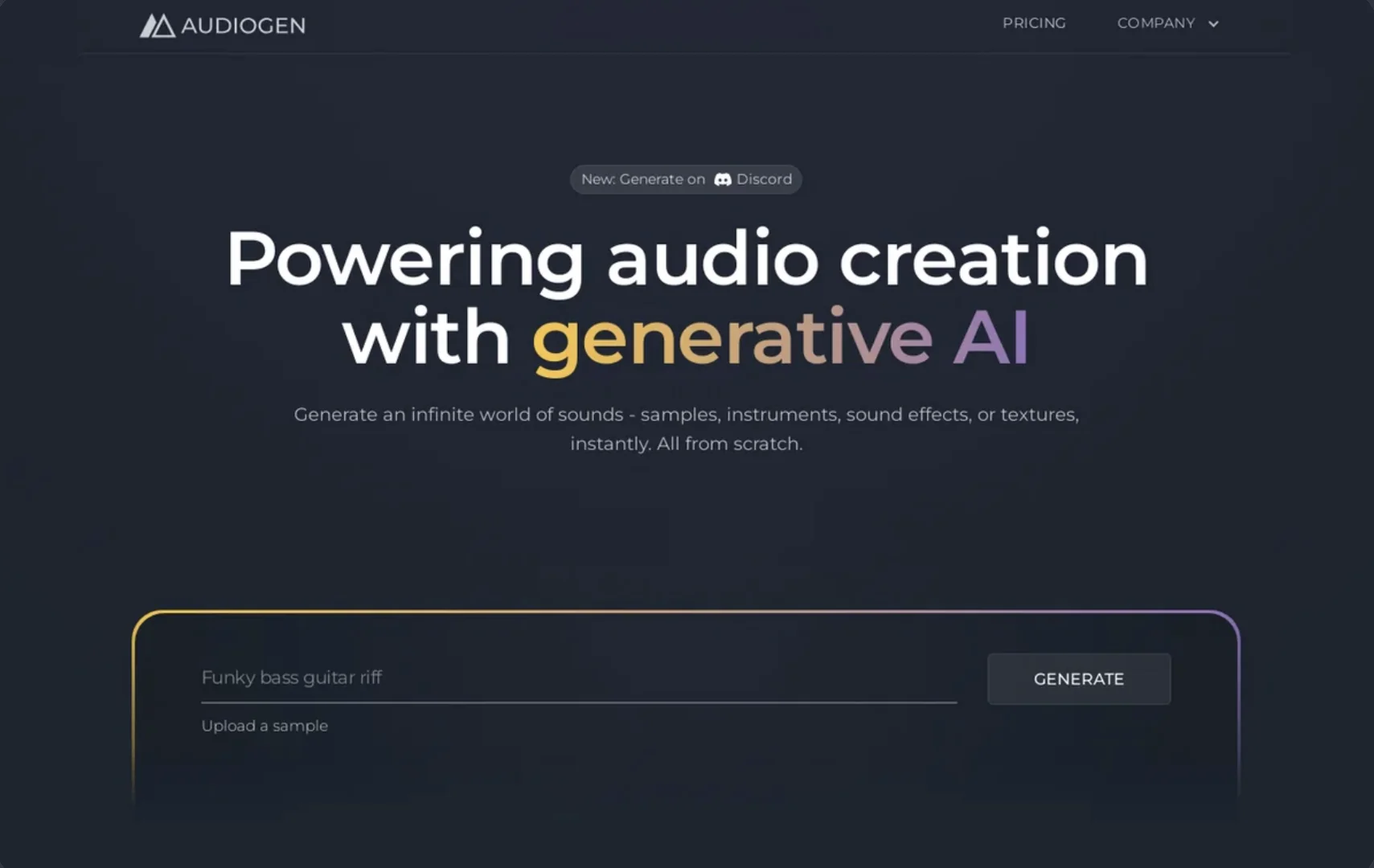
Generate infinite sounds instantly with AI
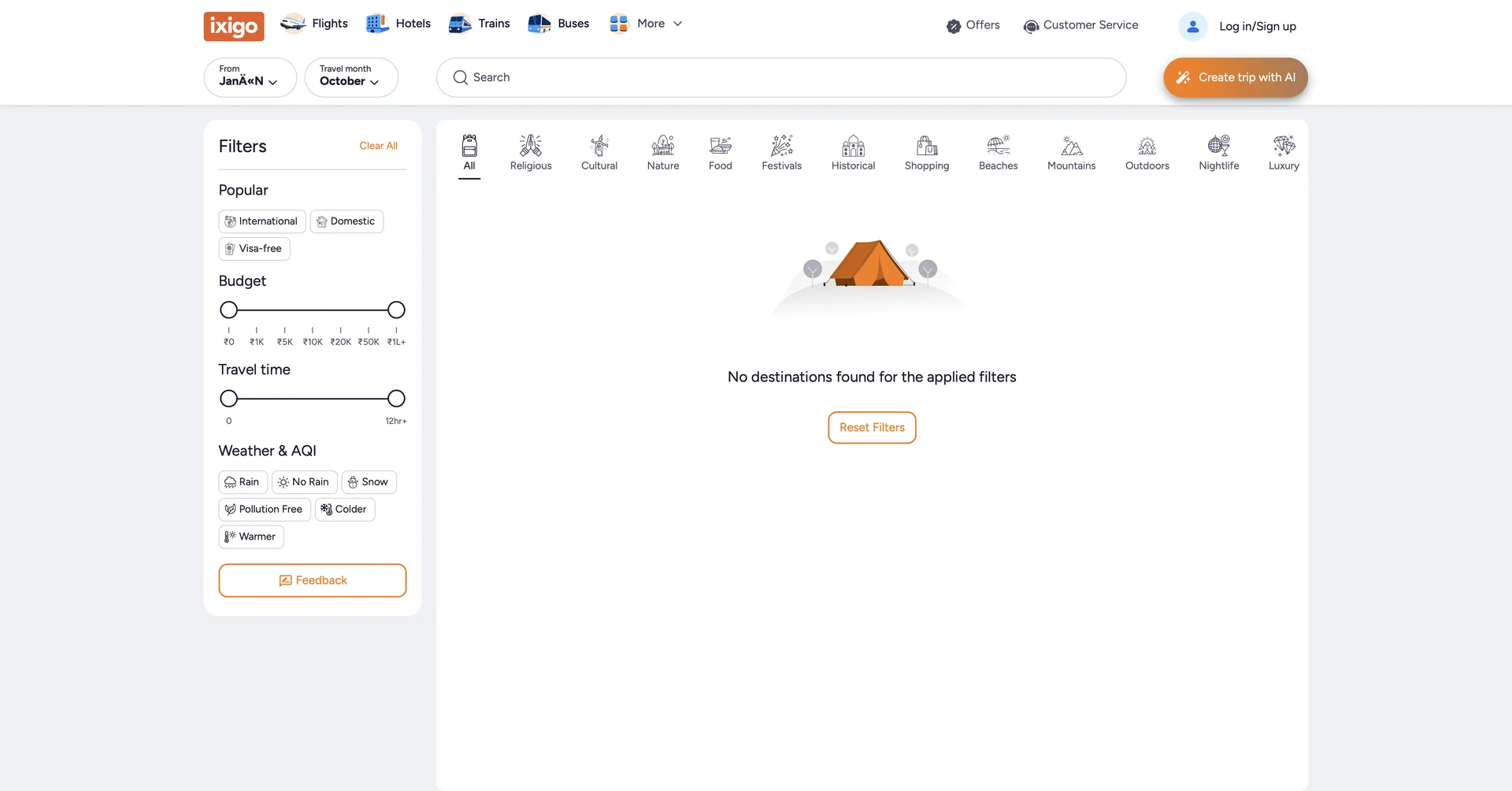
AI-powered trip planning made effortless.

The AI Wingman For Online Dating
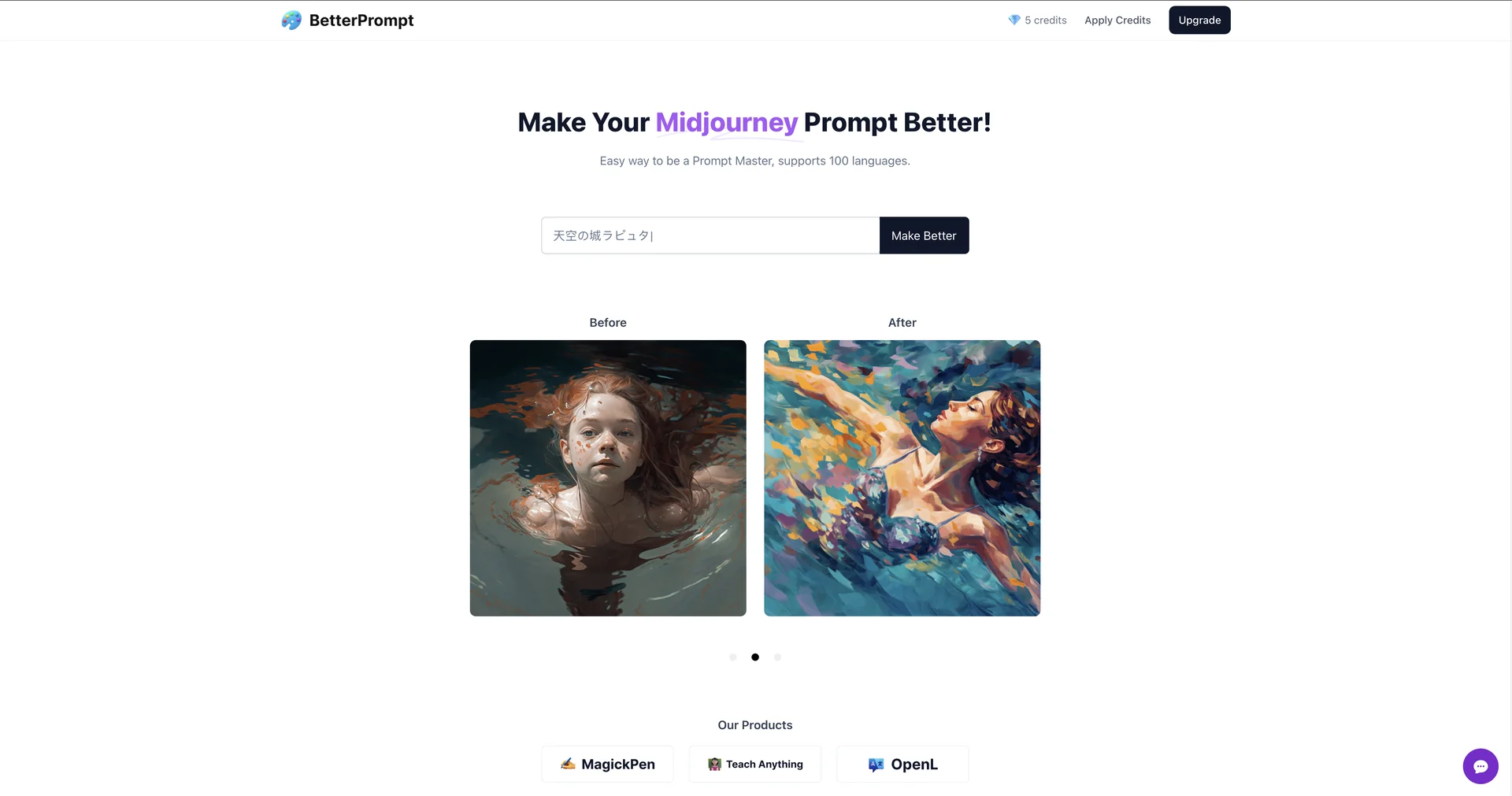
Supercharge your Midjourney prompts
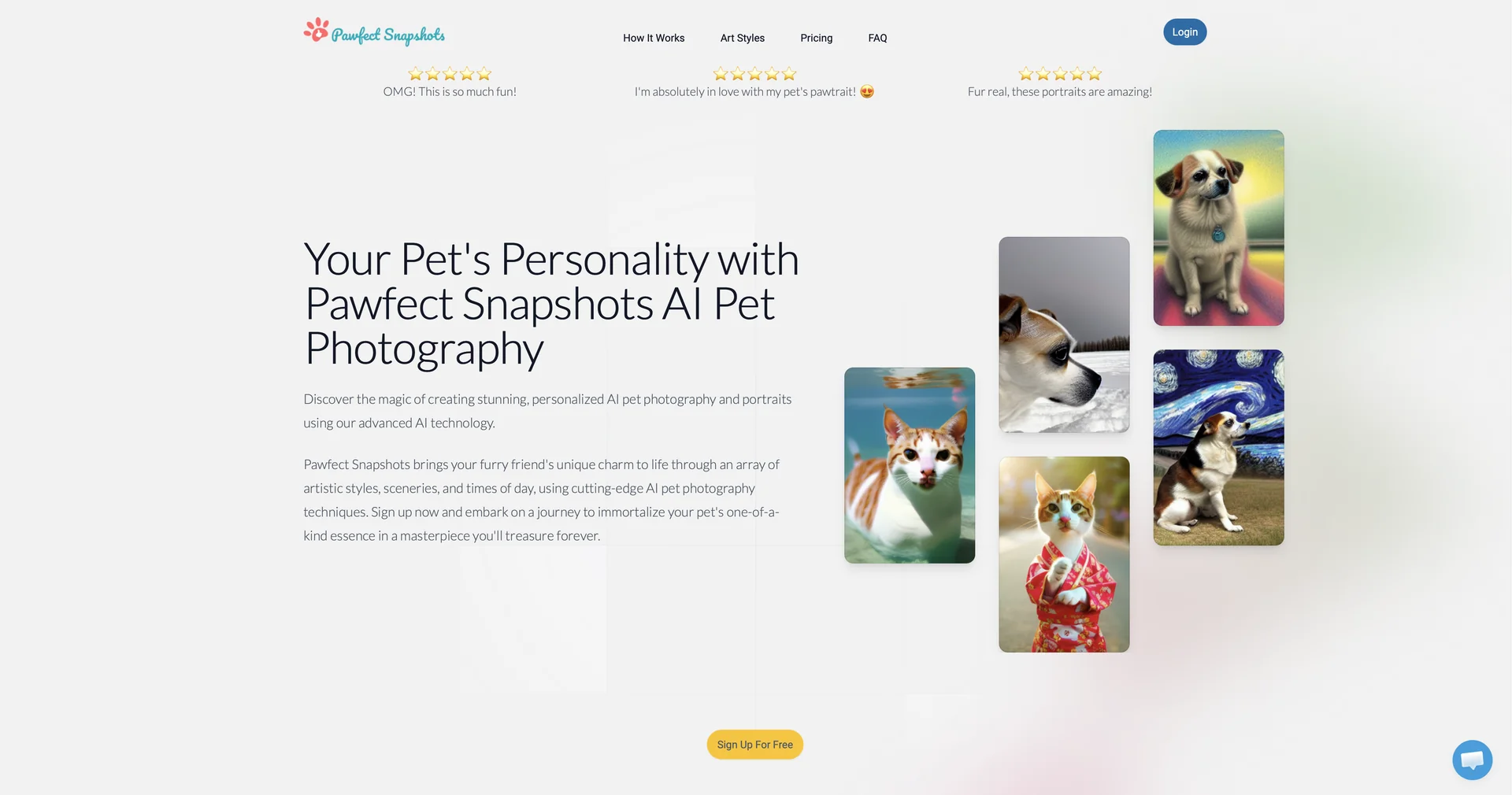
Create stunning AI pet portraits in seconds.
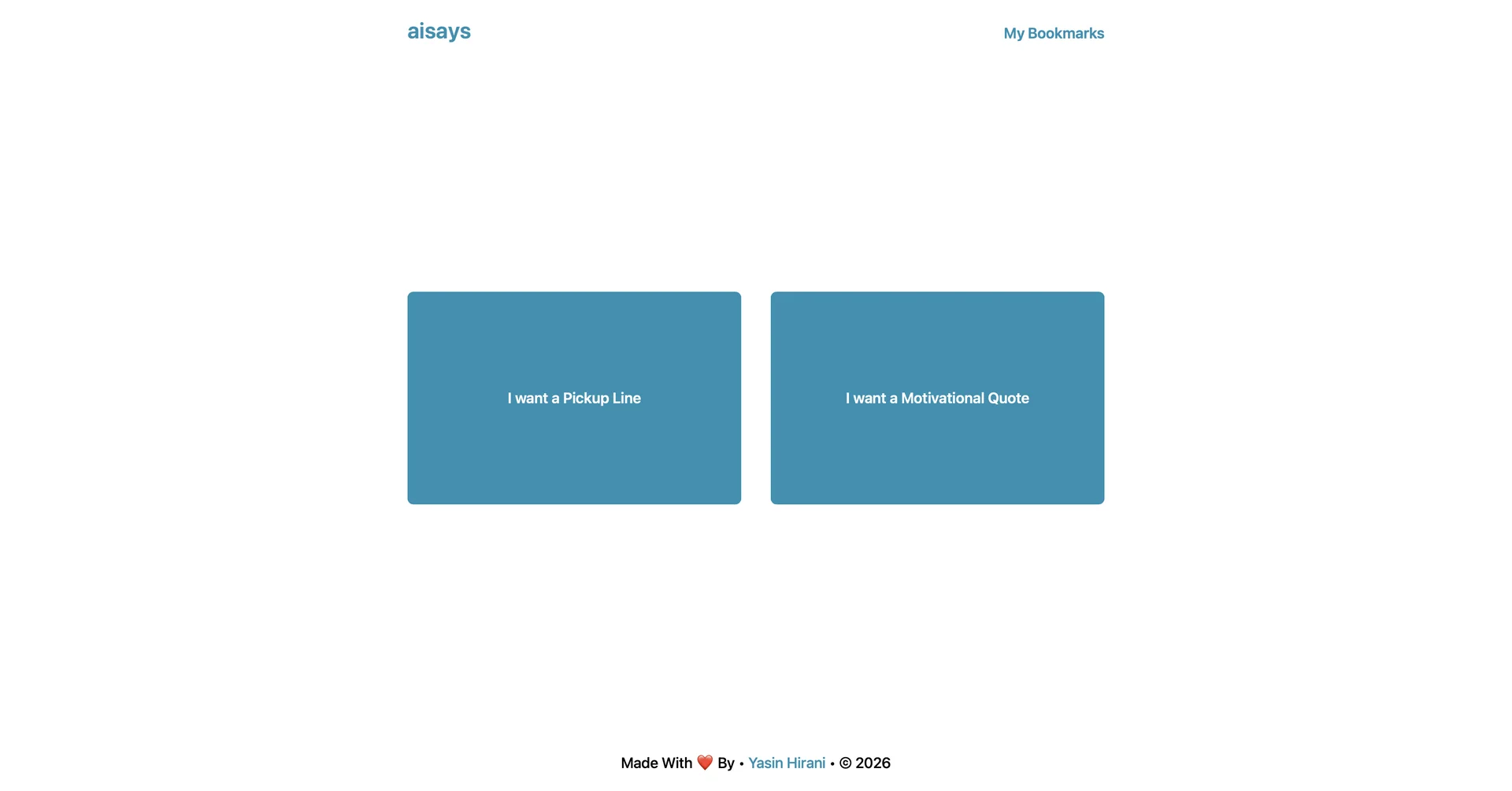
Generate instant pickup lines and motivational quotes.
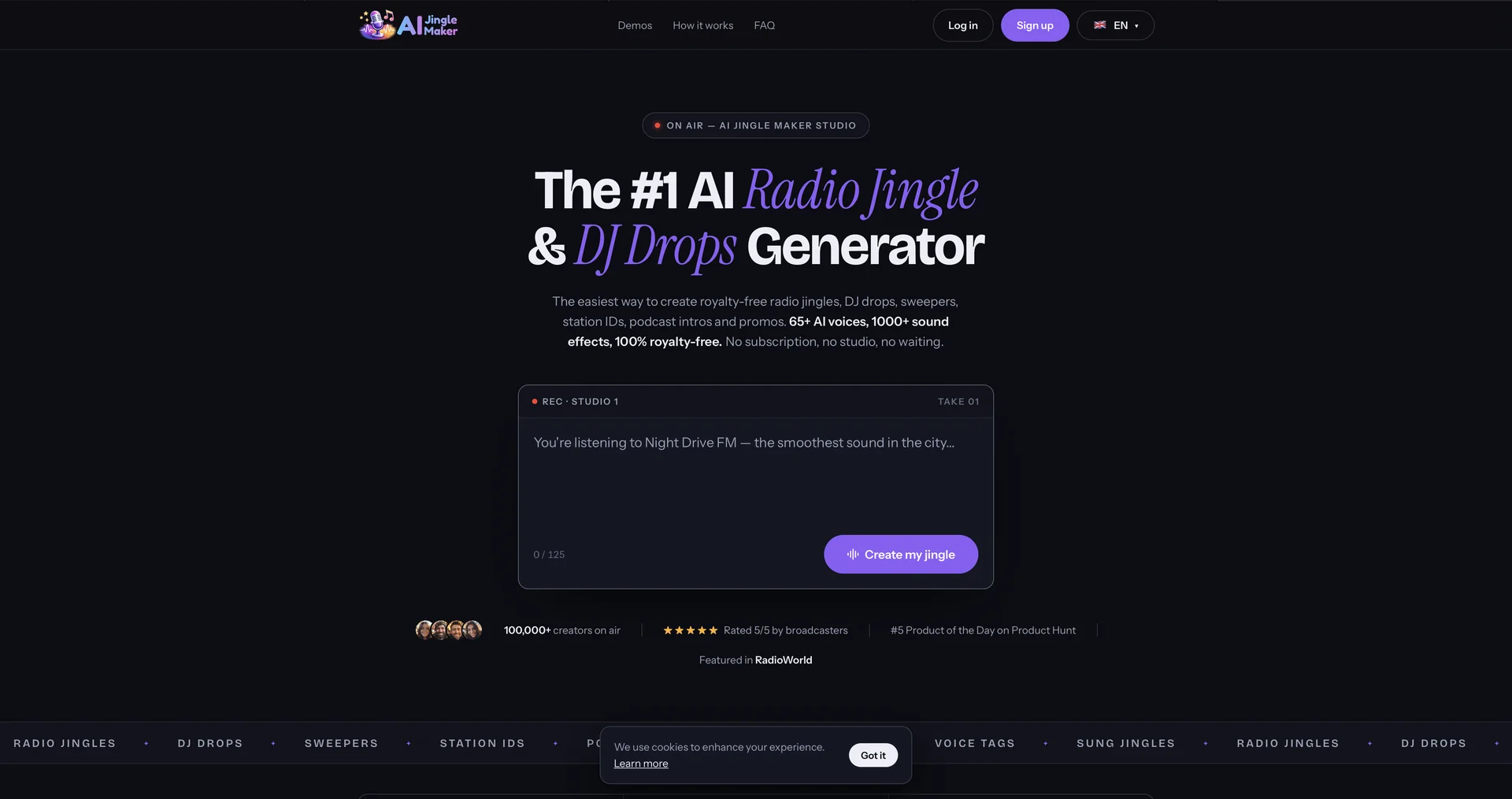
Instantly generating jingles for media.
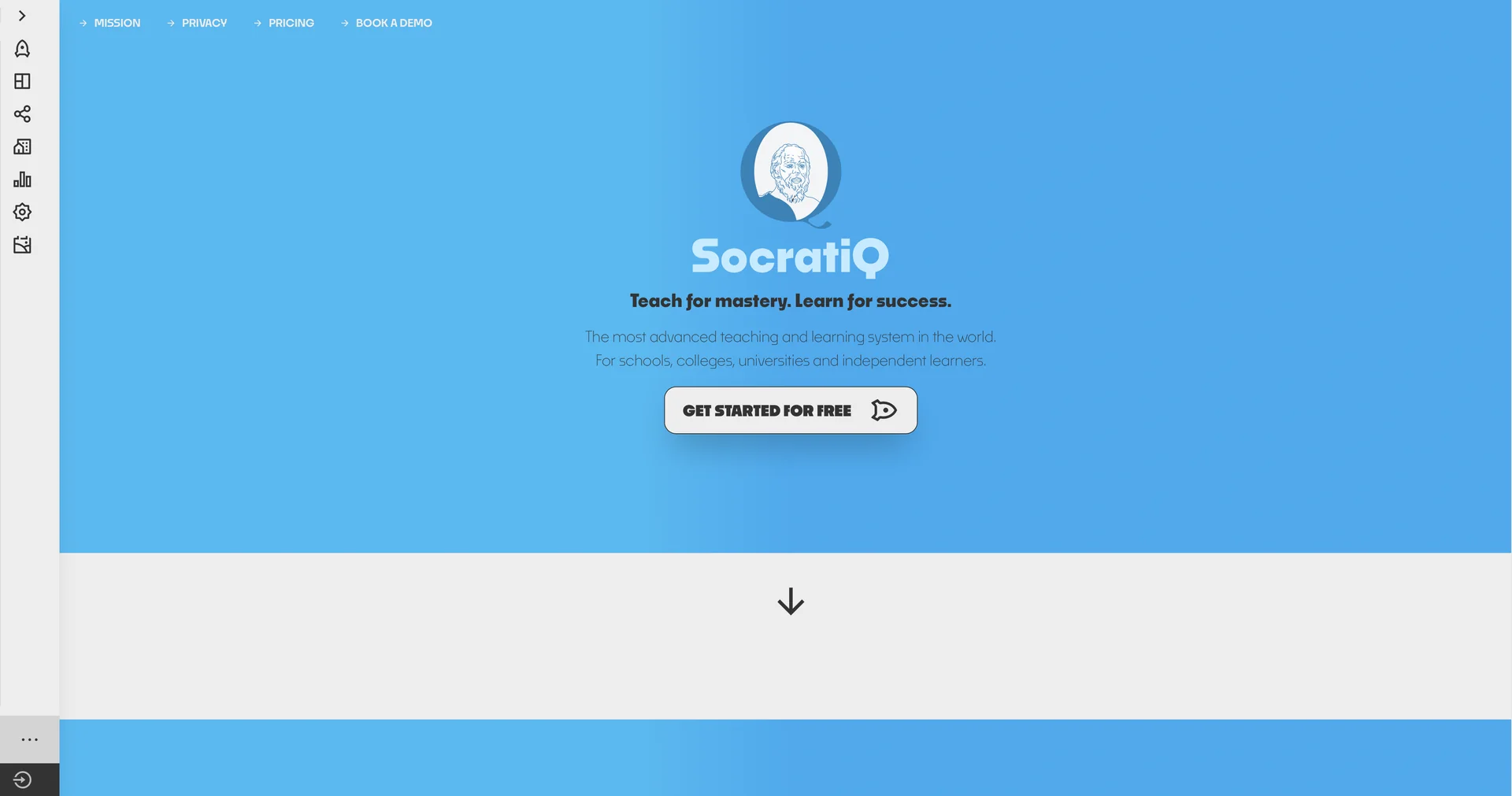
Master any topic, together.
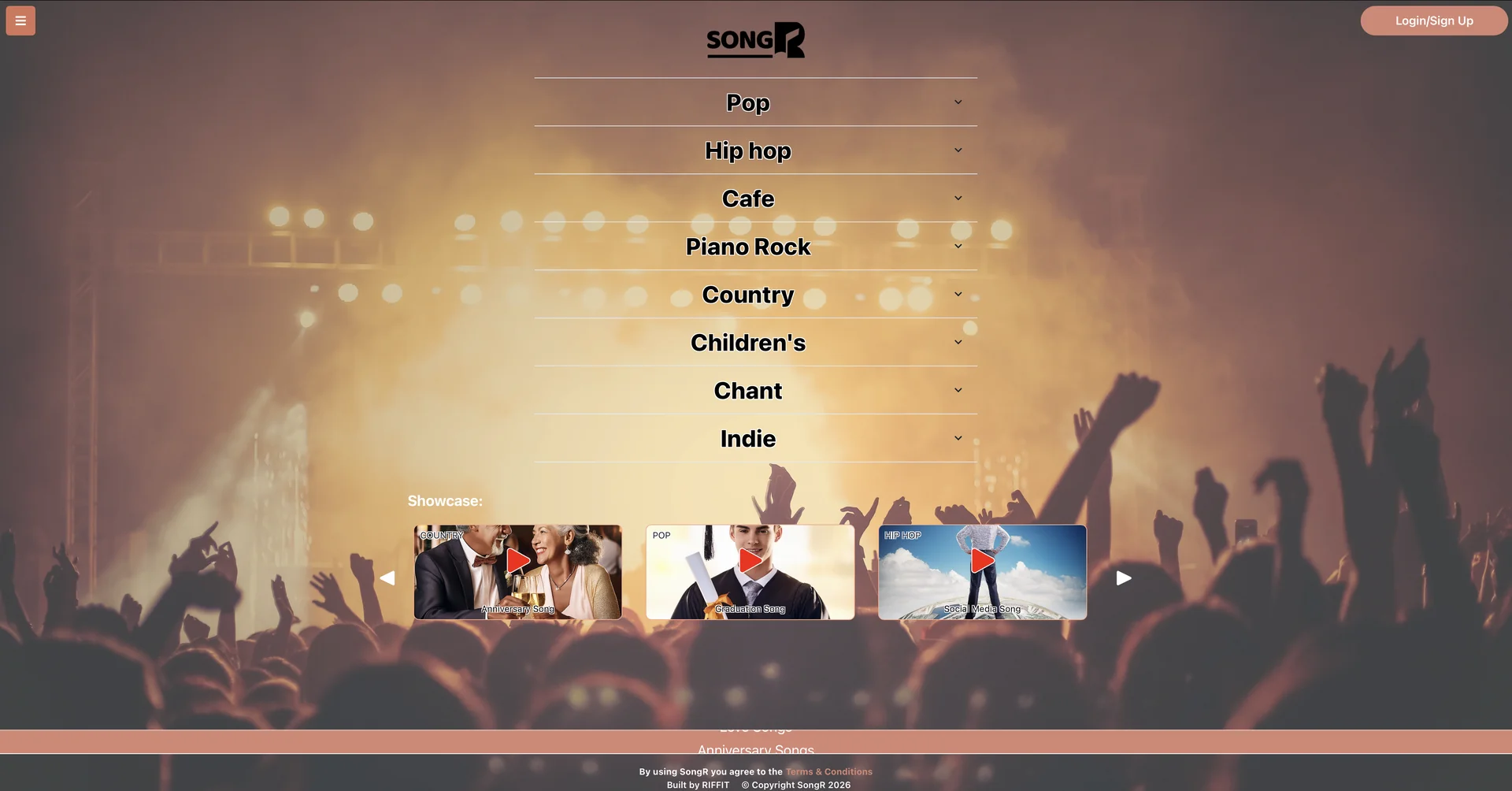
AI-powered song creation from prompts
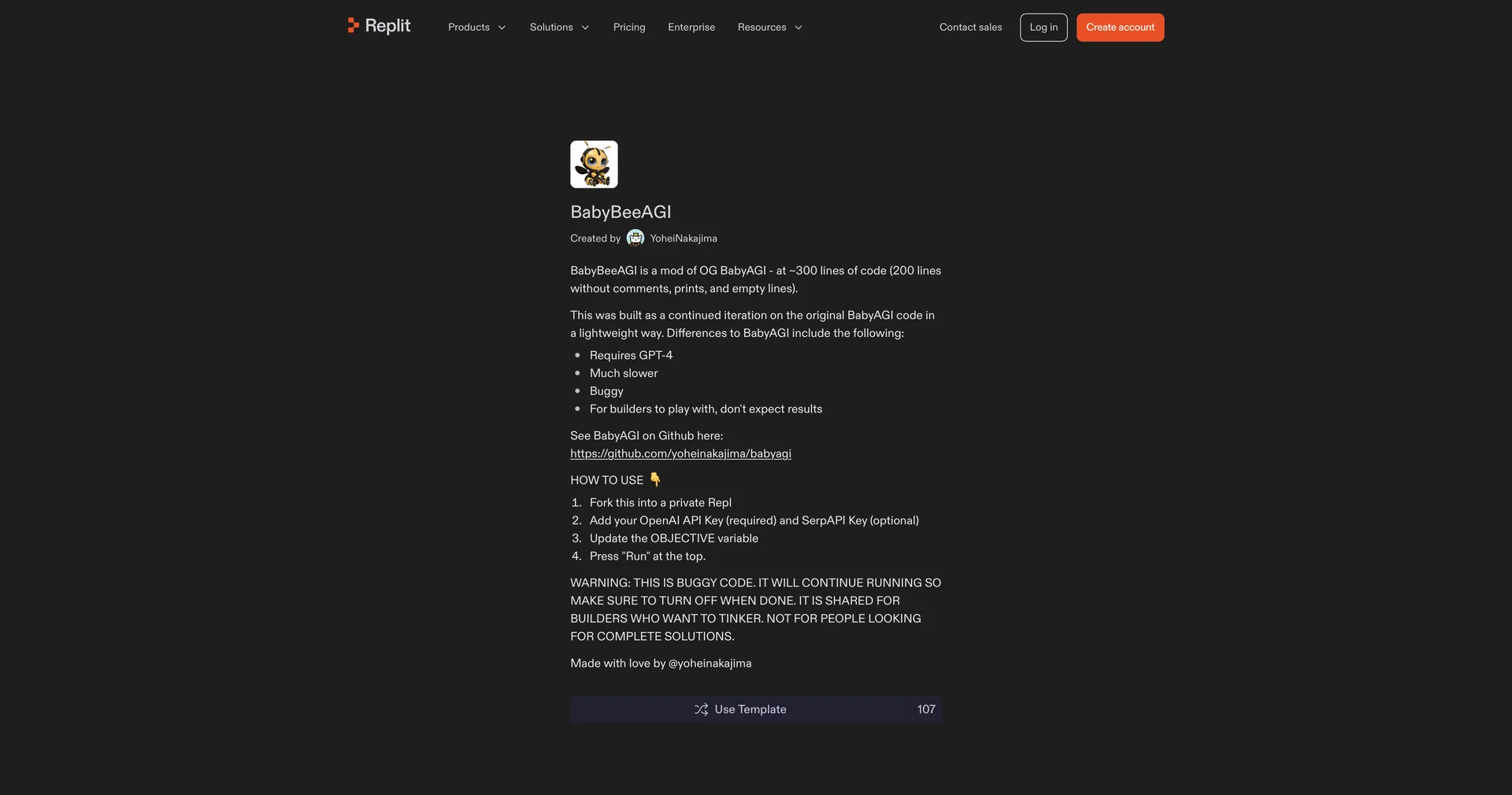
Lightweight mod of BabyAGI for builders to tinker with.
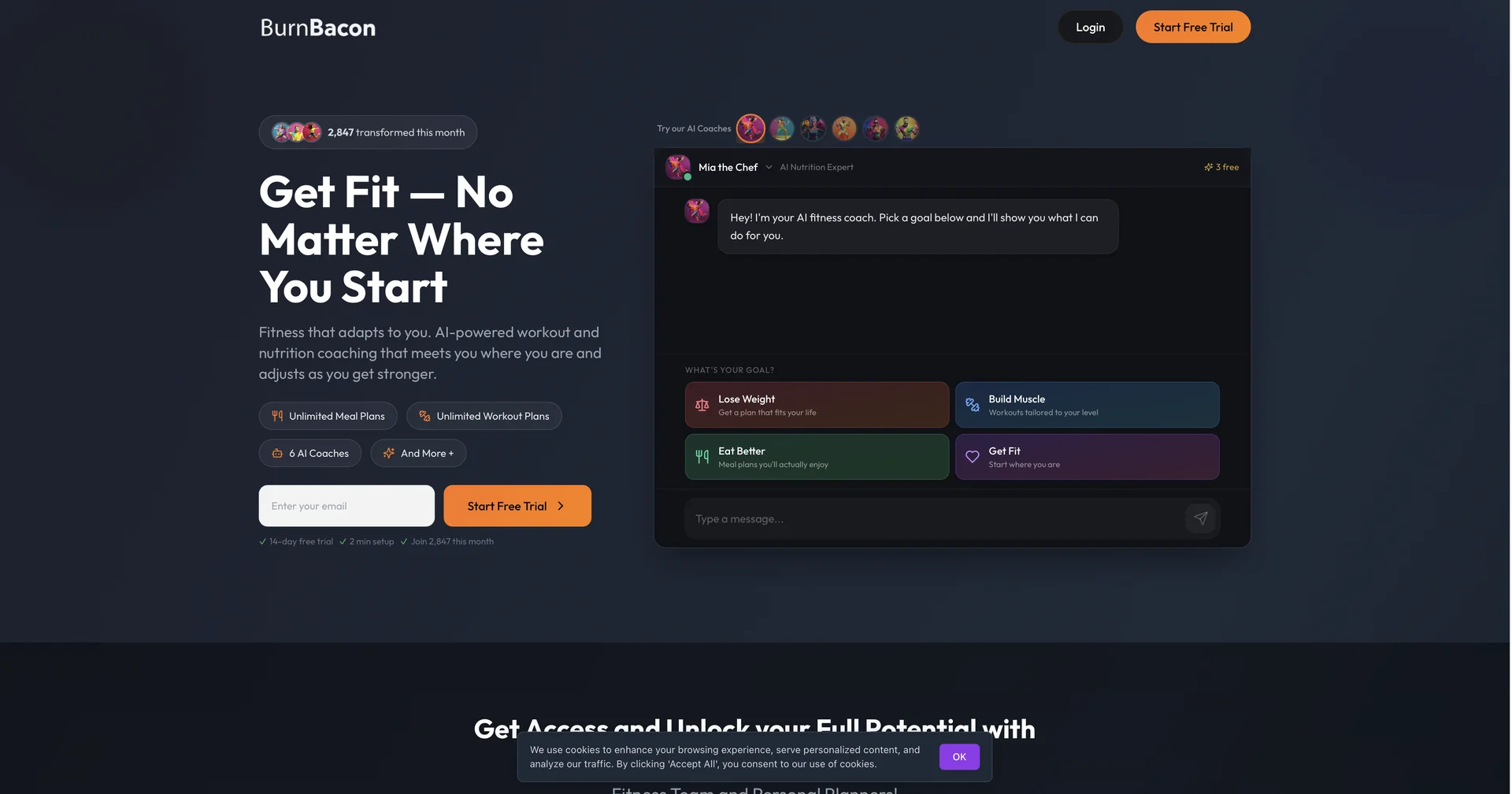
Your AI personal trainer for fitness success
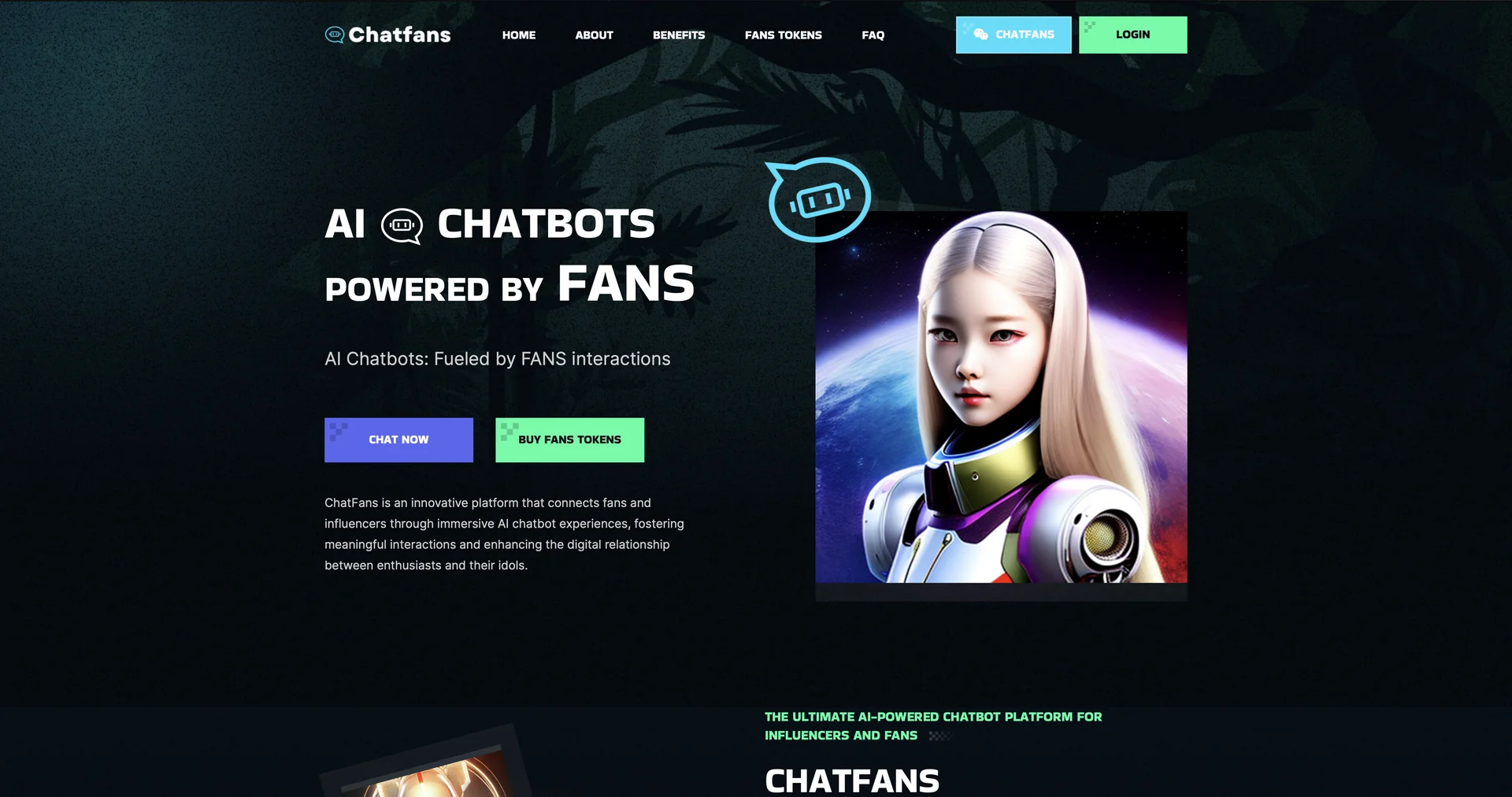
AI chatbots for personalized celebrity interactions.