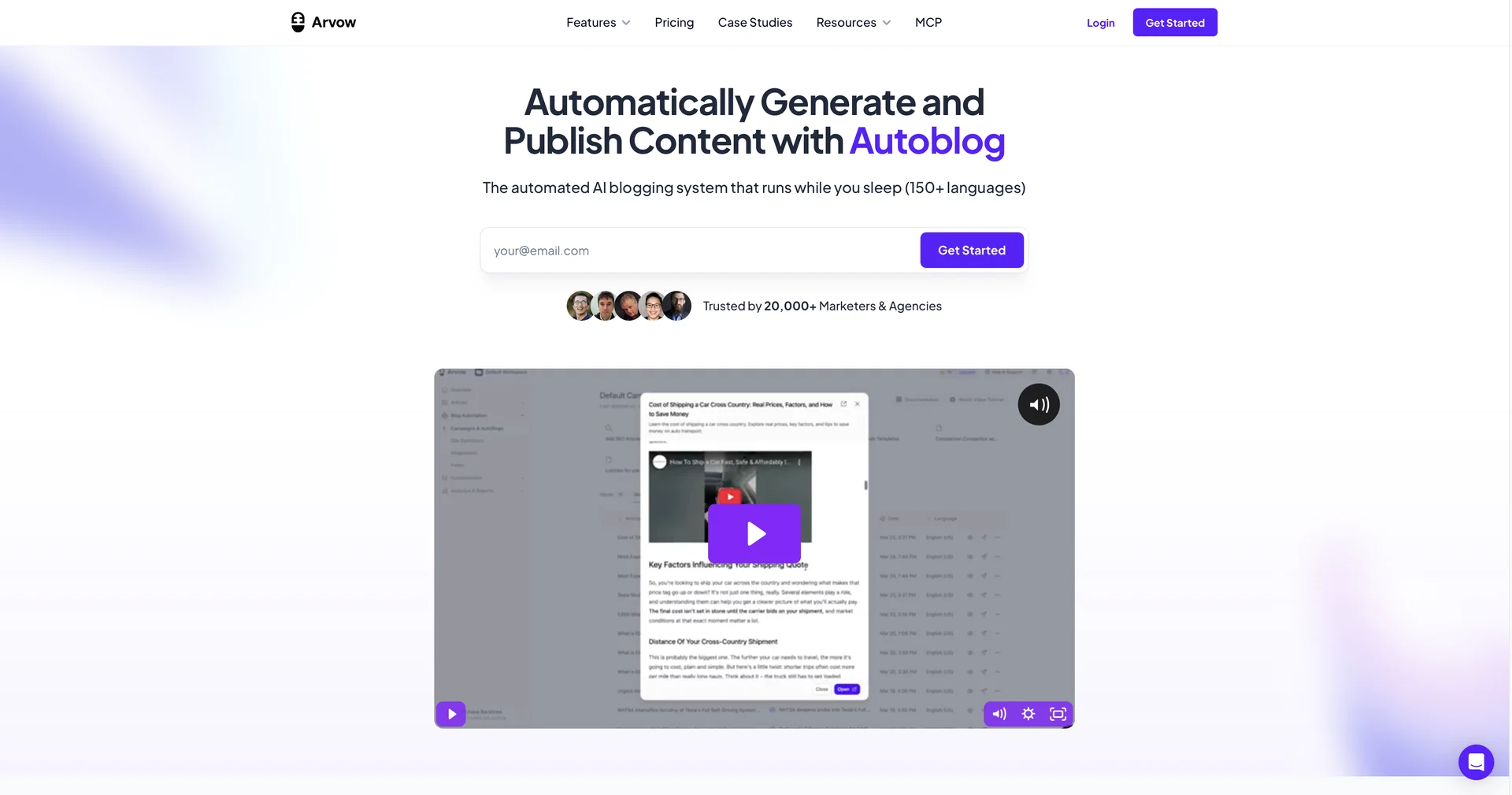
Journalist AI
Create an automated AI blog in seconds
1,542 results
Open the Image Design and Creation category page
Create an automated AI blog in seconds
Generate ER diagrams effortlessly with AI.
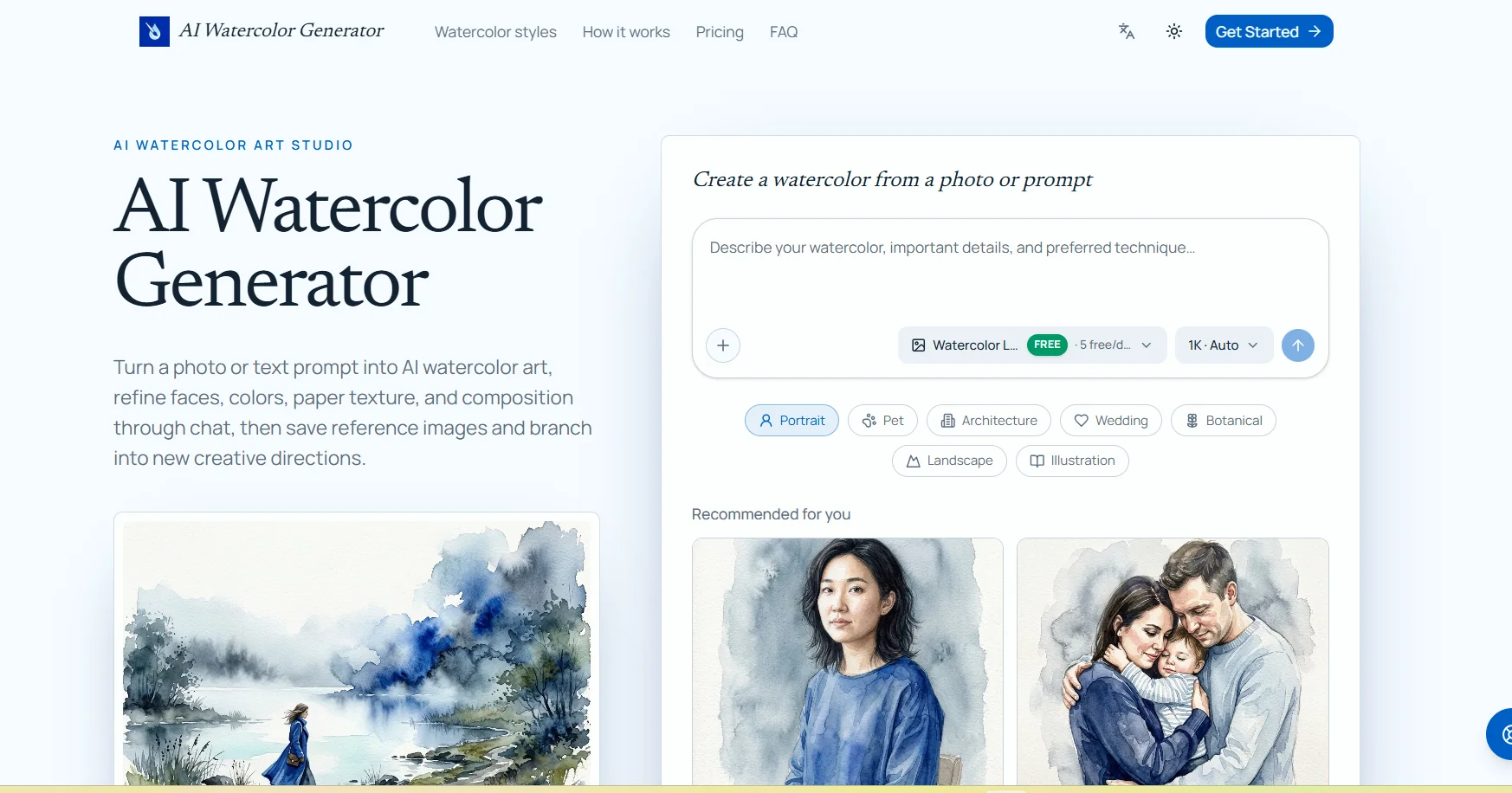
The AI Watercolor Generator allows you to convert images or text descriptions into watercolor-style artwork using artificial intelligence. It can be used to convert photos of people, animals, houses, wedding venues, landscapes, botanical images, and drawings into watercolor paintings, with the ability to specify which details should be preserved, such as facial features, animal markings, or architectural details. The tool lets you choose the AI model, the image aspect ratio, and the output resolution (1K, 2K, or 4K). You can also edit the resulting image via text chat by selecting a specific area within the image and requesting adjustments without losing previous versions. It also provides a library for saving and reusing reference images, as well as the ability to create a new branch from a previous conversation or result to explore different colors, compositions, or styles. Stated use cases include photos of people and families, pet photos, house paintings, wedding venues, botanical art, and clip art collections.
Create visualizations from natural language
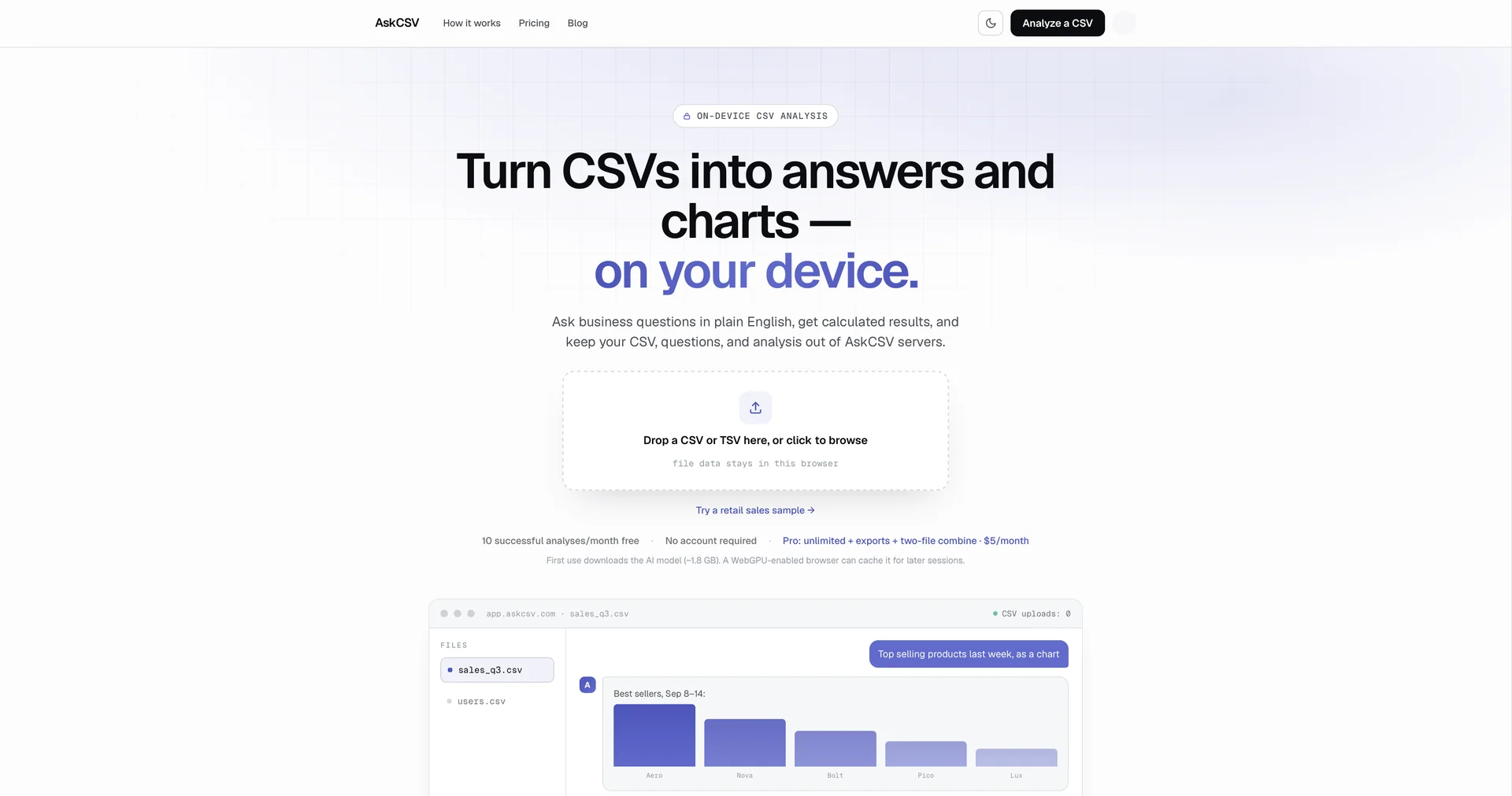
Ask your CSV file anything, instantly.
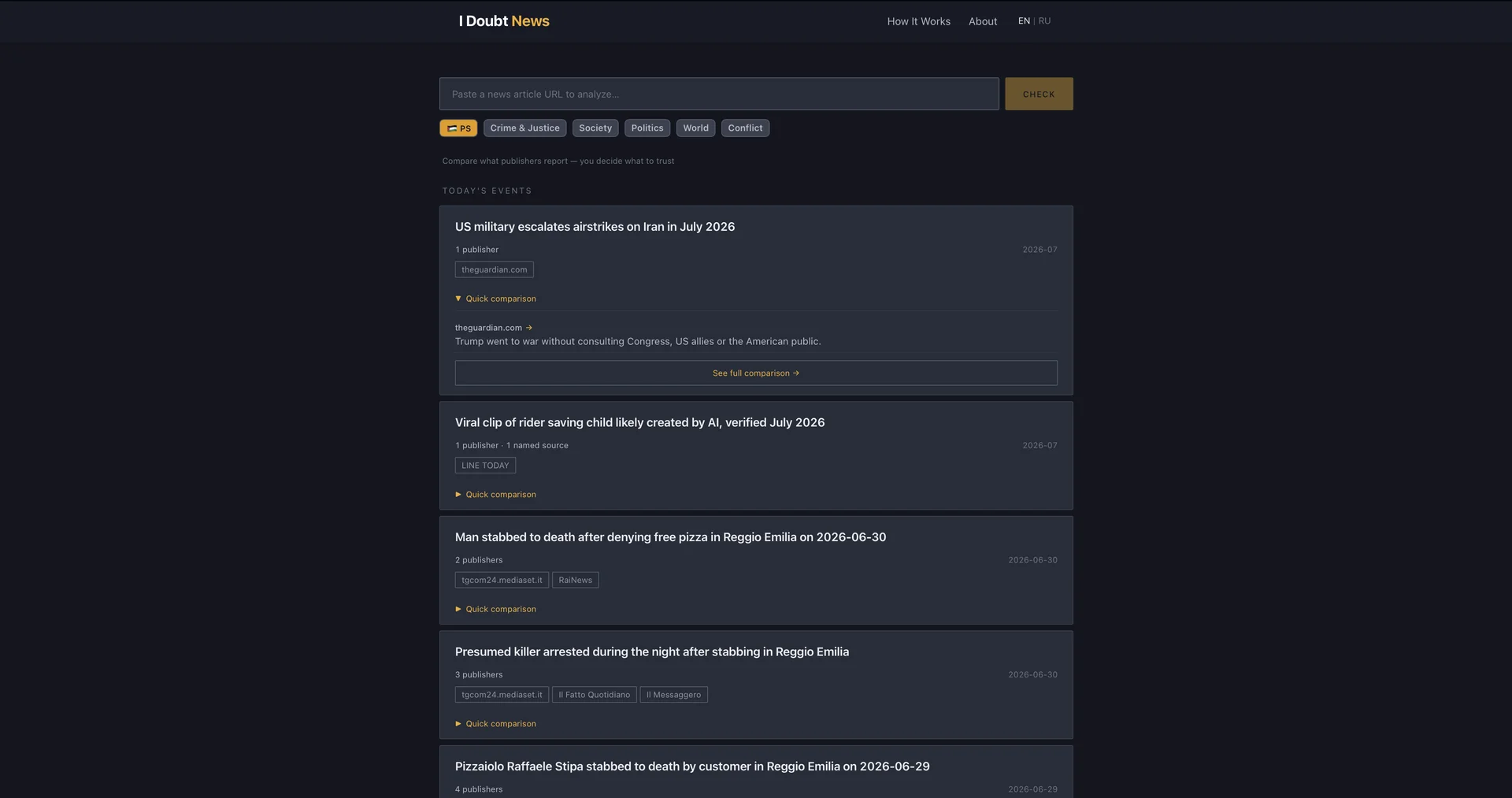
AI-powered news analysis and fact-checking platform
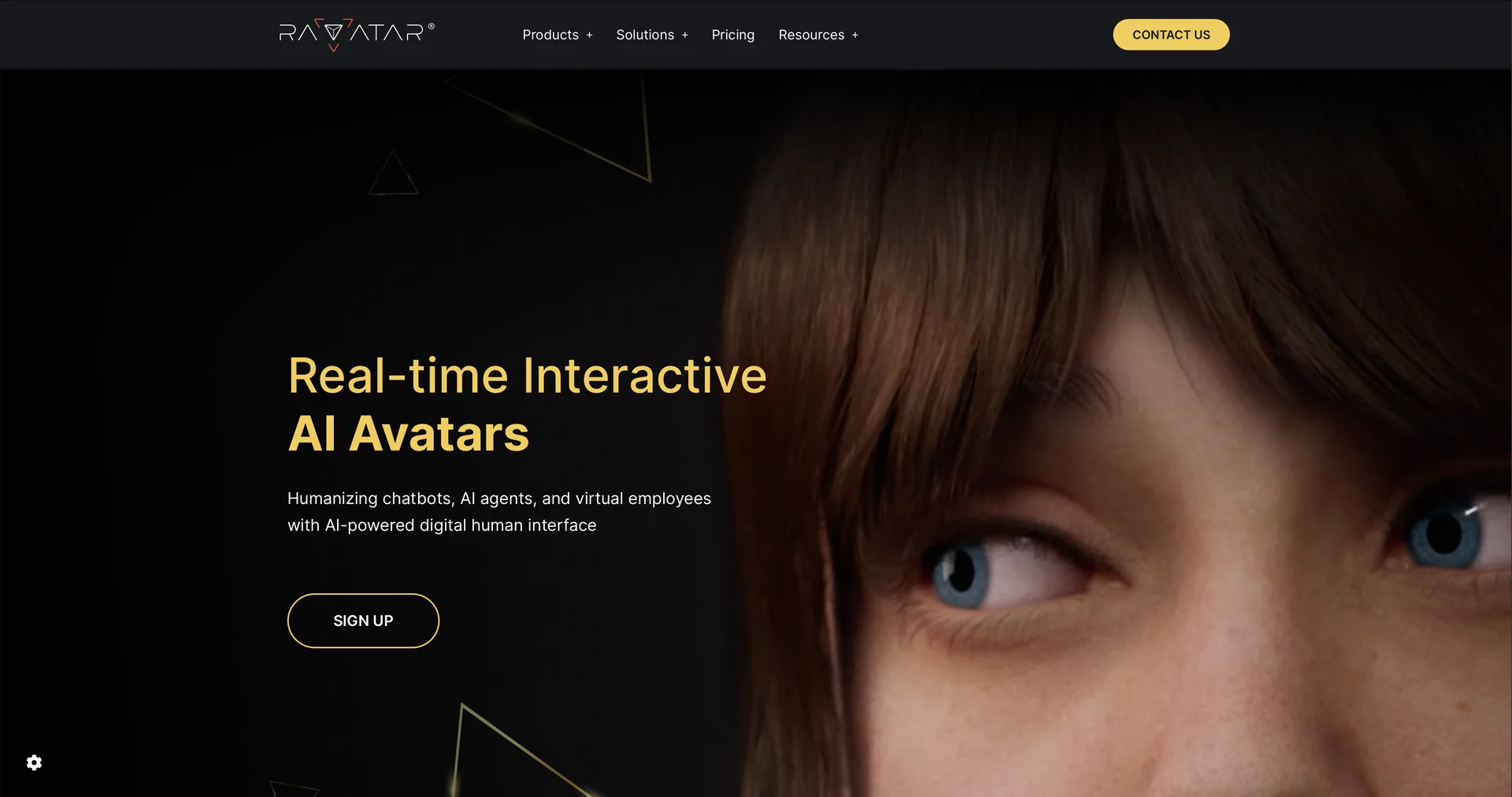
Unleash digital humans for your business
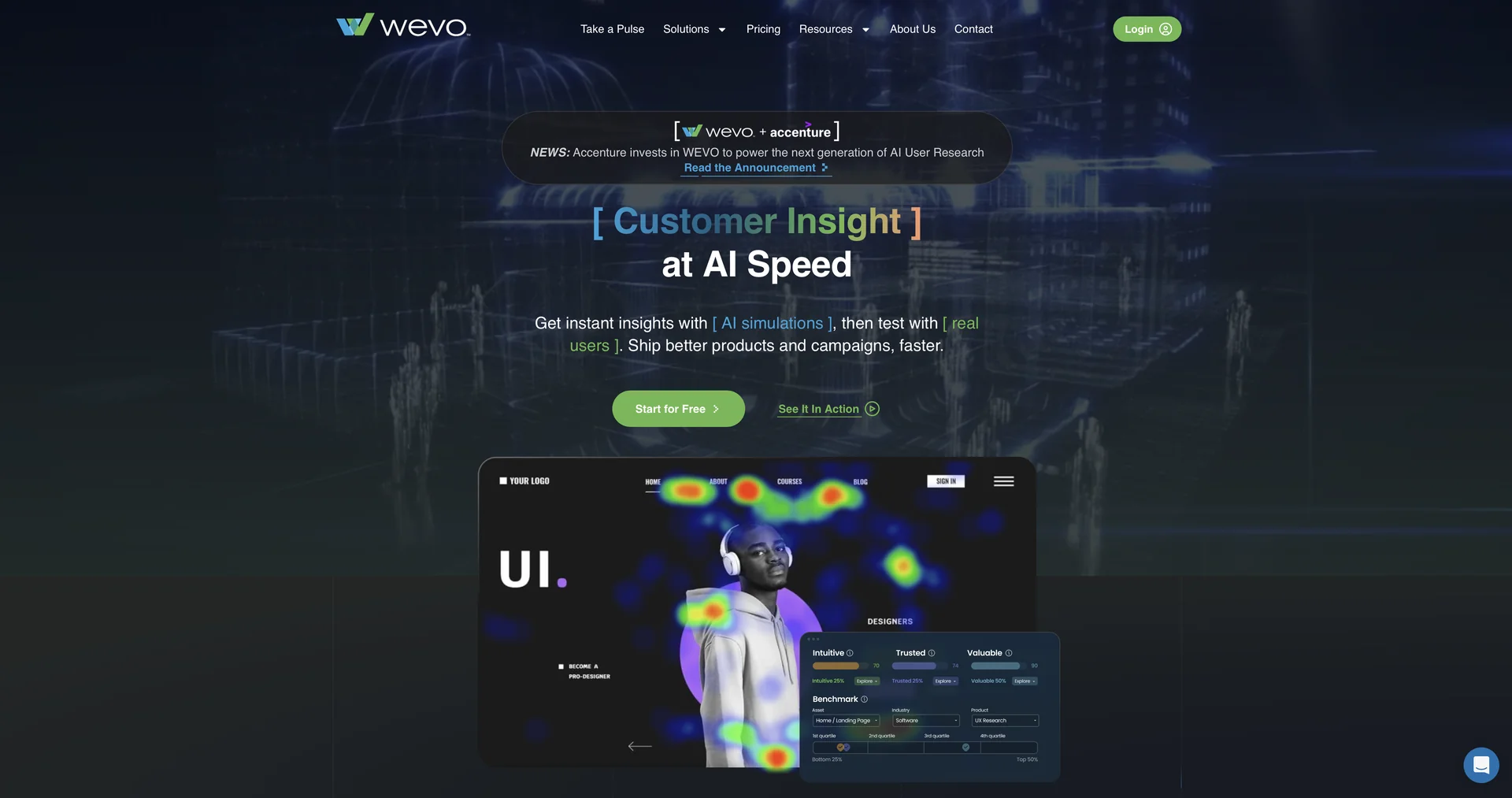
Effortless UX Research for Teams
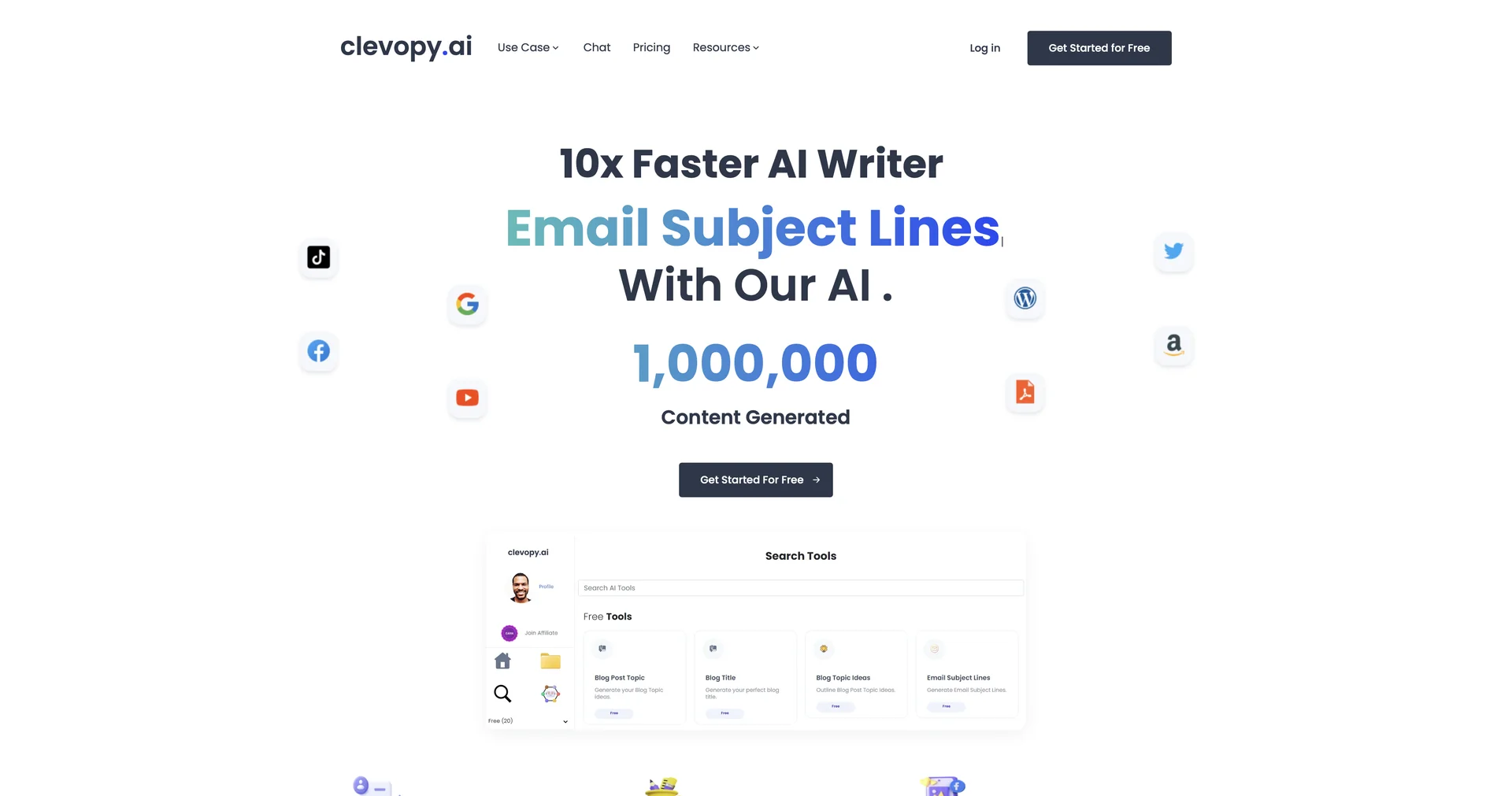
Write 10x faster with AI.
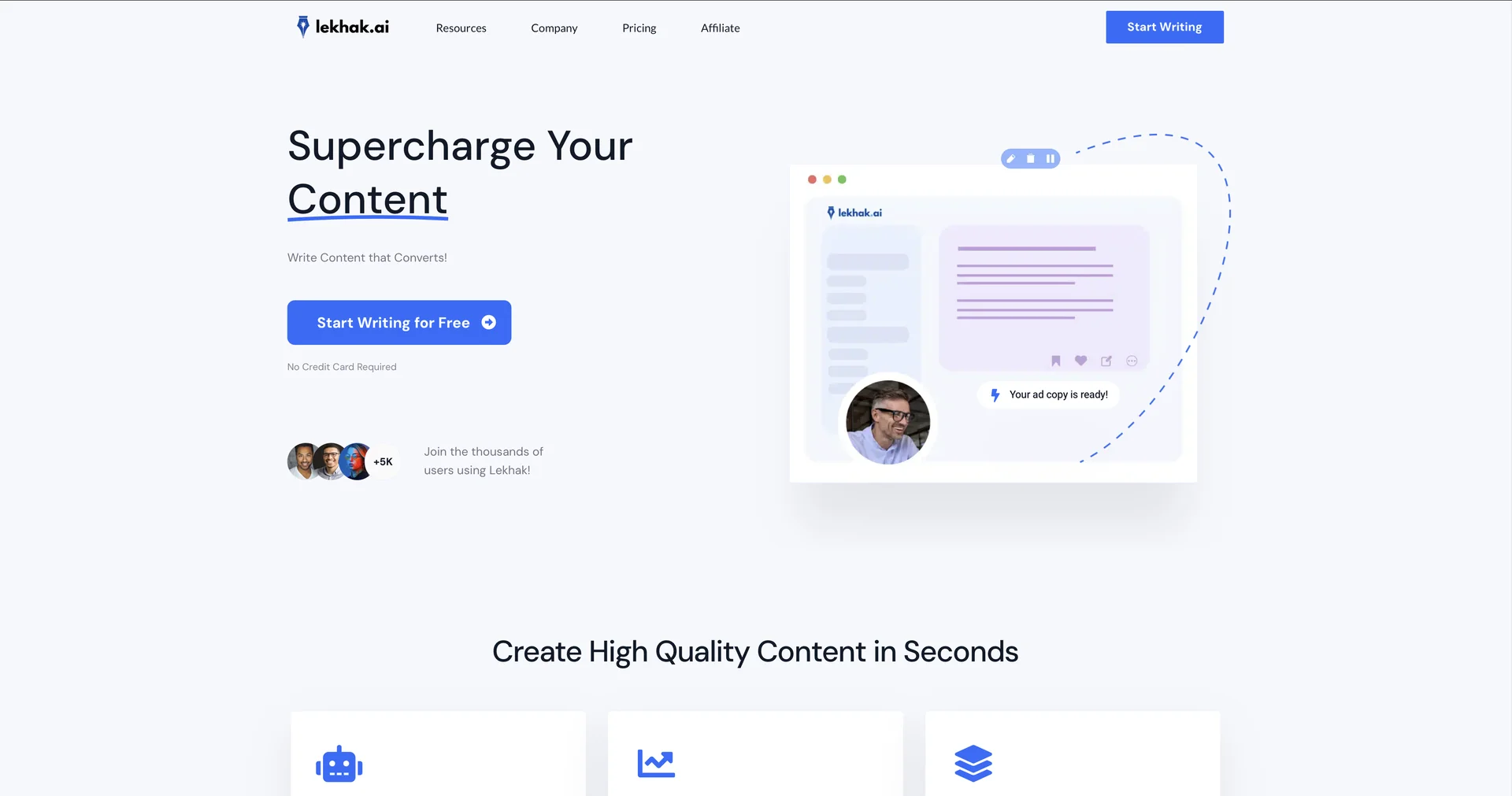
Supercharge your content with AI-powered writing.
Supercharge ChatGPT content with effortless visuals.
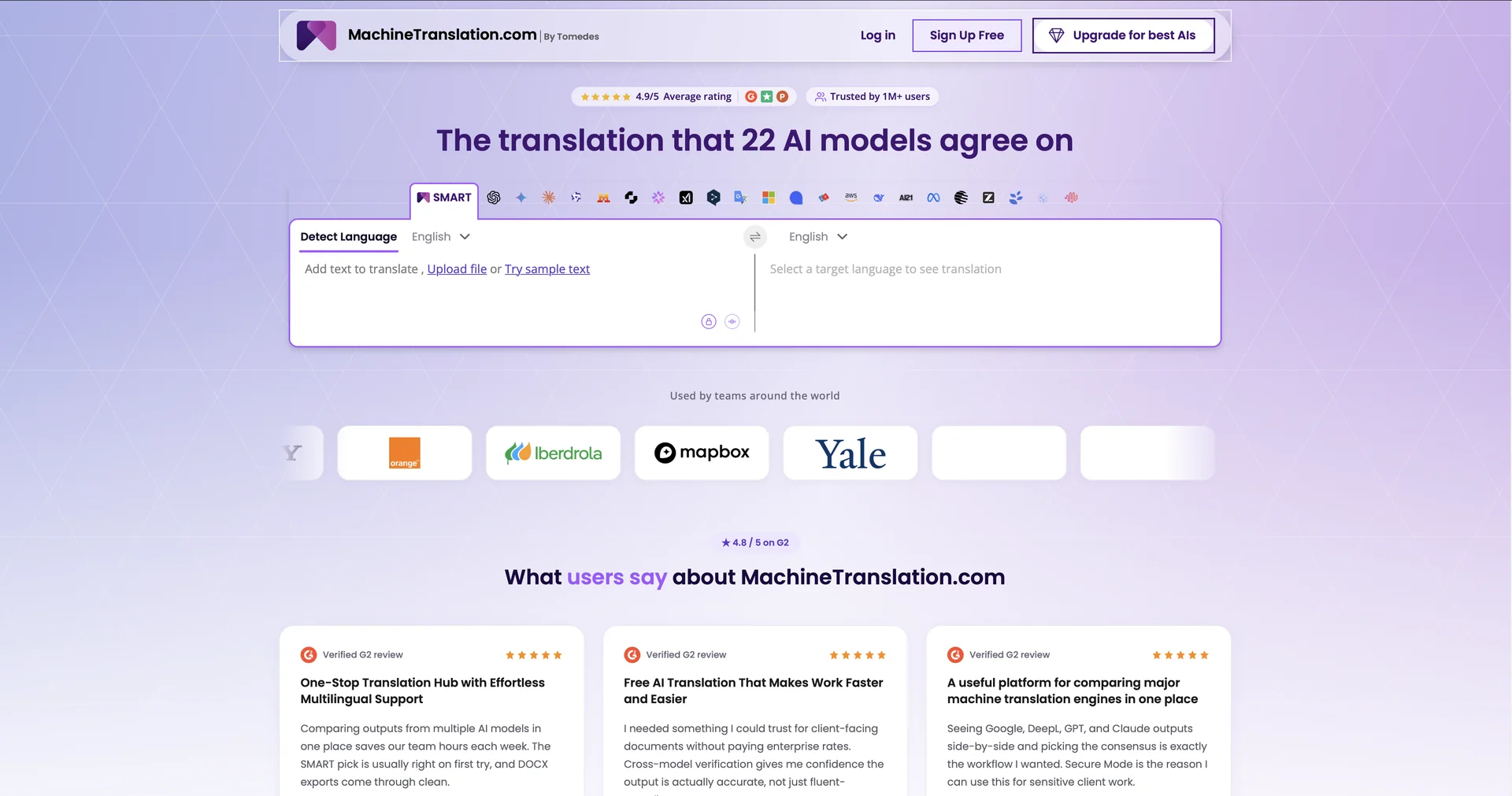
Instantly deliver the best machine translation output.
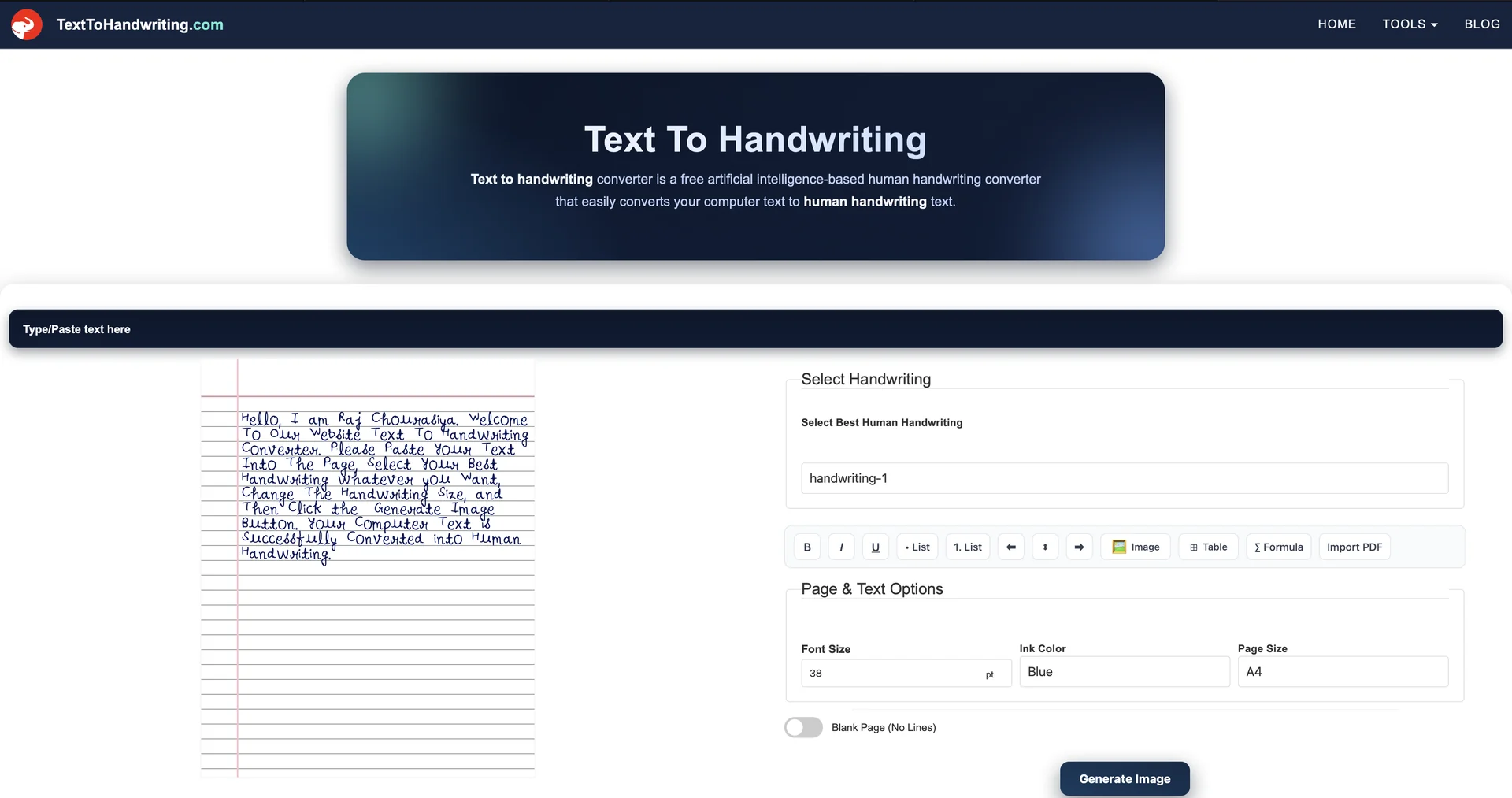
Transform digital text into lifelike handwriting.
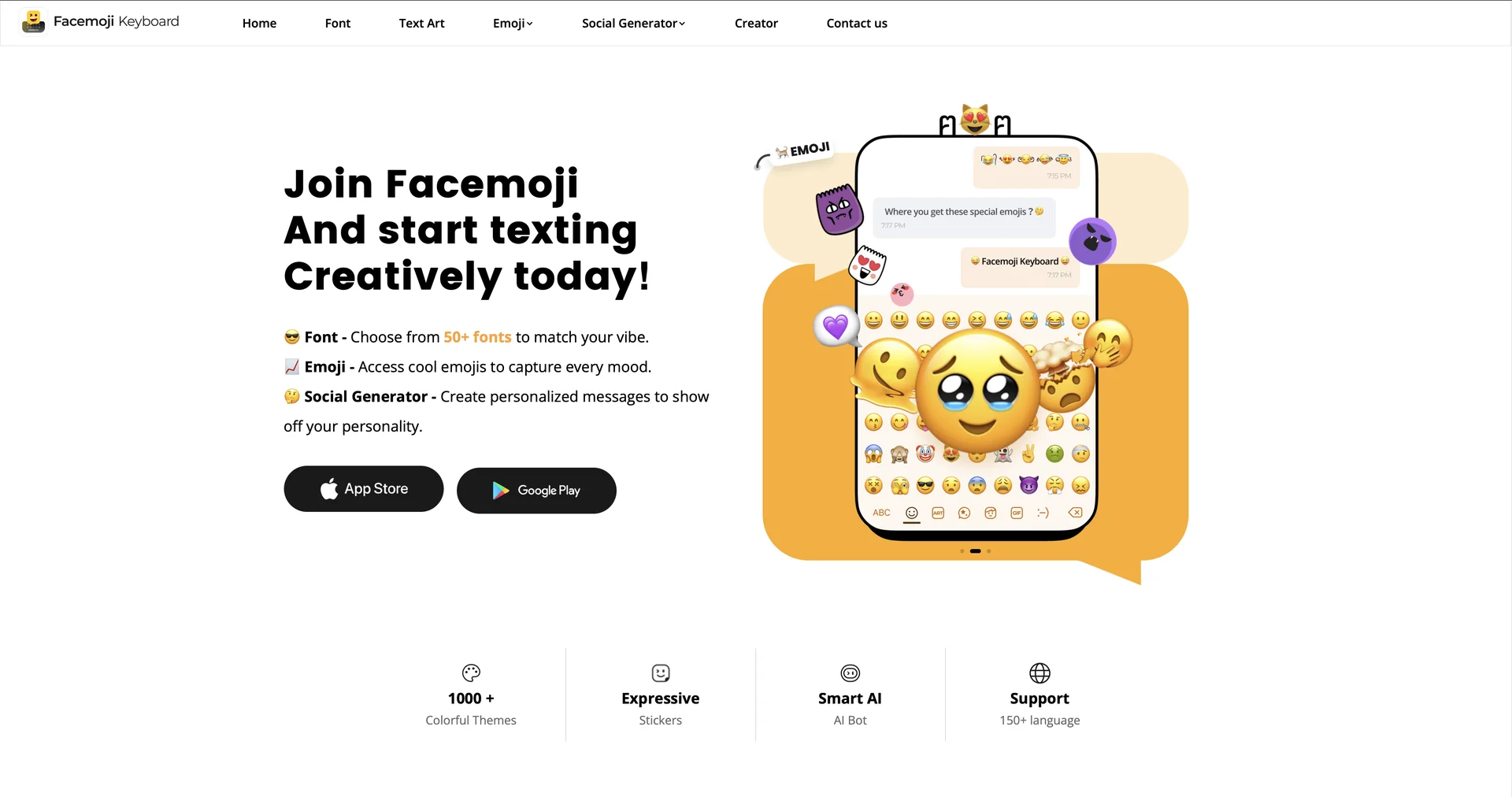
Creative text tools for social media expression.
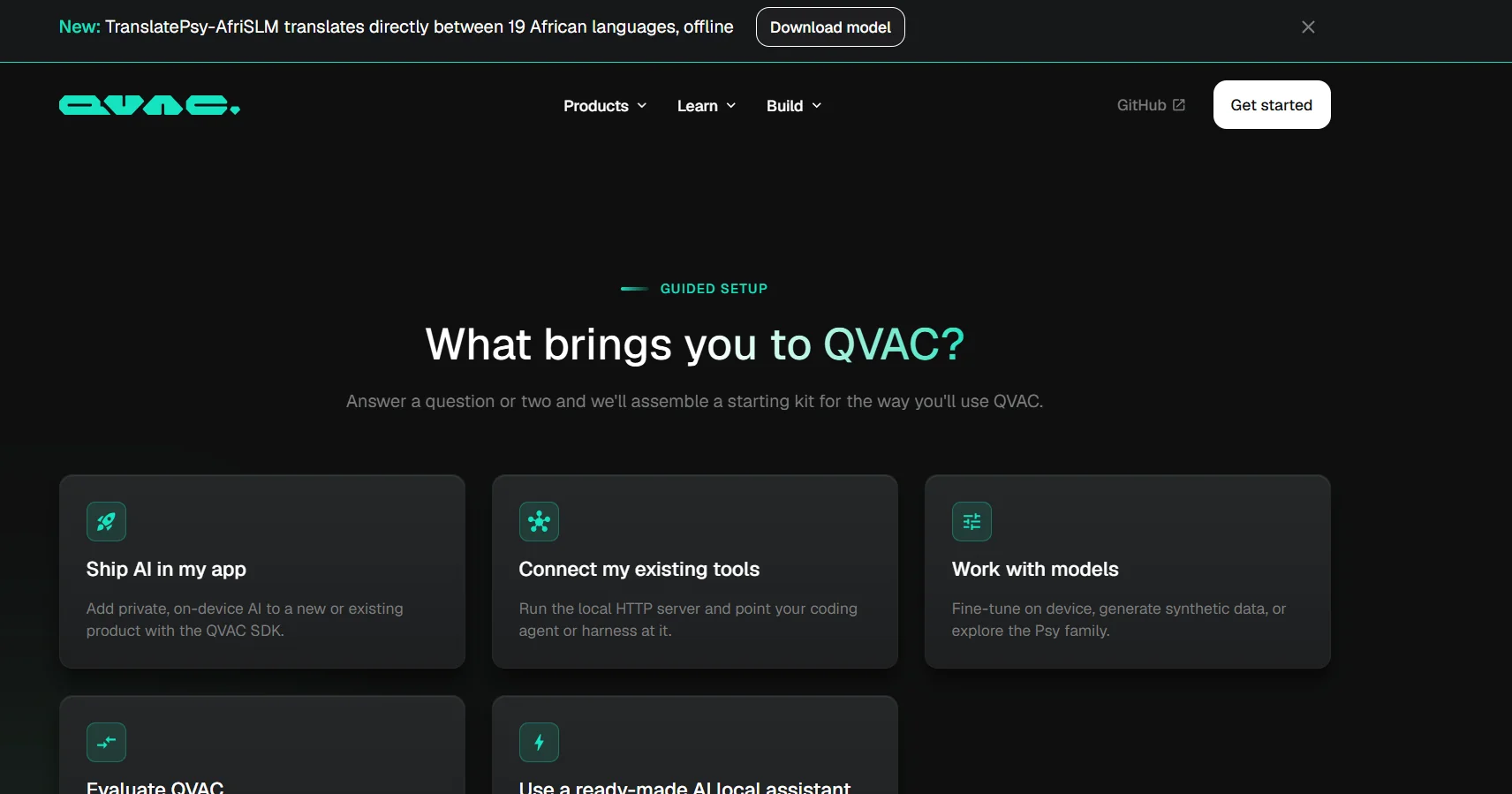
QVAC is an open-source, on-device artificial intelligence system from Tether, designed to run AI models directly on devices owned by the user, such as phones, computers, and servers, rather than relying on centralized cloud servers.
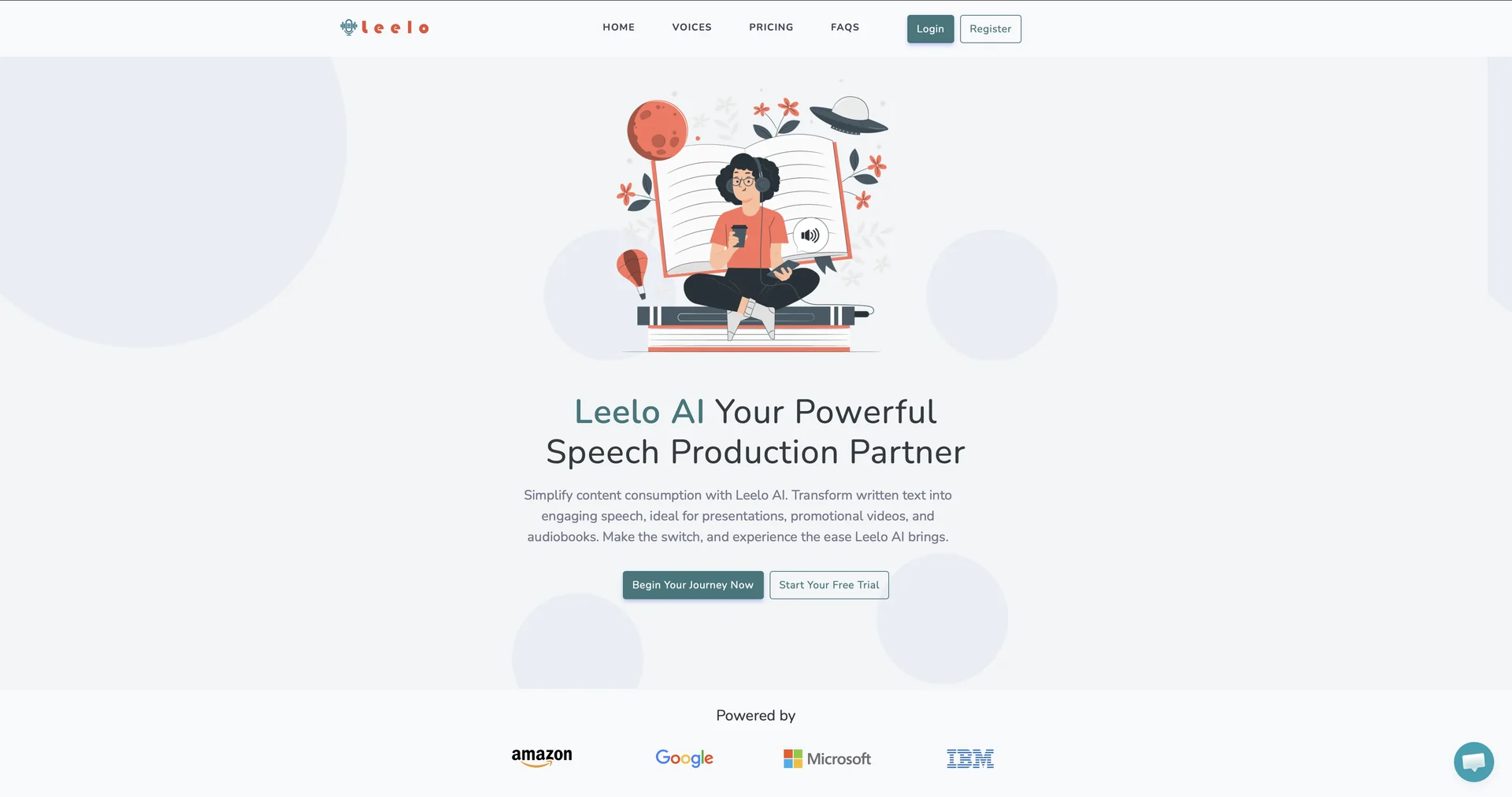
AI-powered text-to-speech for business audio
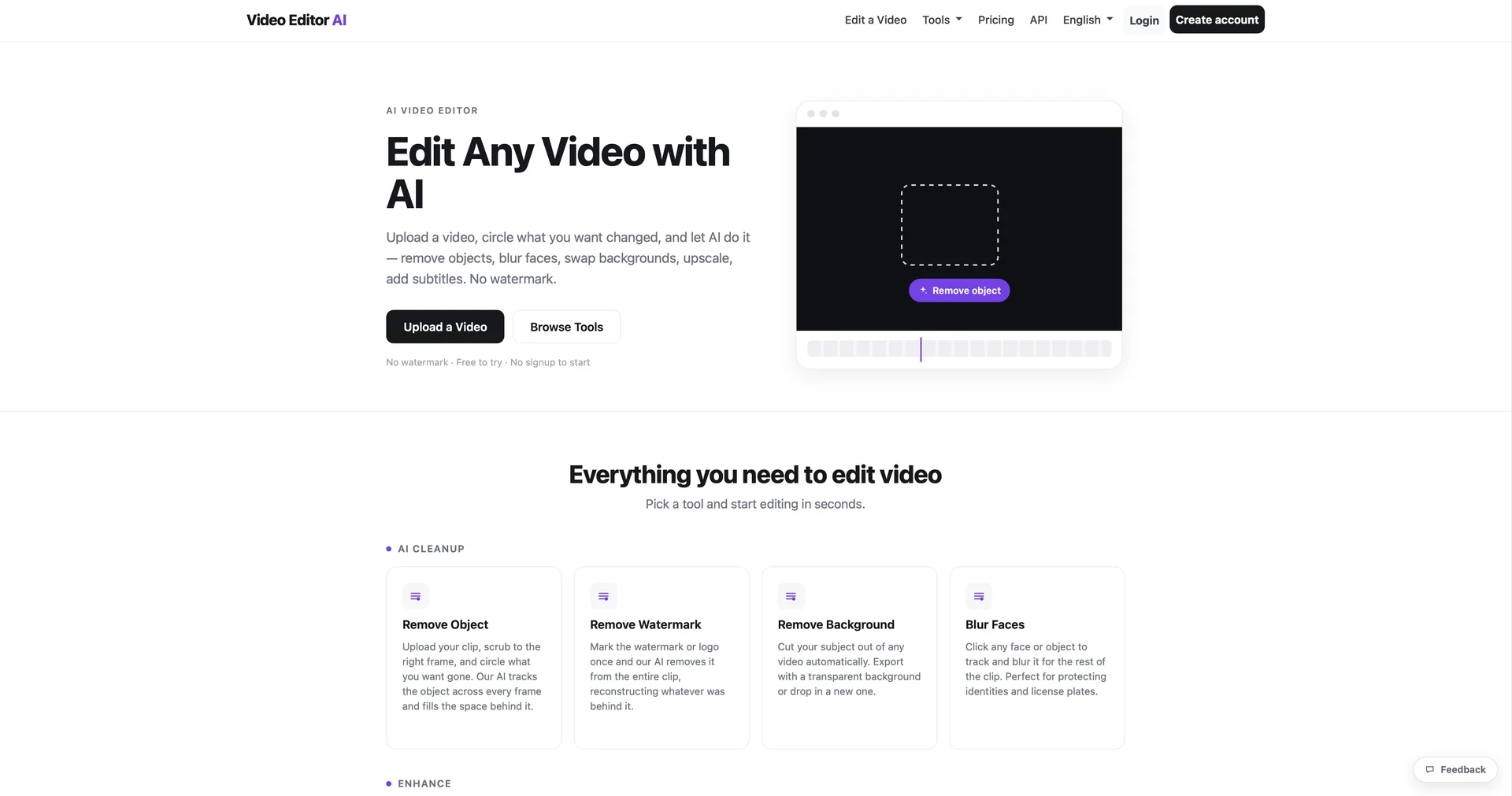
Edit or create videos with AI commands.

Purgebg is a free AI-powered image background removal tool that works directly within the user’s browser, allowing the main subject to be separated from the background with a single click—without the need to create an account or deal with watermarks. Images are processed locally on the user’s device; they are not sent to Purgebg’s servers for processing. The tool supports PNG, JPG, and WebP images, and allows users to upload images or paste them directly from the clipboard.

Frameway is an AI-powered video editing platform designed to transform raw footage into editable videos that align with a brand’s identity. Users can upload videos, footage, photos, and music, then describe the desired story or outcome once, and the tool automatically generates a first draft, while keeping the video editable using professional editing tools. The platform supports natural language-based editing, allowing users to describe what they want instead of manually manipulating the timeline, and then make adjustments via chat or advanced editing tools.
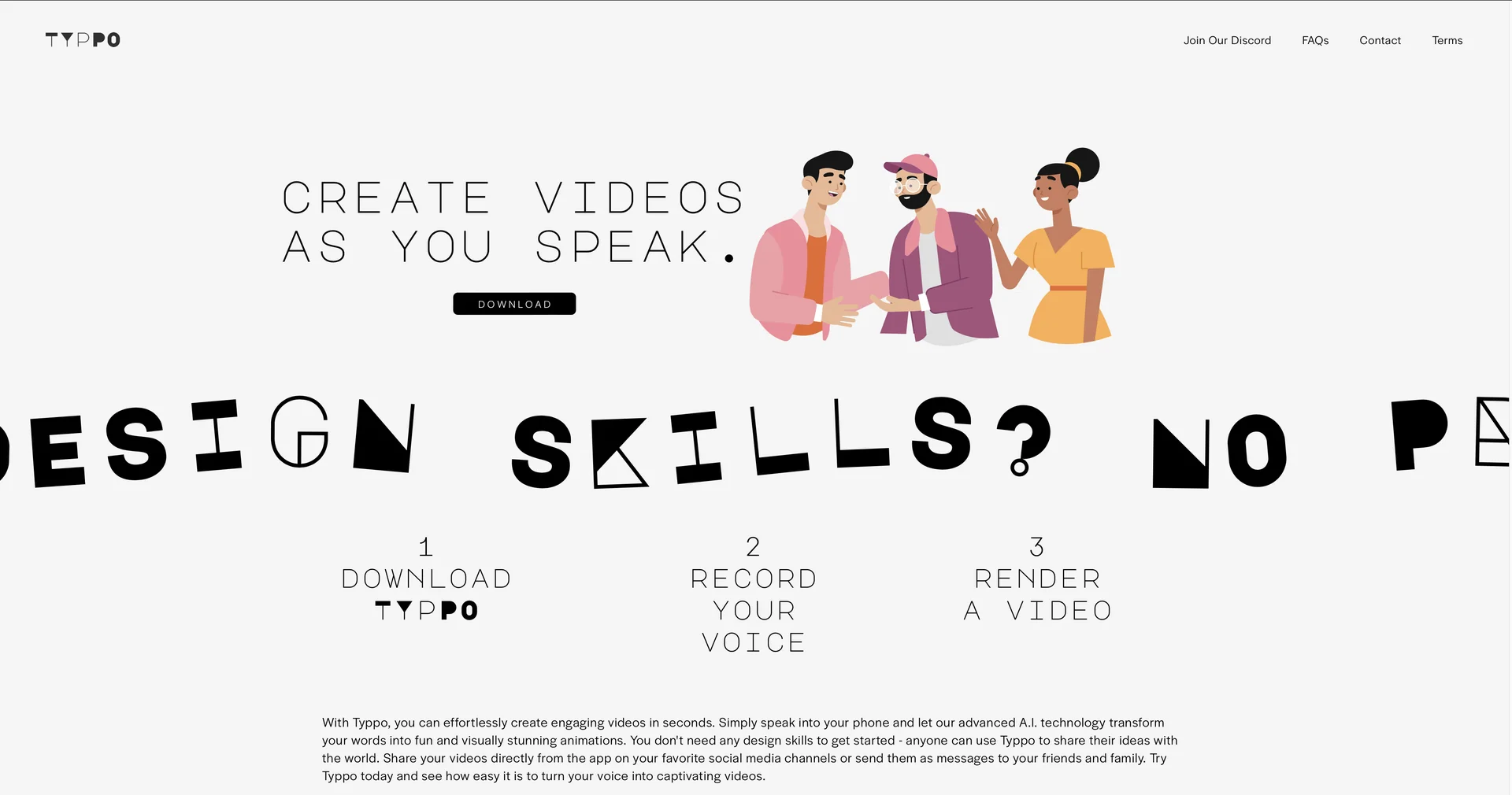
Create videos as you speak using AI.
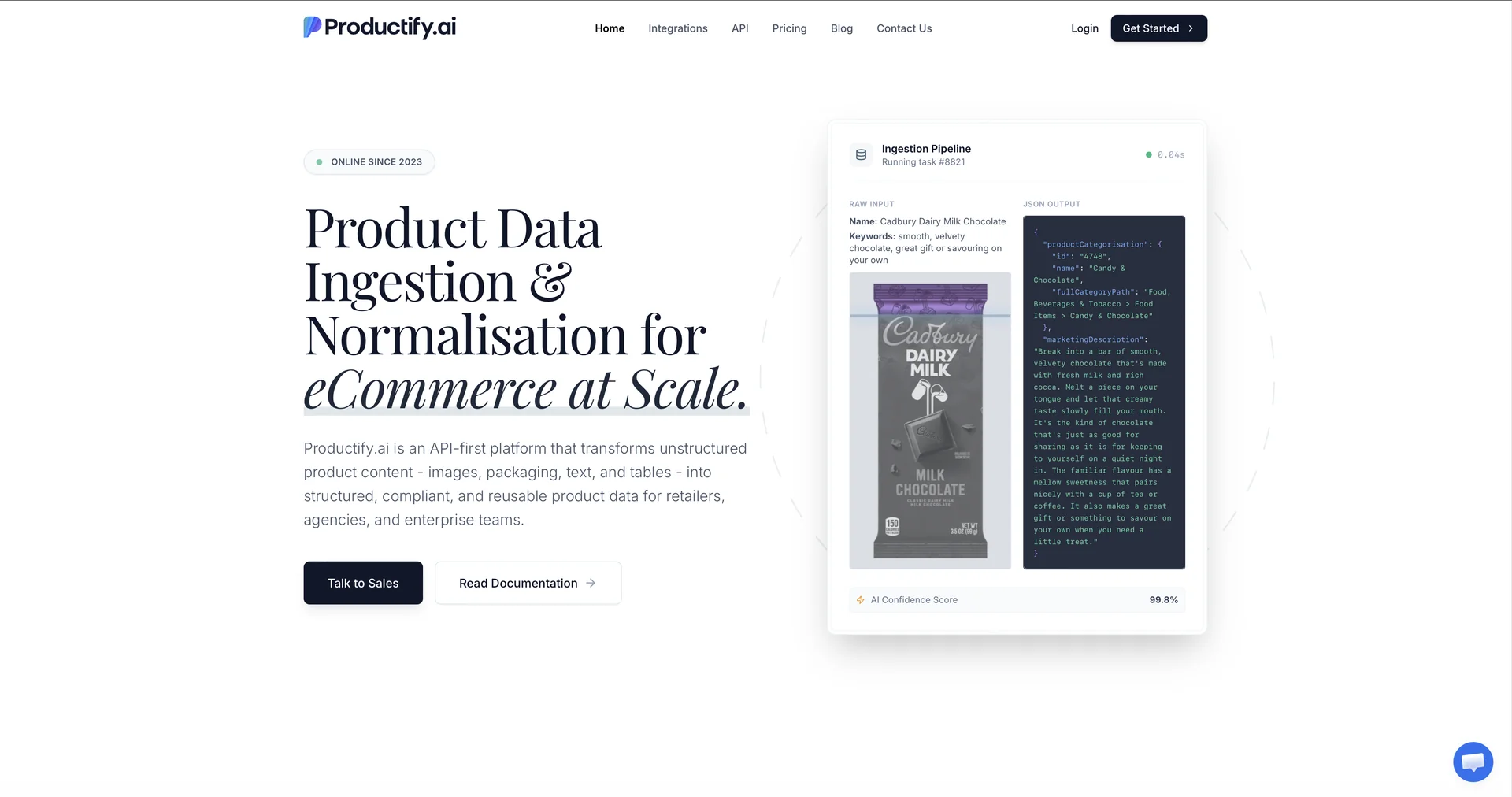
AI-driven product content generation for business growth
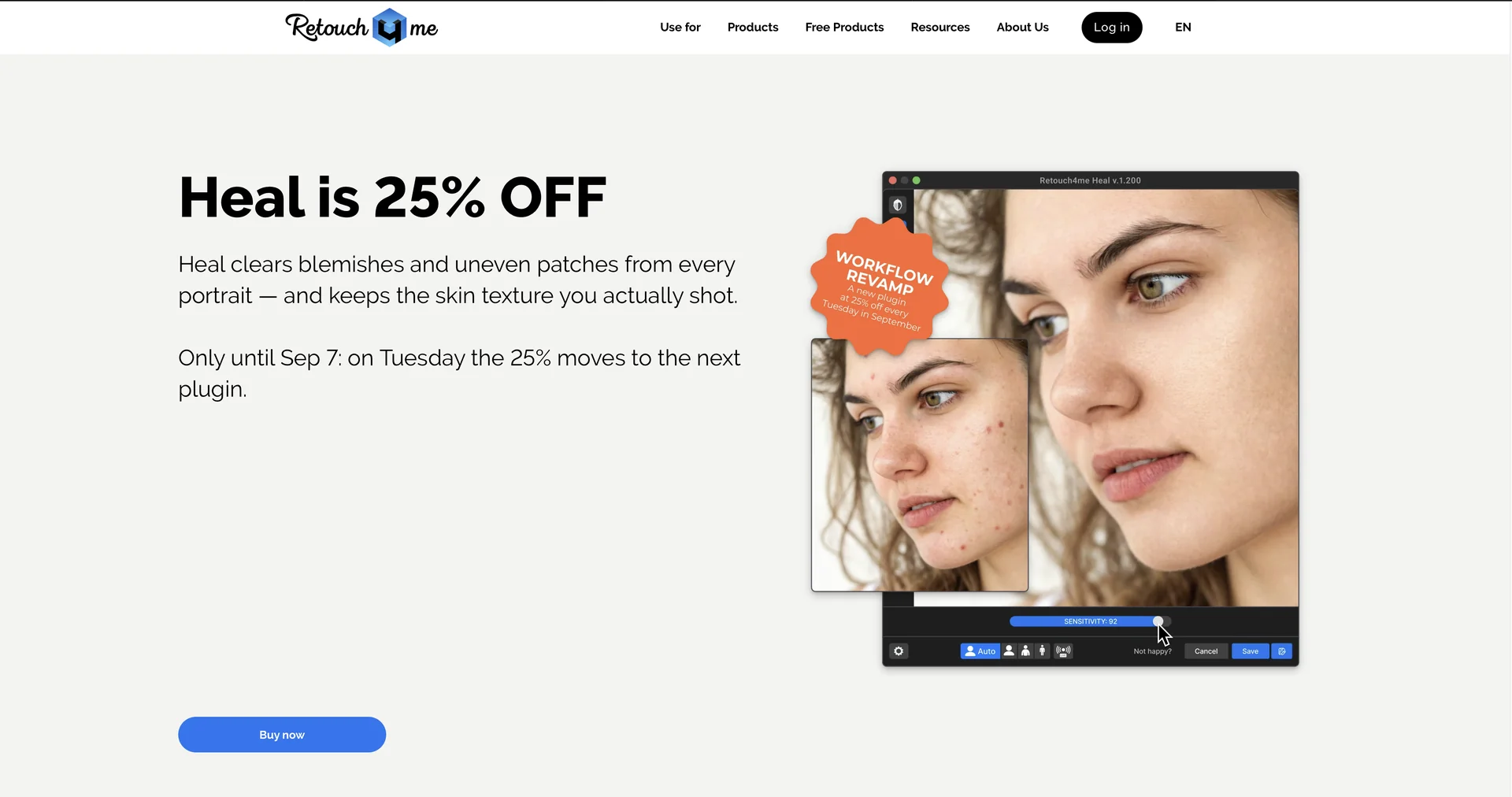
Perfect photos and videos with AI retouching
Create custom AI paintings for your home decor.
Configurable web crawler with GPT integration.