Productify.ai
AI-driven product content generation for business growth
Last updated
Features
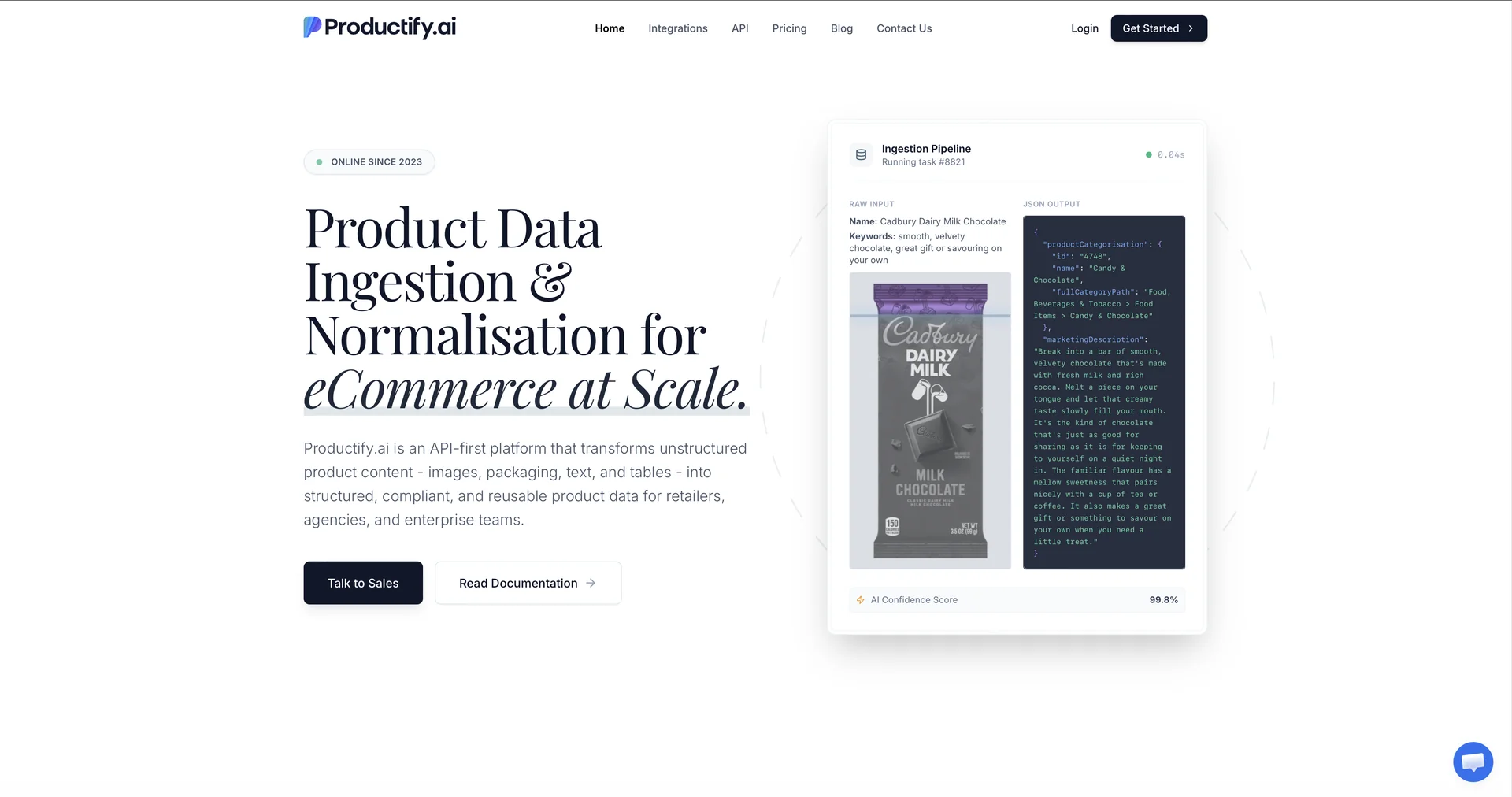
- Turns raw text, packaging images and spec sheets into structured e-commerce data
- Extracts ingredient lists, nutritional tables and allergen lists from packaging images with OCR
- Generates SEO keywords, descriptions, headlines, short blurbs and feature bullet lists
- Classifies catalog items into standard retail taxonomies
- Rephrases or translates product data into multiple languages
- Processes large product batches automatically
- Integrates through REST API and Make.com
Pricing Details
💰 Pricing Model
Item Details: Usage-Based Infrastructure Pricing / Pay-As-You-Go Credit Model.
General Concept: Charges purely per data operation (e.g., $0.02 for headline generation, $0.18 for product descriptions, $0.21–$0.48 for complex packaging OCR) with no minimum commitments or per-seat fees. Credit purchases include bonus percentage top-ups for larger volumes.
🆓 Free Access Details
Feature: Pay-As-You-Go Architecture / Custom Volume Inquiries.
Details: Offers transparent credit loading with $0 base subscription fees or minimum spend, allowing users to load minimal initial balance for testing APIs.
Cost: Usage-Based Pay-As-You-Go ($0 Base Monthly Commitment).
💳 Access & Subscription Options (Official Standards)
Access Tier Price Structure Primary Workspace Scope & Allowances
🌱 Usage-Based Credit Tier
Pay-per-operation
(No monthly fee)
Unlimited seats/users, full API & Make.com access, access to content generation ($0.02–$0.18/op) & image OCR ($0.02–$0.48/op), credits valid for 12 months.
⚡ Credit Tier Bundles
$500.00 – $10,000.00+
(One-time credit load)
All usage features + bonus credit top-ups ranging from +4% to +15% based on transaction tier.
👑 Enterprise & Partner Custom Quote Custom operations pricing, SLA-backed dedicated deployments, high-throughput processing & white-label options.
Related Tips
- How to Use the Pokecut Tool to Easily Extract Images · Image Design and Creation, Editing, Enhancement & Upscaling…
- AI Room Designer Explained: How to Redesign Rooms in Your Home Using a Single Photo? · Image Design and Creation, Editing, Enhancement & Upscaling…
- AI Room Designer Explained: How to Redesign Rooms in Your Home from a Single Photo? · Image Design and Creation, Editing, Enhancement & Upscaling…
- An explanation of the Kittl Vectorizer tool for converting images into editable vectors · Image Design and Creation, Editing, Enhancement & Upscaling…
- An explanation of the Kittl Vectorizer tool for converting images into editable vectors · Image Design and Creation, Editing, Enhancement & Upscaling…