Retouch4me
Perfect photos and videos with AI retouching
Last updated
Features
- Retouches portraits and skin with neural-network plugins
- Offers dedicated tools for blemish removal, dodge and burn, stray hairs, teeth whitening and eye brilliance
- Smooths fabric wrinkles
- Cleans studio backdrops and removes dust
- Includes Auto Crop and text-prompt Mask Anything
- Works as plugins in Photoshop, Lightroom, Capture One and DaVinci Resolve
- Processes photos in batches via Cloud Retouching and Apex/Arams
- Outputs results to separate layer masks in Photoshop for fine-tuning
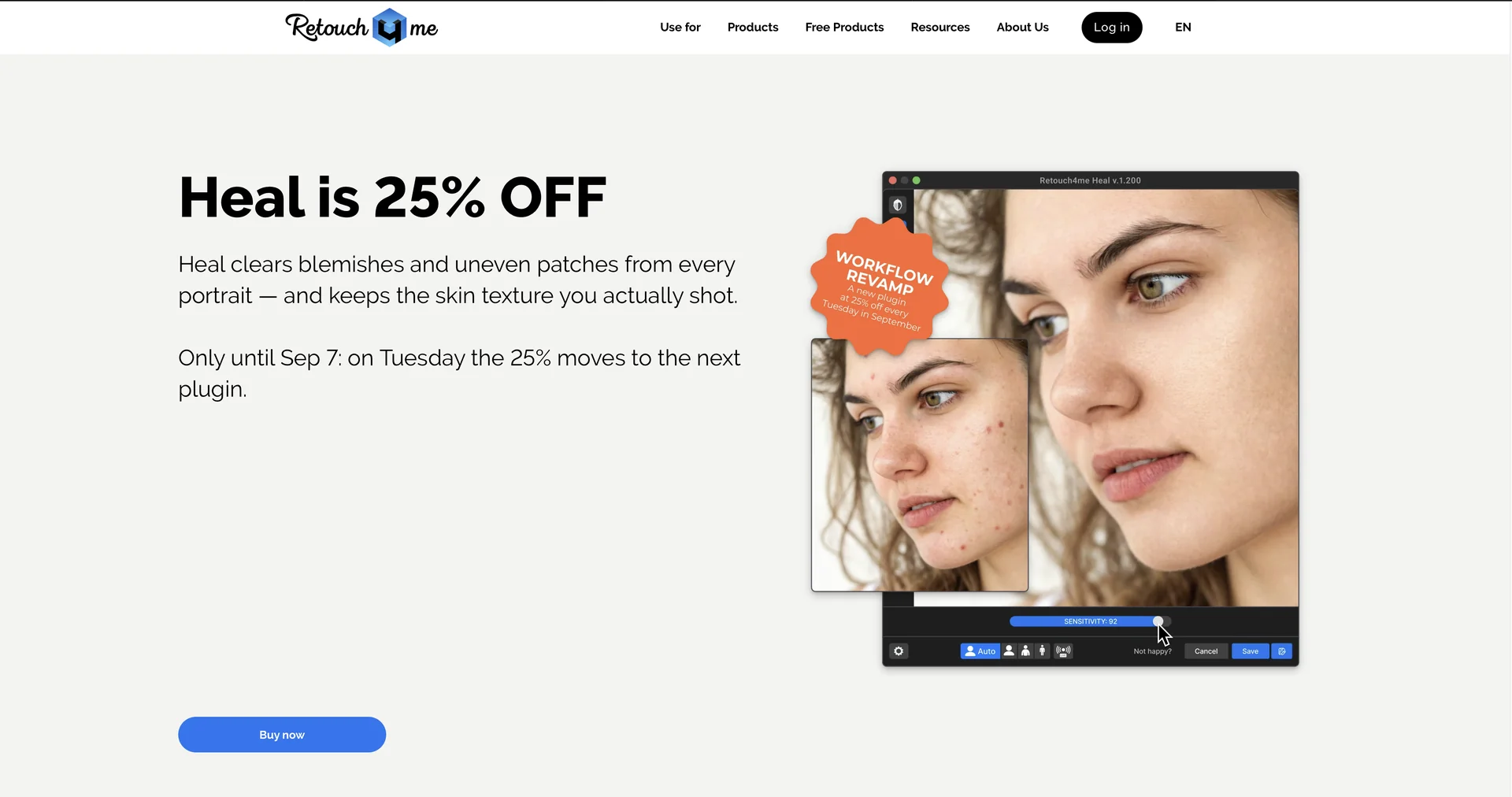
- Preserves natural skin texture
Pricing Details
💰 Pricing Model
Item Details: Perpetual One-Time Licenses / Cloud Subscriptions & Pay-As-You-Go Packs.
General Concept: Individual plugins are sold as one-time perpetual licenses (ranging ~$99–$149 per plugin), while cloud users can purchase credit packs or monthly subscription plans (starting from ~$14–$20/month).
🆓 Free Access Details
Feature: Free Demo Versions / Free Frequency Separation & Color Match Plugins / 20 Free Cloud Retouches.
Details: Users can download free demo versions for each plugin, claim 20 free cloud retouches upon sign-up, and access free standalone plugins like Frequency Separation.
Cost: Free ($0) Demos & Base Tools.
💳 Access & Subscription Options (Official Standards)
| Access Tier | Price Structure | Primary Workspace Scope & Allowances |
|---|---|---|
| 🌱 Free / Demos | $0 / Free | Plugin demo downloads, 20 free cloud retouch credits, access to free Frequency Separation & Color Match tools. |
| ⚡ Cloud Subscription | From $14.08 – $20.00 / month | Cloud retouching credits, panel access, batch processing via Apex/Arams, online storage. |
| 💎 Perpetual License | $99.00 – $149.00 / plugin (One-time) | Lifetime single-plugin license, full GPU-accelerated local execution in Photoshop/Lightroom/Capture One, no credit usage. |
Related Tips
- How to Use the Pokecut Tool to Easily Extract Images · Image Design and Creation, Editing, Enhancement & Upscaling…
- AI Room Designer Explained: How to Redesign Rooms in Your Home Using a Single Photo? · Image Design and Creation, Editing, Enhancement & Upscaling…
- AI Room Designer Explained: How to Redesign Rooms in Your Home from a Single Photo? · Image Design and Creation, Editing, Enhancement & Upscaling…
- An explanation of the Kittl Vectorizer tool for converting images into editable vectors · Image Design and Creation, Editing, Enhancement & Upscaling…
- An explanation of the Kittl Vectorizer tool for converting images into editable vectors · Image Design and Creation, Editing, Enhancement & Upscaling…