Photo Mentor
Stop guessing if your photo is good. Get instant, objective feedback.
810 tools
Stop guessing if your photo is good. Get instant, objective feedback.
Turn academic papers into beautiful slides instantly.
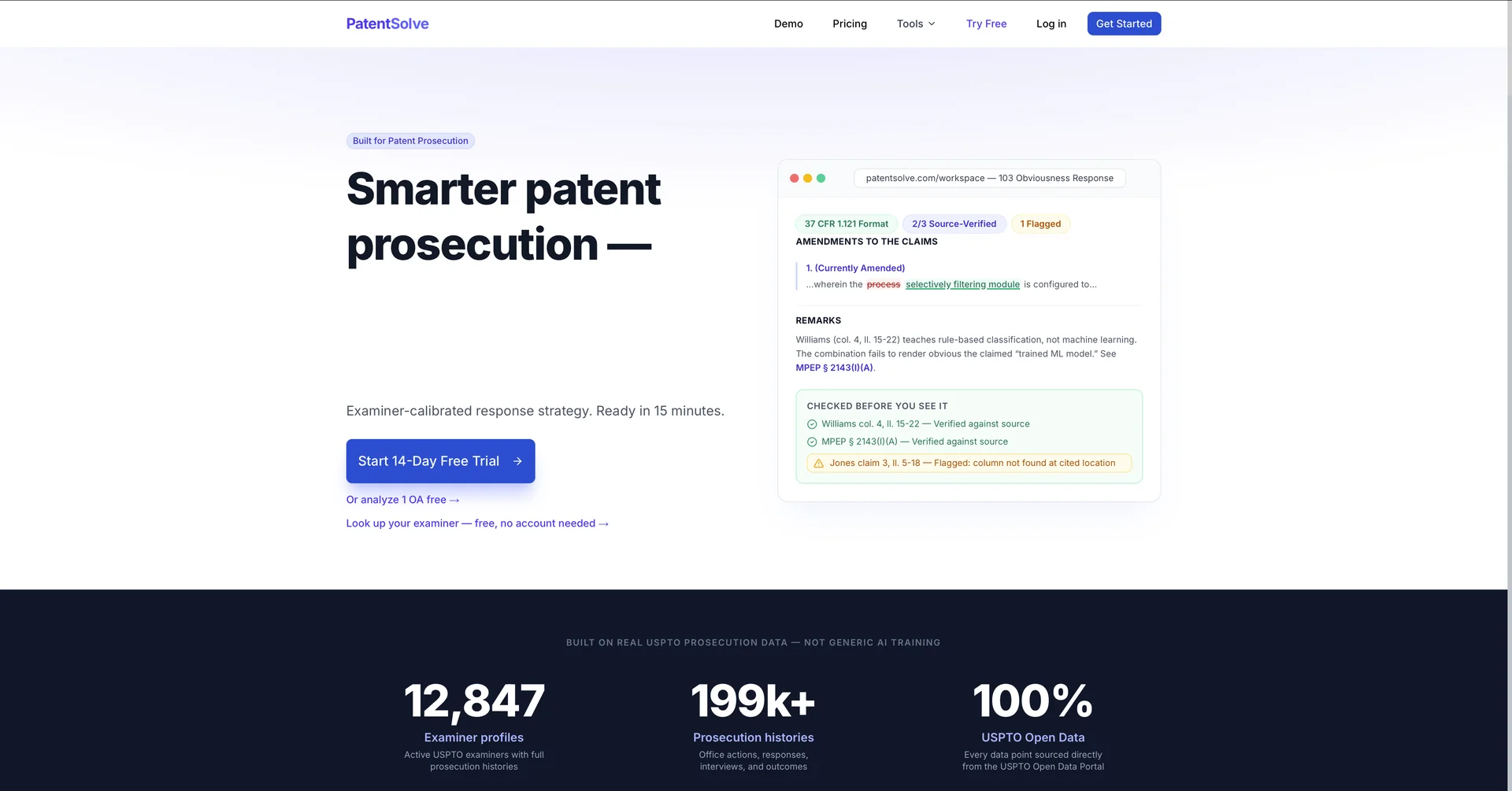
Turn 4-hour patent responses into 15-minute reviews.
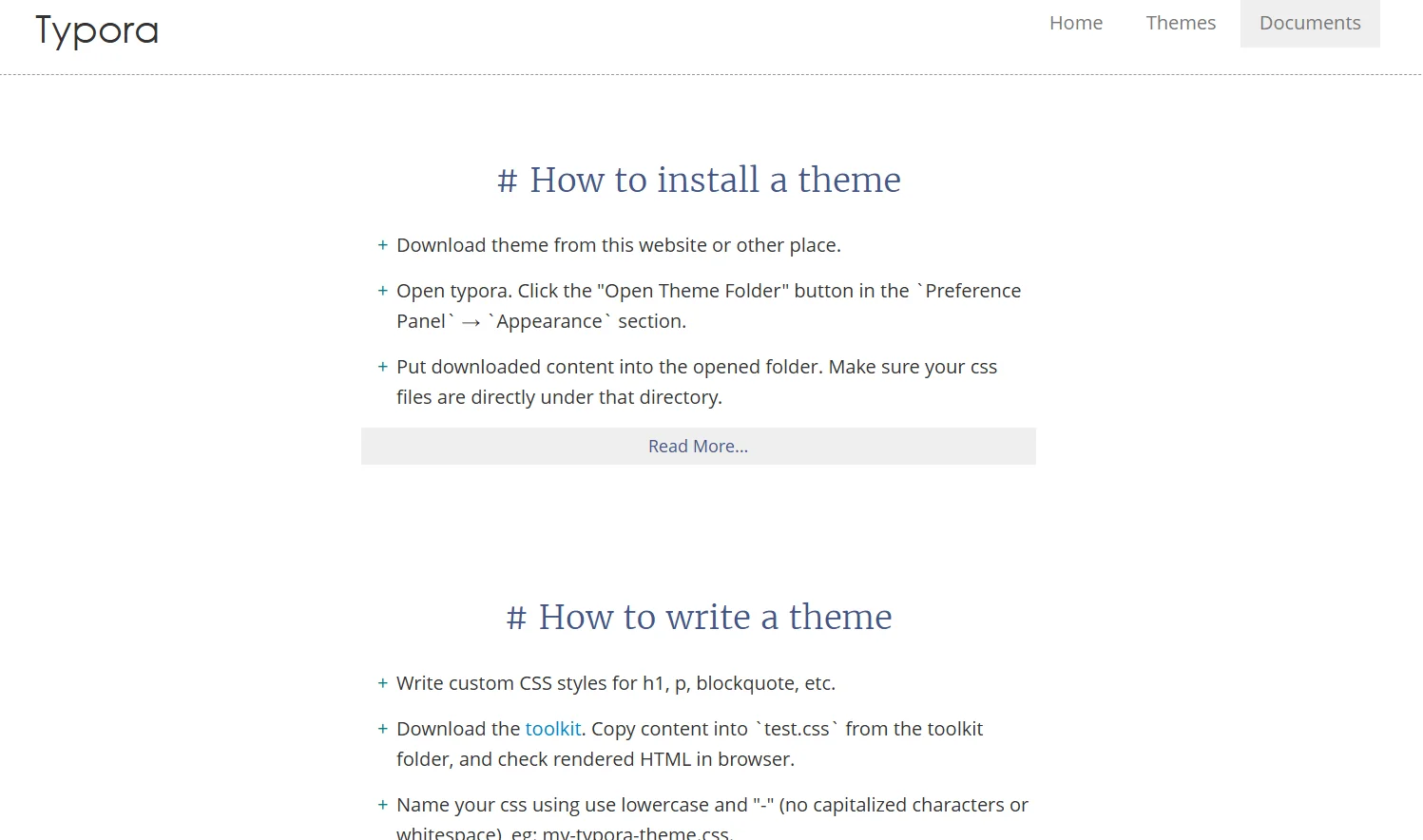
Typora is a Markdown editor that offers a seamless writing experience with no separation between writing and previewing (Seamless Live Preview). It supports the insertion of images, tables, lists, mathematical symbols, diagrams, and internal text styles. It provides organizational tools such as the Outline Panel and Organize Files, as well as focus modes like Focus Mode and Typewriter Mode. It allows for easy file import and export, and offers full interface customization via Themes and CSS.
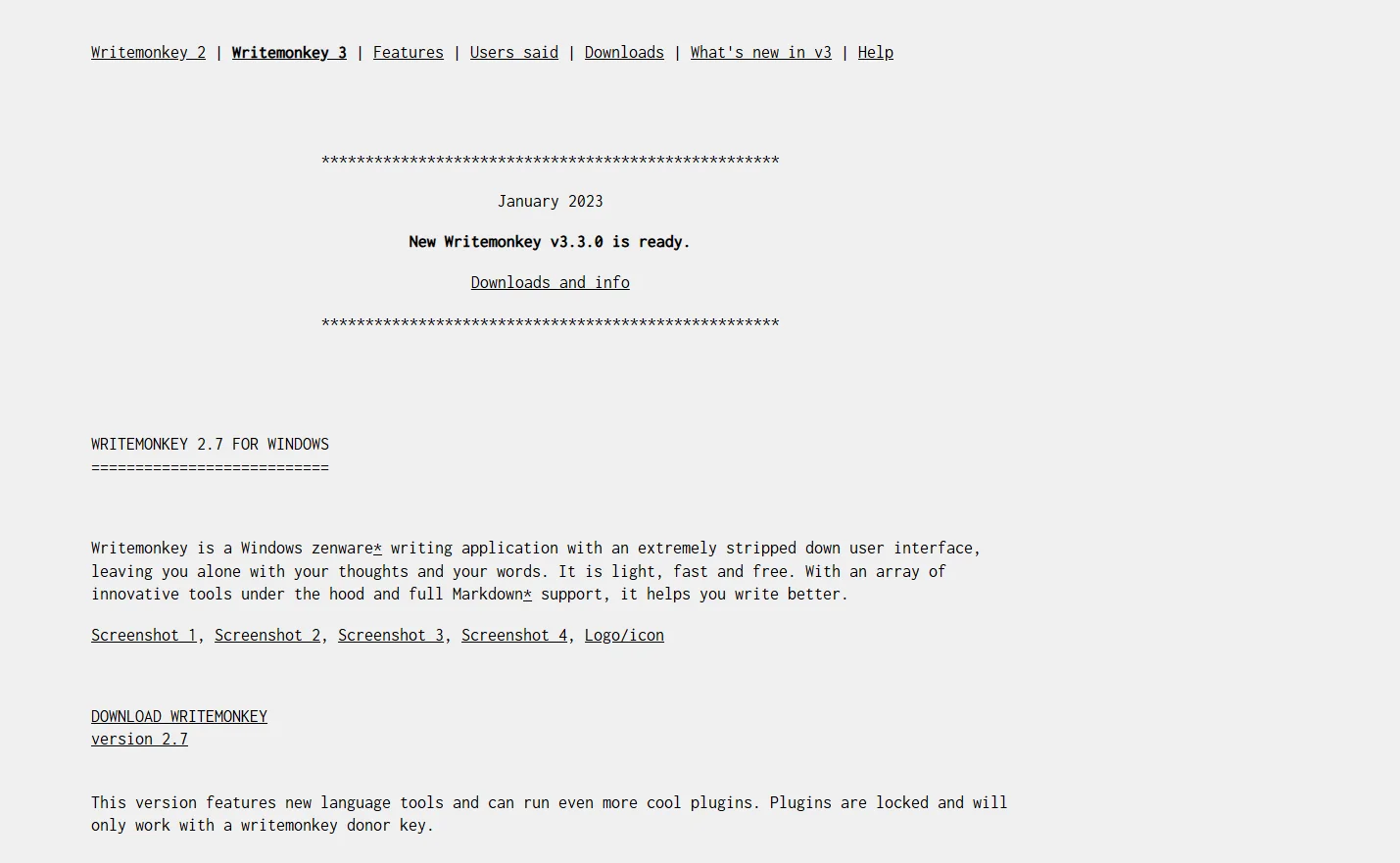
WriteMonkey is a simple text editor (Zenware) that provides a full-screen, distraction-free writing environment. It supports Markdown and allows you to organize your ideas using tools such as the "Repository" for side-by-side note-taking. It offers customization of sounds, backgrounds, and fonts, as well as a feature for quickly navigating between sections of a project (Jumps) to facilitate the management of long texts.
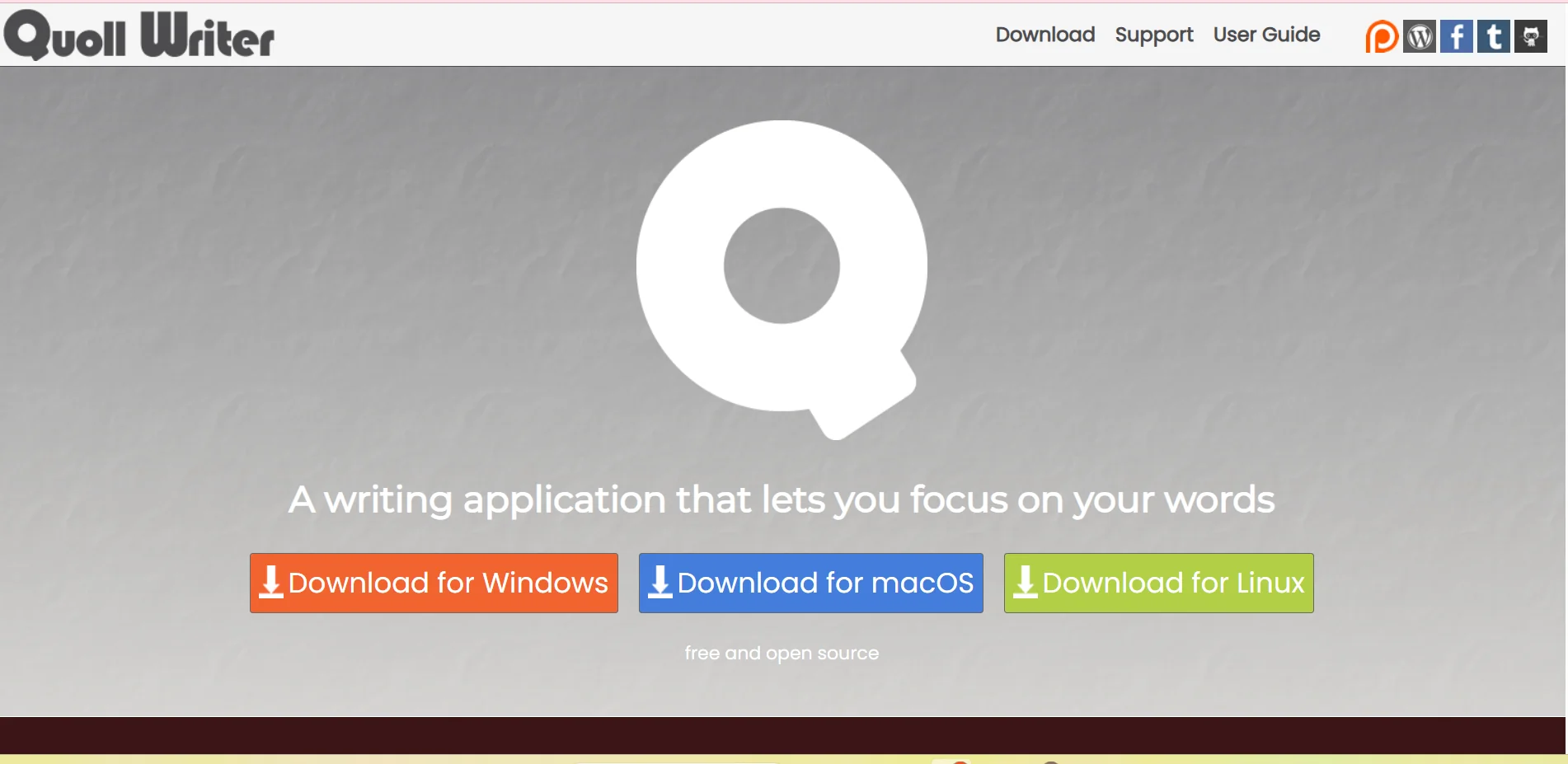
Quoll Writer is a free, open-source desktop application that helps writers organize and write novels and short stories. It offers management tools for characters, locations, and events, along with a timeline for long-form projects. It also provides a distraction-free writing environment and tools for reviewing and improving text, such as the "Problem Finder" feature.

Call your date and get to know them better.
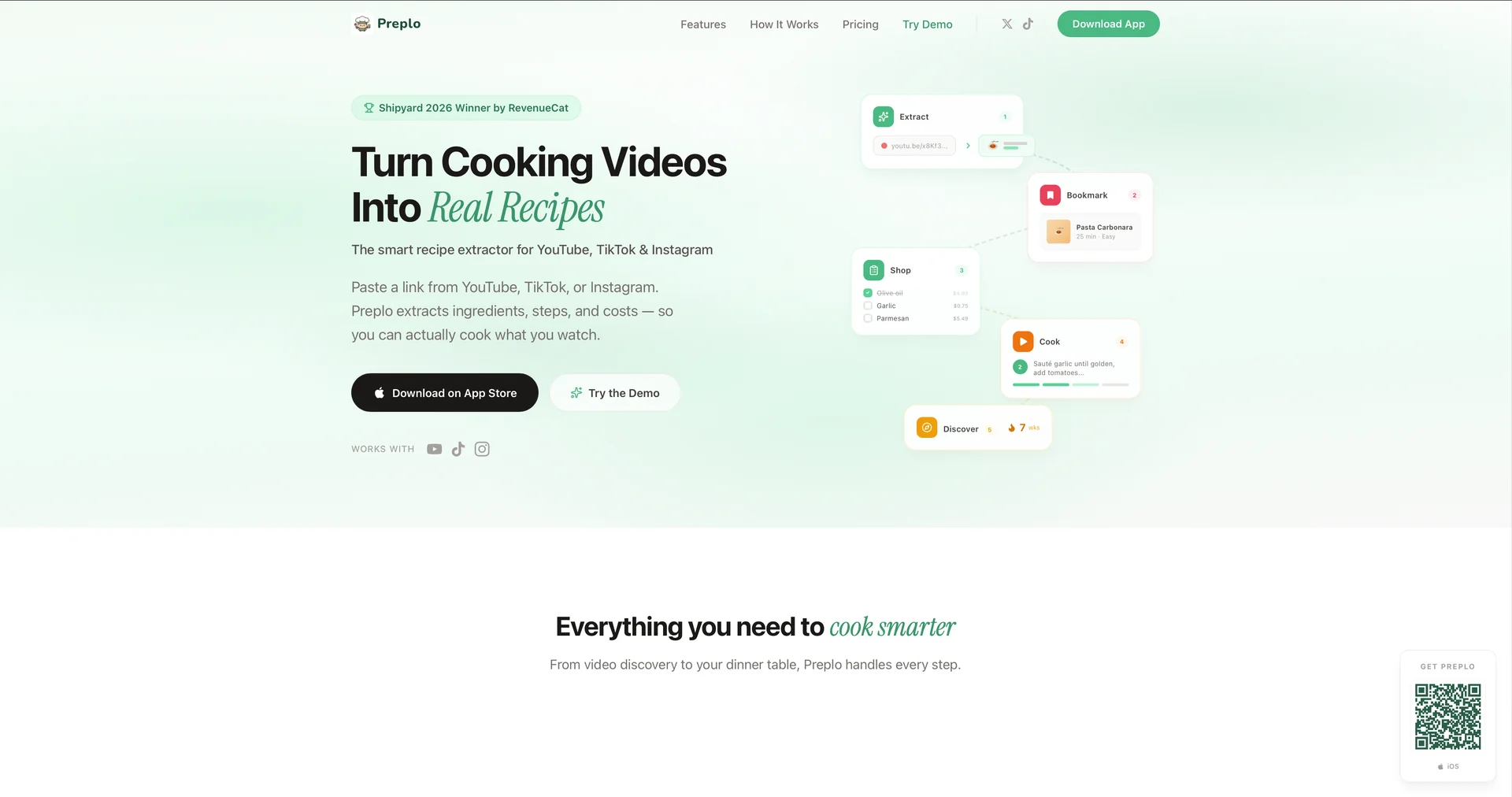
Turn cooking videos into real recipes
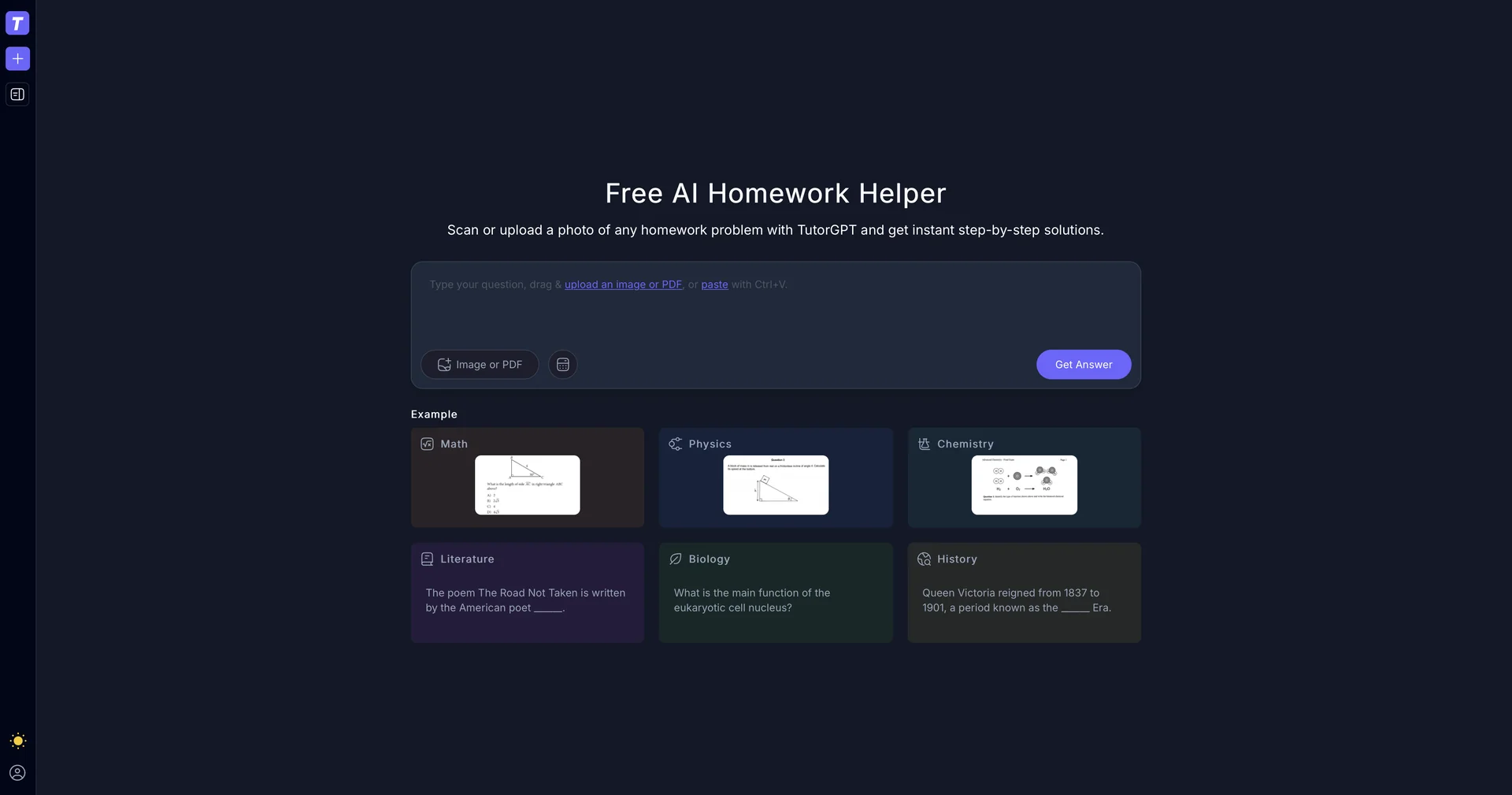
Free AI homework helper with instant step-by-step solutions.
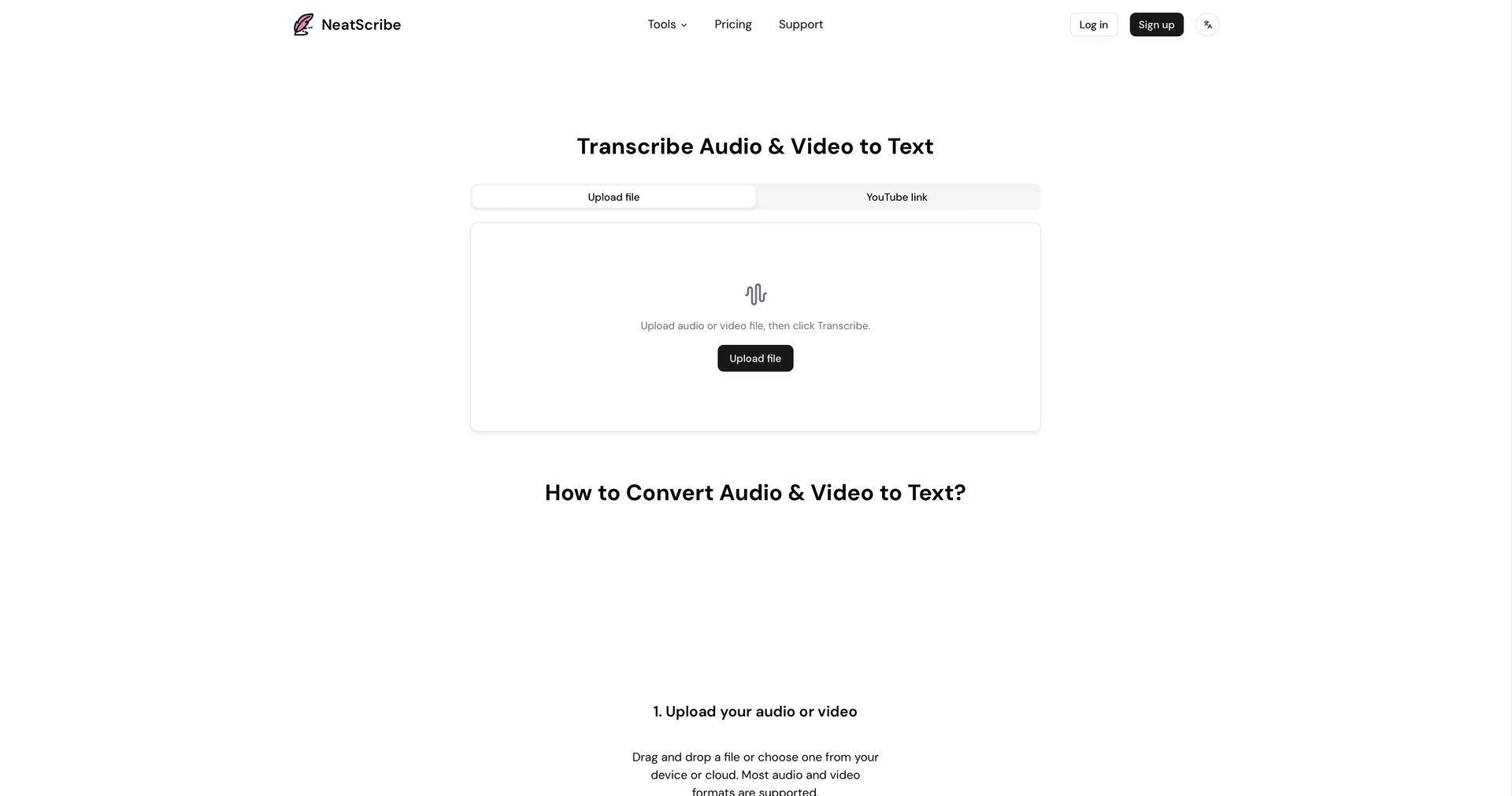
Convert audio and video to accurate text in seconds.
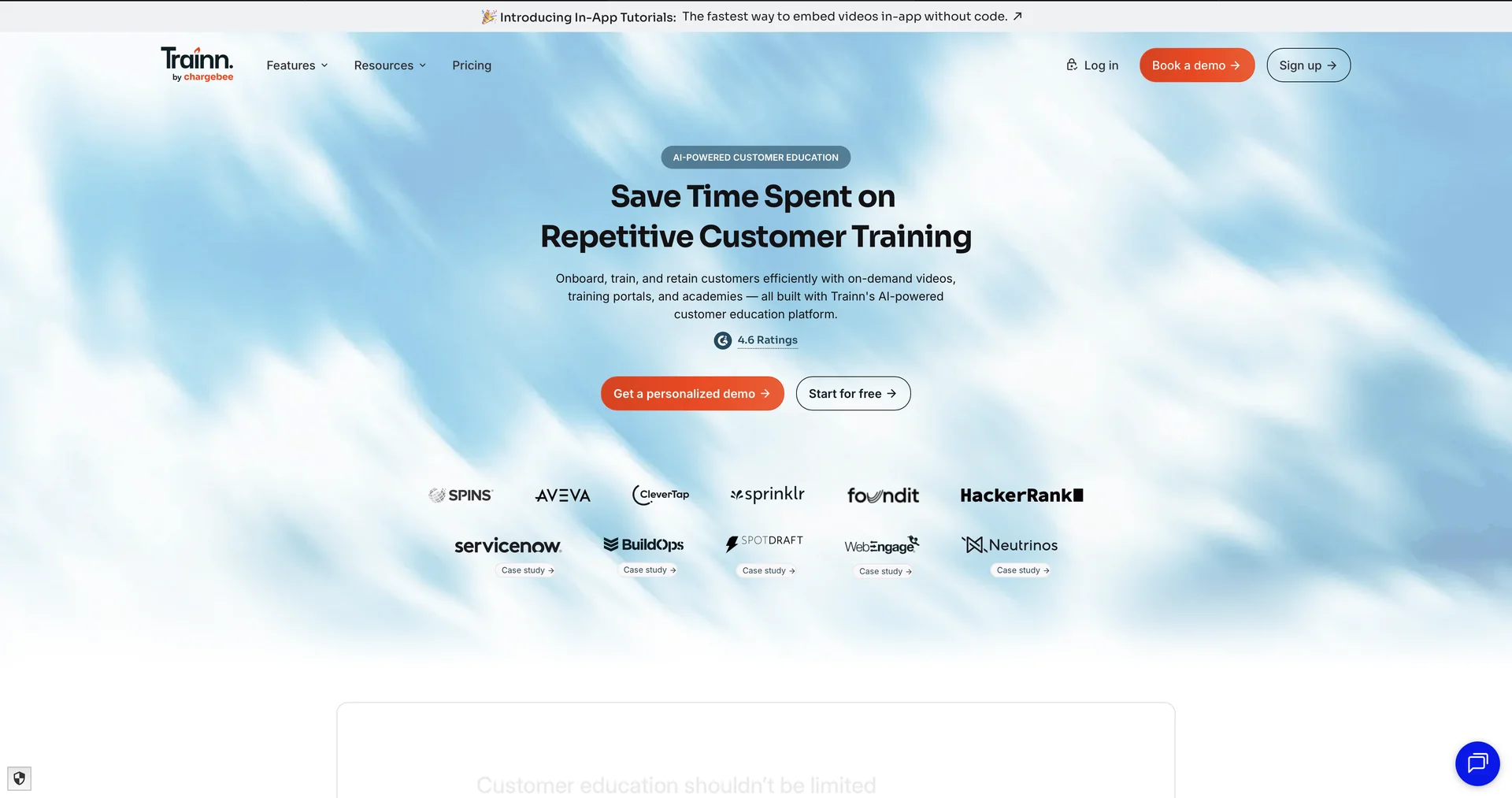
Turn one screen recording into videos, interactive tours, and product guides.
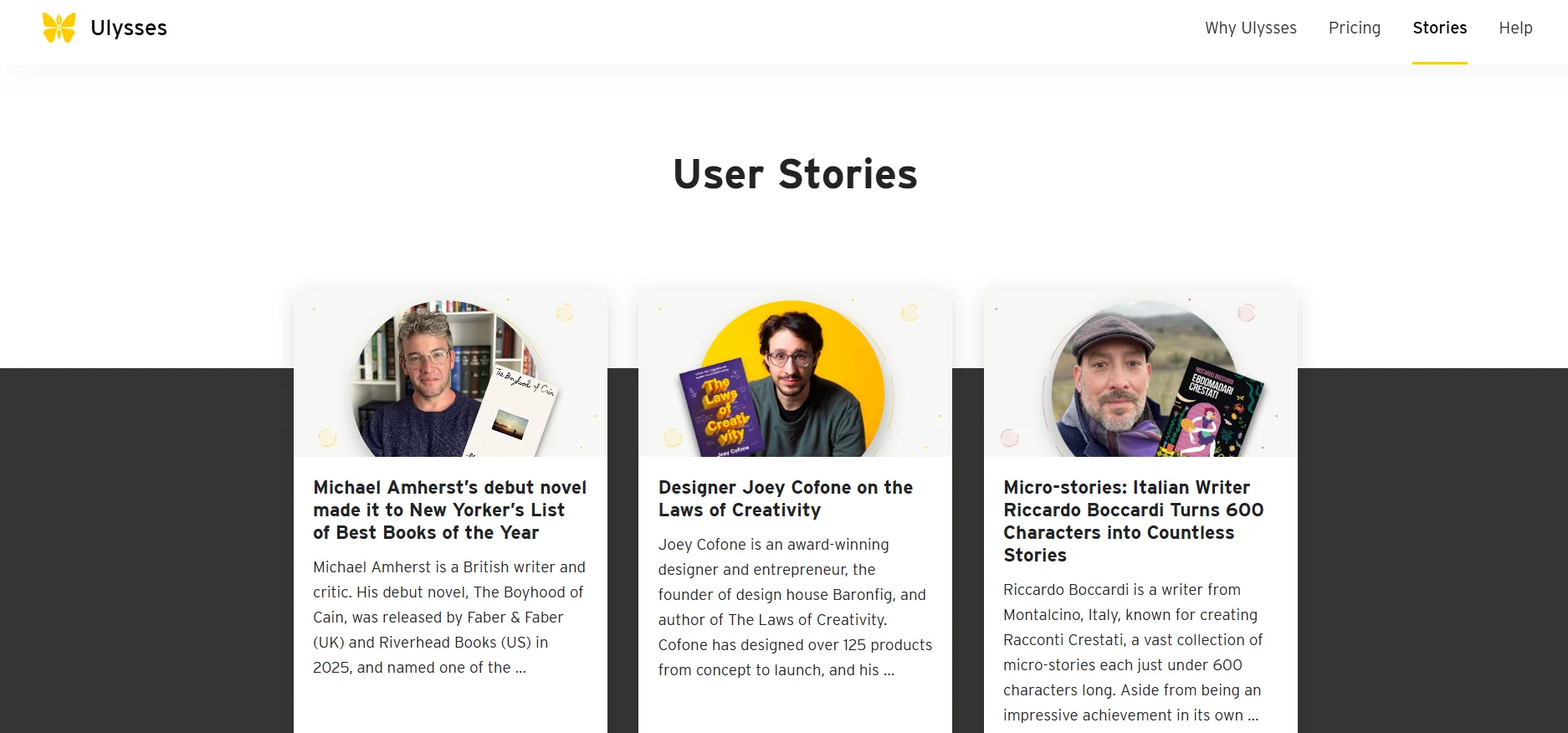
Ulysses offers a clean, focused writing environment that allows users to create long-form writing projects such as articles, books, or blog posts. The tool features internal text organization through sections such as “Chapters” and “Sheets,” along with simple formatting tools to facilitate distraction-free writing. It also supports full synchronization via iCloud and automatic periodic updates to add new features and improve performance through the App Store.
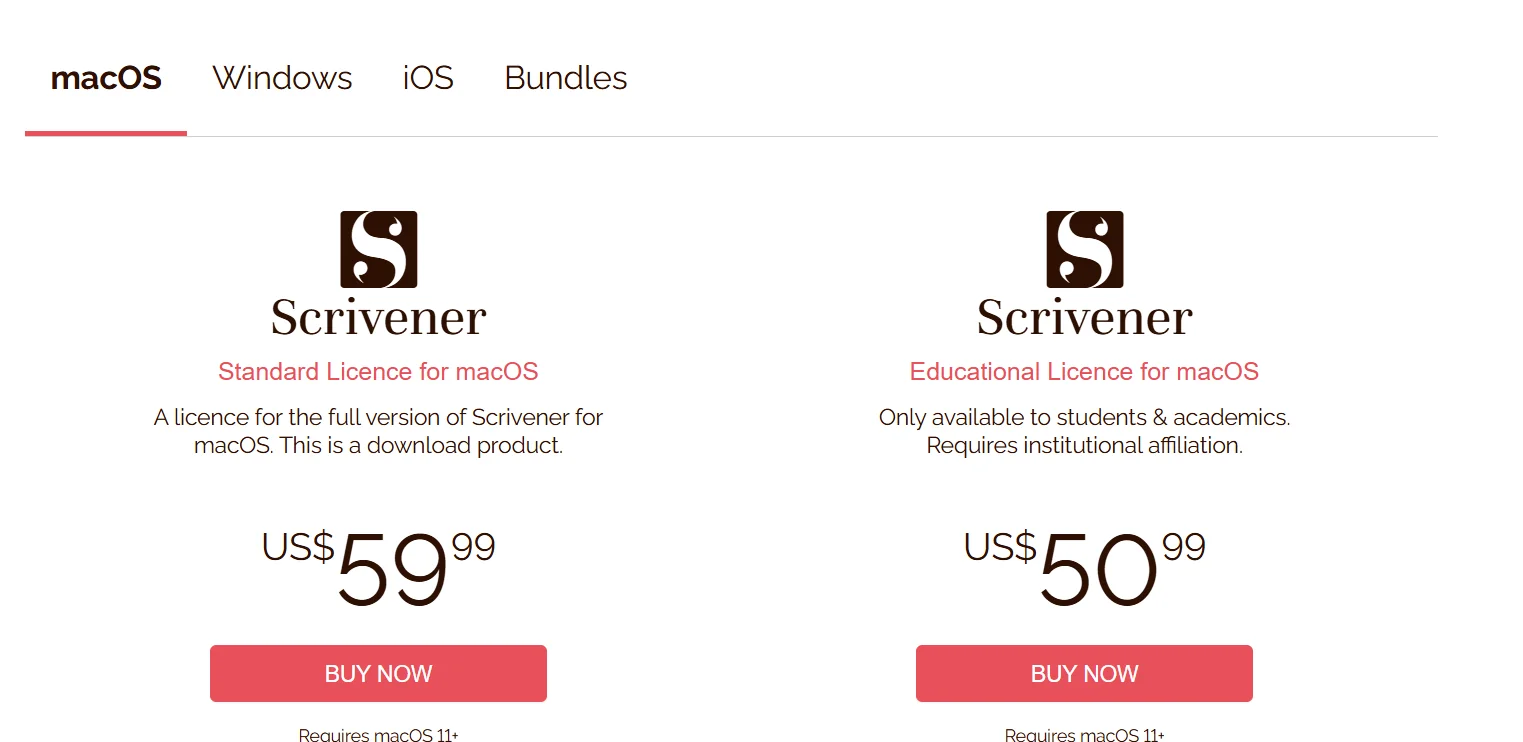
Scrivener allows users to write long-form texts and manage writing projects in an organized manner. It provides tools for dividing content into chapters, scenes, and notes, with the ability to quickly navigate between sections. It supports cross-platform use (Windows, macOS, iOS) with file synchronization via Dropbox, and allows users to create multiple projects within the program to facilitate the management of ideas and large texts.
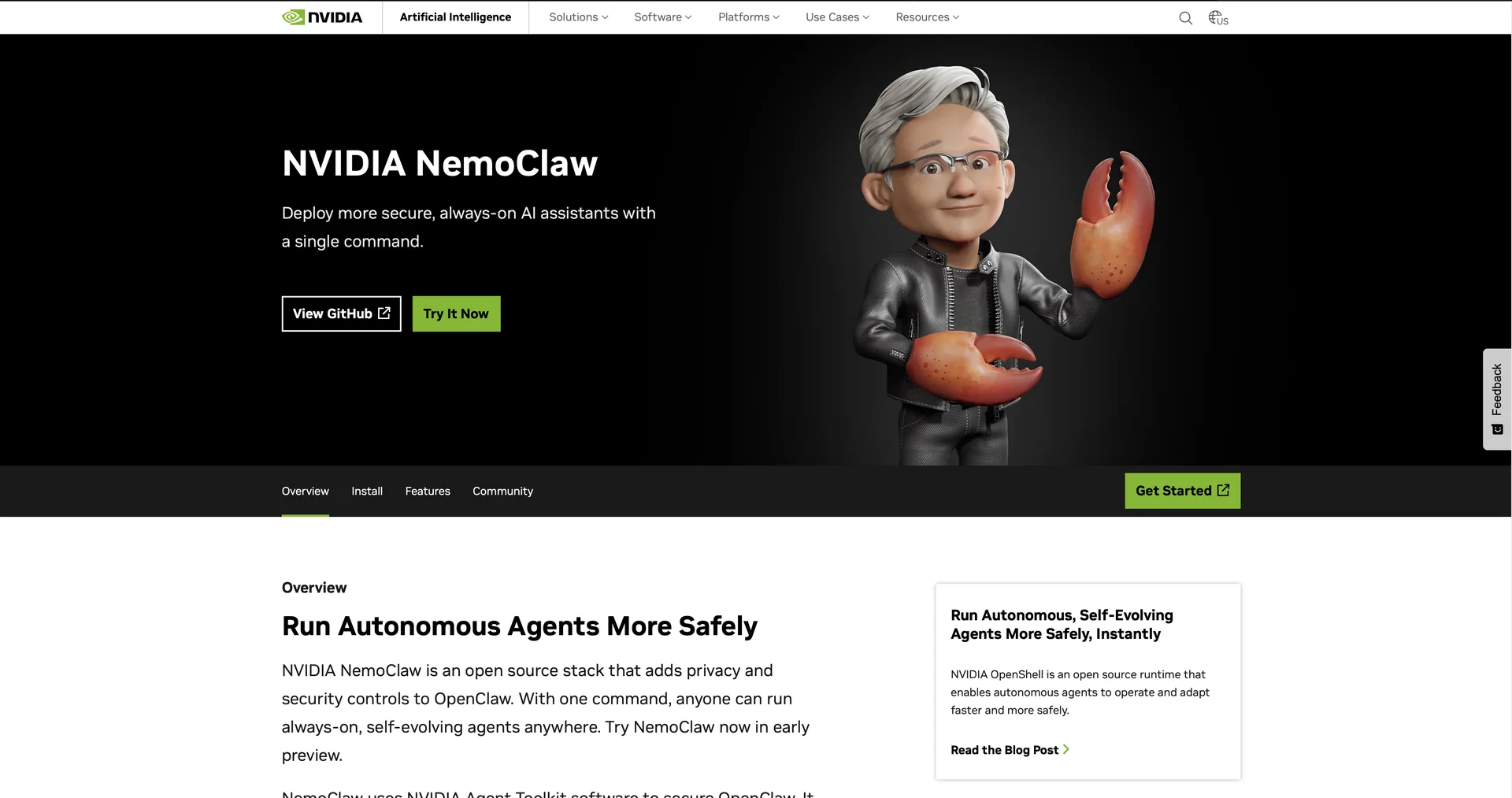
Open-source platform for enterprise-grade autonomous AI agents at scale.
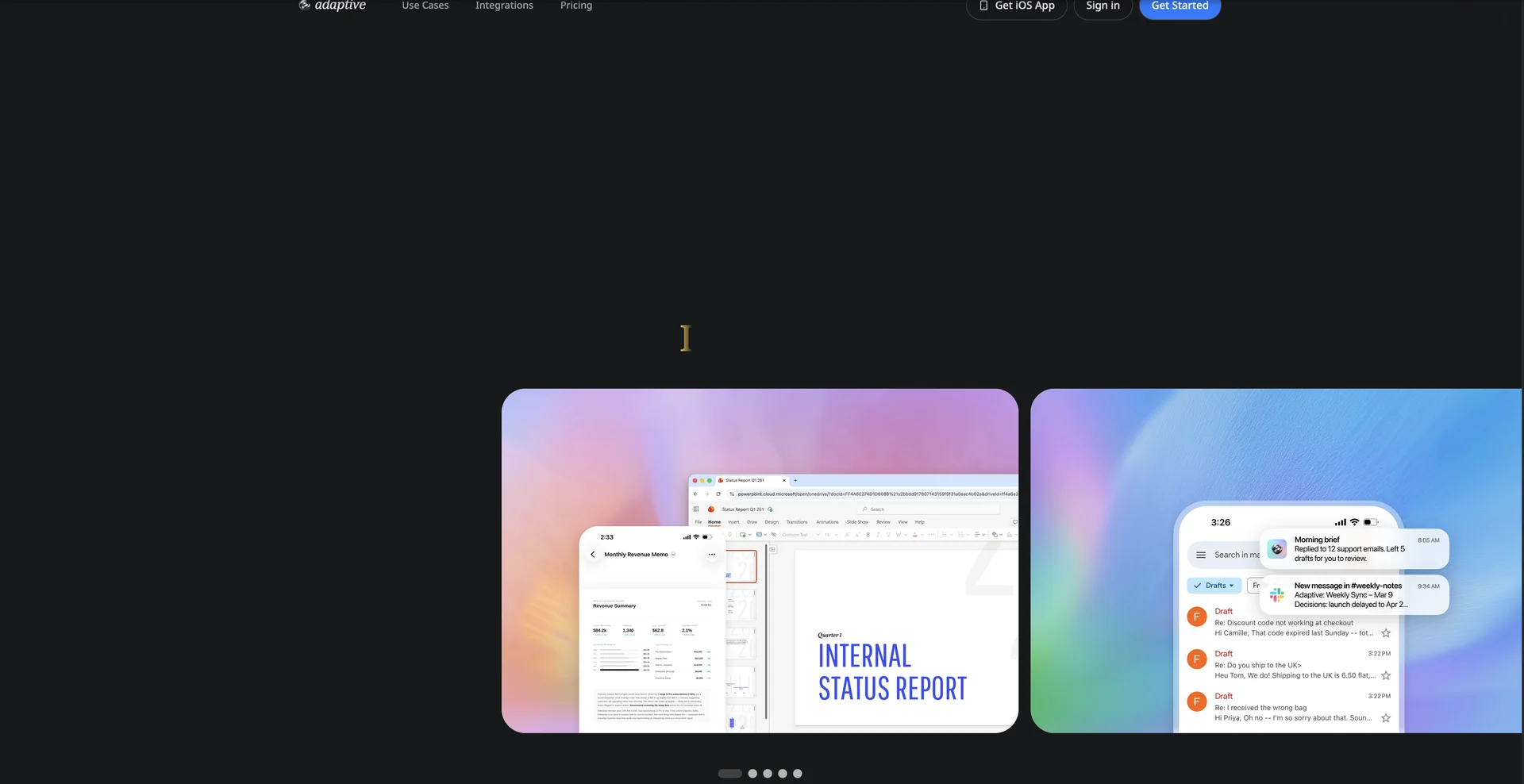
An AI that works on a computer so you don't have to.
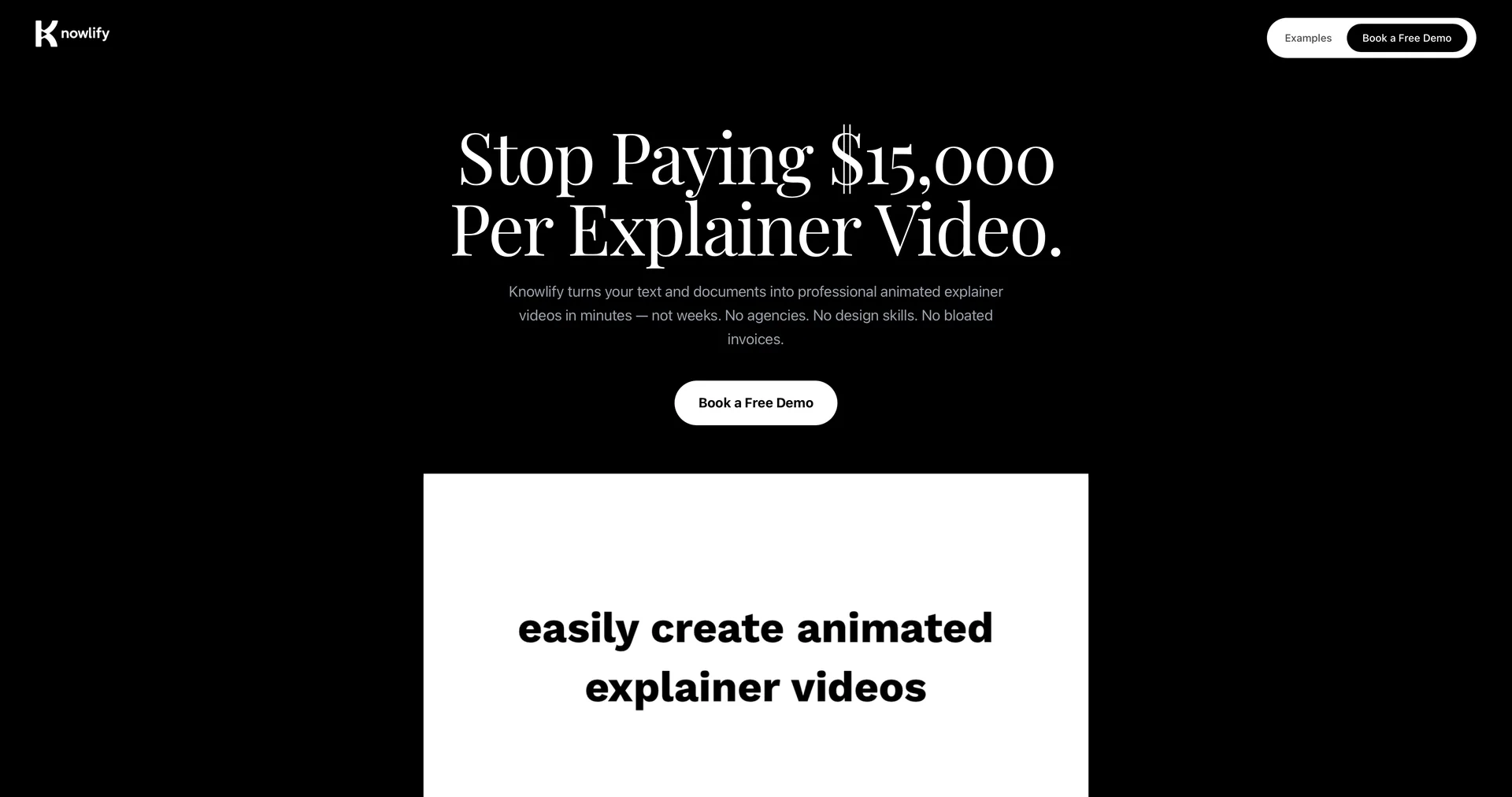
Turn documents into professional animated videos instantly.
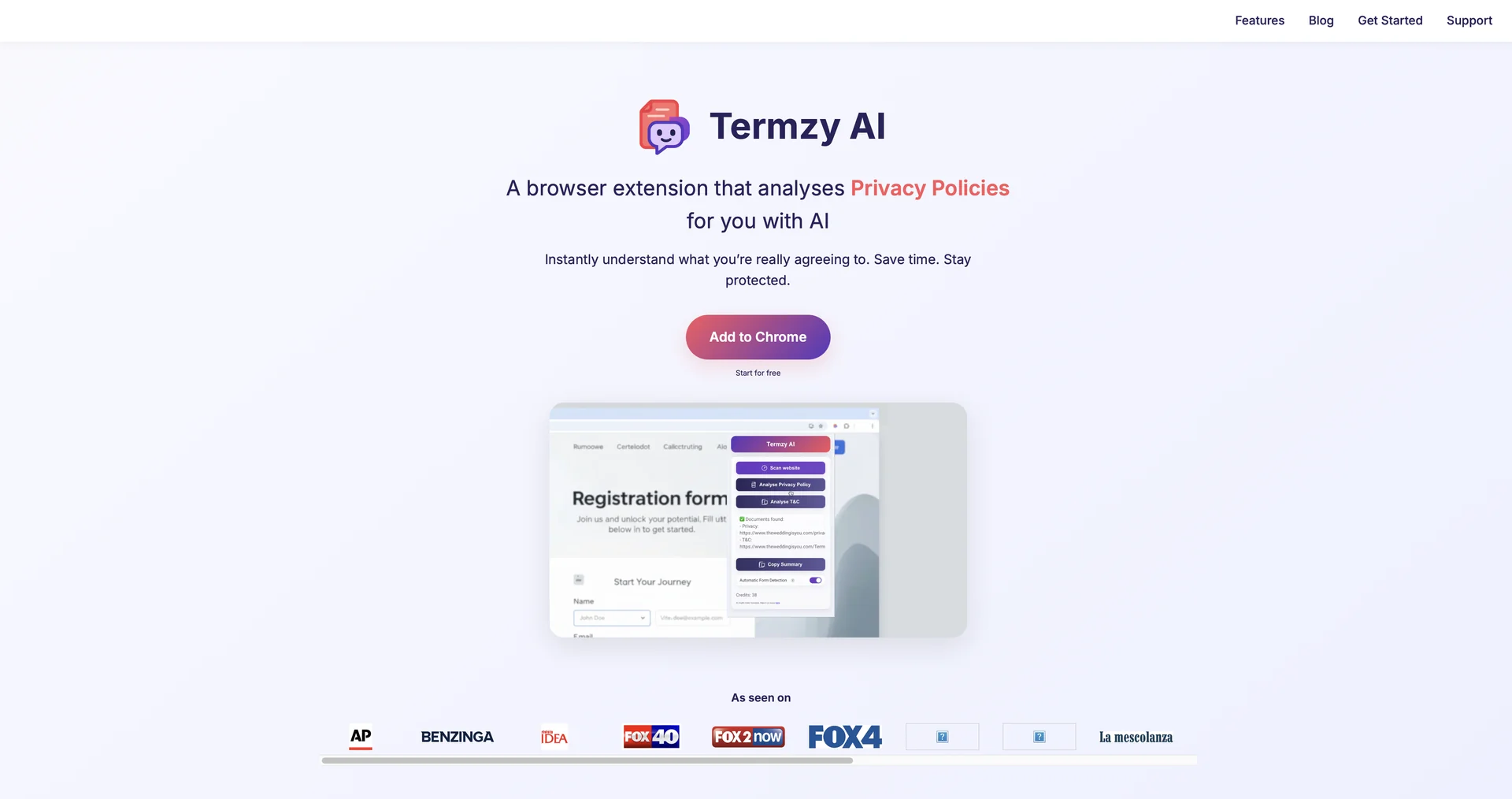
Instantly understand what you're really agreeing to.
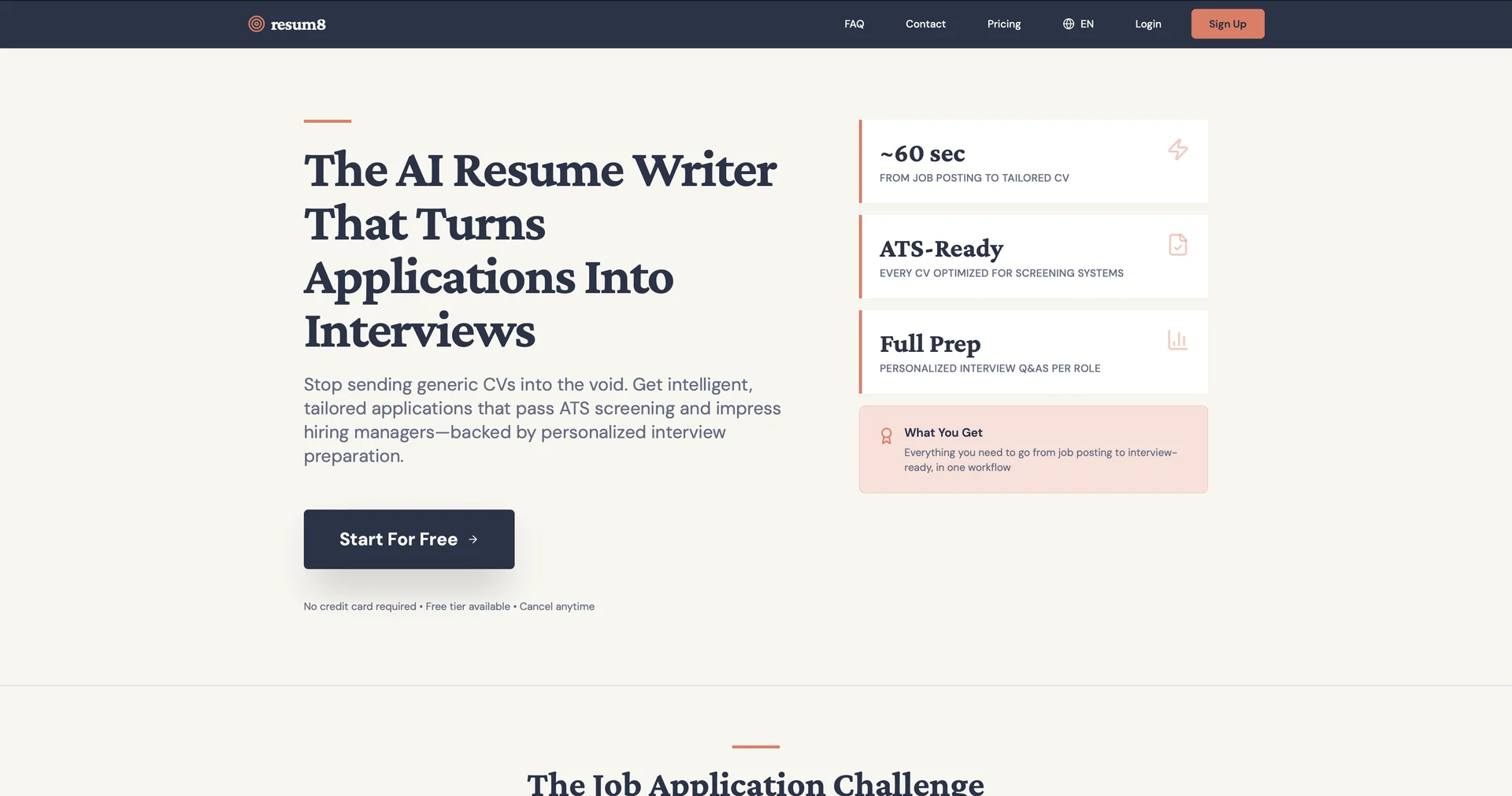
AI resume writer that tailors CVs for every job.
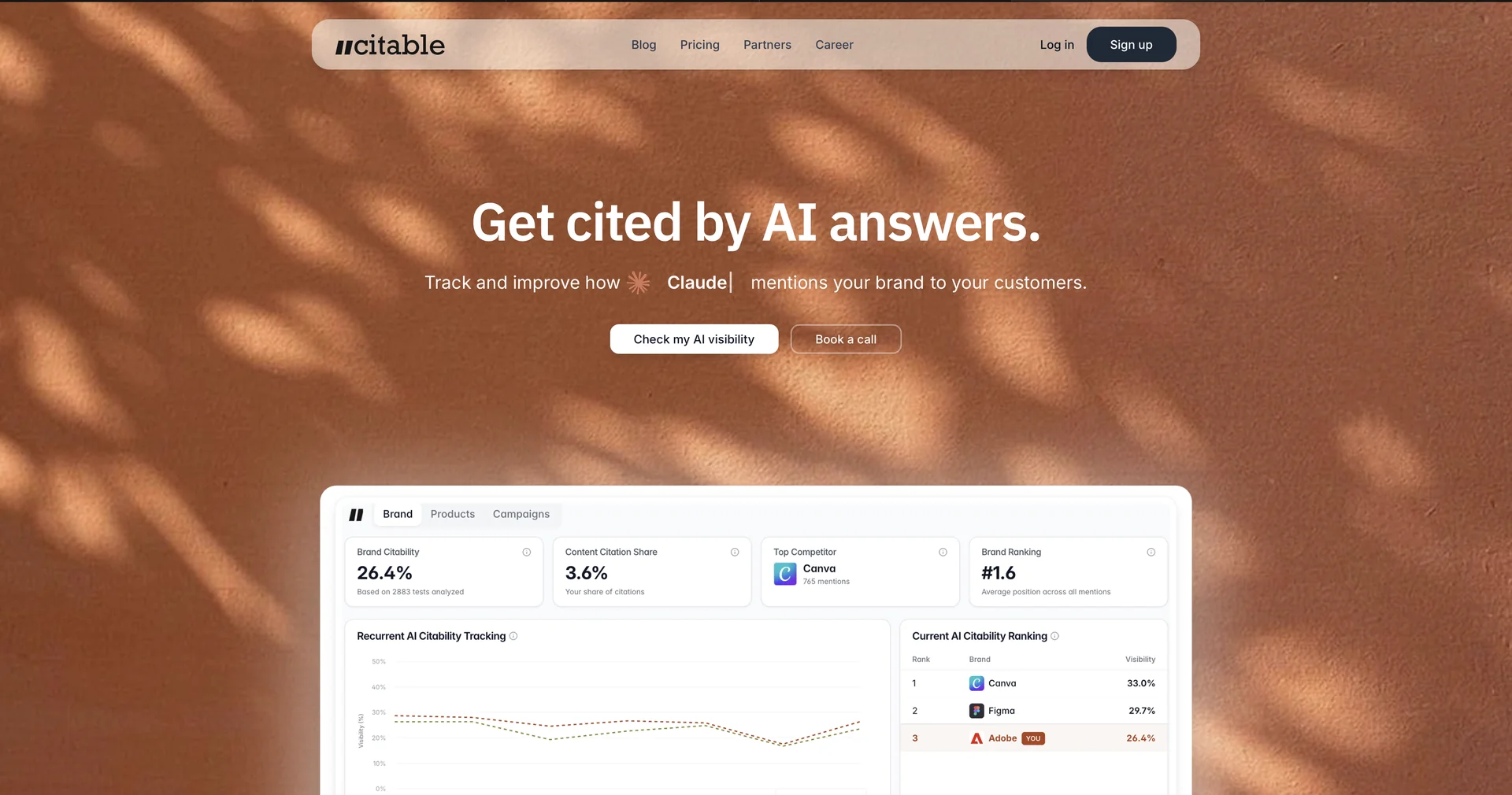
Be in AI answers before your competitors. We do it for you.
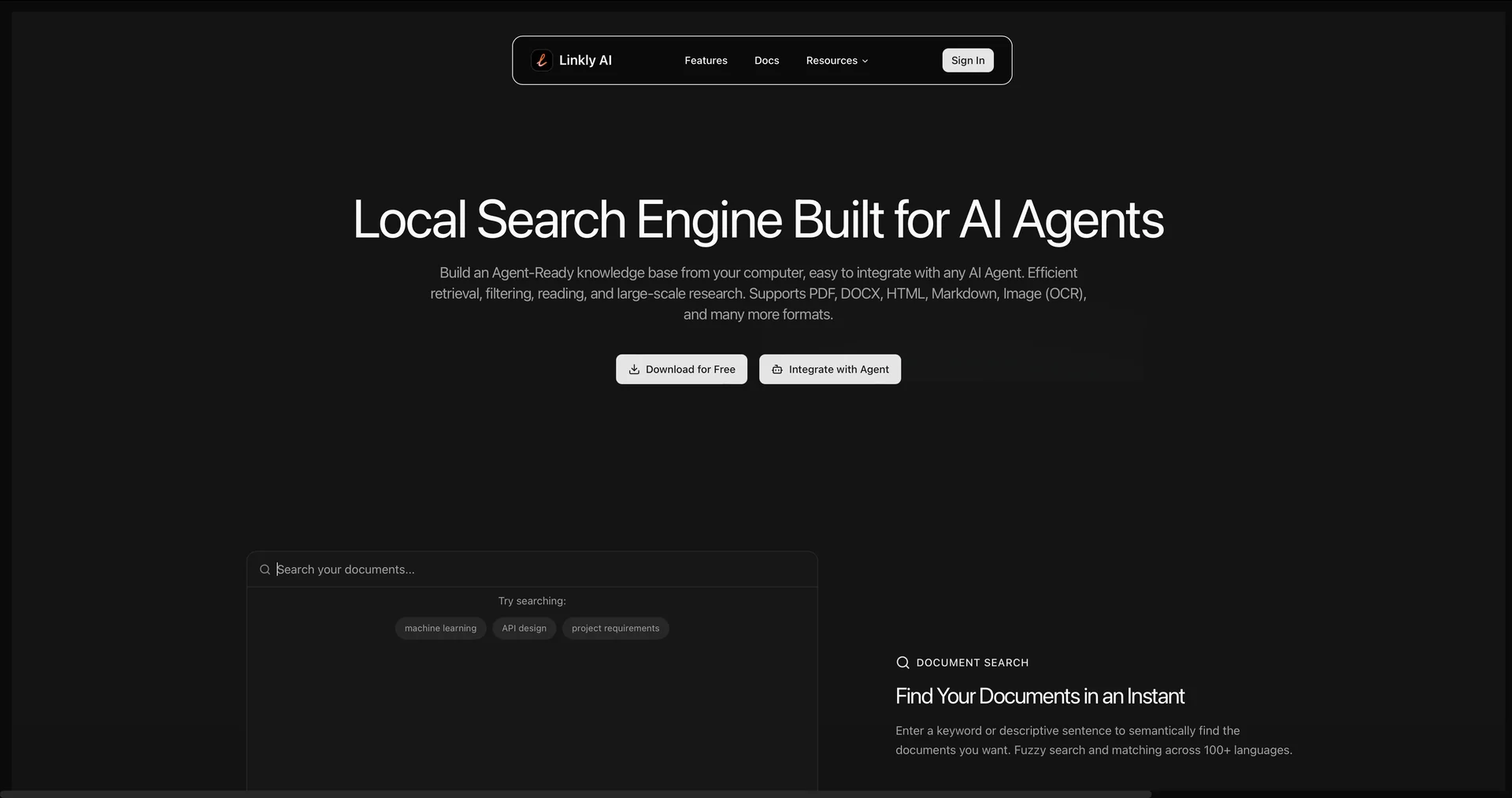
Local search engine built for AI agents.
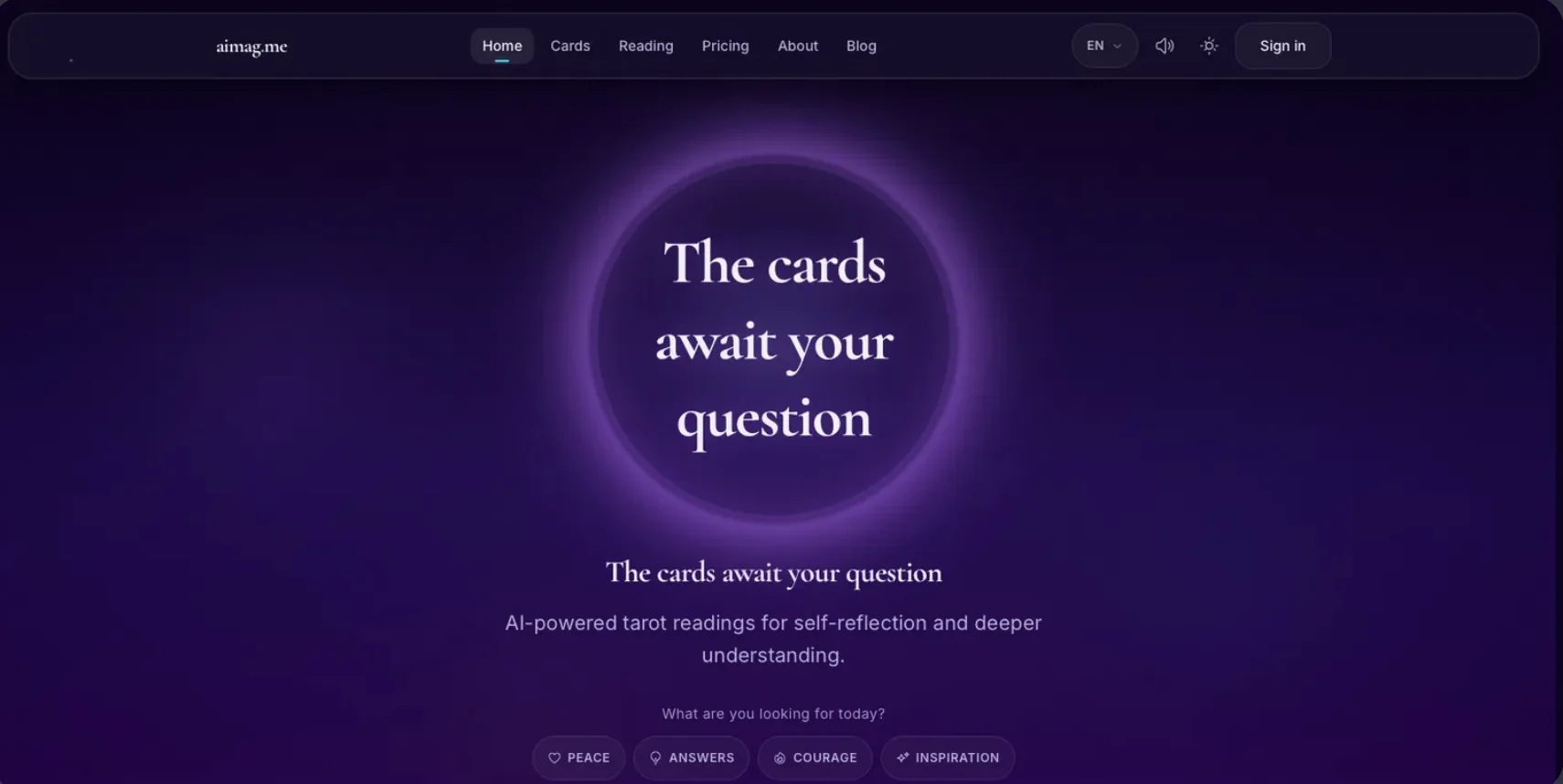
AI-powered tarot readings for self-reflection and deeper understanding.
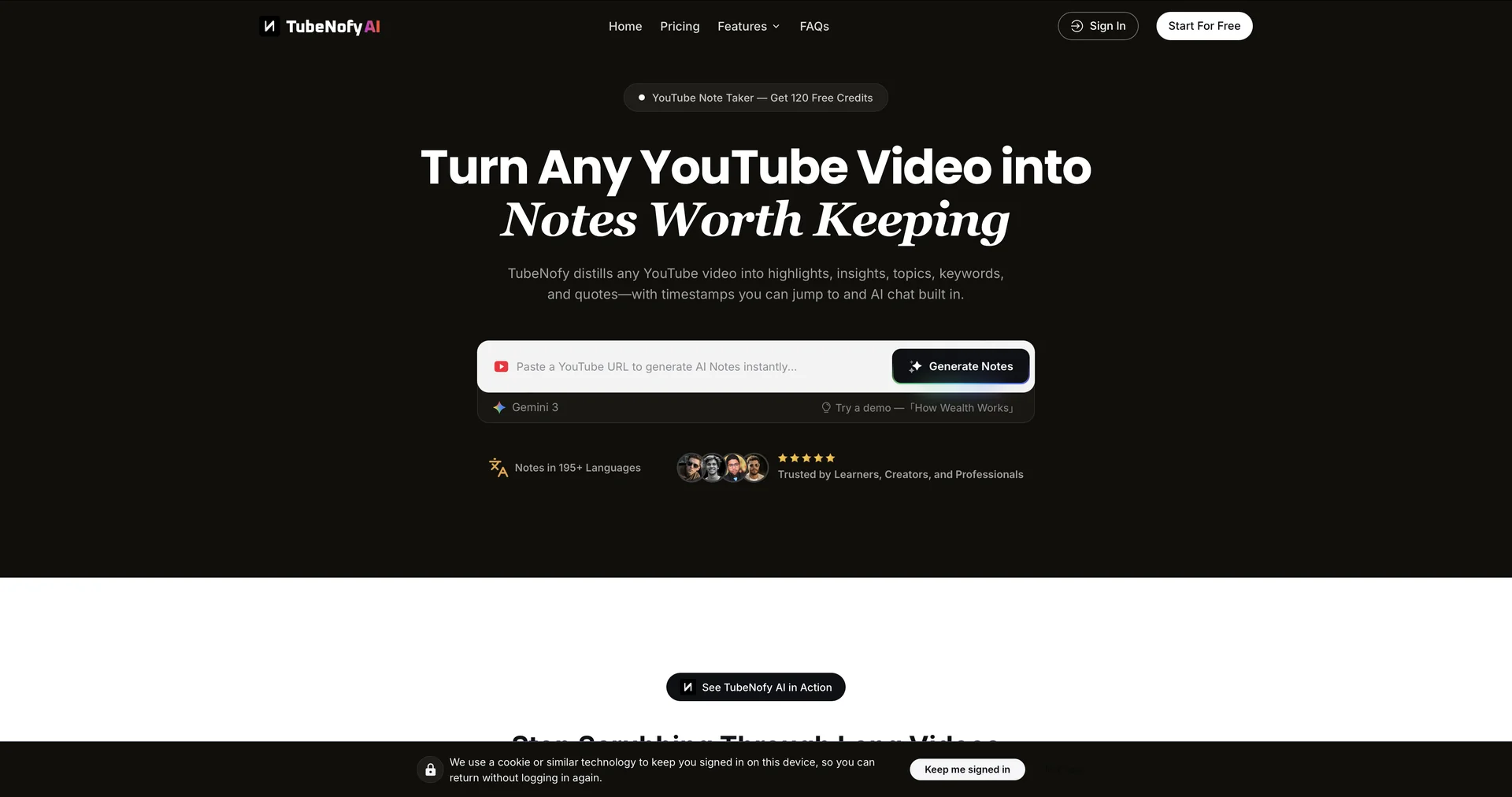
Turn YouTube videos into notes worth keeping.
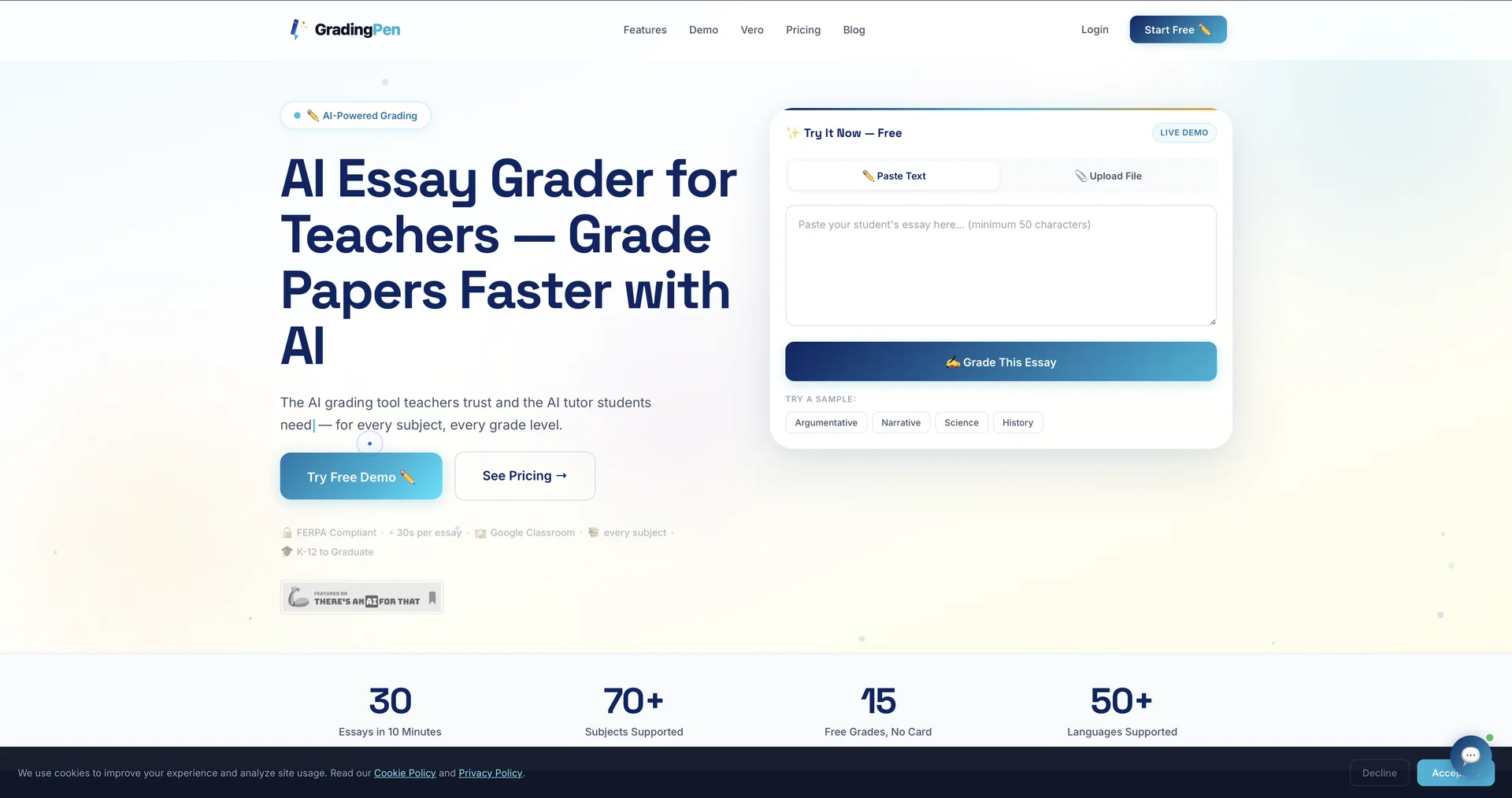
Grade 30 essays in 10 minutes with AI.
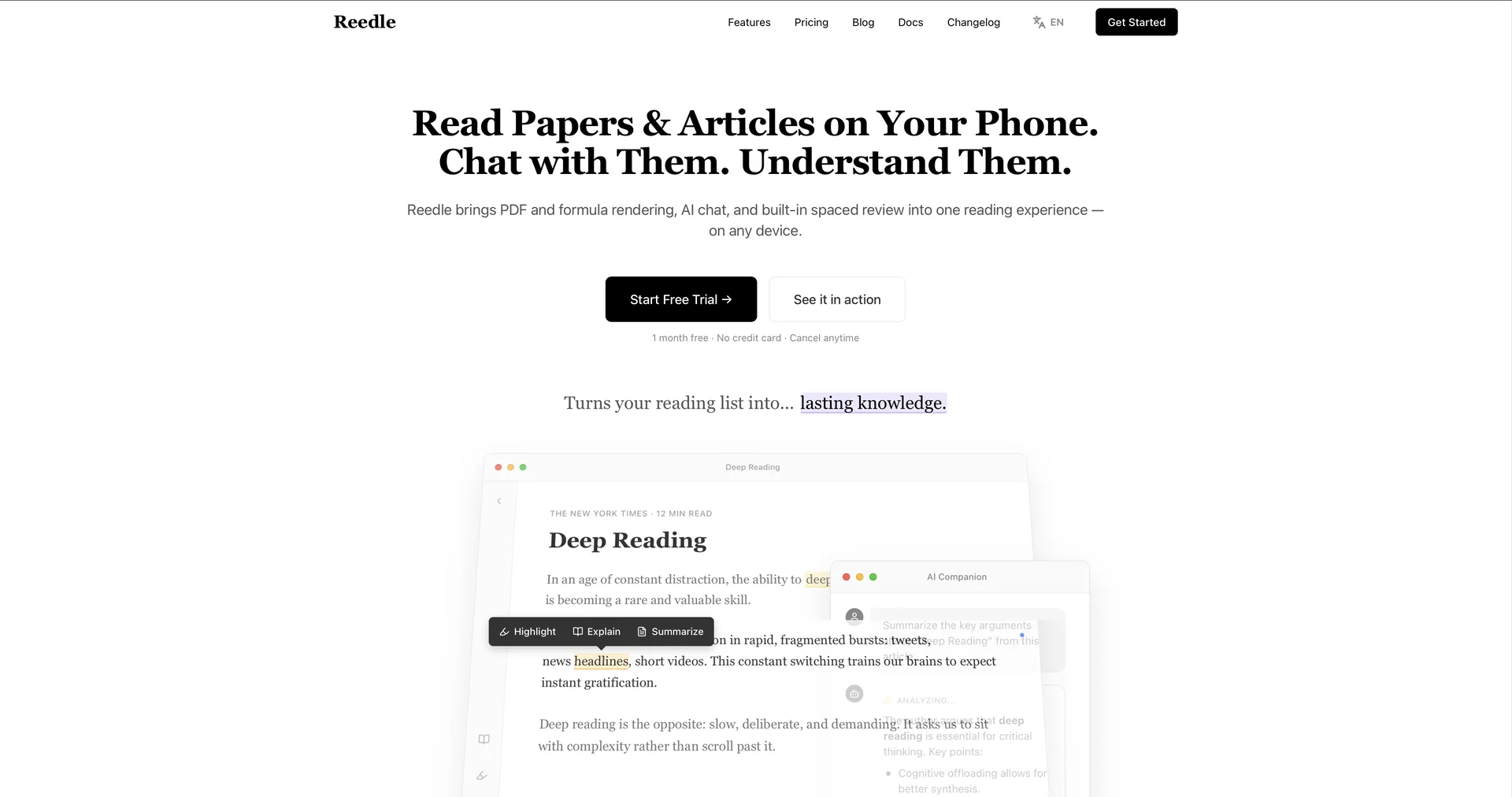
Turn your reading list into AI conversation.