️ Tool Name: 🖼
Krea.ai
Tool Category: 🔖
- Generate images from text
- Text and images to video
- 3D and architectural/interior design
️ What does this tool offer? ✏
Krea.ai offers a comprehensive suite of AI-powered creative tools, including:
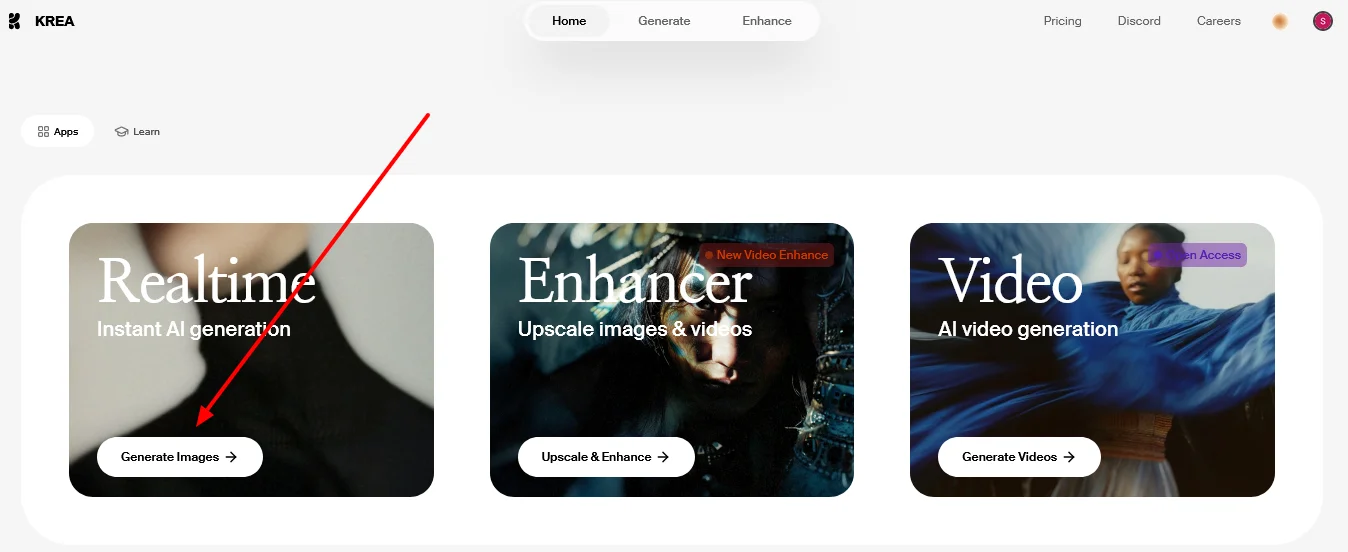
- AI Image Generation: Convert text to images, generate images in real time.
- AI Image Enhancements: Image enhancement, resolution upscaling, AI-powered image editing.
- AI Video Generation: Convert text or images into videos, animate.
- AI Video Enhancements: Video enhancement, style conversion, quality upscaling, frame interpolation.
- AI 3D Generation: Converting text or images into 3D models.
- AI Fine-Tuning: Customize models via LoRA, share LoRA, fine-tune videos and images.
- File Management: Manage files via Krea Asset Manager.
- Additional tools for professional control over models and videos.
What does it actually offer based on user experience? ⭐
The platform enables users to quickly generate high-quality 3D images and videos, enhance existing images and videos, and customize models via LoRA fine-tuning, all while easily managing files. The platform offers a flexible experience for all users, from beginners to developers, and provides access to professional tools to accelerate creative content production.
Does it include automation? 🤖
Yes, the tool includesworkflow automation and automatic model customization, as well as real-time content generation and optimization without the need for repetitive manual input.
Pricing model: 💰
A monthly or annual subscription system based on Compute Units, where units are consumed when generating images or videos or using optimization tools.
🆓 Free Plan Details:
- Free: $0 per month, approximately 100 units per day, basic access to models, no credit card required.
Paid Plan Details: 💳
- Basic: $9 per month, 5,000 units per month, suitable for light use.
- Pro: $35 per month, 20,000 credits, the most popular plan, includes access to all video models and commercial licensing.
- Max: $105 per month, 60,000 units, includes workflow automation and unlimited LoRA fine-tuning.
- The annual payment option offers a 20% discount on all plans.
How to access the tool: 🧭
You can get started by clicking "Sign up for free " to create a new account or "Log in " to an existing account, then use the tools from the top bar: create images via the Image Generator,enhance images via the Upscaler,create videos via the Video Generator,and control and customize via LoRA Fine-tuningand Krea Asset Manager,or use the API for developers.
Demo link or official website: 🔗
https://krea.ai