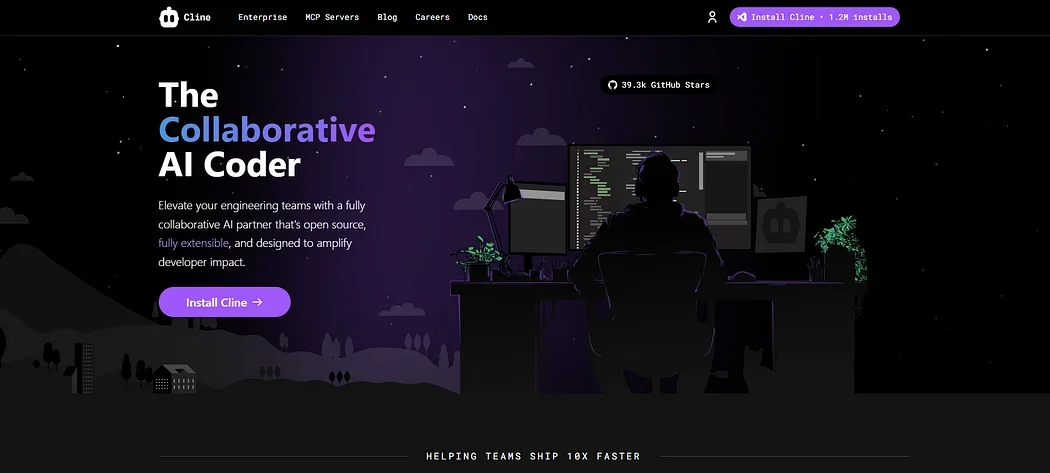
Description

🖼️ Tool Name:
Cline (commonly referred to as Cline AI)

🔖 Tool Category:
AI-powered autonomous coding assistant; fits in Programming & Development, Productivity & Automation, and Engineering Design.

✏️ What does this tool offer?
Cline is an open‑source AI coding agent that works as a VS Code extension, capable of understanding entire codebases, planning and executing multi-step tasks, editing files, running shell commands, performing end-to-end debugging in a browser, and integrating custom tools via the Model Context Protocol (MCP). It supports multiple LLM providers (e.g., Claude Sonnet 3.5, OpenAI GPT‑4, Gemini) and runs entirely client-side using your own API keys.

What does the tool actually deliver based on developer experience?

  • Creates and edits code directly in your VS Code workspace with diff view for approval.

  • Runs terminal commands (e.g. npm install, npm run dev) and adapts to output again or debug automatically.Launches browser sessions to test UI, capture console logs and screenshots for debugging.

  • Adds task-specific tools using MCP (e.g., fetching Jira tickets, managing AWS EC2) fully integrated and automated.

  • Records workspace snapshots (checkpoints) for easy comparison and rollback.

  • Highly praised for transparency and compliance: all decisions visible, open-source code, ideal for security-sensitive teams.

🤖 Does it include automation?
Yes — Cline automates full coding workflows with human-in-loop control: task planning, code generation, editing, execution, testing, debugging, and tool integration (via MCP). Every step is previewed for approval.

💰 Pricing Model:
Free and open source—no subscription fees. You only pay for usage via the AI model providers you choose (e.g. OpenAI, Anthropic, Gemini), with no extra cost from Cline.

🆓 Free Plan Details:
Since Cline is completely free, you can install and use it in VS Code without charge. Your only cost comes from the AI model providers you link.

💳 Paid Plan Details:
Not applicable: Cline has no paid tiers. Enterprise features like centralized billing and usage analytics are offered via optional Cline Teams, but the core usage remains free.

🧭 Access Method:

  • Install the Cline extension in Visual Studio Code or supported fork.

  • Connect your chosen AI model provider via API key.

  • Use natural-language prompts to initiate tasks like “Create new React component,” “Fix bug in app.tsx,” or “Run npm test.”

  • Approve each change via diff view before committing to workspace.

  • Optionally add custom tools via MCP for integrations with systems like Jira, AWS, or PagerDuty.

🔗 Experience Link:

https://cline.bot

Pricing Details

💰 Pricing Model: Free and open source—no subscription fees. You only pay for usage via the AI model providers you choose (e.g. OpenAI, Anthropic, Gemini), with no extra cost from Cline. 🆓 Free Plan Details: Since Cline is completely free, you can install and use it in VS Code without charge. Your only cost comes from the AI model providers you link. 💳 Paid Plan Details: Not applicable: Cline has no paid tiers. Enterprise features like centralized billing and usage analytics are offered via optional Cline Teams, but the core usage remains free.