ChatTab
Description
🖼️ Tool Name:
ChatTab
🔖 Tool Category:
AI-enhanced desktop client for ChatGPT; falls under Productivity & Automation, Smart Assistant, and Conversations.
✏️ What does this tool offer?
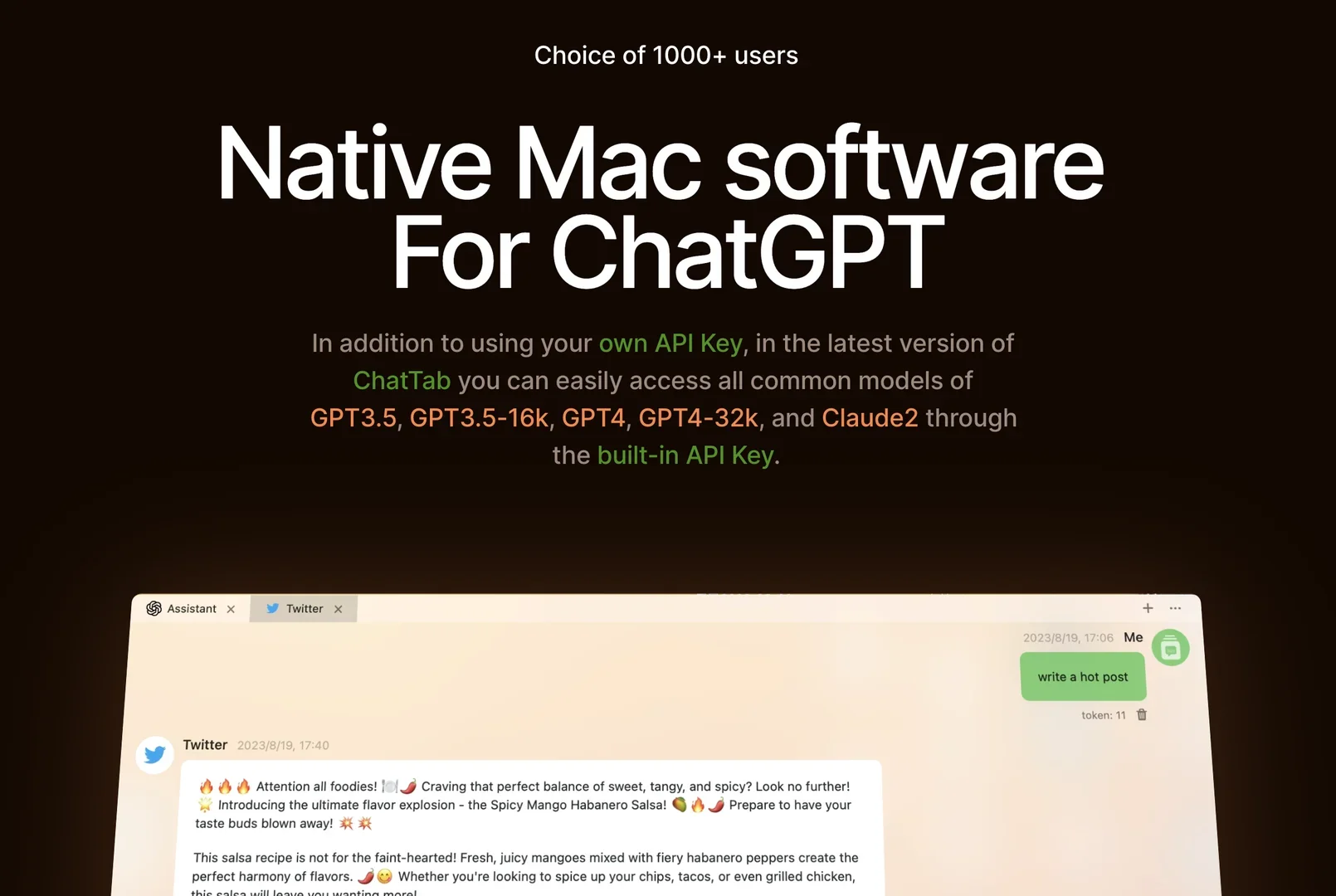
ChatTab is a native macOS app that allows users to interact with ChatGPT directly from the desktop—no browser needed. It features a clean interface, Markdown support, tabbed conversation management, keyboard shortcuts, iCloud sync, and strong privacy protection.
⭐ What does the tool actually deliver based on user experience?
Native macOS UI – fast, lightweight, and responsive.
Markdown-ready editor – format text and code seamlessly inside chats.
Tabbed conversation management – switch between multiple chats effortlessly.
Quick-launch window & keyboard shortcuts – open ChatGPT instantly, similar to Spotlight search.
iCloud sync – messages and settings are safely synced across devices.
Strong privacy – stores data locally (Keychain & iCloud) with no analytics tracking.
Supports multiple models – GPT-3.5, GPT-4, GPT-4-Vision, Claude2 (depending on API setup).
🤖 Does it include automation?
Yes — ChatTab automates ChatGPT interaction by:
Opening an instant chat window via shortcut keys.
Organizing conversations in tabs without manual switching.
Syncing settings and history automatically across devices.
💰 Pricing Model:
Completely free, no subscription or credit card required.
🆓 Free Plan Details:
100% free to use.
Only requires installing the app and entering your own API key (e.g., OpenAI API key).
💳 Paid Plan Details:
No paid tiers or in-app upgrades—full functionality is free.
🧭 Access Method:
Download and install locally on macOS from MacUpdate or the official page.
Connect your API key to enable ChatGPT access without browser login.
🔗 Experience Link:
https://chattab.framer.website