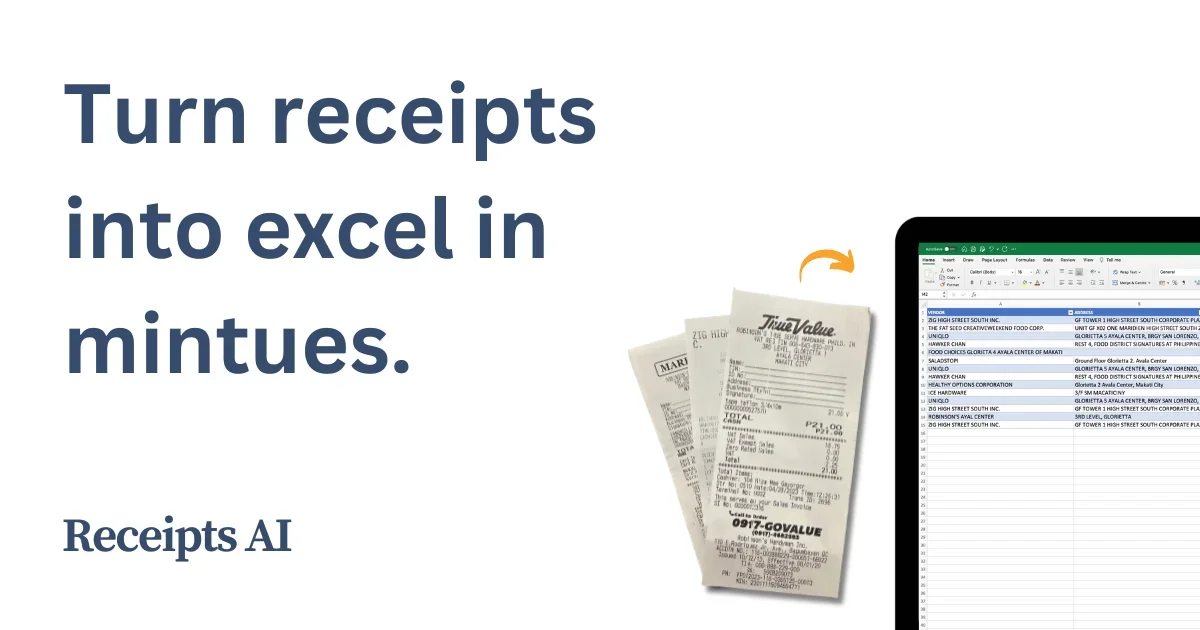
Description
Pricing Details
ReceiptsAI operates on a freemium + paid subscription model, offering a permanent free plan that allows users to try out data extraction and receipt organization, along with paid plans designed for users who need to process a larger number of documents, custom categorizations, and advanced automation tools. The platform also offers a discount of up to 25% when choosing an annual subscription. The free plan is available for $0 per month and can be used indefinitely without a credit card. It gives users 30 free credits for processing documents, with the ability to extract data from images and PDF files, basic expense categorization, and email support, in addition to a 100% money-back guarantee. As for the paid plans, they start with the Starter plan at $12 per month when billed annually, offering processing of up to 100 pages per month, the creation of up to 30 custom expense categories, and the addition of 20 custom automation rules, along with features such as document renaming, automatic duplicate file detection, and email support. ReceiptsAI offers a Premium plan for $29 per month when billed annually, which includes all the benefits of the Starter plan with higher usage limits, such as processing up to 500 pages per month, the creation of up to 100 custom expense categories, support for 100 automation rules, batch file processing, duplicate detection, and priority support for users.