Nero AI Image Upscaler
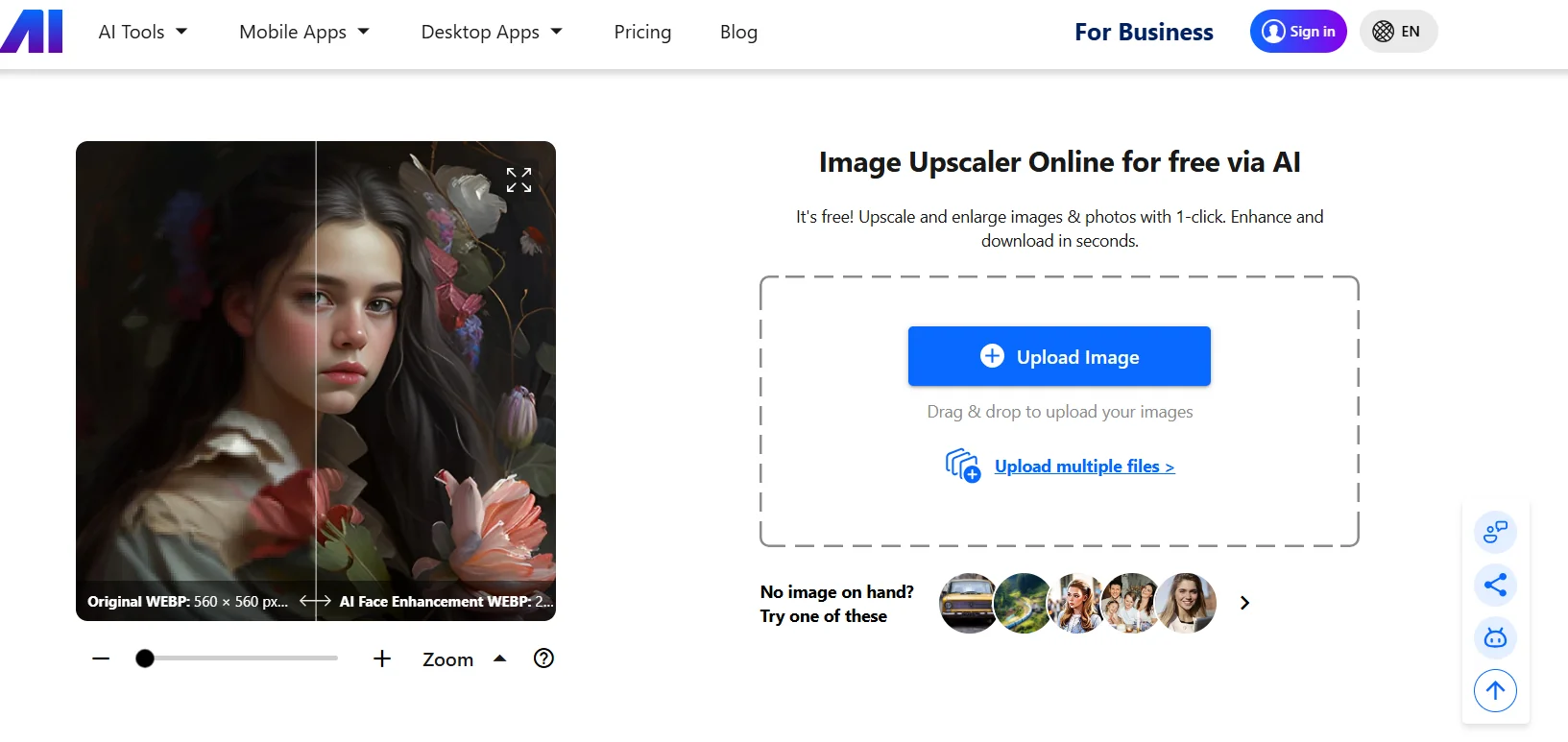
Description
️ 🖼Tool Name:
Nero AI Image Upscaler
🔖 Tool Category:
Nero AI Image Enhancer & Upscaler.
️ ✏What does this tool offer?
Enlarge images while preserving details up to very high resolutions (up to 16,000×16,000 pixels).
Enhance image quality using multiple styles (face, anime, normal images).
Automatically de-noise and compress JPEG files.
Additional tools such as: Restore old photos, colorize photos, remove noise, improve sharpness.
Support for Batch Processing.
⭐ What does the tool actually deliver based on user experience?
High-quality results in enlarging images with improved colors and details.
Easy and fast experience through a simple browser interface.
Excellent quality, especially for medium-quality images, but resolution may be reduced for very poor images.
Flexibility in choosing the right style (Face, Anime, Standard).
🤖 Does it include automation?
Yes - the tool relies on artificial intelligence to perform:
Automatically enlarge and optimize images when you upload them.
Automatically remove noise and JPEG compression.
Automatically choose the appropriate style of image processing.
💰 Pricing Model:
Freemium - Free credits upon registration with monthly and annual paid plans, as well as customized business plans.
🆓 Free Plan Details:
10 free credits (One-time) to try.
Ability to test zoom and basic photo optimization without payment.
💳 Paid Plan Details:
Standard Plan: 300 credits per month at $19.99/month (discounted with annual payment).
Business Plan: Custom Pricing with more credits for businesses.
Ability to purchase additional credits as needed.
🧭 Access Method:
Via the website (directly from the browser).
Desktop and mobile apps (e.g. Nero Lens) for local image processing.
🔗 Experience Link:
https://ai.nero.com/image-upscaler