Copilot for Microsoft 365
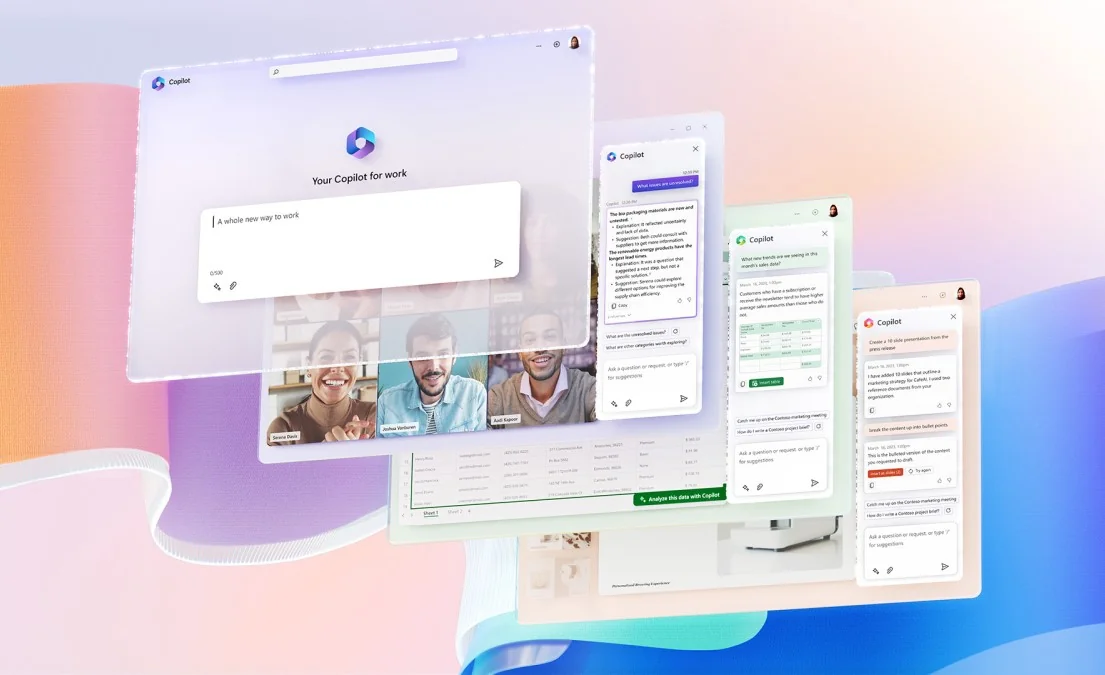
Description
🖼️ Tool Name:
Copilot for Microsoft 365
🔖 Tool Category:
AI-powered productivity assistant; it fits under Productivity & Automation and Business & Marketing (specifically enhancing office work and enterprise workflows).
✏️ What does this tool offer?
Copilot for Microsoft 365 embeds AI directly into the Microsoft Office suite (Word, Excel, PowerPoint, Outlook, Teams, etc.). It helps users perform tasks faster: drafting, summarizing, analyzing, and automating content and communication within those apps.
⭐ What does the tool actually deliver based on user experience?
• Drafts emails, summaries, documents, or proposals based on context and prompts.
• In Excel, it can analyze data, suggest formulas, build charts, detect trends, and generate insights.
• In PowerPoint, it can build slide decks from other documents or data, format them, and adapt style.
• Summarizes meetings, chats, and emails; extracts action items; helps catch up on what's missed.
• “Copilot Chat” lets you ask questions across your Microsoft 365 content — your documents, emails, and files.
• Maintains enterprise-level security, compliance, and privacy; it inherits Microsoft’s permissioning model.
🤖 Does it include automation?
Yes — automation is core to its function:
• You can automate repetitive tasks (e.g. summarization, formatting, data transformations).
• It uses Microsoft Graph + AI models to understand context and act within Office apps.
• Copilot actions react to changes in data (e.g. re-analyze when spreadsheet updates) and workflow state.
• It allows “agents” or built-in AI logic to perform multi-step operations across apps.
💰 Pricing Model:
Subscription + usage model. For many users, access to Copilot features is tied to certain Microsoft 365 plans (or add-on licenses).
🆓 Free Plan Details:
There is generally no fully free tier for full Copilot features; only under certain Microsoft 365 plans or trial offers might limited access be available.
💳 Paid Plan Details:
Paid tiers provide full access to Copilot in desktop and web apps, unlimited usage (or higher quotas), advanced AI features, and integration within enterprise environments.
🧭 Access Method:
• Integrated into Microsoft 365 apps (Word, Excel, PowerPoint, Outlook, Teams, etc.).
• Via “Copilot Chat” interface inside Microsoft 365 to query across your data.
• Works with existing Microsoft accounts and enterprise tenant setups.
🔗 Experience Link
https://copilot.microsoft.com