Meloflow
Description
️ 🖼Tool name:
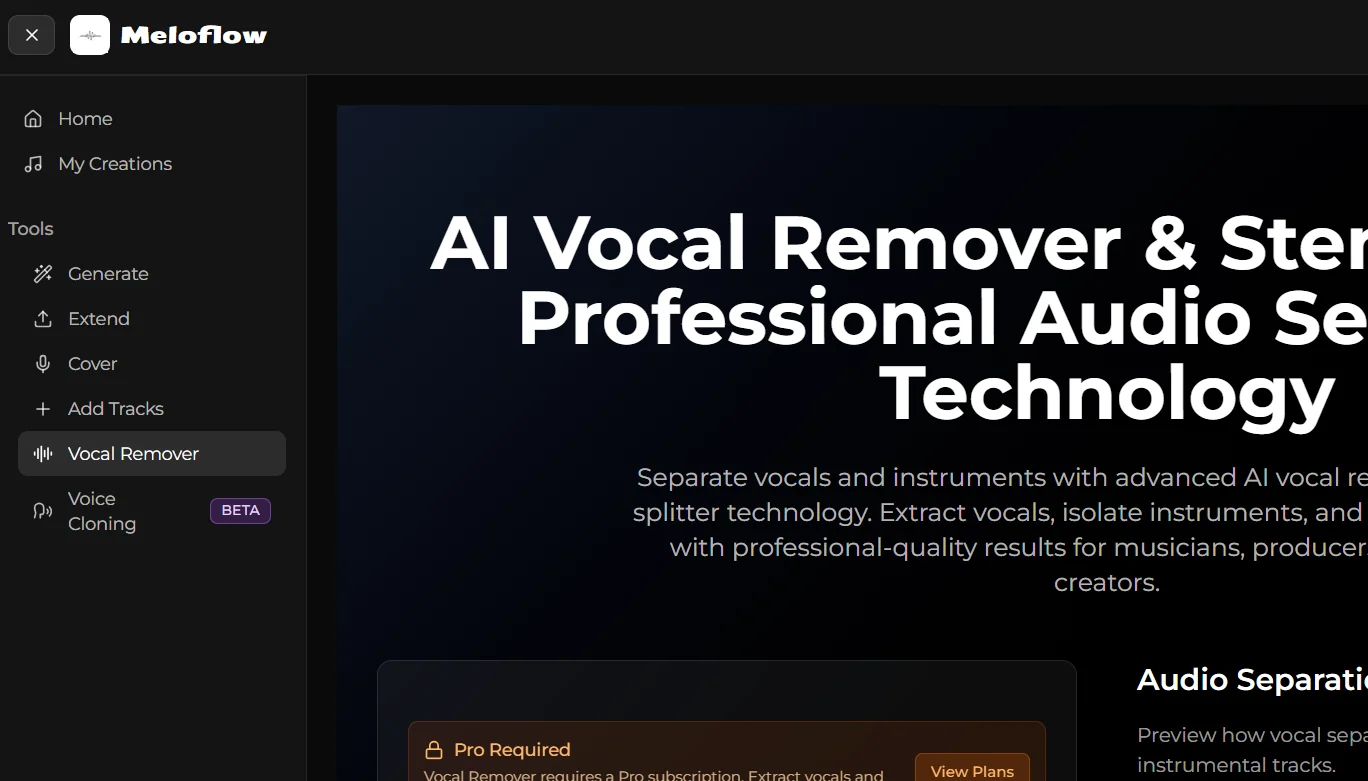
Meloflow - AI Vocal Remover & Stem Splitter
🔖 Tool Category:
AI Vocal Processing - Separate vocals and background music, split vocal tracks into separate elements
️ ✏What does this tool do?
It enables you to upload an audio file and separate the vocals or lead vocal from the background music, as well as split the track into separate instruments such as drums, bass, guitar, keyboard, etc. Supports multiple audio formats such as MP3, WAV, FLAC, M4A.
⭐ What does it actually offer based on user experience?
High quality audio separation for most files, suitable for Acapella creation, remixes or music training.
Easy to use and straightforward interface, works from the browser without additional programs.
Quality may decrease in complex or low-quality files, as is common with most audio separation tools.
🤖 Does it include automation?
Yes, it relies on AI to automate the process: Upload file → separate vocals/music → split tracks → download results, without the need to manually select each instrument or voice.
💰 Pricing model:
🆓 F ree plan details:
There is a free plan that allows some basic use, but the Vocal Remover & Stem Splitter feature may require an additional subscription or credit within the free plan.
💳 Paid plans details:
Pro Plan: About $29.99 per month, with a discount when you pay annually.
Some features such as full separation of vocals and tracks may require the use of additional credits even under the Pro plan.
An annual subscription provides a discount on the monthly cost, but does not guarantee all unlimited uses without additional credits.
🧭 How to access the tool:
Visit the official website, create an account or sign in.
Upload the audio file, select the Vocal Remover & Stem Splitter feature, wait for processing, then download the results.
For commercial use or to separate large files, you may need to subscribe to a paid plan or purchase additional credits.
Experience Link: https://meloflow.ai/tools/vocal-remover?utm_source=