MindVideo
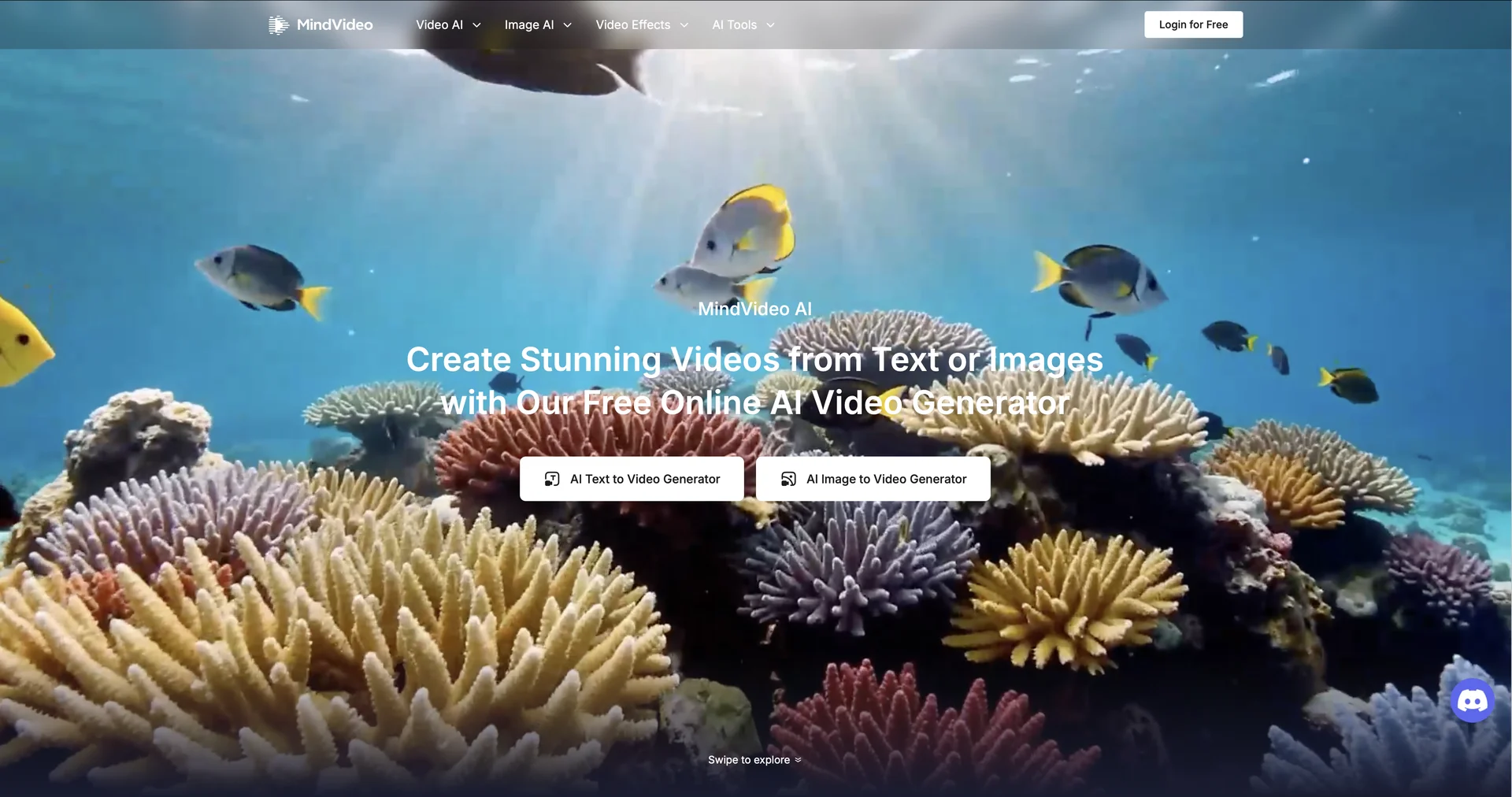
Description
🖼️ Tool Name:
MindVideo
✏️ What makes MindVideo unique in 2026?
All-in-One Multi-Model Access: Instead of sticking to one model, MindVideo lets you toggle between Kling AI, Luma Ray, Veo 3, Runway Gen-4.5, and Sora 2. This allows you to use the best engine for specific tasks (e.g., Kling for photorealistic humans, Luma for fluid physics).
Advanced AI Effects: Features "Viral" effects like AI Kiss, AI Hug, and AI Morph, allowing you to merge subjects or create emotional interactions between characters that were previously impossible with single-prompt tools.
Image-to-Video Consistency: MindVideo excels at taking a static image and animating it while maintaining perfect subject consistency. This is a favorite for brands wanting to turn product photos into high-energy ads.
Integrated Audio & Lip-Sync: In 2026, it now features a native AI Audio Engine that generates sound effects and background music that perfectly syncs with the visual pacing.
The "Magic Brush" Editor: Allows users to paint over specific areas of an image and tell the AI exactly which part to animate (e.g., "Make only the water move"), providing granular control over the final output.
High-Speed Rendering: Despite using heavy-duty models, its optimization layer allows for preview clips in under 60 seconds.
⭐️ User Experience (2026):
"The Cinema Studio in a Browser": Rated 4.8/5. While users occasionally report server load issues due to high demand, it is praised for being the most "versatile" tool for social media managers and indie filmmakers.
💵 Pricing & Plans (February 2026 Status)
MindVideo offers a competitive "Freemium" model that caters to casual hobbyists and professional studios:
🎁 How to Get Started:
Visit mindvideo.ai. Choose "Text to Video" to start with a prompt or "Image to Video" to animate an existing file. Try a prompt like: "A cinematic tracking shot of a glowing mechanical tiger walking through a neon rainforest" to see the multi-model engine in action.
⚙️ Access or Source:
Official Website
Category: AI Video Generation, Cinematic Editing, Content Marketing.
Primary Use Case: Creating high-quality social media content, movie trailers, and animated advertisements from simple text or images.
🔗 Experience Link: