Description
🖼️Tool Name:
Magic Eraser
✏️ What makes Magic Eraser unique in 2026?
One-Tap "Distraction Removal": In 2026, the tool has evolved beyond manual brushing. It can automatically detect "distractions" (people not in the main focus) and suggest a one-tap "Erase All" feature.
Generative Reconstruction: Unlike older "clone stamp" tools that look blurry, Magic Eraser uses Generative AI to "guess" complex patterns behind a person, such as a brick wall, ocean waves, or forest leaves, with near-perfect accuracy.
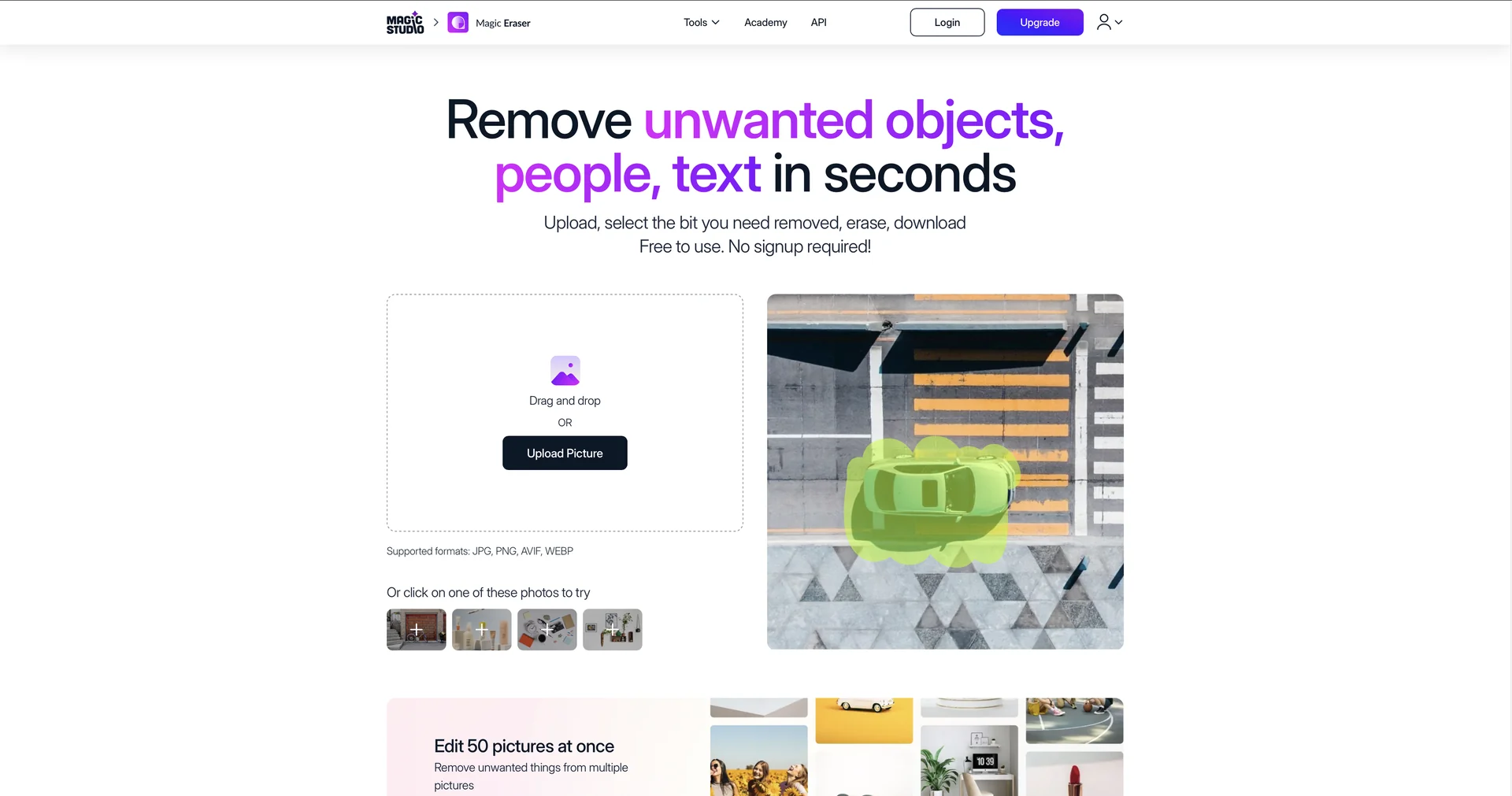
No Sign-Up Speed: Websites like MagicStudio.com allow users to upload, erase, and download standard-definition results instantly without creating an account.
Shadow Removal: A 2026 pro-tip feature—the AI now specifically prompts you to "Erase the Shadow too," ensuring no floating artifacts are left behind when a person is removed.
4K Export Support: While the free versions often limit resolution, the 2026 Pro tiers support 4K high-definition exports for professional printing and large-scale marketing.
Video Magic Eraser: The technology has expanded into video, allowing creators to remove moving people from the background of reels or short clips while keeping the footage stable.
Multi-Platform Integration: It is now a standard "Magic" tool inside Canva’s Magic Studio, making it part of the daily workflow for millions of social media managers.
⭐️ User Experience (2026):
"The Instant Professional": Rated 4.8/5. It is the go-to solution for travel photos, real estate listings, and e-commerce sellers who need "studio-clean" images in seconds.
💵 Pricing & Plans (February 2026 Status)
Most Magic Eraser providers follow a "Freemium" model:
🎁 How to Get Started:
Visit Upload your photo, brush over the unwanted person, and click "Erase." Download the clean result instantly.
⚙️ Access or Source:
Web Version
Mobile: Available in Google Photos (Tools > Magic Eraser) for Android and iOS.
Category: AI Image Editing, Object Removal, Content Creation.
Primary Use Case: Cleaning up travel photos, removing strangers from portraits, and professional real estate photo editing.
🔗 Experience Link: