AVCLabs PhotoPro AI
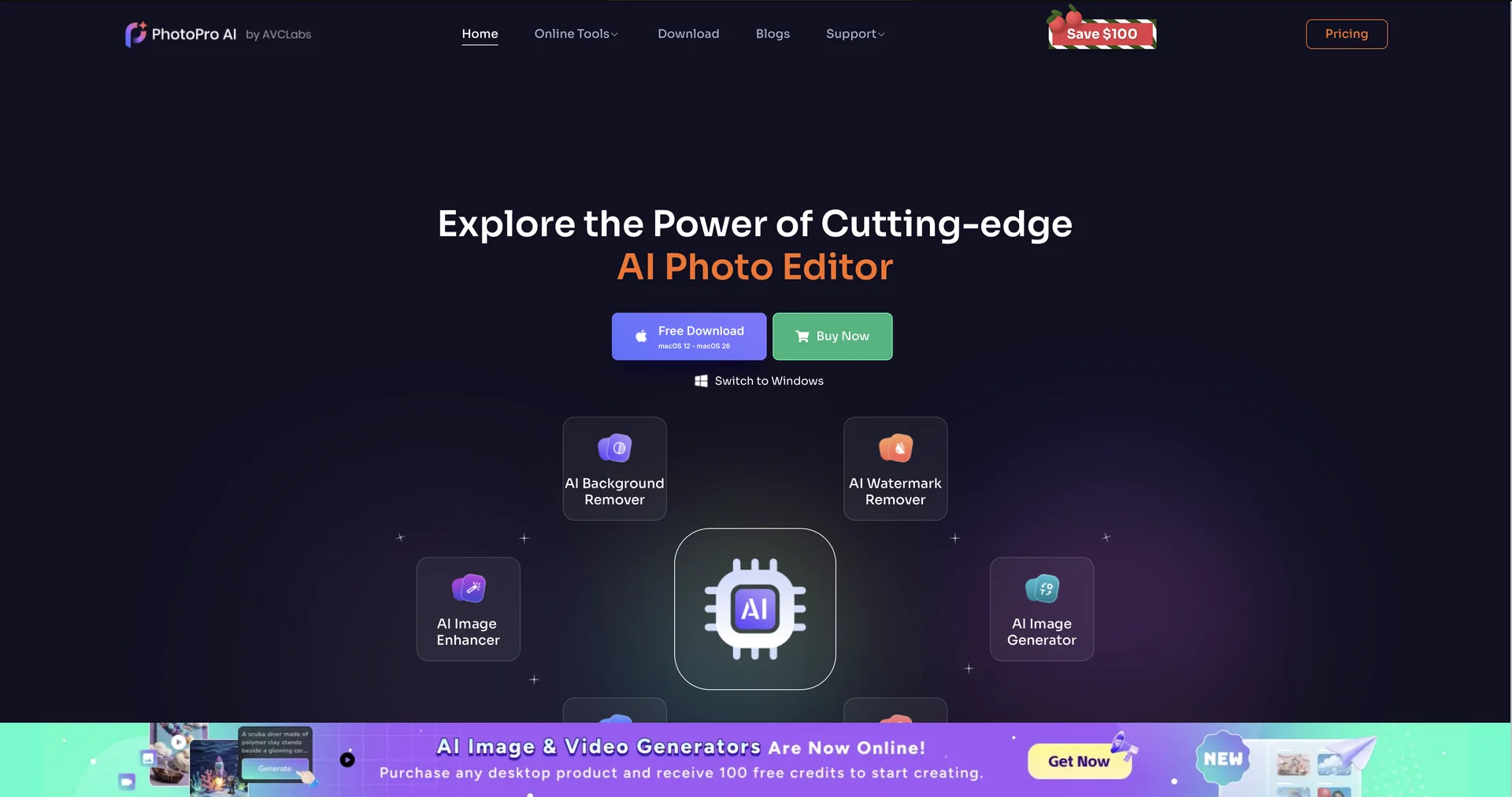
Features
- Replaces elements in a photo, such as outfits or the sky, from a text description
- Refines faces by smoothing skin, removing blemishes and brightening eyes
- Upscales images up to 400% while keeping edges crisp
- Cuts out complex subjects like fine hair or transparent objects with AI matting
- Corrects white balance, exposure and color in poorly lit photos
- Uses GPU acceleration, including NVIDIA RTX 40/50 series
- Restores old photos with realistic colorization
- Runs as a desktop application
Pricing Details
💵 Pricing & Plans (February 2026 Status): Plan Price (Approx.) Key Features Free Trial $0 Full access to all AI models; exports include a watermark. 1-Month Plan ~$39.95 Full Pro access; no watermarks; 1 PC license; 5-day money-back guarantee. 1-Year Plan ~$89.95 (Best Value) Discounted annual rate; all updates; priority support. Lifetime ~$169.90 One-time payment; perpetual license; 30-day money-back guarantee. 🎁 How to Get Started: Download the AVCLabs PhotoPro AI desktop application. Import your photo and select one of the seven primary AI models (e.g., Upscale, Inpaint, or Matting) from the top menu bar. Apply the settings, preview the AI's "magic" in real-time, and click Save to export your polished image.