Description

🖼️ Tool Name:

 CopySlides

✏️ Overview & Key AI Features (2026 Edition):

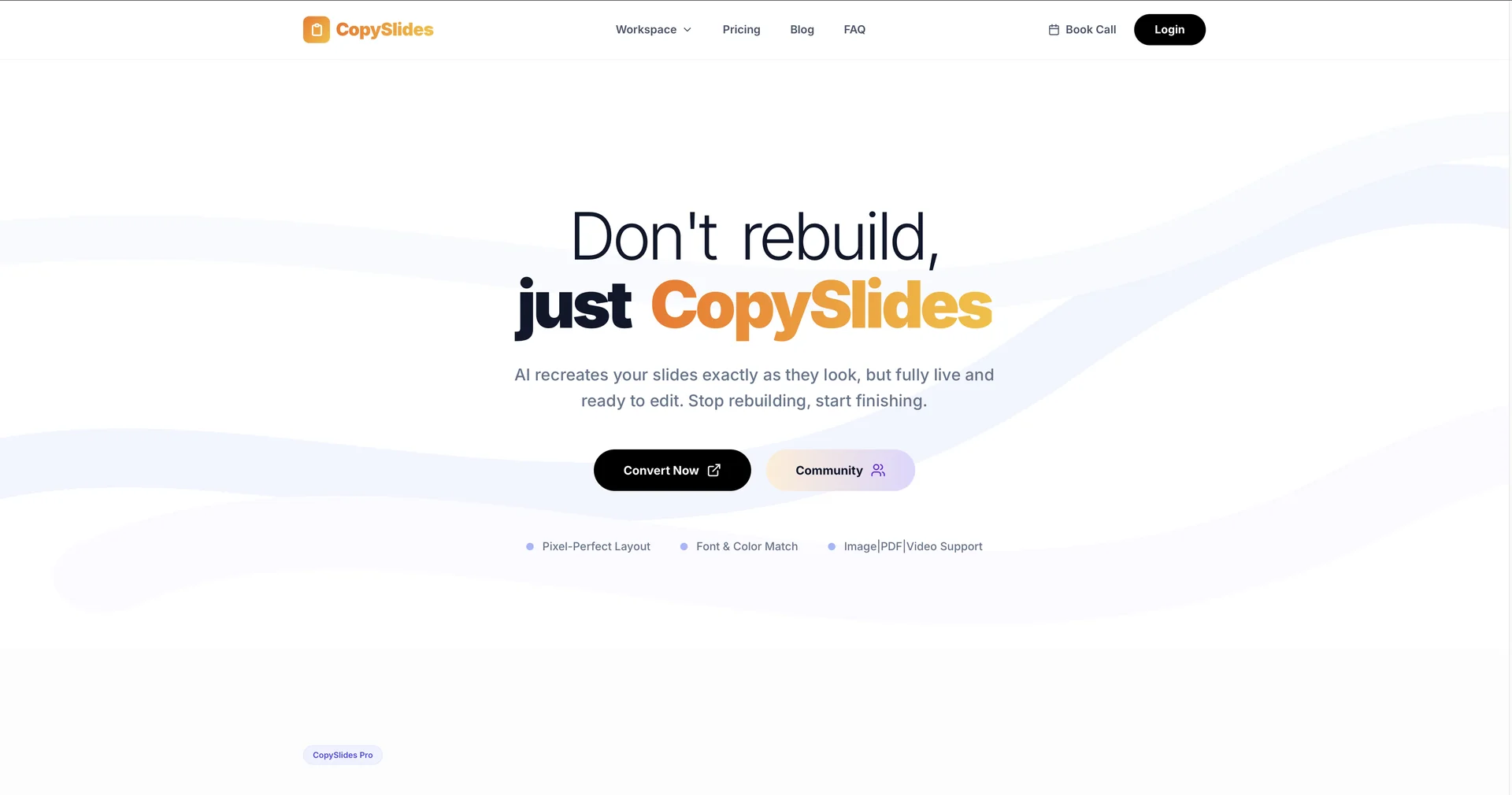
  • Static-to-Slide Reconstruction: The flagship feature. Upload a PDF or an image of a slide, and the AI identifies text, shapes, and layouts, converting them into editable text boxes and vector shapes.

  • Grid & Alignment Detection: Advanced computer vision detects the underlying grid system of a source image, ensuring that the new editable slide is perfectly aligned and spaced.

  • Layered Element Extraction: Unlike a simple OCR (Optical Character Recognition), CopySlides separates overlapping elements—putting the text in one layer and the background graphic in another.

  • High-Fidelity Font Matching: The AI analyzes the typography in an image and suggests the closest available system font or Google Font to maintain visual consistency.

  • Video-to-Presentation: A specialized 2026 feature that allows users to record a screen while someone else is presenting; the AI "snaps" key frames and converts them into a downloadable deck.

  • Privacy-First Data Handling: All files are processed securely and deleted from servers within 24 hours, with a strict policy against using user data for AI model training.

⭐️ User Experience (2026):

  • "The Consultant's Secret Weapon": Rated 4.8/5 by business analysts and researchers. It is praised for saving hours of manual "copy-pasting" from uneditable PDF reports.

  • Frictionless Workflow: Users love the simplicity of the interface—there is no complex prompt engineering; you simply upload a file and wait for the conversion.

💵 Pricing & Plans (February 2026 Status):

PlanPrice (Approx.)Key Features
Free / Basic$0Limited credits; access to core conversion features; standard resolution.
Basic Plan$9 / mo200 credits per month; standard conversion speed.
Pro Plan$19 / mo600 credits; priority processing; suited for teachers and high-volume users.
Lifetime Access~$99 (One-time)10,000 total credits; permanent access to all future updates.

🎁 How to Get Started:

Visit CopySlides.com. You can start by dragging a screenshot of any slide into the browser window. Within seconds, the AI will provide a preview of the editable version, which you can then download as a .pptxfile.

⚙️ Access or Source:

  • Official Website

  • Category: AI Presentation Tools, Document Digitization, Productivity.

  • Primary Use Case: Turning uneditable PDFs, images, and videos into professional, editable slideshows.

🔗 Experience Link:

https://copyslides.com

Pricing Details

💵 Pricing & Plans (February 2026 Status): Plan Price (Approx.) Key Features Free / Basic $0 Limited credits; access to core conversion features; standard resolution. Basic Plan $9 / mo 200 credits per month; standard conversion speed. Pro Plan $19 / mo 600 credits; priority processing; suited for teachers and high-volume users. Lifetime Access ~$99 (One-time) 10,000 total credits; permanent access to all future updates. 🎁 How to Get Started: Visit CopySlides.com. You can start by dragging a screenshot of any slide into the browser window. Within seconds, the AI will provide a preview of the editable version, which you can then download as a .pptxfile.