Description

🖼️ Tool Name:

 VideoUpscaler.net

✏️ Overview & Key AI Features (2026 Edition):

  • Generative Super-Resolution: Unlike basic scaling, the AI "reconstructs" missing pixels, drawing in textures for skin, fabric, and landscapes to make the upscaled image look natively filmed in 4K.

  • Intelligent Denoising: Automatically identifies and removes "compression artifacts" and ISO noise commonly found in low-light mobile videos or older digital recordings.

  • Neural Face Restoration: A specialized sub-model that detects human faces and ensures they remain sharp and lifelike, even when the rest of the original footage is heavily blurred.

  • Frame Interpolation (Slow-Mo Ready): Can double or triple the frame rate (e.g., from 24fps to 60fps), creating "buttery smooth" motion that is perfect for cinematic slow-motion edits.

  • Auto-Color Balancing: Uses AI to analyze the scene's lighting and automatically corrects washed-out colors or poor white balance, giving the video a modern "color-graded" look.

  • Cloud-First Efficiency: Processes files on high-end remote GPUs, meaning you don't need a powerful computer to get professional results in minutes.

⭐️ User Experience (2026):

  • "One-Click Wonder": Rated 4.7/5 by casual creators. It is widely praised for being the "fastest path to 4K" compared to desktop-heavy competitors like Topaz.

  • Social-Ready: Specifically optimized for the aspect ratios of TikTok, Instagram Reels, and YouTube, ensuring that the quality boost is preserved even after platform compression.

💵 Pricing & Plans (February 2026 Status):

PlanPrice (Approx.)Key Features
Free Preview$05-second upscaled preview; watermarked; standard queue.
Standard Pass~$14.99 / moUpscale up to 10 videos/mo; 4K export; no watermarks; priority processing.
Unlimited Pro~$29.99 / moUnlimited upscales; 8K support; batch processing; commercial license included.
Pay-As-You-Go~$1.99 / videoNo subscription; pay only for the individual videos you need to enhance.

🎁 How to Get Started:

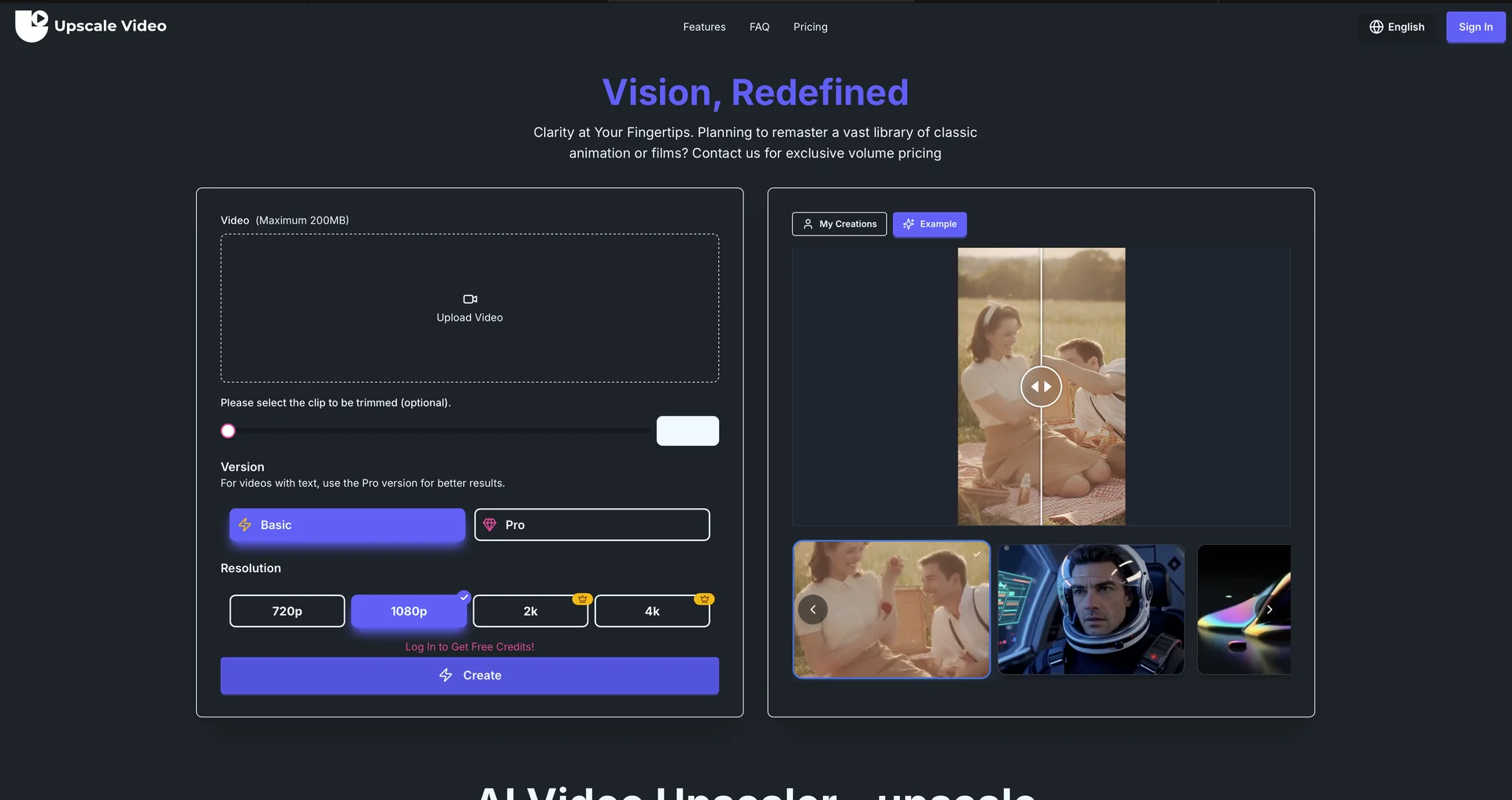
Head to VideoUpscaler.net. Upload your video file (MP4, MOV, or AVI). Choose your target resolution (4K is the most popular). Select an enhancement mode—"Natural" for home videos or "Ultra-Sharp" for digital content—and hit "Enhance". Your file will be ready for download shortly after.

⚙️ Access or Source:

  • Official Website

  • Category: AI Video Enhancement, Media Productivity, Digital Restoration.

  • Primary Use Case: Improving social media video quality, restoring old family memories, and upscaling AI-generated content.

🔗 Experience Link: 

https://videoupscaler.net

Pricing Details

💵 Pricing & Plans (February 2026 Status): Plan Price (Approx.) Key Features Free Preview $0 5-second upscaled preview; watermarked; standard queue. Standard Pass ~$14.99 / mo Upscale up to 10 videos/mo; 4K export; no watermarks; priority processing. Unlimited Pro ~$29.99 / mo Unlimited upscales; 8K support; batch processing; commercial license included. Pay-As-You-Go ~$1.99 / video No subscription; pay only for the individual videos you need to enhance. 🎁 How to Get Started: Head to VideoUpscaler.net. Upload your video file (MP4, MOV, or AVI). Choose your target resolution (4K is the most popular). Select an enhancement mode—"Natural" for home videos or "Ultra-Sharp" for digital content—and hit "Enhance". Your file will be ready for download shortly after.