Masonry AI
One prompt, every AI model: compare image and video generation across all
- Video Generation & Editing
- Editing, Enhancement & Upscaling
- No-Code Workflows
- Integrations & APIs
- Marketing & Sales
Last updated
Features
- Works on a Figma-like canvas to drag, drop and compare versions side by side
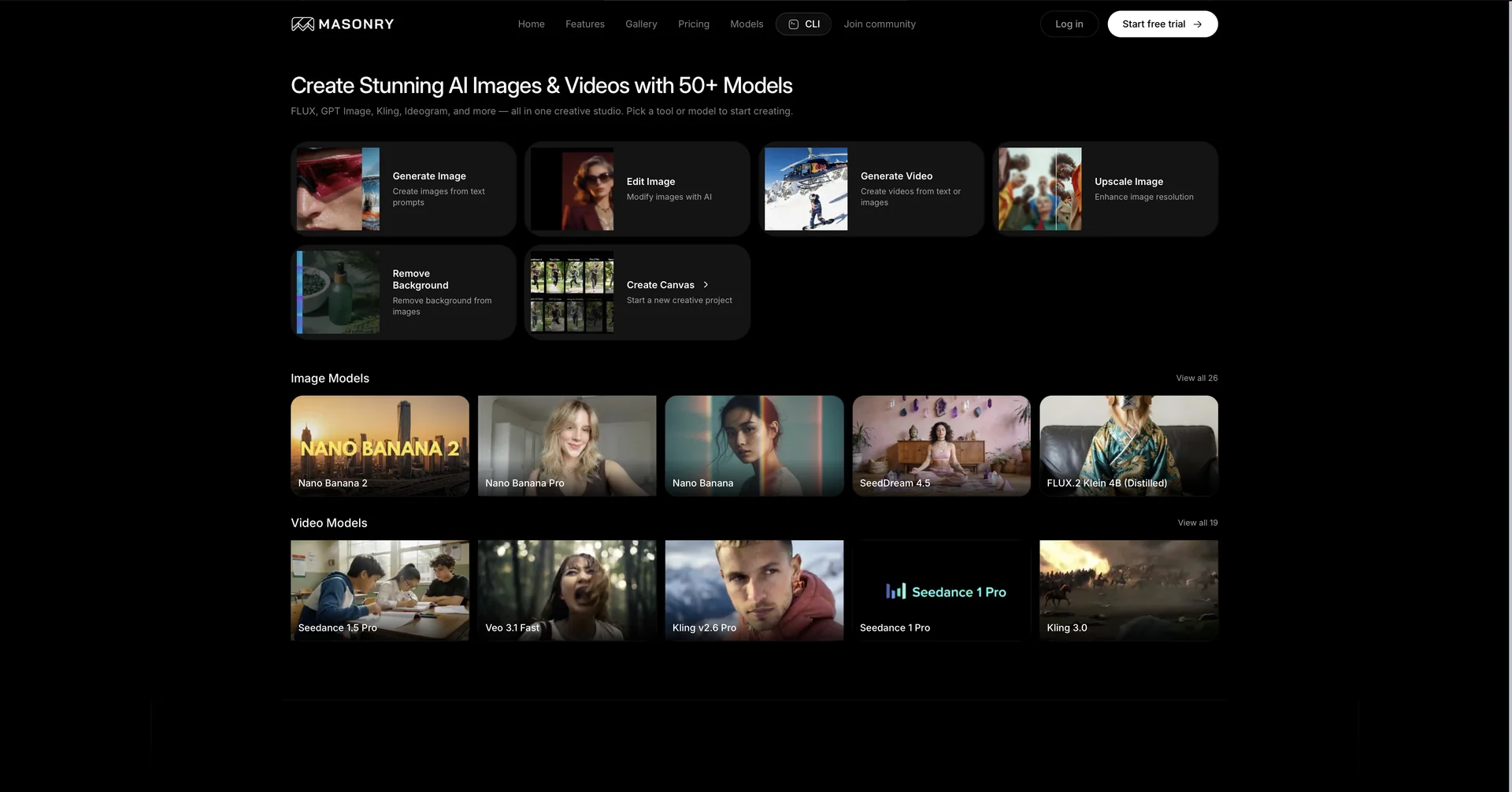
- Combines multiple AI models in one workspace for backgrounds, subjects and video
- Locks a character's face and attributes for consistency across scenes
- Swaps gender or style in campaign variations while keeping product and background
- Animates any canvas image with image-to-video and motion controls
- Supports real-time team collaboration with comments and approvals
- Lets you return to earlier versions and branch into new directions
Pricing Details
💵 Pricing & Plans (March 2026 Status):
| Plan | Price (Approx.) | Key Features |
|---|---|---|
| Free Tier | $0 | Limited generations; access to basic models; watermark included. |
| Pro Plan | ~$20 / mo | Unlimited generations; access to advanced models (Kling, Nano Banana); no watermarks. |
| Enterprise | Custom | Shared team workspaces; priority GPU access; dedicated support; SSO security. |
🎁 How to Get Started:
Visit Masonry.so. Start by uploading a "Catalog Image" of your product. Use the Nano Banana tool to change the background, then use the Kling Pro integration to turn that static image into a 5-second cinematic video ad.
Related Tips
- A video prompt that gives you the feel of GTA with an Arabic twist · Video Generation & Editing, Text and Images to Video
- 2 million free tokens to create videos! on Seedance · Video Generation & Editing, Text and Images to Video
- How to Use the Pokecut Tool to Easily Extract Images · Image Design and Creation, Editing, Enhancement & Upscaling…
- How to Create a Series of Educational Videos Using ChatGPT, PixVerse, and Nabat? · Audio & Voice, Text-to-Speech / Speech-to-Text…
- An Explanation of GeminiGen AI for Creating Videos and Images for Children · Video Generation & Editing, Text and Images to Video…