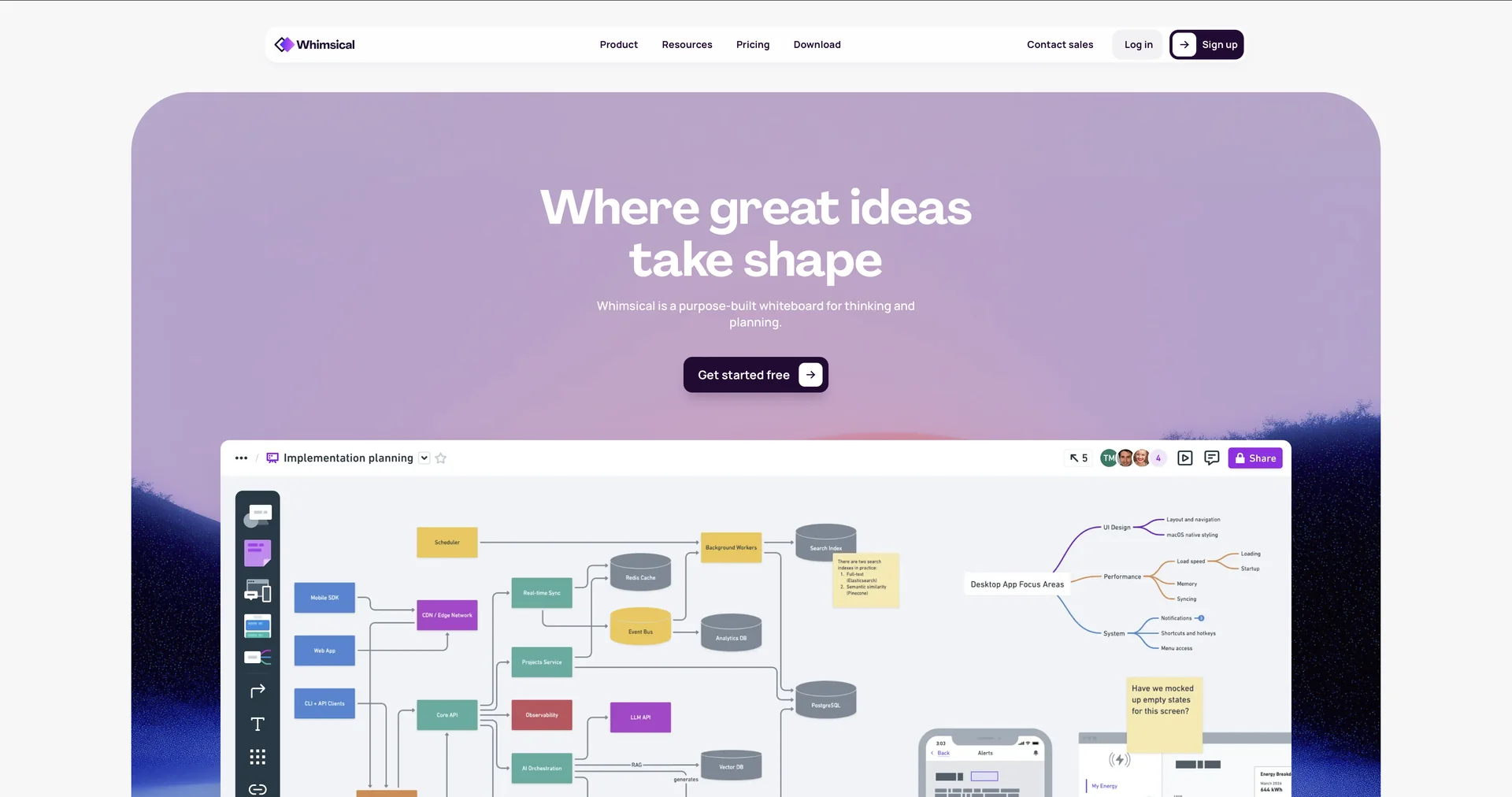
Description

🖼️ Tool Name:

Whimsical

✏️ Overview & Key AI Features (2026 Edition):

  • The "Claude-Powered" Core: In 2026, Whimsical uses an advanced integration with Claude 3.5/4 to provide highly logical and context-aware diagramming suggestions that feel like collaborating with a human architect.

  • Generative Sticky Notes: You can provide a single prompt (e.g., "Generate 20 ideas for a summer marketing campaign for a vegan bakery"), and the AI populates your board with categorized digital stickies instantly.

  • Instant Wireframing: Allows designers and product managers to sketch a basic UI concept or type a description and have the AI generate a low-fidelity wireframe with buttons, inputs, and layout blocks.

  • Connected Docs & Boards: (New for 2026) If you write a project plan in a Whimsical Doc, you can highlight a section and click "Visualize" to have it turned into a Gantt chart or Flowchart on the same canvas.

  • Predictive Layouts: As you manually draw, the AI predicts the most logical next step in your flow, suggesting shapes and connectors to keep you in a "flow state" without worrying about pixels.

  • Template Intelligence: Analyzes your project type and suggests the most effective templates (User Journeys, SWOT analysis, etc.) based on successful industry standards.

⭐️ User Experience (2026):

  • "From Chaos to Clarity": Rated 4.9/5 for ease of use. It is widely praised for being "fast enough for a brainstorm, but professional enough for a boardroom."

  • Low-Fidelity Focus: Users love that it discourages "pixel-pushing" early on, focusing instead on the logic and structure of great ideas.

💵 Pricing & Plans (March 2026 Status):

Whimsical maintains a generous "Starter" plan for individuals while offering advanced AI capacity for teams.

PlanPrice (Approx.)Key Features
Starter$0Unlimited guests; Core AI features (Limited); 3 boards; 1,000 items.
Pro~$12 / moUnlimited items; Unlimited AI generations; Priority support.
Organization~$20 / moSSO; Advanced security; Team-wide templates; Admin controls.

🎁 How to Get Started:

Visit We recommend the "Prompt-to-Flow" Test: type a complex business process (like "How a return and refund works for an e-commerce site") into the AI Flowchart generator and watch it build a 20-step diagram in under 10 seconds.

⚙️ Access or Source:

  • Official Website

  • Platform: Web-based, MacOS/Windows Desktop App, and iPad.

  • Category: AI Diagramming, Visual Collaboration, Mind Mapping, Product Design.

  • Primary Use Case: Helping product teams, engineers, and creators move from "Abstract Chaos" to "Visual Clarity" by using AI to automate the creation of flowcharts, mind maps, and project roadmaps.

🔗 Experience Link: 

https://whimsical.com

Pricing Details

💵 Pricing & Plans (March 2026 Status): Whimsical maintains a generous "Starter" plan for individuals while offering advanced AI capacity for teams. Plan Price (Approx.) Key Features Starter $0 Unlimited guests; Core AI features (Limited); 3 boards; 1,000 items. Pro ~$12 / mo Unlimited items; Unlimited AI generations; Priority support. Organization ~$20 / mo SSO; Advanced security; Team-wide templates; Admin controls. 🎁 How to Get Started: Visit We recommend the "Prompt-to-Flow" Test: type a complex business process (like "How a return and refund works for an e-commerce site") into the AI Flowchart generator and watch it build a 20-step diagram in under 10 seconds.