Text to Visual Media
Description
️ 🖼Tool name:
ToDiagram
🔖 Tool category:
Automation and smart agents
Chat/Voice Agents
Support robots and call centers
Customer Support and Customer Relationship Management
️ ✏What does this tool offer?
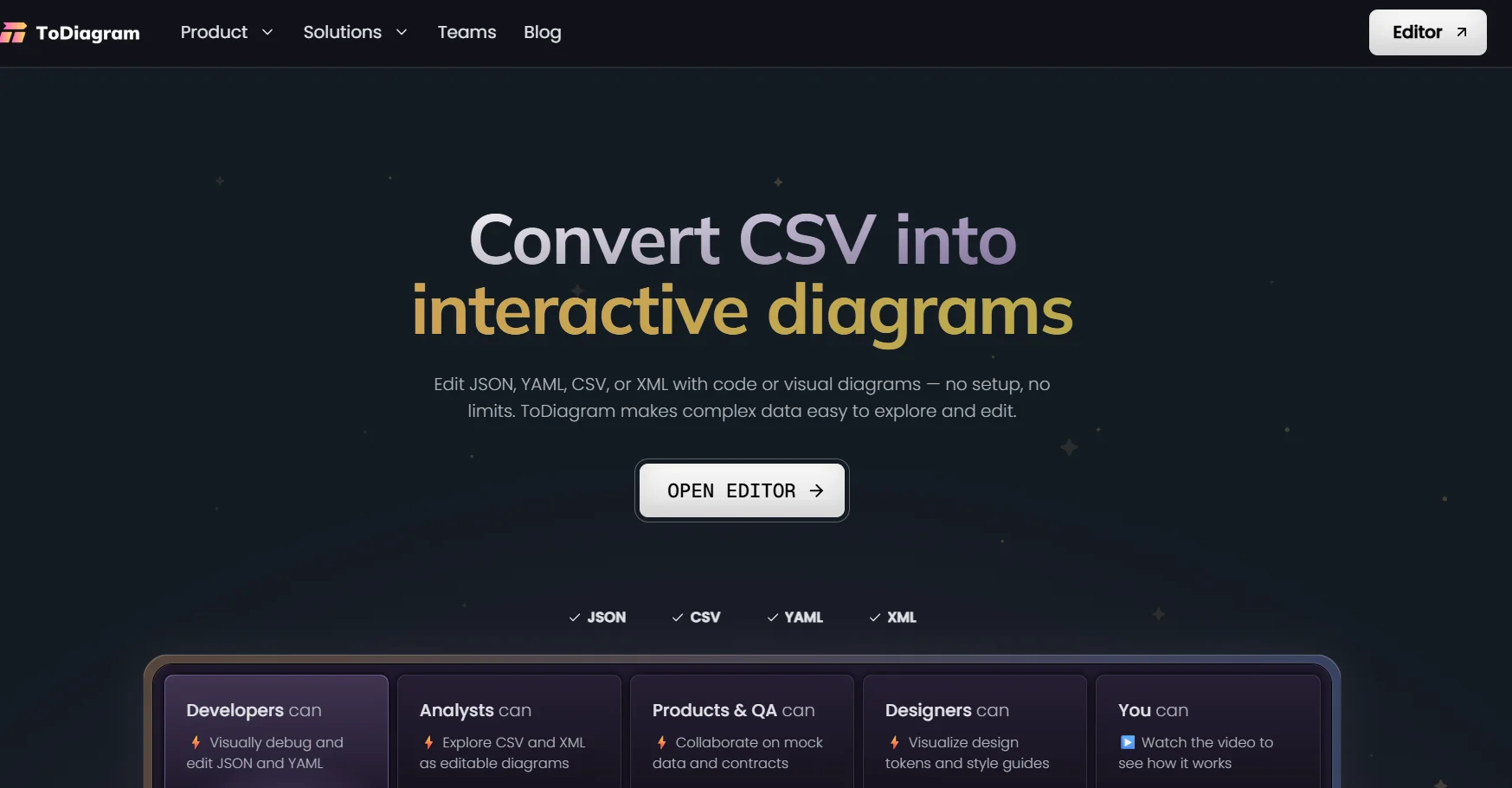
ToDiagram is an interactive diagram editing tool that specializes in converting structured data into editable and usable diagrams and charts. It supports converting multiple formats such as JSON, YAML, XML, CSV, Mermaid, and custom formats into bidirectional diagrams, so there is instant synchronization between the text data and the visual diagram.
⭐ What does it actually offer based on user experience?
Instant and accurate conversion of complex data into clear diagrams
Simultaneous editing of code and diagram without losing structure
A very effective tool for API documentation and complex system design
Useful for comparing data and validating JSON diagrams
Interactive and easy-to-use web interface for developers and technical teams
🤖 Does it include automation?
Yes, it includes smart automation in:
Automatic two-way synchronization between data and schema
Direct schema generation from entered formulas
Structural verification of data and charts
Support for integration via API and MCP Server in paid plans
💰 Pricing model:
Freemium model (free plan + paid monthly subscription)
🆓 Free plan details:
Price: $0
Create and edit basic diagrams
Support for a limited number of diagrams
Suitable for experimentation and individual use
No advanced collaboration features or expanded cloud storage
💳 Paid plan details:
🔹 Pro plan
Price: $10 per month
Support for large and complex diagrams
Advanced editing
Cloud saving
Share diagrams
Theme customization
Access to MCP Server
Use of APIs
🔹 Teams Plan
Price: $12 per month per user
All Pro features
Team collaboration tools
Advanced sharing between team members
Priority technical support
🔹 Enterprise Plan
Price: Custom pricing
Self-hosted
Custom support for large enterprises
Fully customized to your company's needs
🧭 How to access the tool:
Via an interactive web editor that works directly from the browser without the need for local installation.
🔗 Trial link or official website:
https://todiagram.com/