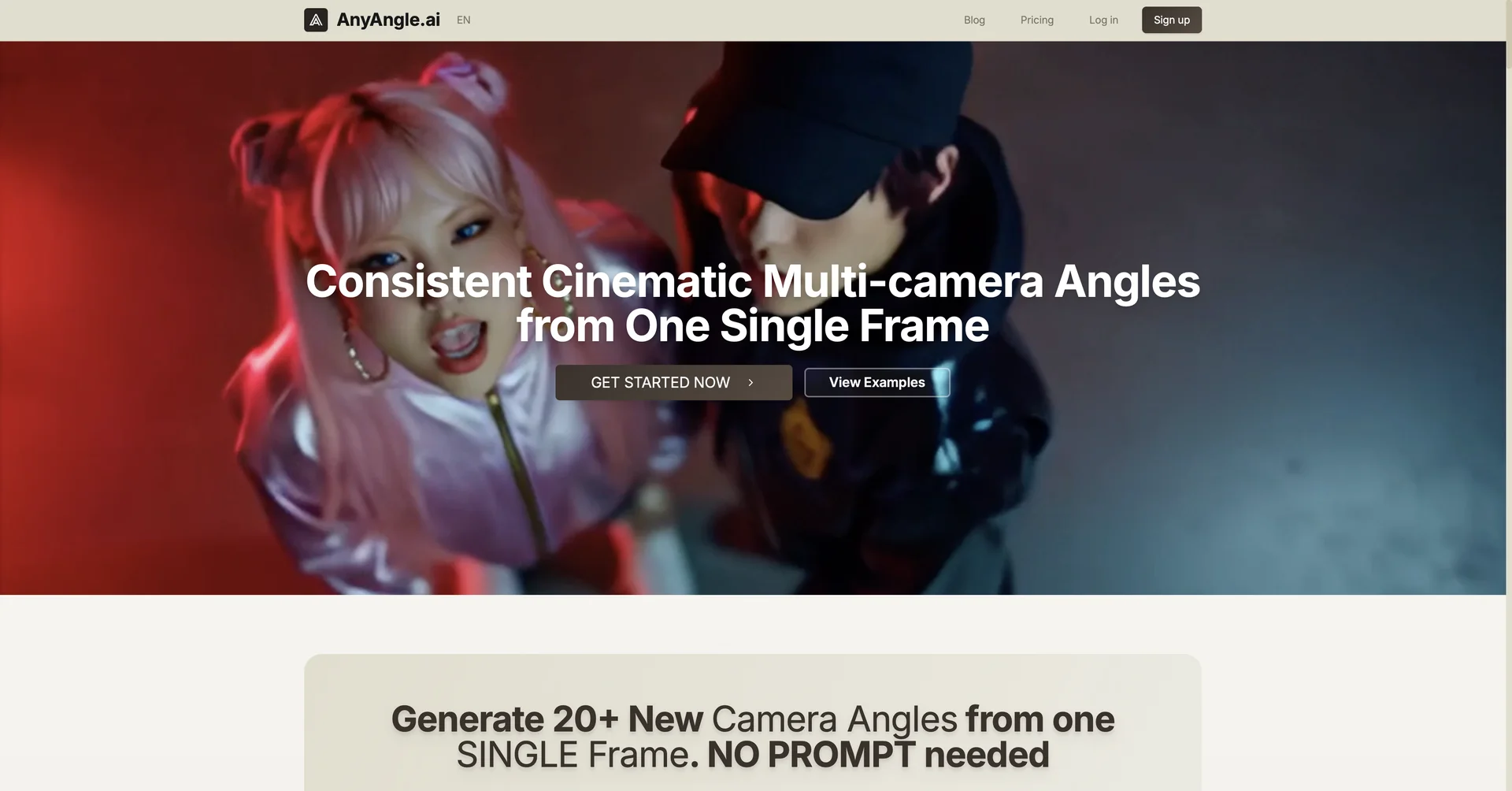
AnyAngle.ai
Generate stunning 360 views from a single image.
Last updated
Features
- Generates 20+ camera angles from a single image
- Works without text prompts
- Keeps logos, faces and textures consistent across angles
- Creates a 3x3 grid of nine camera angles
- Upscales results to 16K with SkinScaler
- Controls azimuth, elevation and zoom with a 96-pose camera system
- Offers a Python SDK and API access
Pricing Details
💵 Pricing & Plans (April 2026 Status):
AnyAngle.ai primarily operates on a Credit-Based (Pay-As-You-Go) system.
| Plan | Price (Approx.) | Key Features |
|---|---|---|
| Starter Pack | ~$10 | 100 credits; 20+ angles per generation; Standard resolution. |
| Creator Bundle | ~$49 | 600 credits; Full access to 16K SkinScaler; Multi-aspect ratios. |
| Studio Pro | ~$199 | 3000 credits; Priority rendering; API access; Commercial license. |
🎁 How to Get Started:
Visit AnyAngle.ai, upload one clear reference image, and click "Generate." In under 2 minutes, you will receive a gallery of 21 different perspectives of your subject, ready for immediate download.
Related Tips
- How to Use the Pokecut Tool to Easily Extract Images · Image Design and Creation, Editing, Enhancement & Upscaling…
- AI Room Designer Explained: How to Redesign Rooms in Your Home Using a Single Photo? · Image Design and Creation, Editing, Enhancement & Upscaling…
- AI Room Designer Explained: How to Redesign Rooms in Your Home from a Single Photo? · Image Design and Creation, Editing, Enhancement & Upscaling…
- An explanation of the Kittl Vectorizer tool for converting images into editable vectors · Image Design and Creation, Editing, Enhancement & Upscaling…
- An explanation of the Kittl Vectorizer tool for converting images into editable vectors · Image Design and Creation, Editing, Enhancement & Upscaling…