Description

🖼 Tool Name:

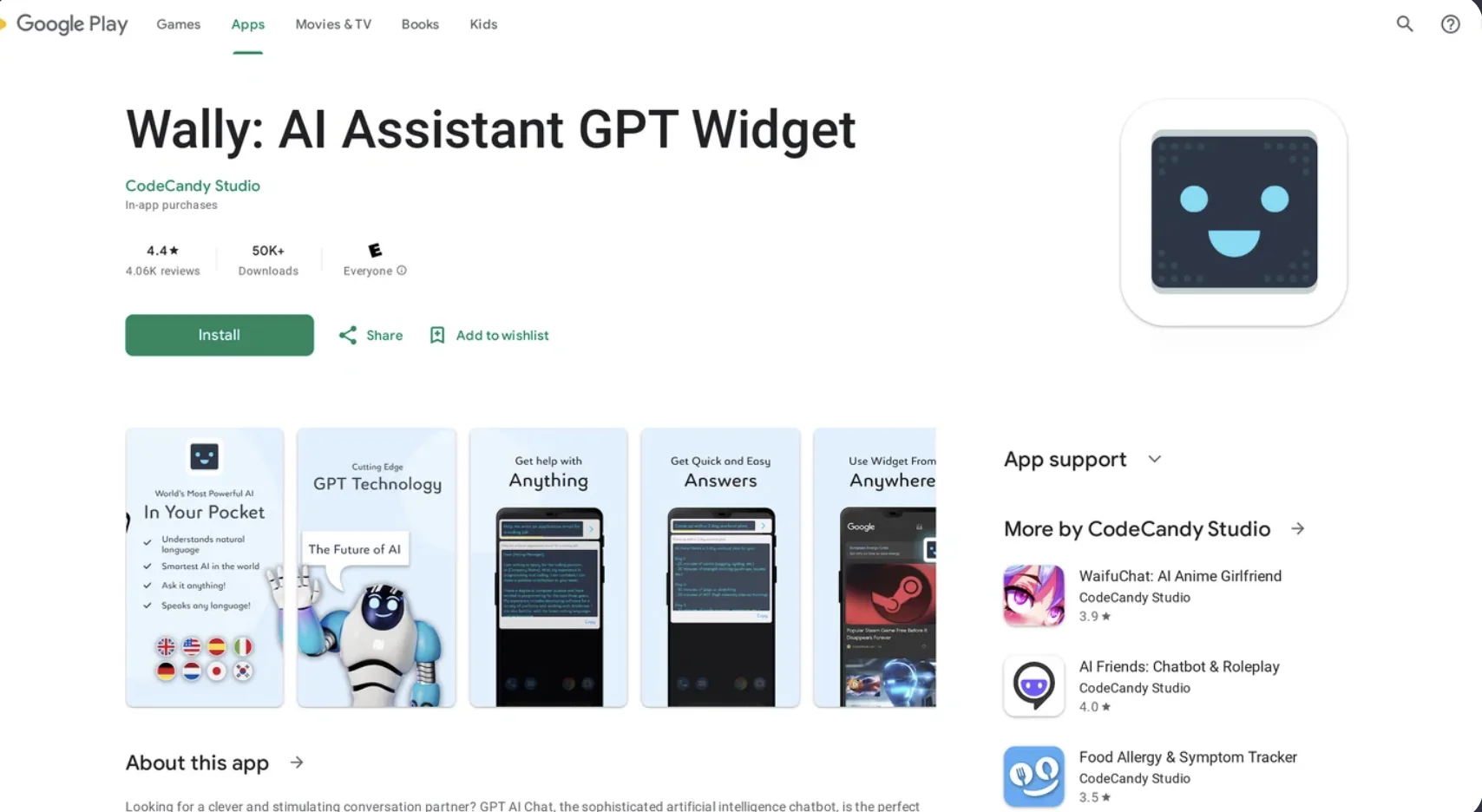
Android AI Assistant Widgets
🔖 Categories:

  • Smart Calendars & Assistants

  • Meeting Notes & Summaries

  • Article & Social Generation

  • Integrations & APIs

  • Tasks & Projects

✏ What does this tool offer?

  • Multimodal Home Screen Access: In 2026, AI widgets on Android have evolved from simple search bars to "Command Centers." They allow users to initiate Voice (Gemini Live), Camera (Visual Search), and File Analysis directly from the home screen without opening an app.

  • Proactive Personal Intelligence: By connecting to Google Workspace (Gmail, Photos, Calendar), the widget provides a "Daily Briefing" that summarizes upcoming meetings, unread urgent emails, and personalized travel itineraries based on past bookings.

  • Agentic Scheduling: Users can "Schedule Actions" via the widget, such as asking the AI to "Find local events every Friday" or "Recap the keynote tomorrow morning," which the AI then executes autonomously.

  • Cross-App Orchestration: Features like Microsoft Copilot Cowork allow the widget to coordinate multi-step tasks across apps (e.g., "Summarize this PDF and draft an Outlook reply") with one-tap checkpoints.

  • Android Auto Integration: The 2026 update (v16.9+) brings these AI widgets to the car screen, enabling climate control, weather forecasts, and calendar management through a specialized automotive interface.

⭐ What does it actually offer based on user experience?

  • Hands-Free Productivity: Users frequently use the Gemini Live or Copilot Voice widgets while driving or cooking to maintain productivity without looking at a screen.

  • Zero-Click Insights: The "Material You" widgets are praised for their visual clarity, allowing users to see "Cited Answers" (Perplexity) or "Email Recaps" (Gemini) at a glance.

  • Seamless Transition: As Google phases out the classic "Google Assistant" in 2026, users appreciate the switch to Gemini for its superior ability to handle complex, multi-turn conversations.

  • Custom Task "Gems": Pro users create specialized widgets for specific tasks—like a "Coding Assistant" or "Study Guide Generator"—that sit permanently on their home screen for immediate access.

🤖 Does it include automation?

Yes, the 2026 Android AI ecosystem is built on agentic automation:

  • Scheduled Actions: Automates recurring research or organization tasks based on user-defined triggers.

  • Automated Context Import: New "AI Memory" tools allow users to import their chat history and preferences from other assistants (like ChatGPT or Claude) directly into Gemini.

  • Smart Nudges: The widget automatically "nudges" users with summaries of open webpages or document insights when it detects relevant activity in the background.

  • Automated Error/Bug Fixing: For developers, the widget can integrate with tools like Raygun to surface automated crash reports and suggested fixes.

💰 Pricing Model

  • Item Details: Freemium with Premium "AI Pro" tiers.

  • General Concept: Basic widget functions are free with the OS. Advanced "Agentic" features and deep personal data integration usually require a subscription to Google AI Pro/Ultra or Microsoft 365 Copilot.

🆓 Free Plan Details

  • Feature: Standard AI Chat & Basic Search Widgets.

  • Cost: Free ($0/mo). Includes text-to-image (Nano Banana), standard voice, and basic app shortcuts.

💳 Paid Plans (2026 Estimates)

🔹 Google AI Pro / Microsoft 365 Copilot

  • Item: Price / Details: Approx. $20/month.

  • Item: Features / Details: Full "Personal Intelligence" (Gmail/Drive sync), Scheduled Actions, Advanced Agent Mode (Copilot), and higher-fidelity image/video generation.

🔹 AI Ultra / Enterprise

  • Item: Price / Details: Approx. $30+/month.

  • Item: Inclusions / Details: Priority server access during peak times, larger context windows (up to 1M+ tokens), and enterprise-grade privacy/auditing.

🧭 How to access the tool:

Available on devices running Android 10 and newer. Long-press the home screen, select "Widgets," and locate your preferred AI provider (Gemini, Copilot, or Perplexity).

🔗 Experience link or official website:

https://play.google.com/store/apps/

Pricing Details

💰 Pricing Model Item Details: Freemium with Premium "AI Pro" tiers. General Concept: Basic widget functions are free with the OS. Advanced "Agentic" features and deep personal data integration usually require a subscription to Google AI Pro/Ultra or Microsoft 365 Copilot. 🆓 Free Plan Details Feature: Standard AI Chat & Basic Search Widgets. Cost: Free ($0/mo). Includes text-to-image (Nano Banana), standard voice, and basic app shortcuts. 💳 Paid Plans (2026 Estimates) 🔹 Google AI Pro / Microsoft 365 Copilot Item: Price / Details: Approx. $20/month. Item: Features / Details: Full "Personal Intelligence" (Gmail/Drive sync), Scheduled Actions, Advanced Agent Mode (Copilot), and higher-fidelity image/video generation. 🔹 AI Ultra / Enterprise Item: Price / Details: Approx. $30+/month. Item: Inclusions / Details: Priority server access during peak times, larger context windows (up to 1M+ tokens), and enterprise-grade privacy/auditing.