AI Excel Bot
Features
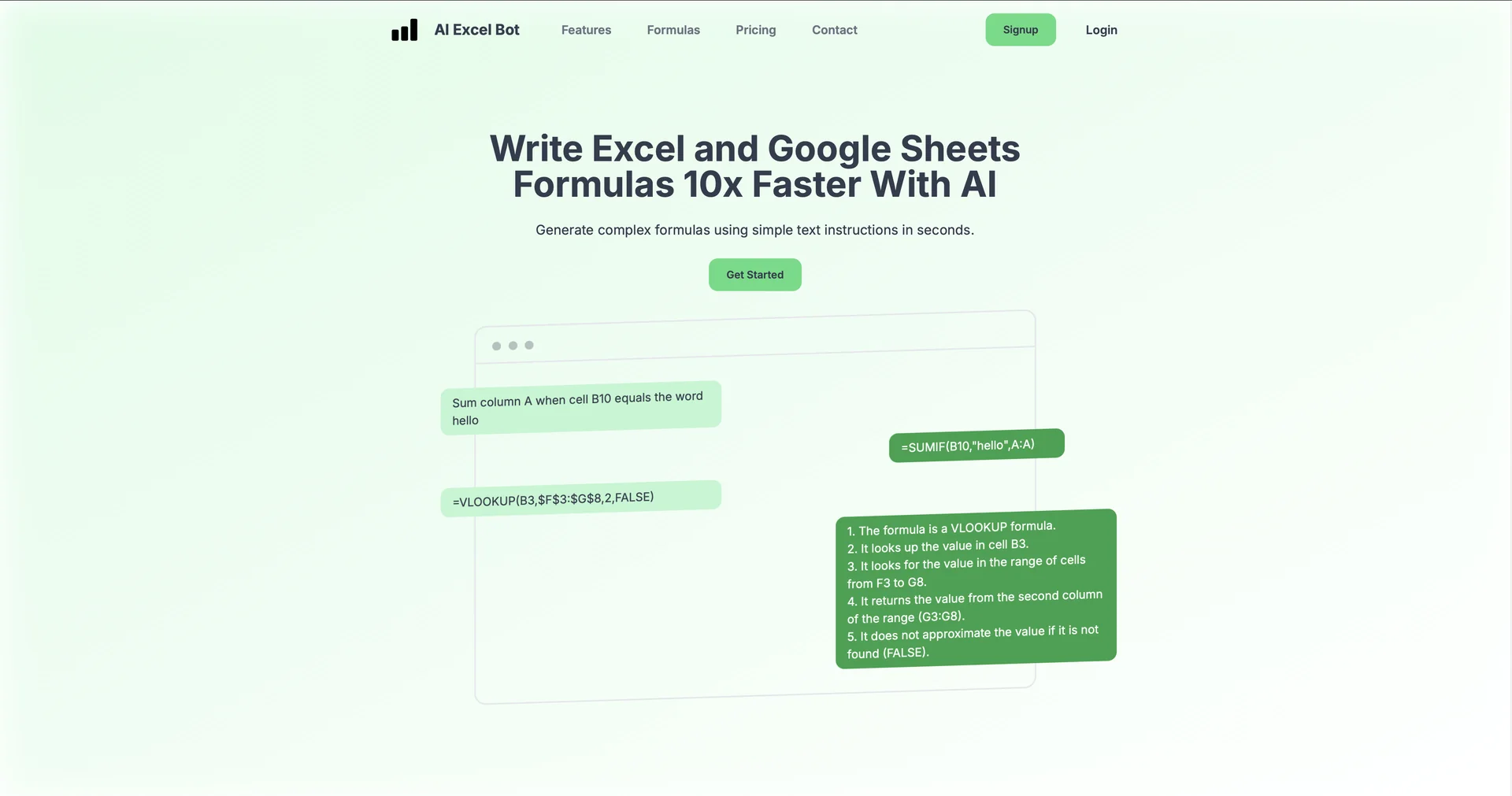
- Converts plain-language instructions into Excel and Google Sheets formulas
- Explains complex formulas step by step in readable English
- Generates VBA macros and Google Apps Scripts from text commands
- Add-ins and extensions work directly inside Excel and Google Sheets
- Detects errors in formulas and code and suggests fixes
- Includes a Chrome extension for creating formulas over live sheets
Pricing Details
💰 Pricing Model Item Details: Commercial B2C/B2B freemium model. Subscriptions are divided into restricted monthly credit pools versus flat-rate unlimited tiers. General Concept: Offers a basic sandbox framework for casual spreadsheet users, paired with low-cost commercial tiers designed for active business users requiring unthrottled generation limits. 🆓 Free Plan Details Feature: Limited Open Baseline Sandbox. Details: Unlocks access to the web panel tools with a recurring allotment of 5 free credits per month. This lets users test standard formula transformations, try text explanations, and test out basic code snippets. Cost: Free ($0 open registration). 💳 Paid Plans (Official 2026 Standards) All premium plans unlock unthrottled generation quotas, complete browser add-in integrations, and premium execution speeds. Opting for annual terms reduces the operational rate significantly: Plan Track Price Structure Focus, Data Boundaries & Core Deliverables 🚀 Premium Monthly $5.99 / month Designed for independent business owners and freelancers. Unlocks unlimited formula creations and explanations, unlimited VBA code generations, full Google Sheets and Excel add-in support, and community support access. 💎 Premium Yearly $2.08 / month($24.99 billed annually) Best Value Track. Built for long-term power users. Offers full access to unlimited credits, priority processing speeds, advanced logic builders, extension rights, and dedicated priority email support channels.