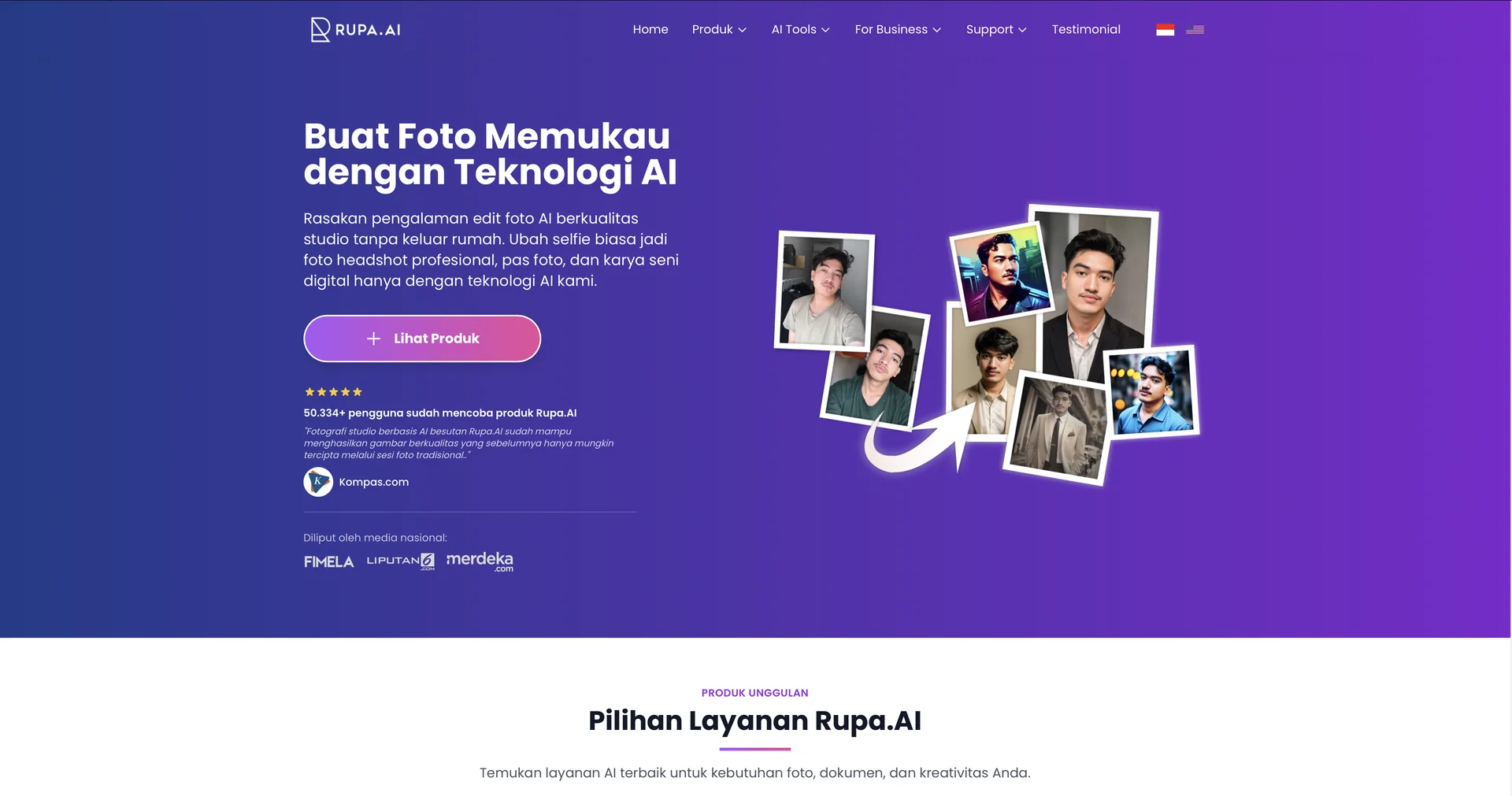
Rupa.AI
Transform photos with AI-powered magic.
Last updated
Features
- Turns selfies into professional headshots for CVs and LinkedIn
- Over 40 style templates including Formal, Leader, Passport Ready and K-Beauty
- Face matching from multiple uploaded selfies to keep natural resemblance
- Text-driven edits for skin tone, background, hairstyle, lighting and clothing
- Automatic backdrop and wardrobe changes by chosen style
- Artistic avatars and vertical photos for Reels and TikTok
- Free resume and LinkedIn analyzers
Pricing Details
💰 Pricing Model
Item Details: Single-Session / Flat-Rate Credit Packs (No Recurring Subscription).
General Concept: Operates on a pay-as-you-go model where users buy specific output bundles per photo session, making it straightforward for individuals who only need occasional photo updates.
🆓 Free Plan Details
Feature: Diagnostic LinkedIn/Resume Analyzers.
Details: Does not offer a permanent free tier for image rendering due to the heavy computing power needed for facial modeling. However, it hosts free baseline automated analyzer tools to scan pre-existing resumes and LinkedIn profile metrics.
Cost: Free ($0 entry assessment track).
💳 Paid Plans (Official 2026 Standards)
Rupa.AI segments its packages by product type (Headshot vs. Artvatar / K-Beauty) with lightning-fast rendering queues delivering results in 30 to 60 minutes.
| Product Package | Pricing Tier | Included Output Quotas, Layout Styles & Perks |
|---|---|---|
| 📞 Headshot (Instant) | $12.99(One-time) | Generates 8 high-resolution AI headshots using 2 unique style templates in 15 minutes. |
| 🚀 Headshot (Basic) | $19.00(One-time) | Generates 40 high-definition studio photos split across 10 diverse professional styles. |
| 💎 Headshot (Premium) | $29.00(One-time) | The most complete portfolio choice. Generates 96 high-definition studio photosspanning 20 different styles. |
| 🎨 Artvatar / K-Beauty Packs | $8.99 – $19.99 | Renders between 50 to 300+ creative illustrations, dewy Korean-style self-portraits, and vertical layout photos optimized for Instagram Reels and TikTok. |
Related Tips
- How to Use the Pokecut Tool to Easily Extract Images · Image Design and Creation, Editing, Enhancement & Upscaling…
- AI Room Designer Explained: How to Redesign Rooms in Your Home Using a Single Photo? · Image Design and Creation, Editing, Enhancement & Upscaling…
- AI Room Designer Explained: How to Redesign Rooms in Your Home from a Single Photo? · Image Design and Creation, Editing, Enhancement & Upscaling…
- An explanation of the Kittl Vectorizer tool for converting images into editable vectors · Image Design and Creation, Editing, Enhancement & Upscaling…
- An explanation of the Kittl Vectorizer tool for converting images into editable vectors · Image Design and Creation, Editing, Enhancement & Upscaling…