• Image design and creation
• 3D and geometric/interior design
• Smart interior design
• Icon creation and review
• Programming and development
• Automation and smart agents
• Content management and publishing
Description
️ 🖼Tool Name️ 🖼
Polymet AI
🔖 Tool category:
️ ✏What does this tool offer?
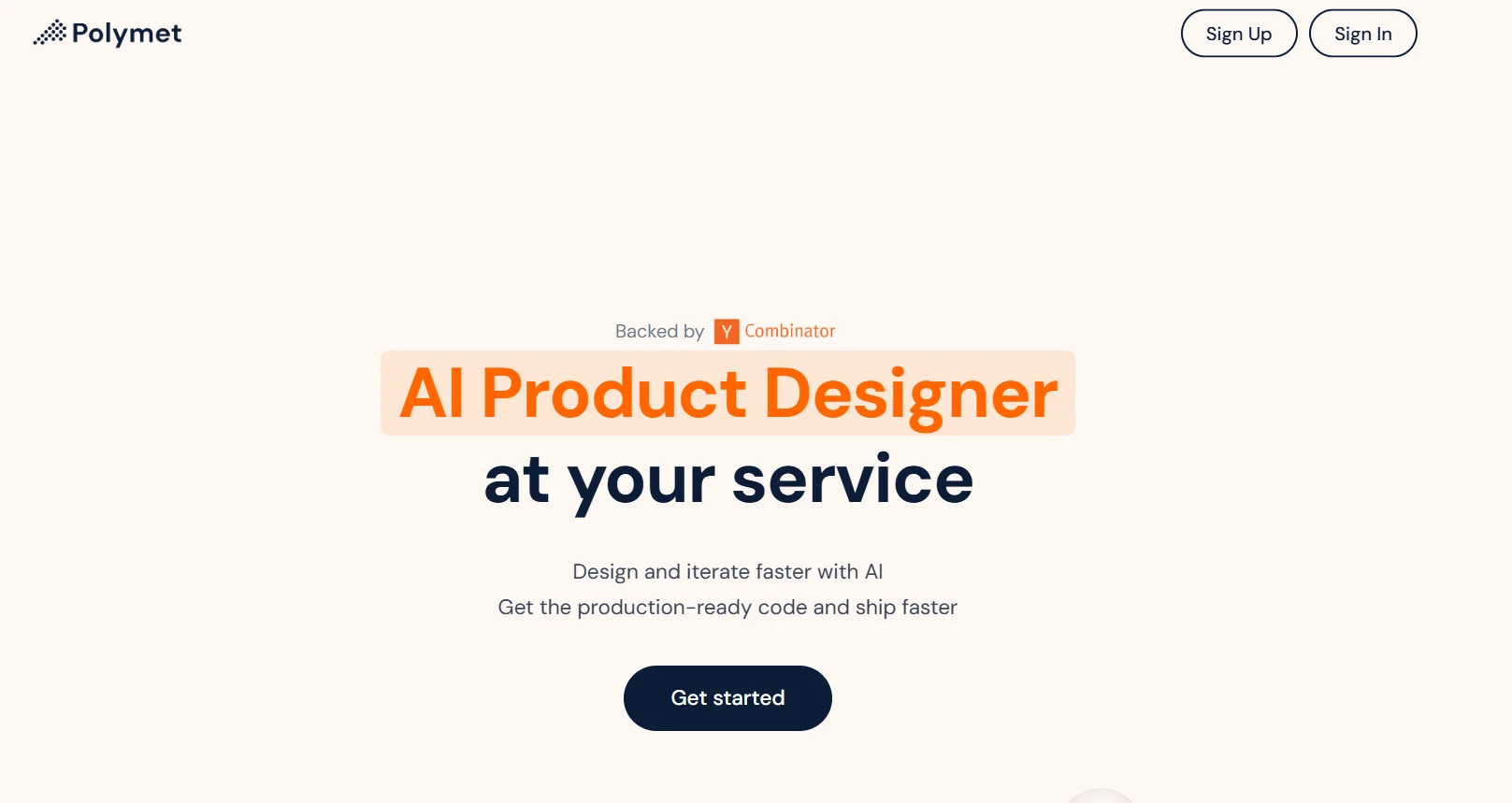
Polymet AI allows users to convert text prompts or images/drawings into functional user interface designs. It automatically generates front-end components (e.g., in React) and allows interactive editing using natural language, eliminating the need for traditional design software.
⭐ What does the tool actually offer based on user experience?
- Accepts input in the form of plain text, drawings, or screenshots of the interface
- Instantly generates interactive user interface prototypes with preview functionality
- Generates production-ready code, specifically React (Vue, Svelte, and React Native support coming soon)
- Provides natural language editing to change layout, colors, spacing, etc.
- Enables project collaboration and sharing with team members
- Overall performance is promising, although it is still in beta - Some users have reported occasional delays or limitations in the free version (e.g., no Figma import/export yet)
🤖 Does it include automation?
Yes—Polymet includes smart automation capabilities:
- Converts user input into structured and coordinated user interface layouts
- Automatically generates code in real time
- Allows natural language-based design modifications
- Provides instant visual preview of the interface
- Automatically handles layout logic and design semantics.
💰 Pricing model:
Freemium (free tier available with paid upgrade plans)
🆓 Free plan details:
- Includes 250 free credits for AI generation
- Access to basic design features and full-size model previews
- Limited export capabilities; VIGMA import/export not available
💳 Paid plan details:
- Basic ($50/month): 2,000 credits
- Starter ($100/month): 5,000 credits
- Professional ($50/month): Unlimited credits, full access to features, Figma integration, team collaboration tools, and priority support
🧭 Access:
- Accessible via a web-based platform
- Users can enter prompts via text or upload a sketch/image
- No installation required
- Projects can be shared and collaborated on within the tool
🔗 Link to the experience:
https://www.polymet.ai/?ref=
Pricing Details
Polymet AI offers a freemium pricing structure. The free plan includes 250 AI credits and limited access to core features, allowing users to explore the platform without payment. Paid plans begin at $50/month (2,000 credits), followed by a $100/month plan offering 5,000 credits. For power users or teams, the Pro plan costs $500/month and unlocks unlimited credits, full feature access, Figma integration, collaboration tools, and priority support. All payments are handled online securely, and no installation is required. This model suits both solo designers and professional product teams.