Windsurf Editor
Description
🖼️ Tool Name:
Windsurf Editor
🔖 Tool Category:
AI-native integrated development environment (IDE) and intelligent coding assistant
✏️ What does this tool offer?
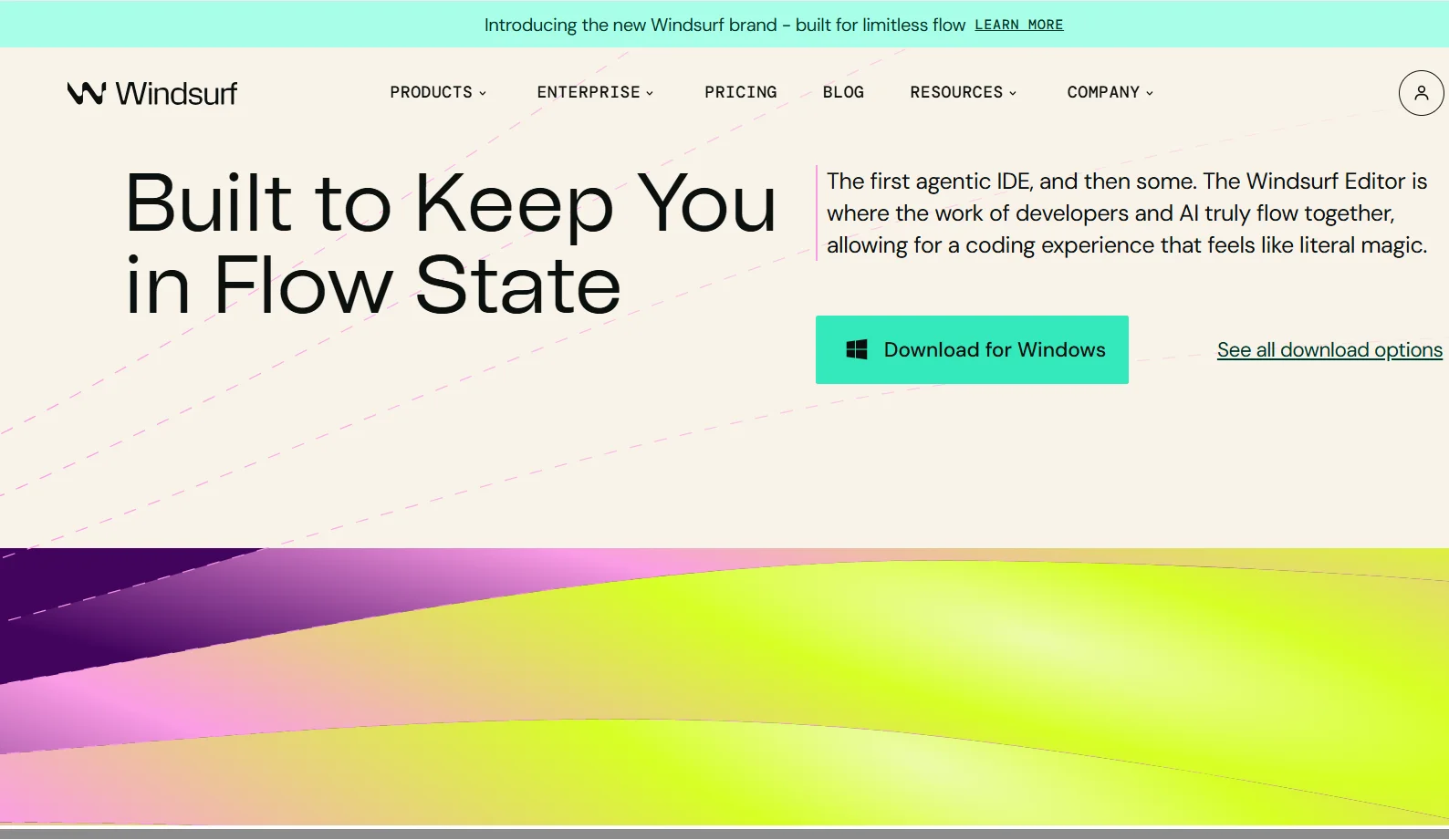
Windsurf Editor is a modern IDE designed from the ground up with an embedded AI agent. It enables developers to write, refactor, debug, preview, and deploy code—all in a seamless, context-aware environment. It reduces context switching, automates repetitive tasks, and improves productivity with advanced AI support.
⭐ What does the tool actually deliver based on user experience?
Cascade AI Agent: Offers advanced, multi-step code generation, debugging, and real-time refactoring tailored to your coding patterns
Tab-Powered Autocomplete: Provides intelligent, context-aware code suggestions that adjust as you type
Live Previews: Shows interactive previews of your application inside the IDE, allowing live edits and instant updates
Auto Lint Fixing: Automatically corrects syntax and formatting issues in generated or edited code
Natural Language Commands: Users can perform complex refactors, file operations, or terminal actions using plain language
Cross-Platform and Plugin Support: Available for macOS, Windows, and Linux, and also integrates with JetBrains IDEs, VS Code, Vim, and more
🤖 Does it include automation?
Yes. Windsurf Editor includes comprehensive automation, such as:
AI-generated code snippets and refactors
Automatic linting and formatting
App preview rendering and live update features
One-click deployment tools
Memory of session context to adapt to your workflow and project
💰 Pricing Model:
Freemium model with optional paid upgrades
🆓 Free Plan Details:
Basic AI coding assistance and autocomplete
Access to Cascade and Tab features in limited capacity
Plugin compatibility with supported editors
💳 Paid Plan Details:
Pro plan includes faster AI response times, full Cascade functionality, live previews, and deployment features
Team and enterprise plans offer additional customization, security, collaboration tools, and enhanced support
🧭 Access Method:
Available as a downloadable desktop IDE and also as plugins for popular editors such as VS Code, JetBrains, Neovim, and others. Users can install the full editor or integrate Windsurf tools into their existing development setup.
🔗 Experience Link:
https://windsurf.com/editor