Description
🖼️ Tool Name:
writeGPT
🔖 Tool Category:
Content Writing & Generation; it may also fit under Smart Assistant or Productivity & Automation depending on use.
✏️ What does this tool offer?
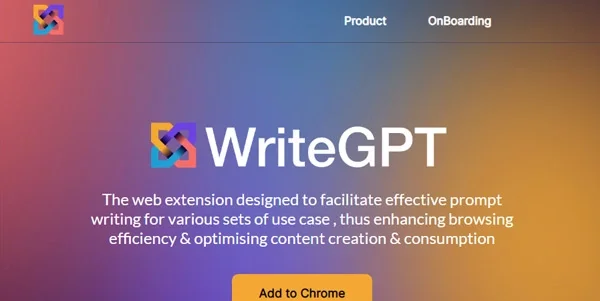
writeGPT is a browser-based tool and extension designed to help users generate and refine prompts directly on any webpage. It enables seamless interaction with AI models like ChatGPT and Gemini, allowing users to create, adjust, and run AI prompts in-context — whether for writing, summarizing, translating, or coding.
⭐ What does the tool actually deliver based on user experience?
• Right-click or in-page prompt generation without leaving the current site
• Support for custom prompt templates and history tracking
• Works across websites (e.g., blogs, Google Docs, Gmail, Notion, etc.)
• Compatible with multiple AI providers (ChatGPT, Gemini, Claude, etc.)
• Context-aware suggestions for summarization, rewriting, or ideation
• Lightweight, fast, and privacy-conscious
🤖 Does it include automation?
Yes — writeGPT includes automation features such as:
• One-click prompt injection based on selected text
• Auto-suggestion of common prompt types (summarize, expand, translate)
• Memory of previous prompts used on similar domains
• Real-time enhancements to prompts based on context
• Integration with browser workflows and keyboard shortcuts
💰 Pricing Model:
Freemium
🆓 Free Plan Details:
• Basic prompt templates and browser functionality
• Limited prompt executions per day
• Works with public ChatGPT accounts
💳 Paid Plan Details:
• Pro Plan (~$5–$10/month): Unlimited use, custom prompt storage, model switching
• Creator Plan: Advanced shortcuts, auto-triggered prompts, layout customization
• Enterprise: Team control, white-labeling, priority support
🧭 Access Method:
• Browser extension (Chrome, Edge, Brave)
• Works inside existing websites and text fields
• Supports multiple LLM backends (OpenAI, Google, Anthropic)
🔗 Experience Link: